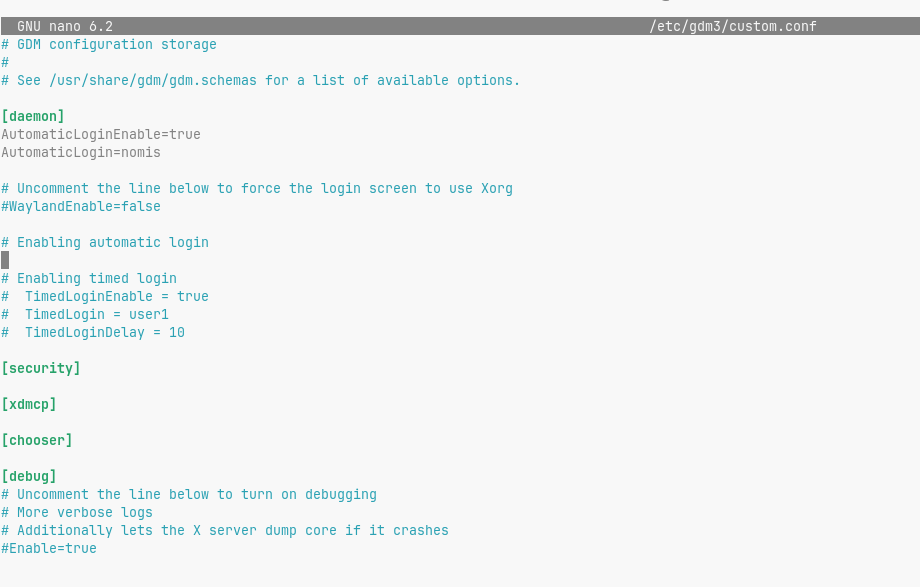
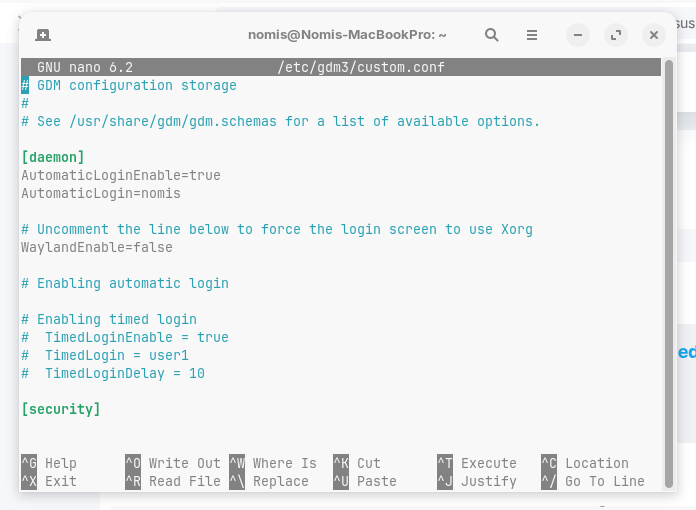
I am having the issue that whenever my laptop goes into suspend because of inactivity or closing the lid, I need to force a shutdown and restart of the computer. This did not used to happen, but a few weeks ago. No keyboard or mouse input seems to be registered.
Any help is appreciated!
OS: Zorin OS 17.3 x86_64
Host: MacBookPro9,1 1.0
Kernel: 6.8.0-84-generic
Uptime: 17 mins
Packages: 2273 (dpkg), 79 (flatpak)
Shell: bash 5.1.16
Resolution: 1440x900
DE: GNOME 43.9
WM: Mutter
WM Theme: ZorinBlue-Dark
Theme: ZorinBlue-Dark [GTK2/3]
Icons: ZorinBlue-Dark [GTK2/3]
Terminal: gnome-terminal
CPU: Intel i7-3720QM (8) @ 3.600GHz
GPU: Intel 3rd Gen Core processor Gr
GPU: NVIDIA GeForce GT 650M Mac Edit
Memory: 3987MiB / 15930MiB
@Forpli unfortunately this does not help with the issue. Any time I go to suspend with the laptop, it never wakes up. I need to press the power button enough to estimate that it did a shut down. Then start it up again.
Unfortunately, some devices under Linux have problems with the suspend mode. However, if it still worked a few weeks ago (under Zorin or MacOS or something else?), you might consider whether there was a kernel update or BIOS/firmware update. Or did you changed settings in the BIOS? Did you change the nvidia driver?
You could try booting with an older kernel. To do this, call up the grub menu with pressing etc or left shift key when booting (or it appears anyway at dualboot) and select "Advanced options for Zorin". Then select a previous kernel to boot from and test if it helps.
There are often instructions on the Internet for adding special kernel parameters to /etc/default/grub, which you can try out. However, these are often very hardware-specific and do not help with all laptops. It is best to search for solutions for your mac model.
I tried the previous kernel and for a second there it seemed that it worked. I suspended the laptop, and it gave me the login screen. But when I tried to log back in it did nothing and after like 30 seconds it went blank black and just relapsed into the same issue.
Wayland and X11/Xorg are Display Manager. Wayland is a relatively new one with some Issues here and there depending on the Implementation. X11 is older but more reliable. And on Zorin 17 the Combination of Nvidia and X11 should offer a more stable Experience.
But when it already is in X11, good. Because of Your older CPU and GPU, maybe an older Kernel like the 5.15 could maybe work better with the Hardware.
Sleep modes don't work for me either, its actually a very common problem on Linux. I disabled all sleep/suspend features, both in the control panel power options, as well as in Dconf.
That is what I have done. But it did work fine at the beginning. I am guessing less issues come when using more Linux oriented machines instead of trying to force an old macbook pro to do my bidding through Linux. Lol
tried using terminal with the text editor kept getting errors then installed Dconf and with a little searching found the lines and changed pretty easily and seems to work so far
Hello,
I also have a Macbook Pro for which suspend doesn't work on Linux (But for me it never worked). I have written a small script using acpid which turn off network, switch gnome to power save mode and pause running applications when I close the lid. It's not exactly like suspend but it does reduce energy consumption and allow the laptop to cool off a bit: [How To] Reduce energy consumption when closing lid for laptops having issues with suspend