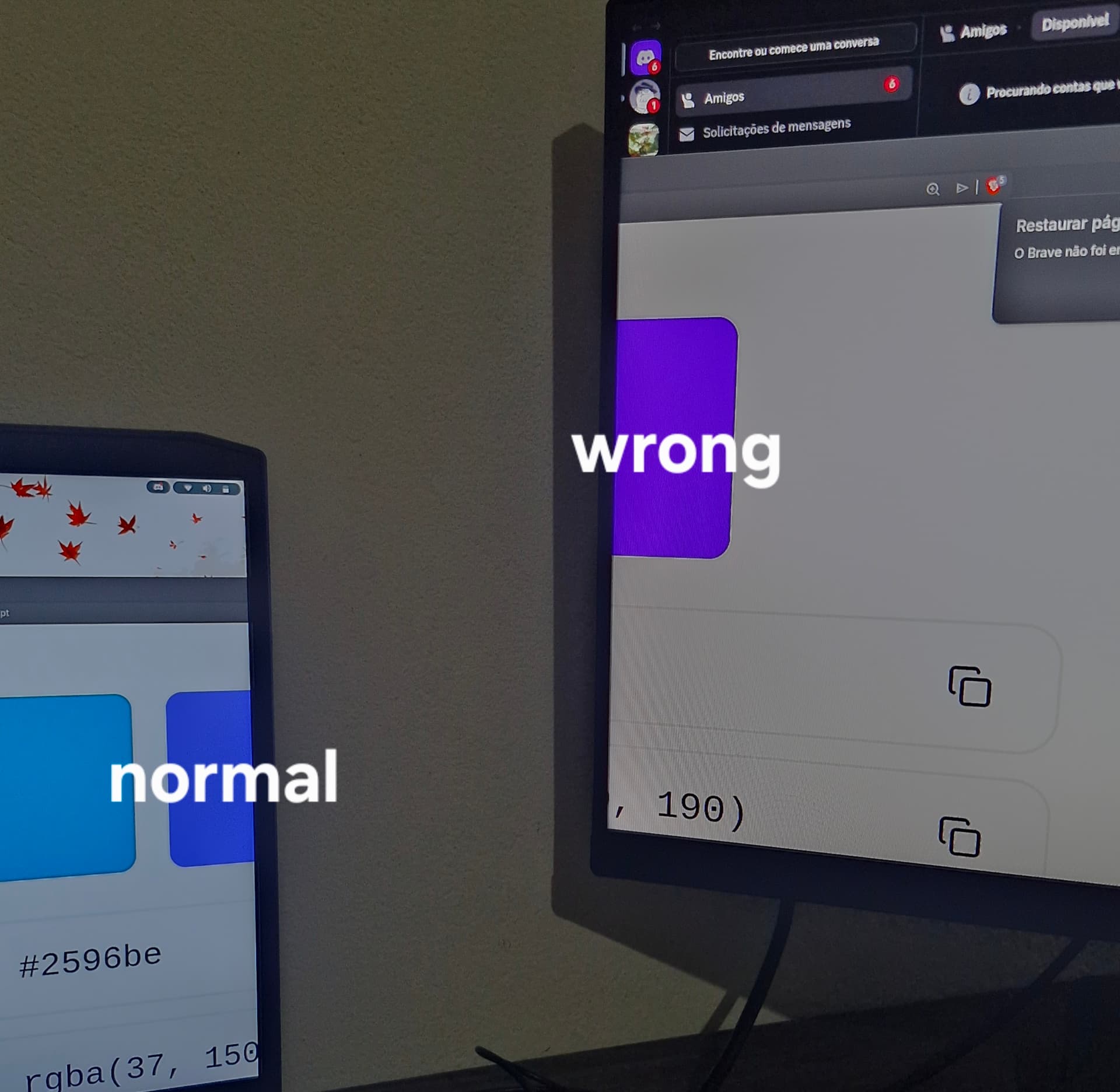
I recently installed Zorin OS after switching from Windows. I installed the version that comes with NVIDIA drivers because my laptop (Lenovo IdeaPad Gaming 3i i5 11300H gtx 1650) has a dedicated GPU. As you can see in the image, the monitor that was having its image rendered by the NVIDIA GPU shows incorrect colors.
To make sure the issue was not related to the monitor itself, I changed the settings in NVIDIA X Server Settings so that both my laptop screen and the external monitor would use the NVIDIA GPU, and the problem appeared on both screens.
I’m new to Linux and I’ve already tried some things, such as installing older drivers (I’m currently using version 570) and switching the PRIME Profiles to Performance, which at first seemed to fix the issue for both monitors. However, after using the PC normally for a day, I installed some programs and ran "sudo apt update" and "sudo apt upgrade". After restarting the PC, the color bug appeared again.
I’ve already searched a bit online and asked ChatGPT but couldn’t find anything that works. I apologize for my ignorance — if you need any additional information, please let me know and I will provide whatever is relevant.
I really want to keep using Zorin OS, but I’m having this annoying issue. (Cant post the image but its 2 monitor one with correct color and other with wrong color)
Yes, tryied switching the color profiles and still purple, im running x11, ( running wayland solves the purple problem but i had a lot of crashs and bug on steam and steam games so i cant use that)
to install the 580 Driver. If You want try a different Driver Version, simply use instead of the 580 the Version Number of the Driver, You want use/try.
I think steam is .deb, also i already re-installed nvdia drivers i think 3 times or more, but i will try again i will resume back with results as soons as possible, also thx for you time helping me!
I just installed the new drivers and the problem is still the same. One interesting thing I noticed is that the color is being rendered incorrectly. For example, when I take screenshots, the colors also appear wrong. even when i take the screen shot in the monitor with right colors it keeps the wrong color on the screen shot so maybe even the screen shot app rendering is beein messed up idk what to do
For more specific color adjustments, users can explore Settings > Colors to manage color profiles and ensure system colors are properly applied. Some users have reported issues with color accuracy (e.g., blue appearing purple), which may be resolved by disabling "Sync master monitor" in the Color settings or resetting theme settings in Zorin Appearance > Theme > Other.
Sadly, there is no ‘Sync master monitor’ option in the color settings. In fact, I was using a theme (WhiteSur), but even after removing it from GTK3 and GTK4, the color is still purple.
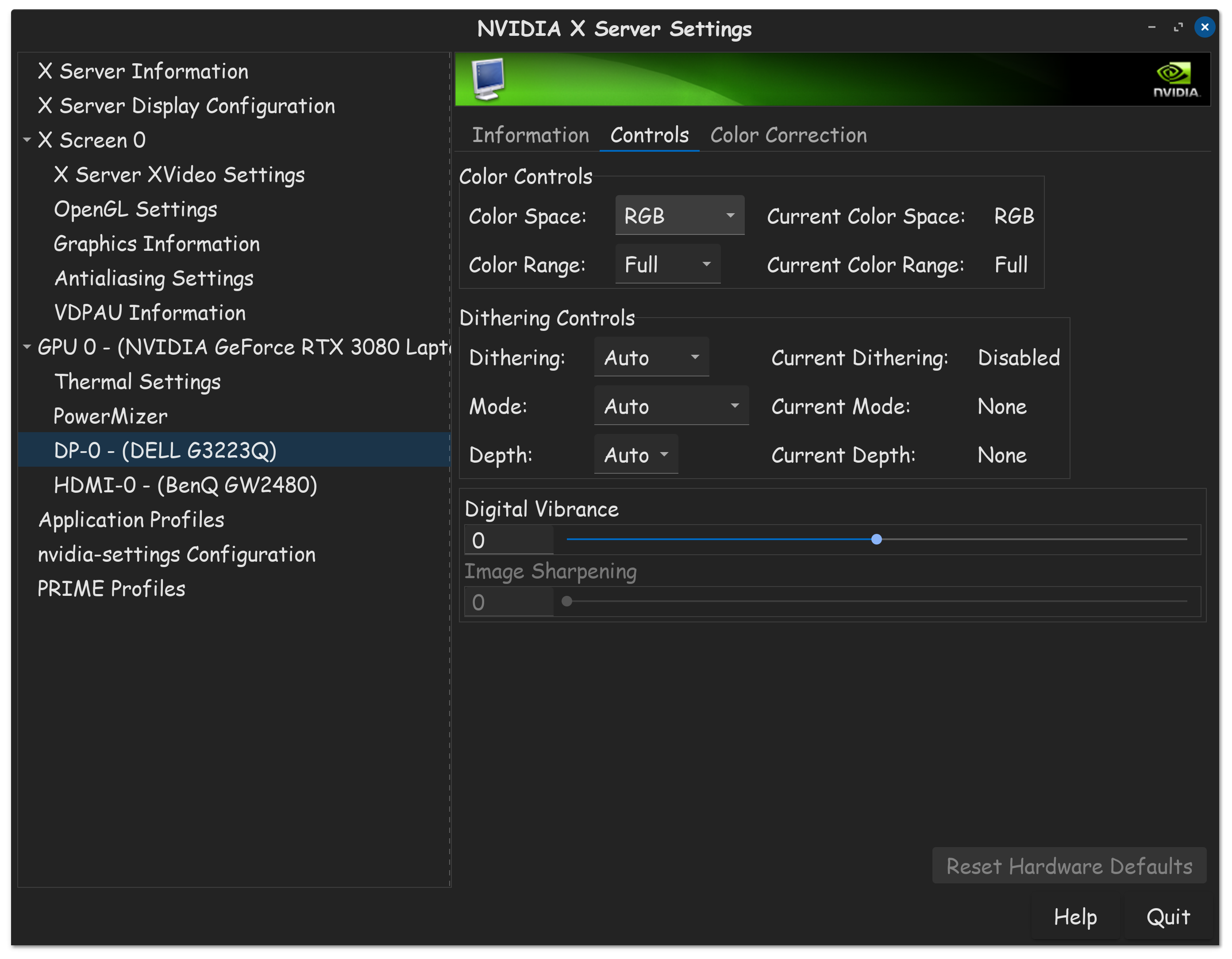
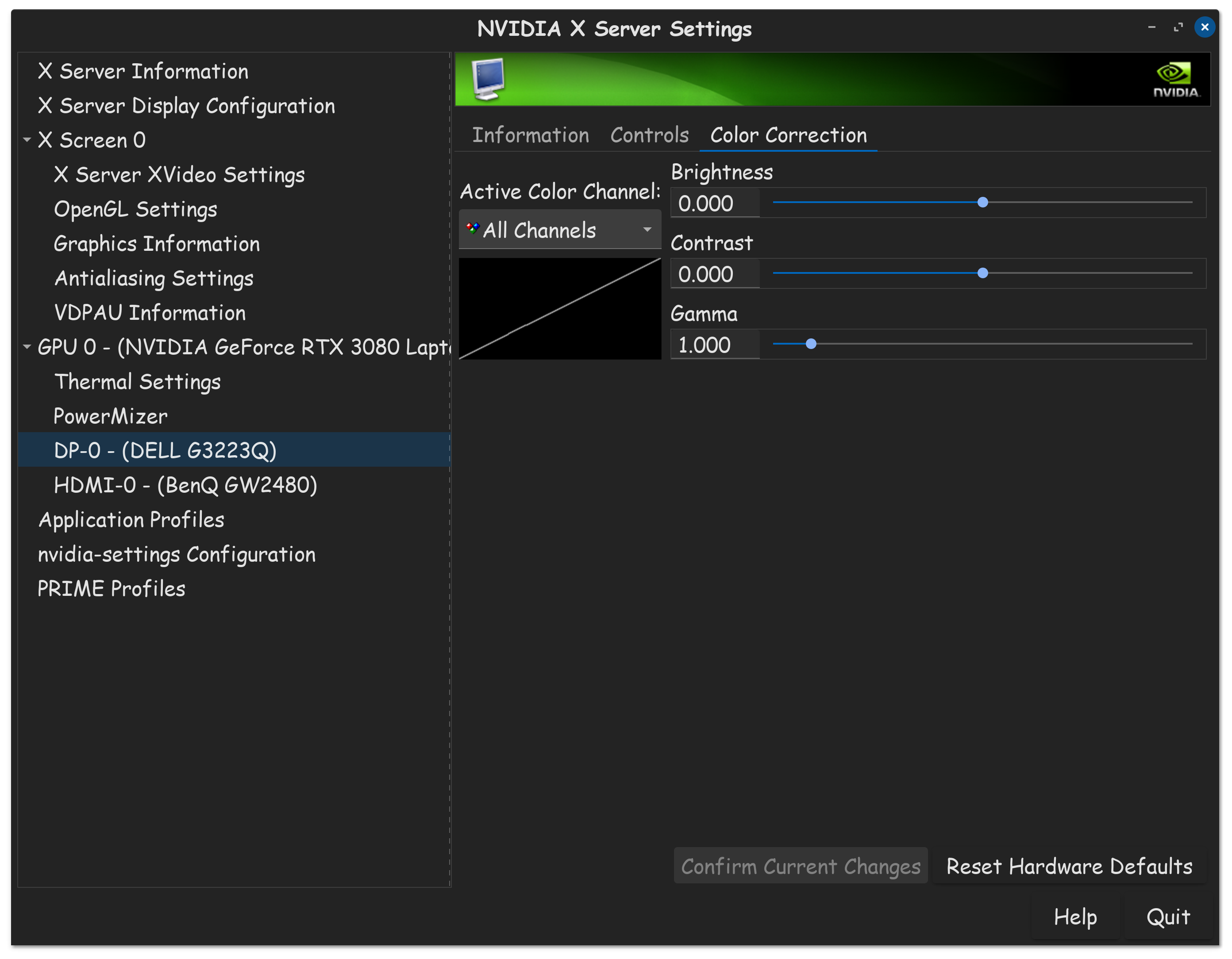
I assume your PC uses Nvidia, based on the original posts above. The Nvidia X Server Settings APP, has color specific settings, as well as different display modes. Maybe something in the APP will fix this?
Nvidia X Server Settings has no such options, i think intel is handeling color, i got frustated with this issue and stopped using Zorin Os thanks everyone for the help but this post can be closed