Hi ZorinOS community, I'm new here 
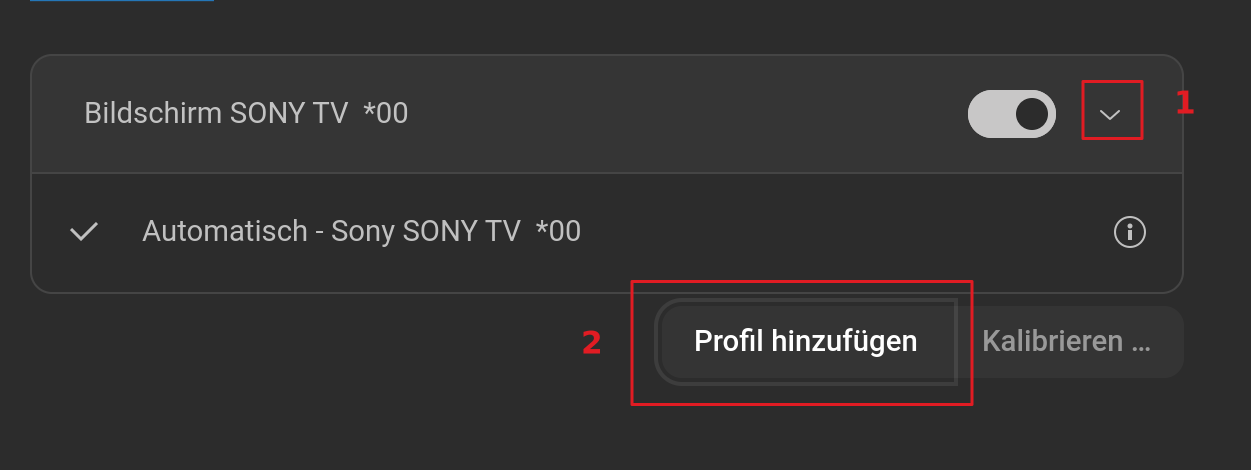
I dual-booted ZorinOS18 besides my Windows 10 installation yesterday, and I seem to have a much better experience in terms of speed, snapiness, fluidity, and most importantly, I do seem to get almost 3x more fps on a browser game that I play than on Windows... but besides the positive stuff, I have an issue regarding drivers. I noticed today that the colors of my display seem kinda.. off (all the colors look washed out). Like, I don't get the same vibrancy I get on my Windows 10 installation. I tried EVERY SINGLE thing I could find to restore the colors, but NOPE, I can't seem to fix it. And I noticed color gradients always have these jagged lines that run through the gradients themselves, which ruins the viewing experience. If any Zorin developer sees this, please make a fix for it  .
.
Also, I can't seem to register my fingerprint because there aren't drivers for the fingerprint scanner itself installed for some reason for my specific Thinkpad model (E540).
And one last key detail about my laptop: it's the model with the Intel iGPU, no Nvidia drivers, and the version of Zorin I installed is ZorinOS18 core.
It would be very helpful to get a response ASAP.
Best regards,
KNS