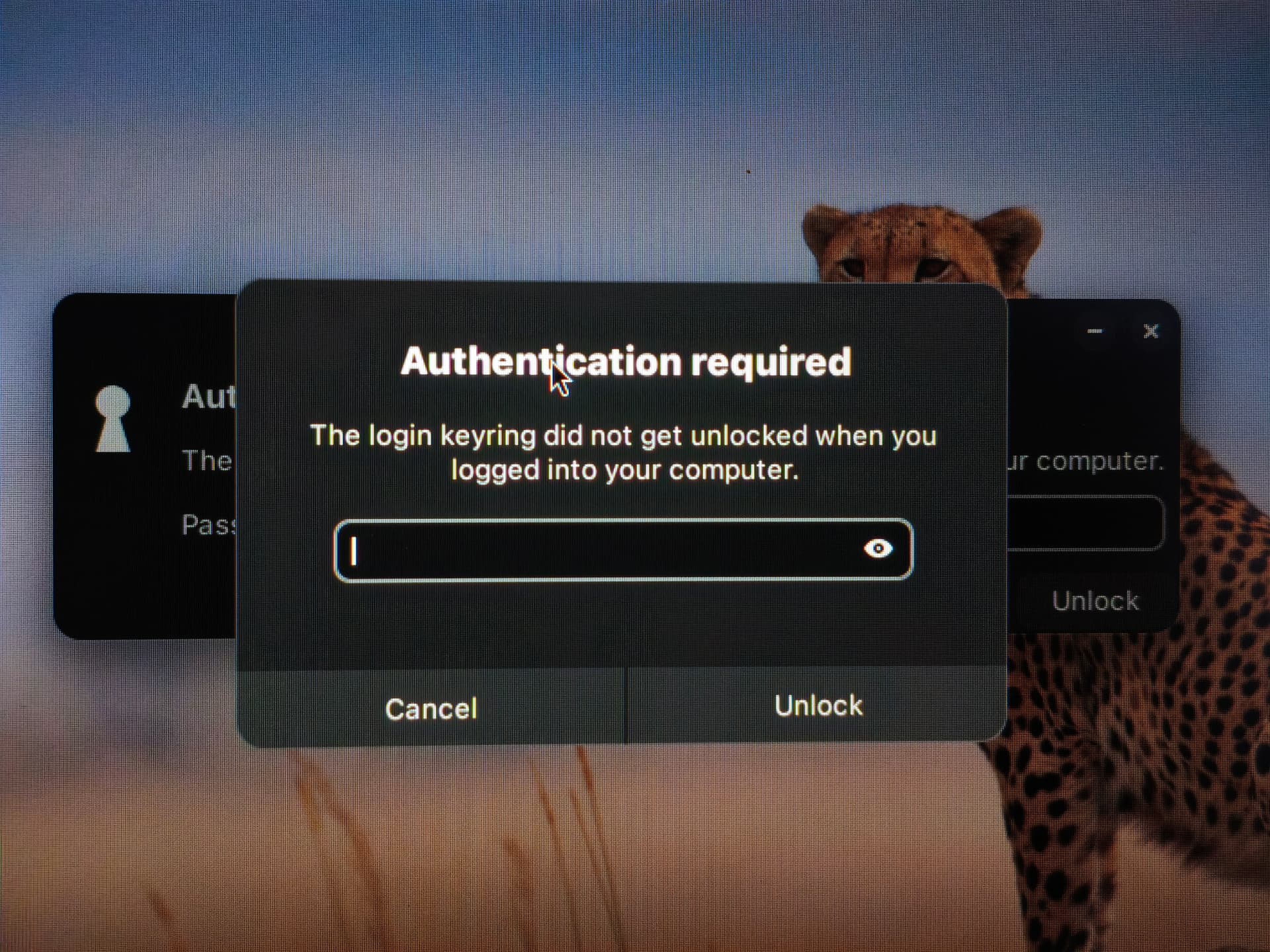
Since about 6-8 weeks I've started being prompted to enter my password twice after logging in using my fingerprint. This started happening on 17.3 pro, continued when that machine was upgraded to 18 pro and it's also happening on a new machine with 18 pro.
I understand why the password needs to be entered, what I'd like to get rid of is the double dialogs. They're different designs too, the one on top in this photo looks like the one that's always been there, and the one beneath it is the 'new' one.
I would just login with password, but there's the delay before that option comes available when fingerprint login enabled. Would be great if that delay could be removed and I could just login with password or fingerprint right away.
I most find the biometrics useful for authenticating sudo, saves endless typing of password!