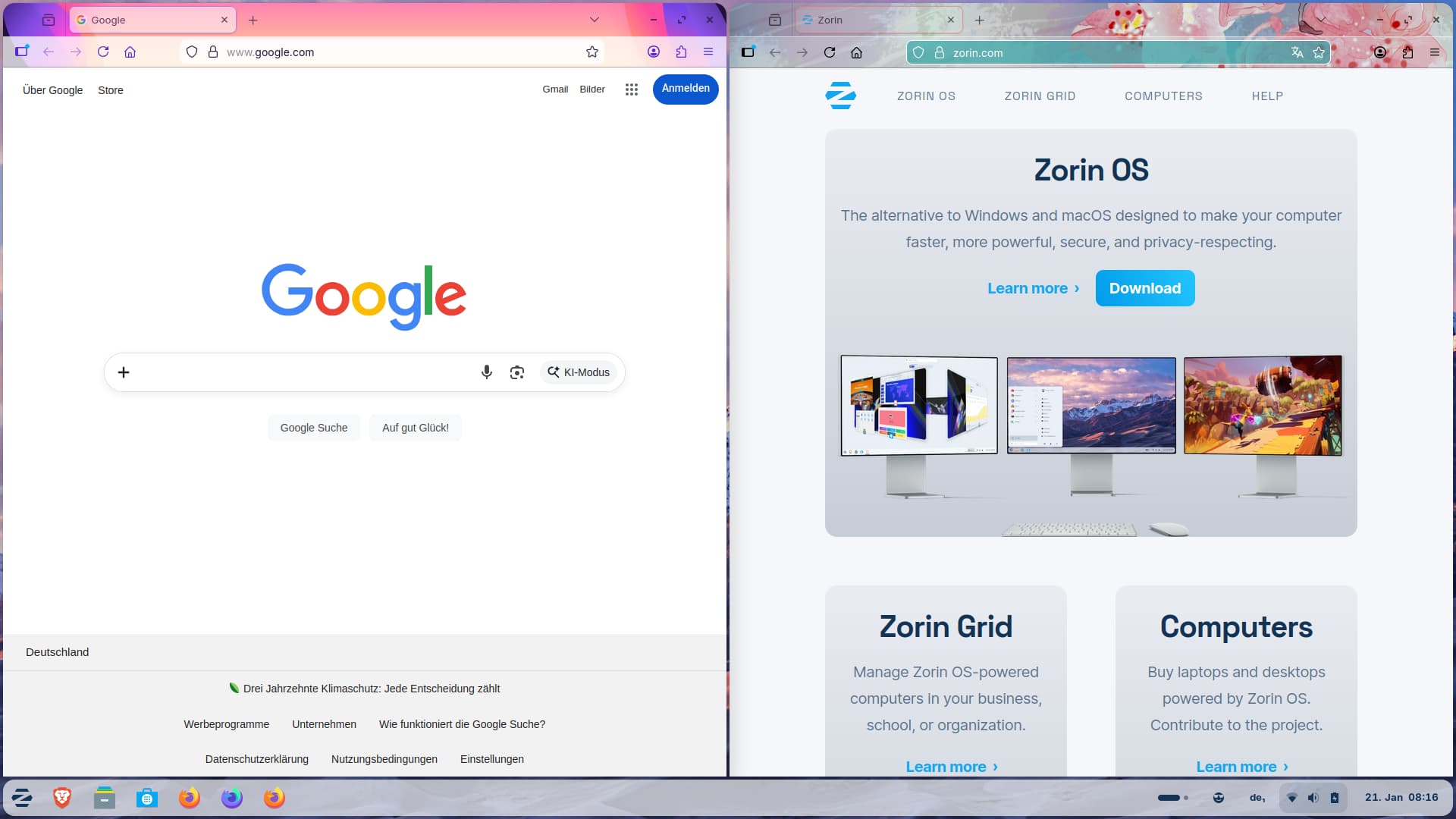
I'm not very familiar with creating desktop files, but I managed to launch two different profiles for Firefox via the taskbar. I used the Zorin apt package of firefox, for the flatpak version you need other commands.
Here's how I got it to work:
Right-click on Firefox in the Zorin menu > Open profile manager
Then I created two new profiles there (named one "Private" and one "Work," but you can name them whatever you want).
Right-click on the Zorin menu icon > Edit menu
Select the upper category internet and click on "new entry"
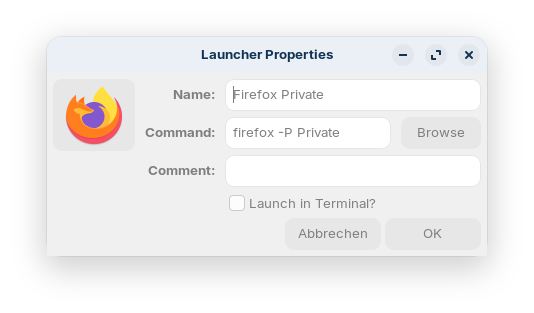
Create a new launcher with the following properties (only as example how I did it, you can replace the profile names "Private" and "Work" with any name you like)
Name: Firefox Private
Command: firefox -P Private
Click on the image on the left side to select an image for your launcher. That is important! Without an image it doesn't work later. The images for firefox in Zorin theme (if you want to use them) are at other locations /usr/share/icons/Zorin/
choose a size or use scalable
then select apps and search for firefox icons. Click on OK.
Click on OK to create the launcher.
Repeat this with the second profile:
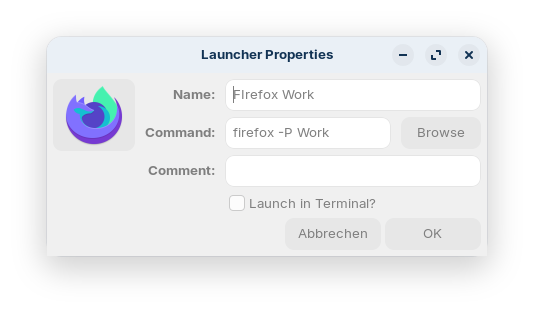
Name: Firefox Work
Command: firefox -P Work
Also select an image by clicking on the image on the left side.
Now close the main menu, click on the Zorin menu, search for firefox and right-click on "Firefox Private" and "Firefox Work" to add the launchers to the panel.
It would be even better if the windows didn't open as a new instance but were linked to the original launcher. But even adding %u didn't help. I'm not sure how to solve this.
Sorry for the late reply, forgot to set up e-mail notification.
And valid point, I am at the point, I am at the point where the 2 desktop files give 2 Icons in the start menu.
FIrefox is installed as .dep but through Zorin's Software app.
The icons do as supposed on launch and launches the correct firefox profile.
I can also pin both icons to Dash and get 2 separate icons, which still lauches their respective profile, so, so far so good.
The issue that remains is that all windows are grouped to "Firefox" .desktop icon.
Even with only SoMe.desktop Pin'ed to Dash, a second icon is spawned for the Firefox window.
So it seams that it is grouping based on the "executable" instead of .desktop icon.
I am really not fond of the idea of having Firefox installed from 2 sources just to get this to work, as I might want to use even more profiles.
I have instead tried to create a copy of the firefox in /usr/bin but it doesn't seam to be recognized in the same way as the original.