"An error occurred. Please try later" when trying to upgrade to Zorin 18

Oh, and in case it helps, here's what I got when I tried to install the grub customizer tool:

$ sudo add-apt-repository ppa:danielrichter2007/grub-customizer
Traceback (most recent call last):
  File "/usr/bin/add-apt-repository", line 363, in <module>
    addaptrepo = AddAptRepository()
  File "/usr/bin/add-apt-repository", line 41, in __init__
    self.distro.get_sources(self.sourceslist)
  File "/usr/lib/python3/dist-packages/aptsources/distro.py", line 91, in get_sources
    raise NoDistroTemplateException(
aptsources.distro.NoDistroTemplateException: Error: could not find a distribution template for Zorin/jammy

So ... looks like something borked when I worked through those steps to try and fix the upgrader. :frowning:

What is the content of the file
/etc/lsb-release ?

$ cat /etc/lsb-release 
DISTRIB_ID=Zorin
DISTRIB_RELEASE=17
DISTRIB_CODENAME=jammy
DISTRIB_DESCRIPTION="Zorin OS 17.3"

Ponce-De-Leon meant the app Software&Updates, it looks so

1 Like

Yes, I know. It’s not there and I’m trying to get it reinstalled. It got removed when I followed his earlier steps yesterday.

It certainly looks that way, yeah...

At this point, after all this back and forth, I think a clean installation might be the better choice to get this sorted.

Keep in mind that Zorin OS 17 is still supported. You might want to take some time to backup all your settings to have a 'roadmap' of how to recover your current setup.

1 Like

From terminal, try:

software-properties-gtk

If not present, try:

sudo apt install --reinstall software-properties-gtk update-notifier-common

No, I'd rather not do that given that it would involve reinstalling nginx, several docker images and others. I mean ... it is possible but I'd be looking at a few days of work to set everything back up again, even with backups of the data files.

I managed to get synaptic installed and using that, I was able to get update-manager installed by forcing 1:22.04.22 (jammy-updates) rather than 1:22.04.21+zorin1 (jammy). This restores the Software & Updates GUI app but the "Settings & Pro..." button is still broken and the root cause is:

$ update-manager
WARNING:root:can not import unity GI Namespace Dbusmenu not available
Traceback (most recent call last):
  File "/usr/bin/software-properties-gtk", line 100, in <module>
    app = SoftwarePropertiesGtk(datadir=options.data_dir, options=options, file=file)
  File "/usr/lib/python3/dist-packages/softwareproperties/gtk/SoftwarePropertiesGtk.py", line 162, in __init__
    SoftwareProperties.__init__(self, options=options, datadir=datadir)
  File "/usr/lib/python3/dist-packages/softwareproperties/SoftwareProperties.py", line 110, in __init__
    self.reload_sourceslist()
  File "/usr/lib/python3/dist-packages/softwareproperties/SoftwareProperties.py", line 604, in reload_sourceslist
    self.distro.get_sources(self.sourceslist)    
  File "/usr/lib/python3/dist-packages/aptsources/distro.py", line 91, in get_sources
    raise NoDistroTemplateException(
aptsources.distro.NoDistroTemplateException: Error: could not find a distribution template for Zorin/jammy

I tried:

sudo apt install --reinstall software-properties-gtk update-notifier-common

That ran without any errors:

$ sudo apt install --reinstall software-properties-gtk update-notifier-common
Reading package lists... Done
Building dependency tree... Done
Reading state information... Done
The following NEW packages will be installed
  update-notifier-common
0 to upgrade, 1 to newly install, 1 reinstalled, 0 to remove and 0 not to upgrade.
Need to get 325 kB of archives.
After this operation, 1,504 kB of additional disk space will be used.
Get:1 https://ppa.launchpadcontent.net/zorinos/patches/ubuntu jammy/main amd64 update-notifier-common all 3.192.54.8+zorin2 [223 kB]
Get:2 https://ppa.launchpadcontent.net/zorinos/patches/ubuntu jammy/main amd64 software-properties-gtk all 0.99.22.9+zorin1 [102 kB]
Fetched 325 kB in 0s (662 kB/s)                   
Selecting previously unselected package update-notifier-common.
(Reading database ... 307263 files and directories currently installed.)
Preparing to unpack .../update-notifier-common_3.192.54.8+zorin2_all.deb ...
Unpacking update-notifier-common (3.192.54.8+zorin2) ...
Preparing to unpack .../software-properties-gtk_0.99.22.9+zorin1_all.deb ...
Unpacking software-properties-gtk (0.99.22.9+zorin1) over (0.99.22.9+zorin1) ...
Setting up update-notifier-common (3.192.54.8+zorin2) ...
update-notifier-download.service is a disabled or a static unit not running, not starting it.
update-notifier-motd.service is a disabled or a static unit not running, not starting it.
Setting up software-properties-gtk (0.99.22.9+zorin1) ...
Processing triggers for shared-mime-info (2.1-2) ...
Processing triggers for mailcap (3.70+nmu1ubuntu1) ...
Processing triggers for desktop-file-utils (0.26-1ubuntu3) ...
Processing triggers for hicolor-icon-theme (0.17-2) ...
Processing triggers for gnome-menus (3.36.0-1ubuntu3) ...
Processing triggers for libglib2.0-0:amd64 (2.72.4-0ubuntu2.6) ...
Processing triggers for man-db (2.10.2-1) ...

But it didn't fix the "cannot find a distribution template..." problem.

Question ... did I do the wrong thing by forcing 1:22.04.22 (jammy-updates) when reinstalling update-manager?

1 Like

It shouldn't be an issue, since that package won't adjust core packages and is within the boundaries of Jammy.

Have you run

sudo apt install --reinstall zorin-os-upgrader

Yes, I ran that and it completed with no errors. I think that is to do with the "Upgrade Zorin OS" feature, right? That is working fine now.

It is just the "Settings & Pro..." button on the "Software Updater" that is not working. If we can fix this, then all my issues should be solved. :slight_smile:

That... is an entire other thing.
That is for Ubuntu, Not Zorin; and it is static, you cannot remove that.

OK... so should I just close this thread and open a new one on that button?

No, because that button is unwanted, but not a break, nor a bug.

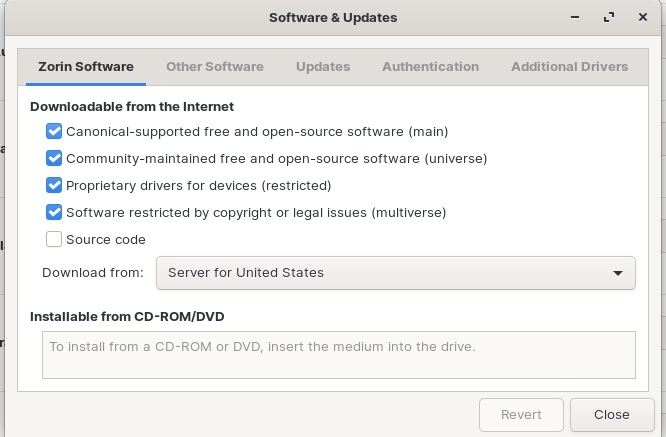
Ah. So how do I bring up the Software & Updates dialog shown here? The one which allows me to view and change the package sources and additional drivers, etc? I thought that button was the one.

This is quite confusing. I think we need clarity:

Open a terminal and run:

software-properties-gtk

That will launch the application shown in the screenshot.

That doesn't work. Sorry, I think all the recent updates have confused matters. Let me try again.

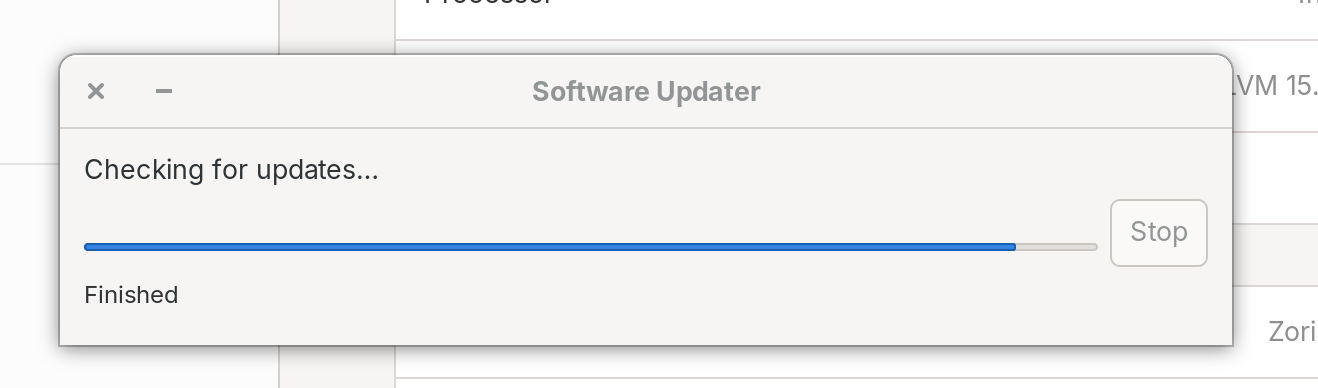
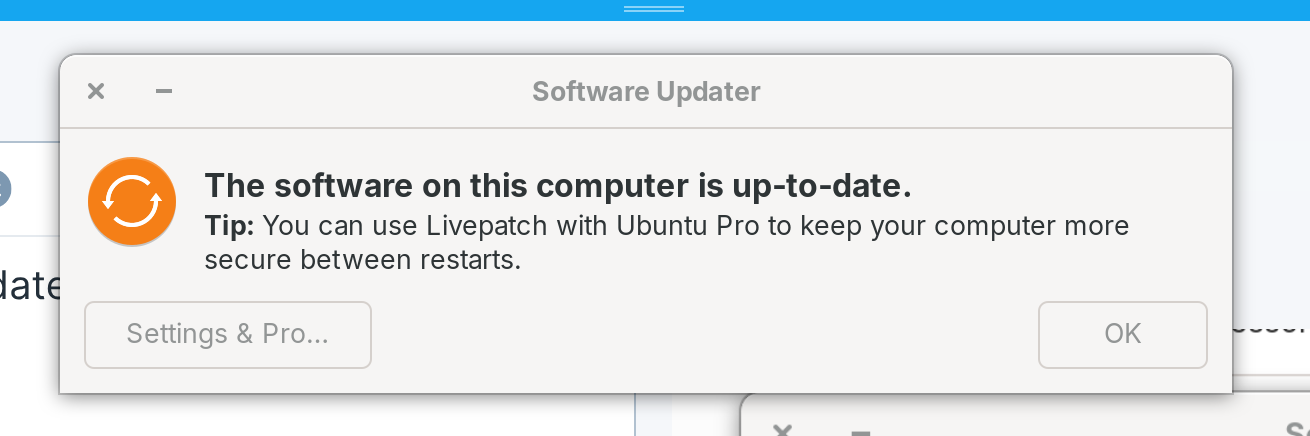
The issue I have is that this option on Settings -> About:

displays these dialogs in turn:

It is from this dialog that I want to bring up the properties dialog to allow me to view and edit the package sources as I linked to above. However when I click that button, nothing happens. If I run software-properties-gtk directly from the terminal then I get:

$ sudo software-properties-gtk
Traceback (most recent call last):
  File "/usr/bin/software-properties-gtk", line 100, in <module>
    app = SoftwarePropertiesGtk(datadir=options.data_dir, options=options, file=file)
  File "/usr/lib/python3/dist-packages/softwareproperties/gtk/SoftwarePropertiesGtk.py", line 162, in __init__
    SoftwareProperties.__init__(self, options=options, datadir=datadir)
  File "/usr/lib/python3/dist-packages/softwareproperties/SoftwareProperties.py", line 110, in __init__
    self.reload_sourceslist()
  File "/usr/lib/python3/dist-packages/softwareproperties/SoftwareProperties.py", line 604, in reload_sourceslist
    self.distro.get_sources(self.sourceslist)    
  File "/usr/lib/python3/dist-packages/aptsources/distro.py", line 91, in get_sources
    raise NoDistroTemplateException(
aptsources.distro.NoDistroTemplateException: Error: could not find a distribution template for Zorin/jammy

It is worth noting that if I click the "Software Repositories" menu option in gnome-software, I get the same exception.

That dialog is not how you arrive at that screen. To put this is perspective, if you say that you want to launch it from the File Manager, you will have the same exact answer.

That screen is the application software-properties-gtk and the way to use and arrive at it is to launch that application.

Please do Not run a GUI application with sudo.
Instead, please use pkexec

Based on this, please run:

sudo apt install --reinstall zorin-os-core zorin-os-release python3-apt software-properties-commo


This Settings & Pro button is only a Canonical offer for Ubuntu Pro Livepatch.
It has no relation to any of this.

Output:

$ sudo apt install --reinstall zorin-os-core zorin-os-release python3-apt software-properties-common
[sudo] password for steve:            
Reading package lists... Done
Building dependency tree... Done
Reading state information... Done
E: Unable to locate package zorin-os-core
E: Unable to locate package zorin-os-release

Interestingly, Synaptic cannot find these two either, and neither show up on Launchpad.net. Which repository are they in? I can add them manually to the relevant sources files.

Maybe I am thinking of older packages - let me check

Try

sudo apt install --reinstall lsb-release