UPDATE:
I did a sudo apt update && sudo apt upgrade in Terminal and didn't got any Errors anymore:
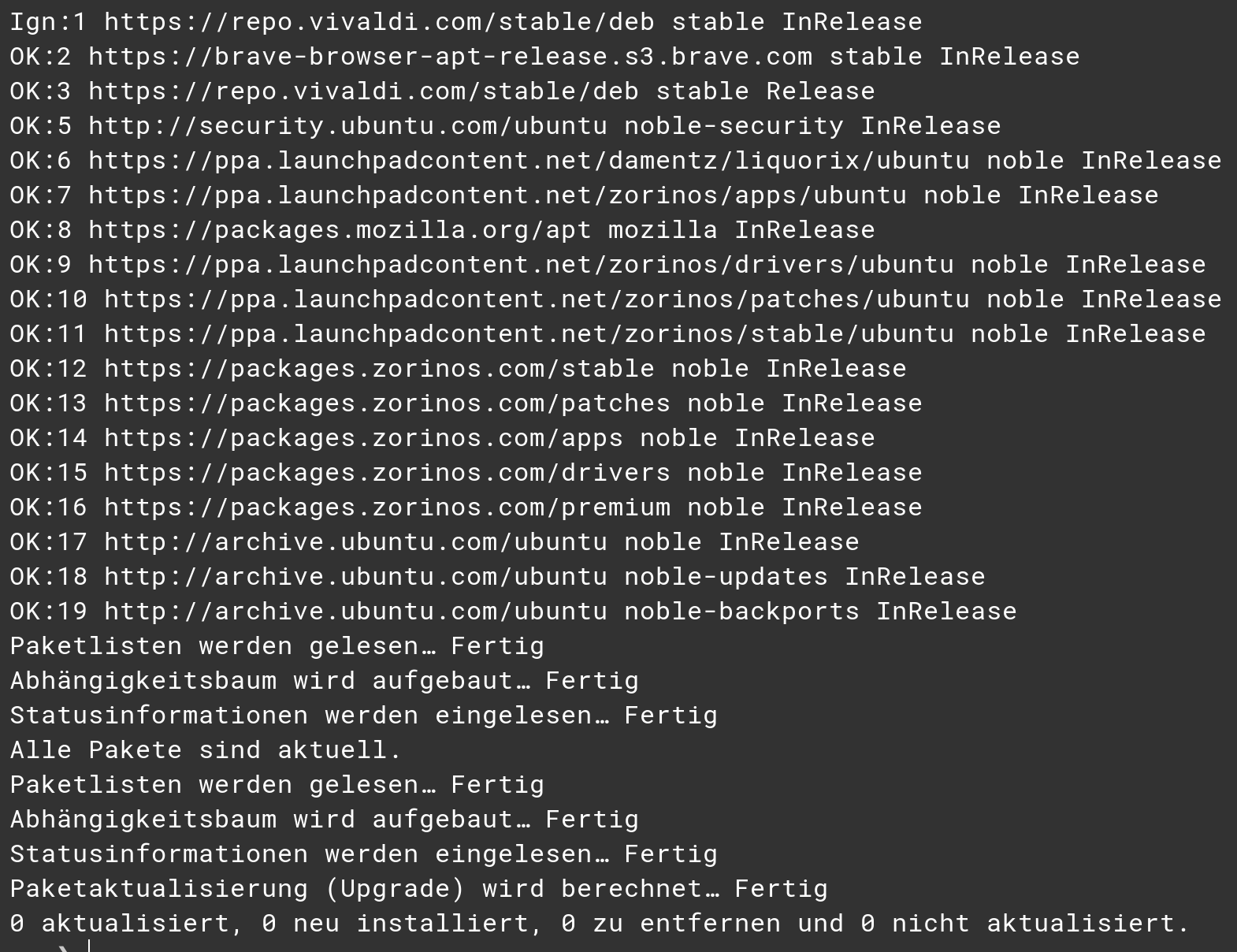
The software Updater was running fine, too.
UPDATE:
I did a sudo apt update && sudo apt upgrade in Terminal and didn't got any Errors anymore:
The software Updater was running fine, too.
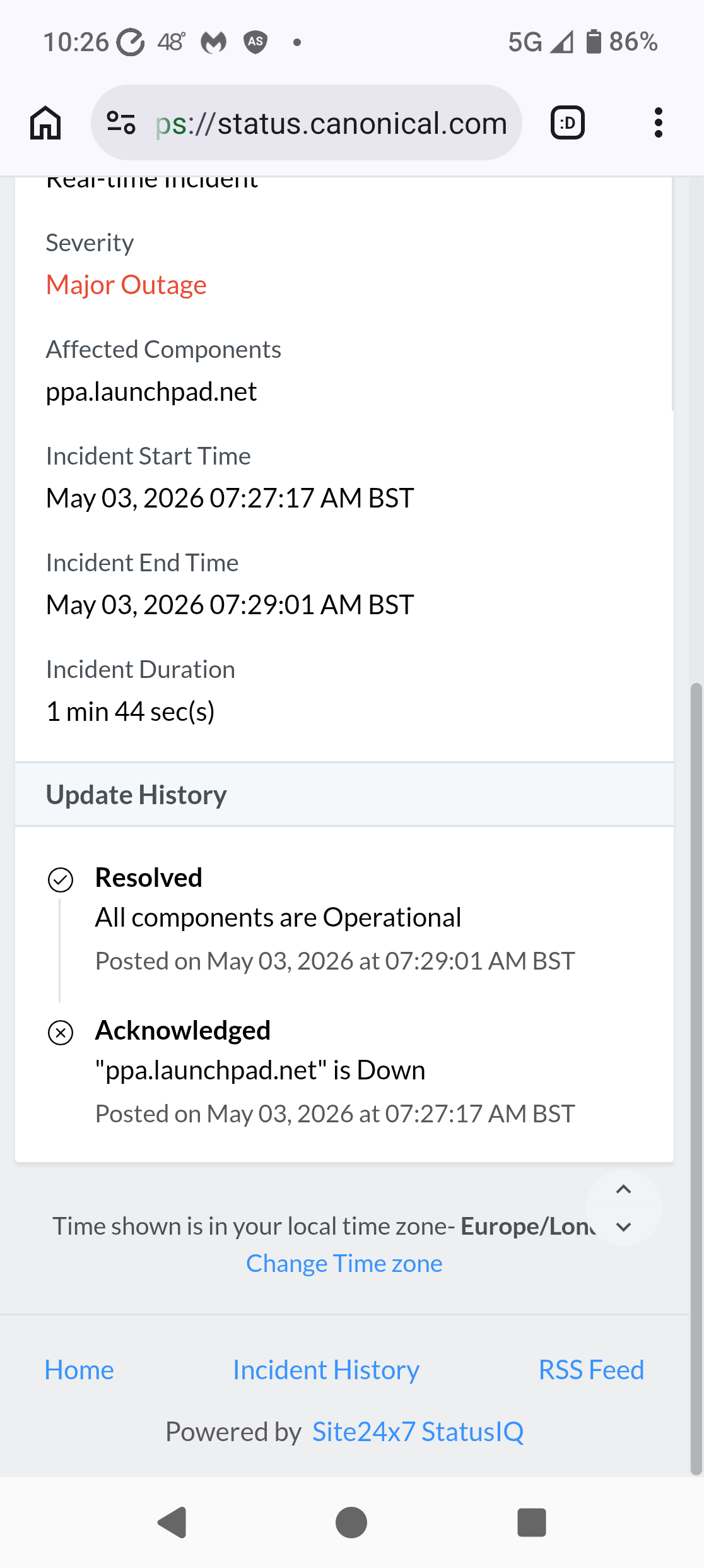
If you go to the status page, scroll down to the "ppa.launchpad.net" incident click on it and a new page opens:
As I am in GMT zone it states it is resolved. Scroll to the bottom of the page and there is an option to change timezone.
My other thought on failures is that too many people are trying to do catchup and flooding the server requests.
@VkedaxVIP and @bogdansaniuta:
To say that Microsoft has paid the Iranian's to attack Canonical is an unproofed Accusation and not an Idea or Theory. Here it is written:
When You don't like Microsoft, fine. But try to blame them for this goes too far.
I think without proof that is correct. As a teenager I was dumbfounded about newspaper reports on extreme politics in Italy. The far right bombed its own supporters and claimed the far left were responsible.
Something interesting I read through another article that detailed more information:
Hacktivists calling themselves The Islamic Cyber Resistance in Iraq 313 Team claimed on its Telegram channel that it was to blame for the DDoS attack.
The hackers claimed to be using Beamed, a DDoS-for-hire service. These types of services, also called booters or stressers, allow anyone to pay to launch DDoS attacks, even if they have no technical skills nor the necessary infrastructure to flood targets with bogus traffic. The DDoS-for-hire service in this case claims to power attacks in excess of 3.5 Tbps, which is about half of the bandwidth of a cyberattack that Cloudflare last year called the “largest DDoS attack ever recorded.”
Just updated my VM of Zorin 18.1 Core Plasma and launchpad is now updating.
Zorin artwork got updated.
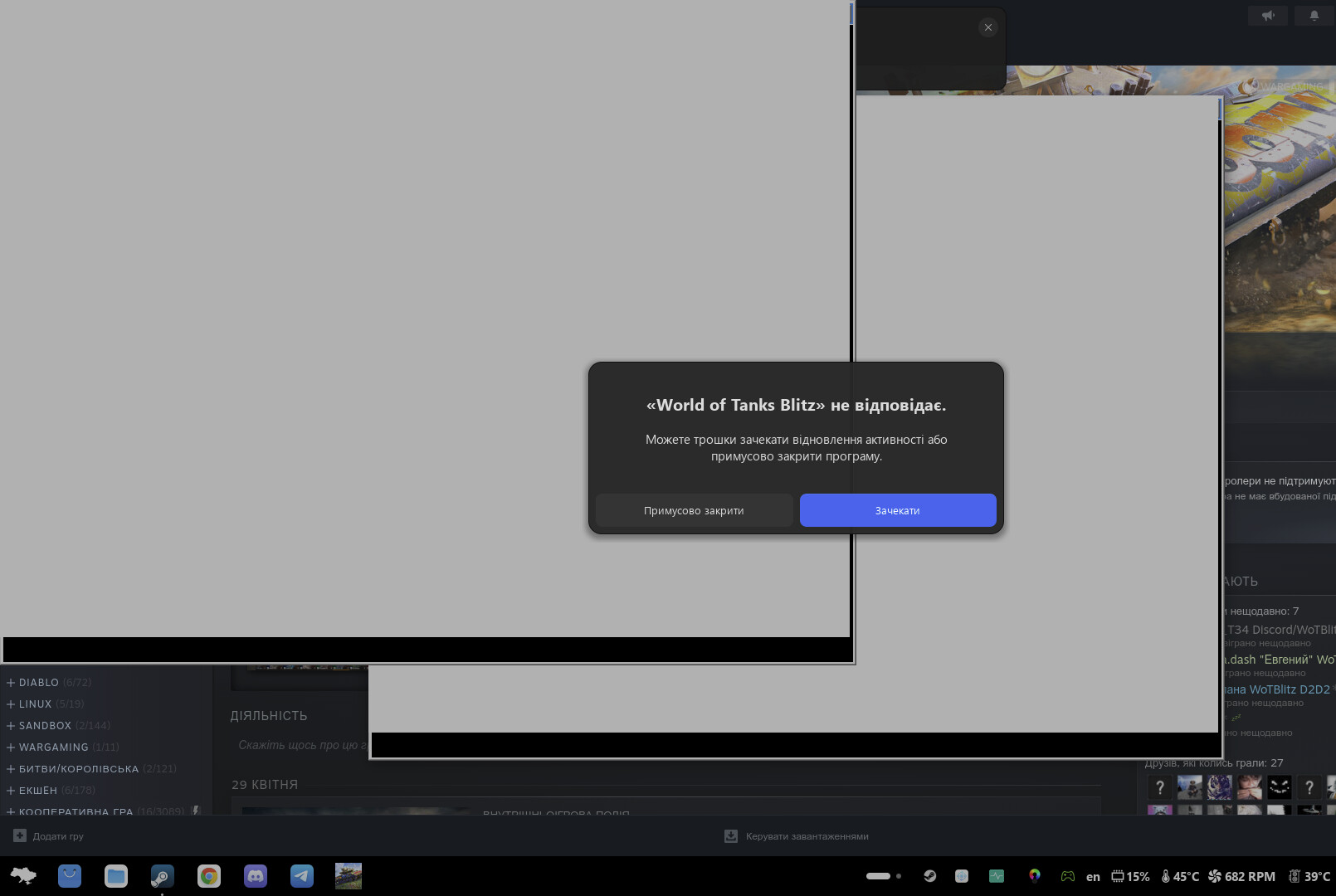
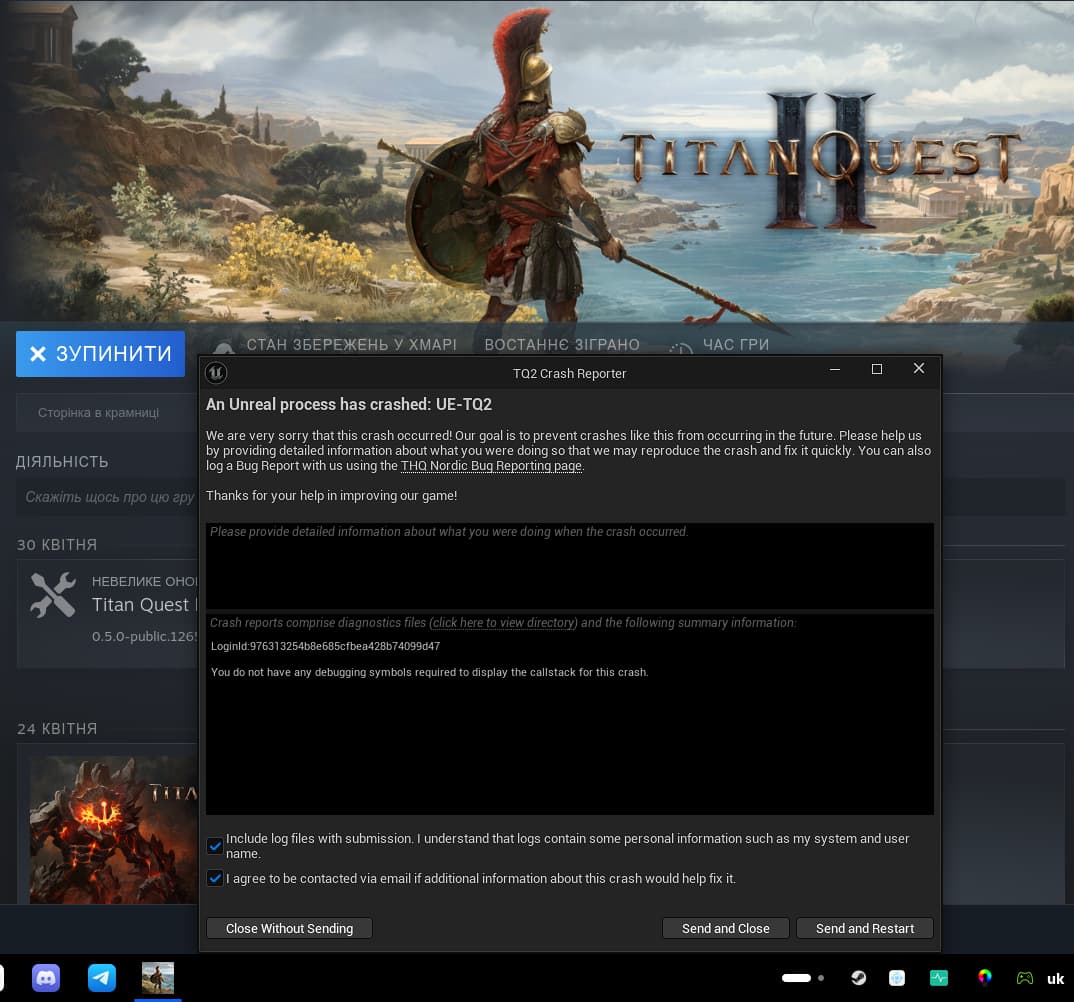
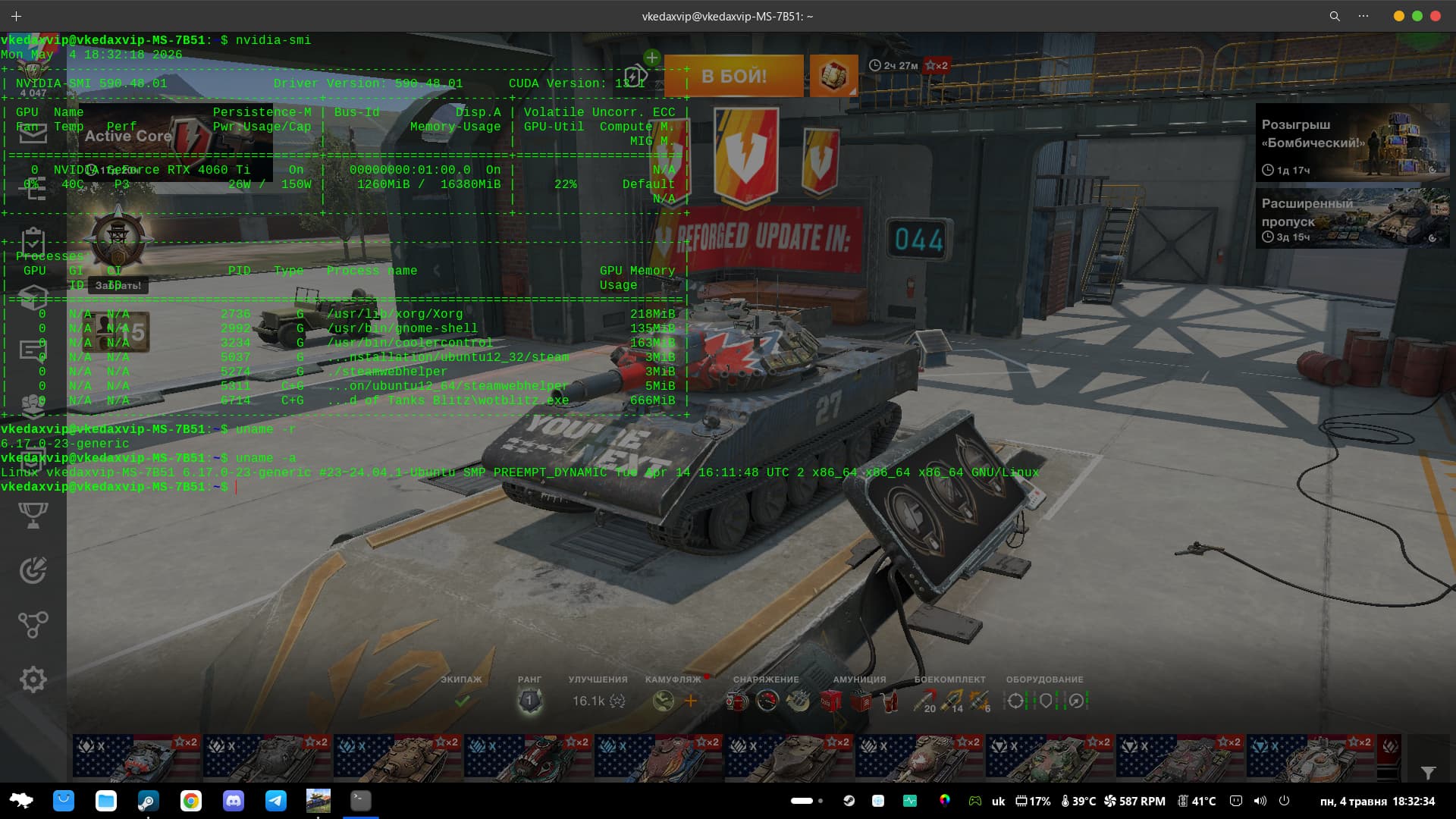
I don't know, I have problems after the update, proton and steam are slowing down as much as possible!
games crash or don't start at all or start crookedly.
It's better to just sit on the old kernel with working drivers for now!
I've rolled back and installed various updates several times, but nothing helps.
I've even tried the terminal itself:
sudo apt full-upgrade
sudo apt autoremove
sudo reboot
PS: I even tried compiling the driver and installing it in the kernel, so the graphics are flying, everything works as quickly and comfortably as possible, but the problems with proton are not solved - something is wrong there!
I can't understand why the 590 drivers were removed on the new kernel, I tried to return them, but the system sees either completely old or 595 new ones.
No version of Proton can work properly on new drivers, there is 100% something wrong with it.
The 590 driver was absolute garbage for me. Was getting hard freezes in games like Division 2. I had to revert to 580 for stability. Haven't tried 595 yet, but going to wait it out a bit.
do you also have problems with the 595 driver?
my 590 works stably.
I just turned off all updates - except for security updates and updated, the 590 driver remained and everything works great)
ok pues retirare entonces mi escritura y accusaciones hacia microsoft y ya.. le parece bien ?
Yes, and simply don't do something like this again.
Did You checked what was to remove before You removed it? To simply press y and Enter can be fatal when something important gets removed.
Did You had the Drivers dkms Packages installed?
Launchpadcontent is down again:
Err:10 https://ppa.launchpadcontent.net/zorinos/stable/ubuntu noble InRelease
Cannot initiate the connection to ppa.launchpadcontent.net:443 (2620:2d:4000:1::81). - connect (101: Network is unreachable)
archive.ubuntu.com and security.ubuntu.com are also shown as down.
I can confirm that. It seems that it isn't stable yet.
Yeah the DDoS attacks are getting tedious now. Takes forever to check for updates 
vkedaxvip@vkedaxvip-MS-7B51:~$ sudo apt autoremove
Зчитування переліків пакунків... Виконано
Побудова дерева залежностей... Виконано
Зчитування інформації про стан... Виконано
Пакунки, які будуть ВИДАЛЕНІ:
libnvidia-cfg1-590 libnvidia-common-590 libnvidia-compute-590
libnvidia-decode-590 libnvidia-egl-wayland1:i386 libnvidia-encode-590
libnvidia-extra-590 libnvidia-fbc1-590 libnvidia-gl-590
libwayland-server0:i386 linux-headers-6.17.0-20-generic
linux-hwe-6.17-headers-6.17.0-20 linux-hwe-6.17-tools-6.17.0-20
linux-image-6.17.0-20-generic linux-modules-6.17.0-20-generic
linux-modules-extra-6.17.0-20-generic
linux-modules-nvidia-590-6.17.0-20-generic
linux-objects-nvidia-590-6.17.0-20-generic
linux-signatures-nvidia-6.17.0-20-generic linux-tools-6.17.0-20-generic
nvidia-compute-utils-590 nvidia-firmware-590-590.48.01
nvidia-kernel-common-590 nvidia-kernel-source-590 nvidia-utils-590
ocl-icd-libopencl1:i386 xserver-xorg-video-nvidia-590
оновлено 0, встановлено 0 нових, 27 відмічено для видалення і 0 не оновлено.
Після цієї операції об'єм зайнятого дискового простору зменшиться на 626 MB.
Бажаєте продовжити? [Y=ТАК/n=ні] Y
(Читання бази даних ... на дану мить встановлено 404923 файли та каталоги.)
Вилучення xserver-xorg-video-nvidia-590 (590.48.01-0ubuntu0.24.04.5) ...
Вилучення libnvidia-cfg1-590:amd64 (590.48.01-0ubuntu0.24.04.5) ...
Вилучення libnvidia-gl-590:amd64 (590.48.01-0ubuntu0.24.04.5) ...
Вилучення libnvidia-common-590 (590.48.01-0ubuntu0.24.04.5) ...
Вилучення libnvidia-encode-590:amd64 (590.48.01-0ubuntu0.24.04.5) ...
Вилучення libnvidia-decode-590:amd64 (590.48.01-0ubuntu0.24.04.5) ...
Вилучення nvidia-utils-590 (590.48.01-0ubuntu0.24.04.5) ...
Вилучення libnvidia-compute-590:amd64 (590.48.01-0ubuntu0.24.04.5) ...
Вилучення libnvidia-egl-wayland1:i386 (1:1.1.17-0ubuntu0~gpu24.04.1) ...
Вилучення libnvidia-extra-590:amd64 (590.48.01-0ubuntu0.24.04.5) ...
Вилучення libnvidia-fbc1-590:amd64 (590.48.01-0ubuntu0.24.04.5) ...
Вилучення libwayland-server0:i386 (1.22.0-2.1build1) ...
Вилучення linux-headers-6.17.0-20-generic (6.17.0-20.20~24.04.1) ...
Вилучення linux-hwe-6.17-headers-6.17.0-20 (6.17.0-20.20~24.04.1) ...
Вилучення linux-tools-6.17.0-20-generic (6.17.0-20.20~24.04.1) ...
Вилучення linux-hwe-6.17-tools-6.17.0-20 (6.17.0-20.20~24.04.1) ...
Вилучення linux-modules-nvidia-590-6.17.0-20-generic (6.17.0-20.20~24.04.1) ...
linux-image-nvidia-6.17.0-20-generic: removing .ko files
Вилучення linux-signatures-nvidia-6.17.0-20-generic (6.17.0-20.20~24.04.1) ...
Вилучення linux-image-6.17.0-20-generic (6.17.0-20.20~24.04.1) ...
/etc/kernel/postrm.d/initramfs-tools:
update-initramfs: Deleting /boot/initrd.img-6.17.0-20-generic
/etc/kernel/postrm.d/zz-update-grub:
Sourcing file `/etc/default/grub'
Generating grub configuration file ...
Found theme: /usr/share/grub/themes/zorin/theme.txt
Found linux image: /boot/vmlinuz-6.17.0-23-generic
Found initrd image: /boot/initrd.img-6.17.0-23-generic
Found linux image: /boot/vmlinuz-6.17.0-22-generic
Found initrd image: /boot/initrd.img-6.17.0-22-generic
Found linux image: /boot/vmlinuz-6.14.0-37-generic
Found initrd image: /boot/initrd.img-6.14.0-37-generic
Warning: os-prober will not be executed to detect other bootable partitions.
Systems on them will not be added to the GRUB boot configuration.
Check GRUB_DISABLE_OS_PROBER documentation entry.
Adding boot menu entry for UEFI Firmware Settings ...
done
Вилучення linux-modules-extra-6.17.0-20-generic (6.17.0-20.20~24.04.1) ...
Вилучення linux-modules-6.17.0-20-generic (6.17.0-20.20~24.04.1) ...
Вилучення linux-objects-nvidia-590-6.17.0-20-generic (6.17.0-20.20~24.04.1) ...
Вилучення nvidia-compute-utils-590 (590.48.01-0ubuntu0.24.04.5) ...
Вилучення nvidia-kernel-common-590 (590.48.01-0ubuntu0.24.04.5) ...
Вилучення nvidia-firmware-590-590.48.01 (590.48.01-0ubuntu0.24.04.4) ...
Вилучення nvidia-kernel-source-590 (590.48.01-0ubuntu0.24.04.5) ...
Вилучення ocl-icd-libopencl1:i386 (2.3.2-1build1) ...
Обробка тригерів libc-bin (2.39-0ubuntu8.7)...
vkedaxvip@vkedaxvip-MS-7B51:~$
May I ask when (or how) to use autoremove then, or better dont use it at all?
Thought it is "good for hygiene"