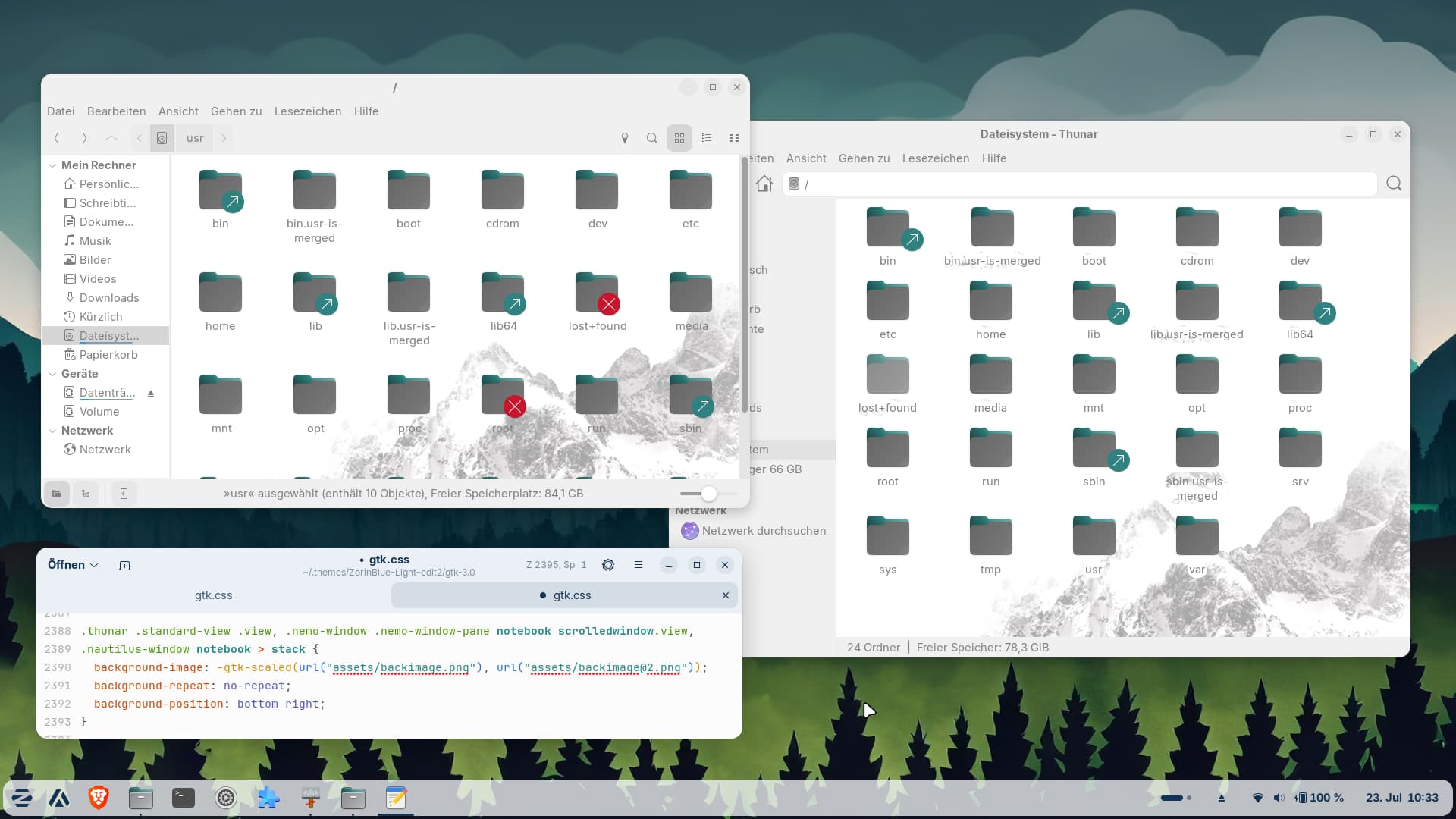
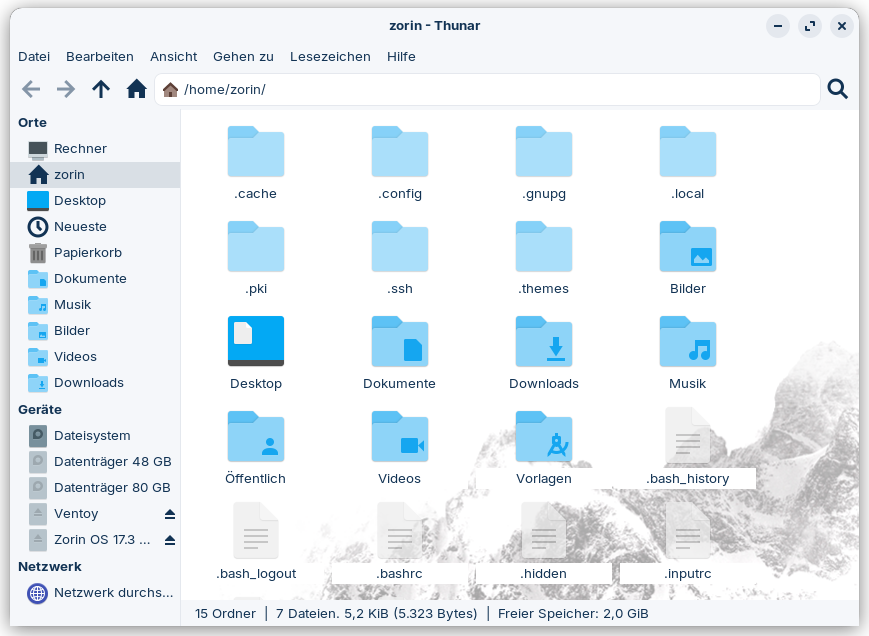
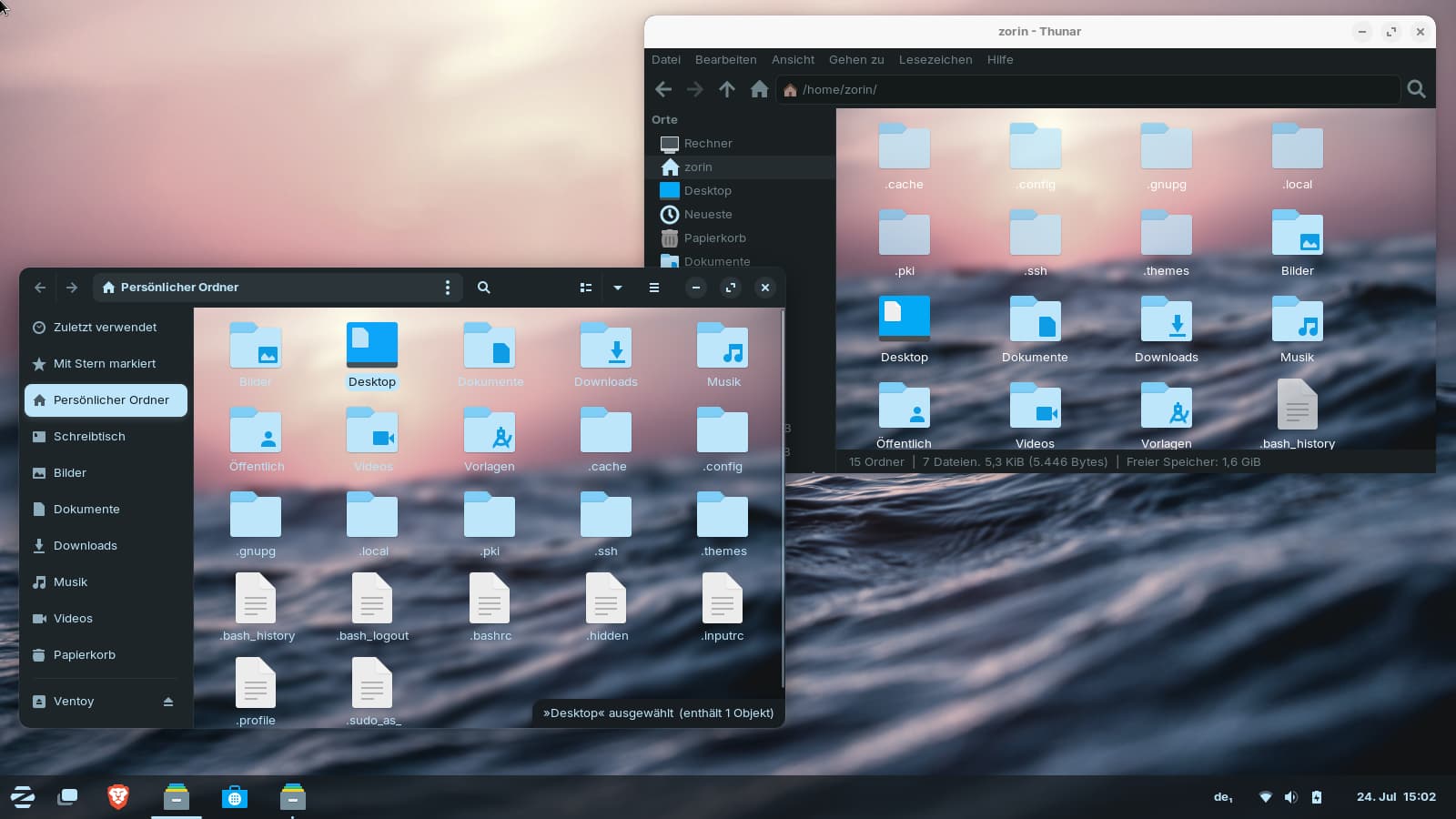
I wanted to test setting background images in file managers and added the Qogir background image to the Zorin theme.
With the Qogir theme, Thunar displays the background image, but not with the Zorin theme. Nautilus and Nemo work with the Zorin theme.
What could be causing this?
Do I need to adjust the opacity somewhere or add a box/widget or something similar to Thunar?
Quitting Thunar didn't help.
Do I also need to add something for GTK2?
I made the test in Zorin 17 Core live session.
I added these lines to the Zorin theme .css gtk-3.0 and gtk 4.0
What about window.thunar notebook scrolledwindow? In .css, specificity matters and your class was very specific. If frame is not present in Thunar's GDK, then it won't show if the .css is referencing only frame.
I don't have access to my computer with the live session right now. But I left it in suspend mode on purpose so I wouldn't have to start over, and I'll give it a try this afternoon.
How can I configure a custom image so that it can be used as a wallpaper and I get two sizes, just like with the Qogir image?
For example, I tried using wallpapers from /usr/share/backgrounds of Zorin as backimage (I set the default Zorin background image with the mountains to grayscale and made it lighter and less contrasty, but only a small section of the image was displayed in Nautilus, not the entire image). So it seems that the size or dimensions of the image are important.
I need two images, one normal one and another one for @2, probably in the double size of the first one.
You can use the background size property: background-size: auto, for example.
You can use contain, cover, a percentage or a px size.
Contain will size it within the area it is in. Cover will stretch in all directions needed for it to cover the area - which is a variable size in a file manager if you use other than full screen.
If you set a fixed size using px by px sizing, then it will be that size and cut off should you change window size.
I tested it on my Zorin 18.1 Core system, and there it doesn't work with that command. I also tested window.thunar notebook scrolledwindow.view, but no success. It seems to be even more difficult in Zorin 18, because of this I started yesterday with Zorin 17.
In Zorin 18, with the Qogir theme (didn´t use the libadwaita option during installation, but added empty .libadwaita files and copied the gkt.css and assets folder to ~/.config/gkt-4.0) nautilus showed no background image, but nemo and thunar did.
With Zorin theme, only nemo showed it with the original added lines.
I found an old thread in xfce4 forum from 2020 and tried this line
.thunar .standard-view .view`,
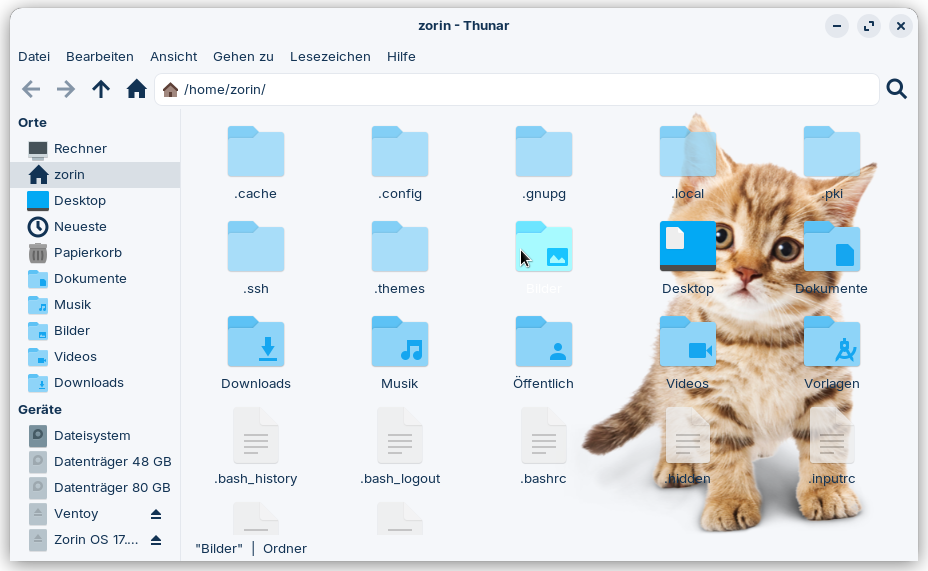
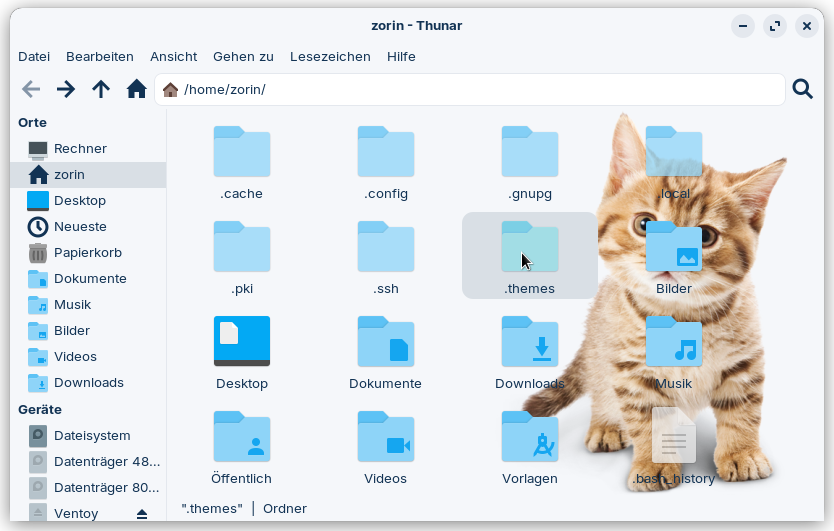
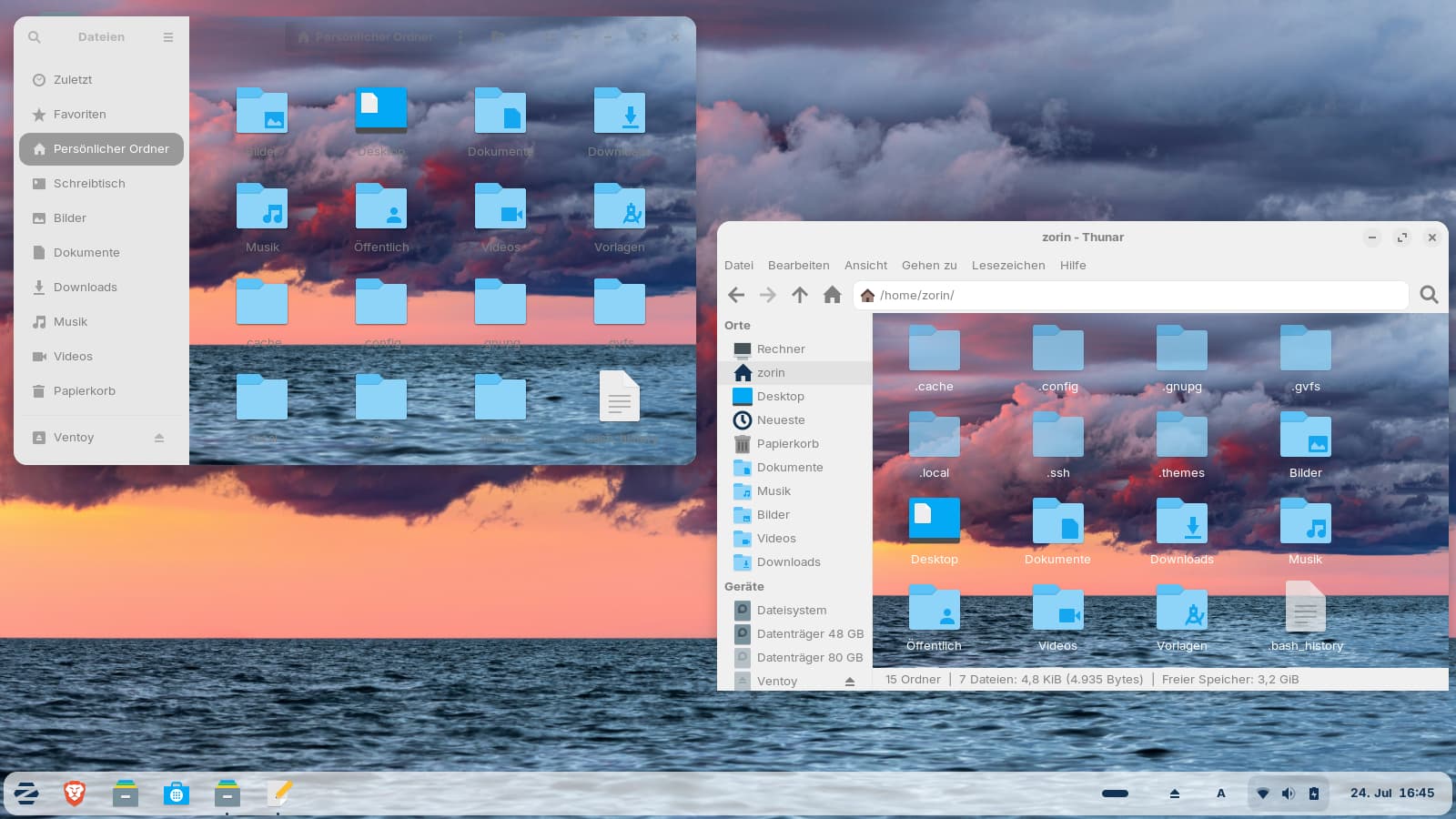
and first time thunar showed the background image in Zorin theme, but partially errors. The labels also have a background image. On the left side of the screenshot is nemo, on the right side thunar.
I'll test your command later on Zorin 17, perhaps it works there.
I didn´t figure out what to do with the Yaru theme which is my default theme on the system. It is installed via apt and in the gtk.css files is shown a line which imports the gtk.css from an ubuntu url, also there is a gresource file, but no assets folder.
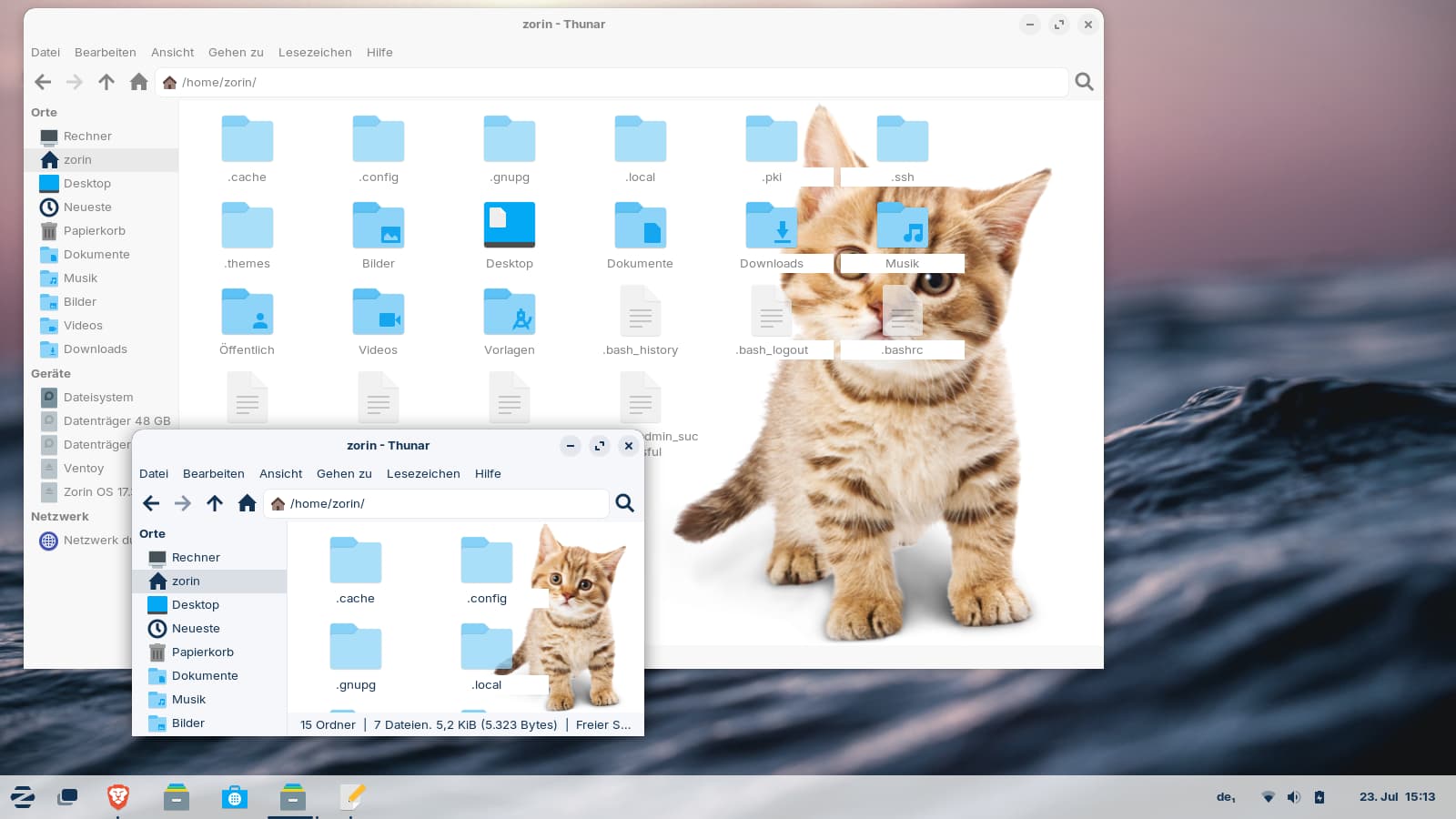
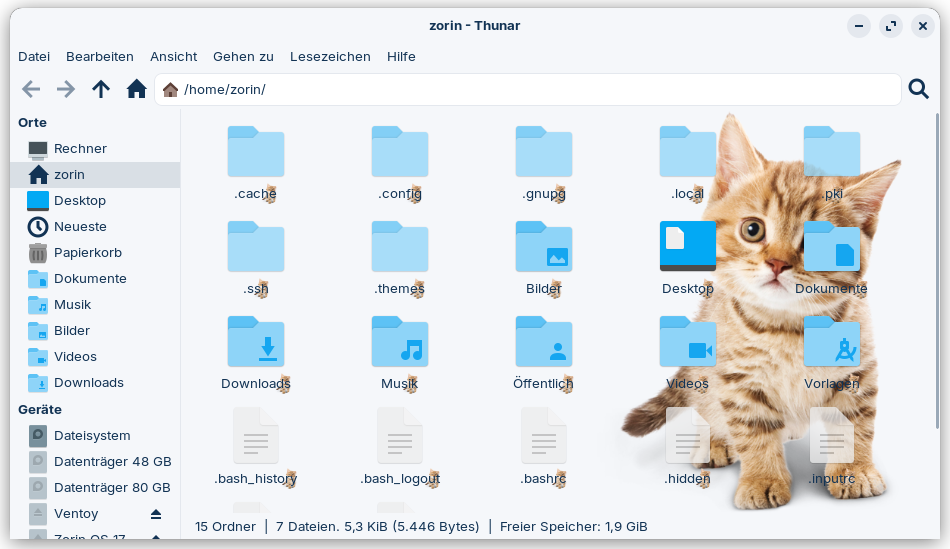
I found that old thread and tried it, but didn't work. Maybe I make something wrong. No background image with those commands in new gtk.css files at ~/.config. When I put the command .thunar .view into the Zorin Theme, many background images were also displayed on the left side of thunar. The bad look on the right side is because I had made the image background blue-tinted.
In Zorin 17,
.thunar .standard-view .view
seems to work without errors. The labels are readable, but don´t look very nice. I set the image with the white background now.
It would be nice if I could adjust it so that the cat doesn't take up the entire vertical space, but only 60% of it, like a invisible box in the right bottom of the thunar window which is e.g
60% of height and 30% of width.
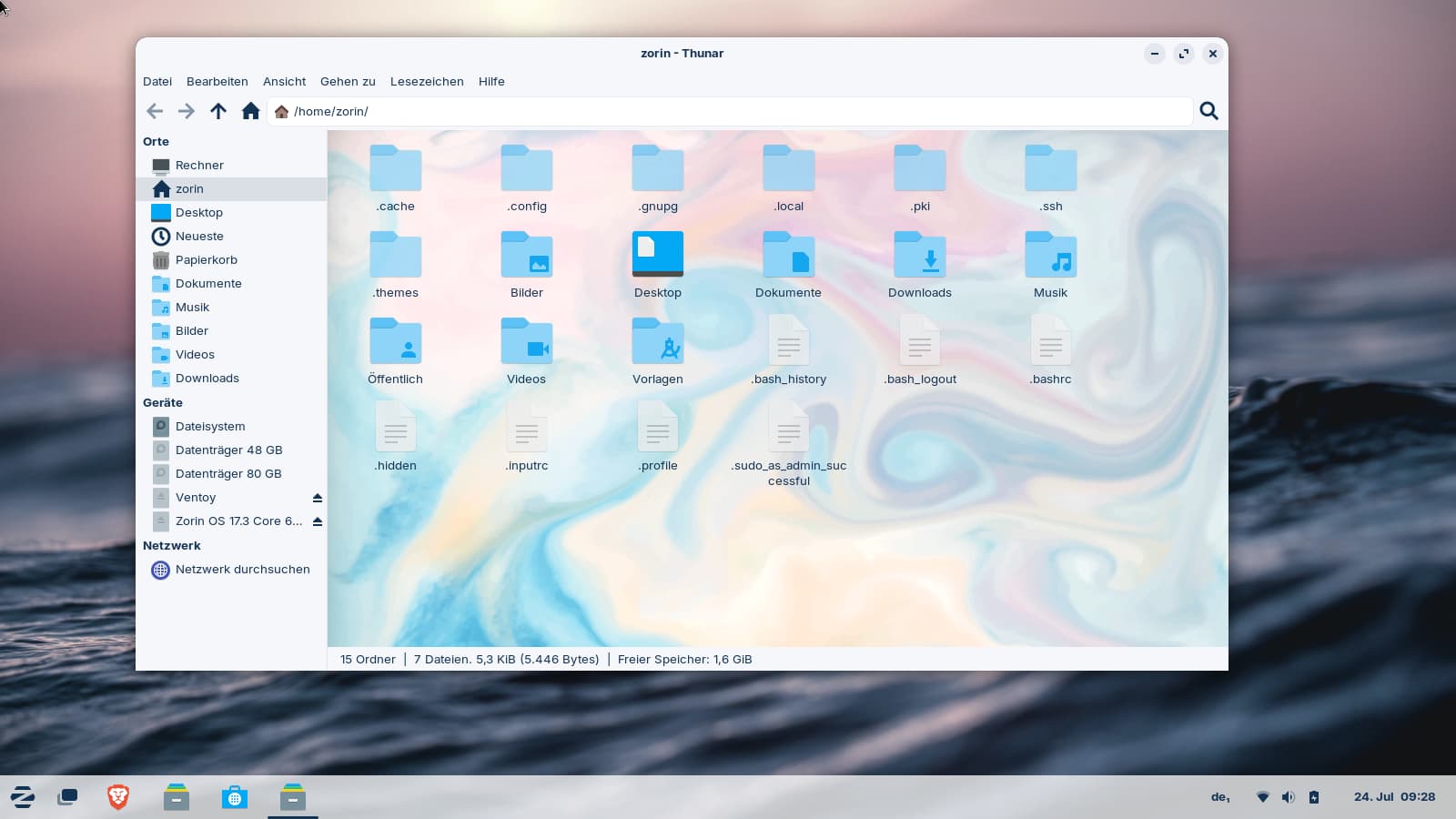
Nautilus has transparent labels in the Zorin theme and non-translucent hidden folders/files. The look is much better there, but difficult to read.
So... what you are actively experiencing is why Gnome discourages user theming.
Observe what happened. You noticed that certain elements interfere with the process. For gnome, this led to complaints about those elements. Not from you, but from people back then.
Here is what I learned when making themes, though: When you add a background image, work with the existing structure instead of trying to resist it.
You could try setting the label .view to have a transparent background... But then the folders are in the way. At that point, we hit a certain truth. That .view section is for displaying the folders and their labels, not a cat.
When we accept that, we transition from trying to force our background image, and instead guiding the theme to be pleasing, without interrupting the folder display.
To me, I think you were toeing the edge with the subtler mountain image - you were heading in the right direction, there. (I suspect the cat image was for testing the code, not for actually having a cat).
The cat is just an example. Probably I won't use myself a background image in the file manager. But I explore how to set a custom background image in different flle managers for another user who has asked.
For the technical; I have done it several times, but it has been a while. I would need to play with this the same way you are to remember and figure it out.
Do you know how to set the background color of the folder/file labels in Thunar to transparent? I've tried to find some information about this, but unfortunately I can't find anything on how to do it.
In Nemo and Nautilus, they're transparent (in Zorin theme of Zorin 17).
Do you have any idea what that setting/class might be called?
Should work. I have too many open projects to test it but... I am quite confident that should work. Tweak properties of values as needed - I was being cautious in case your .view in your theme gives borders or shadows.
I've just added it at the end of the Zorin theme. Maybe there are other original lines in the file which set other colors.
I thought I get errors then which show the lines so that I can easier find it. But there were no conflicts of double set values shown. I can try to set that commands to ~/.config.
Edit: It makes no difference to set them in .config. In the gtk.css file is no
.thunar iconview.view somewhere else, but I found .thunar iconview.
I added background-color: transparent; to the stack, and now the white labels are gone. I need to remove the background picture now from the labels.
Now I tested it on Zorin 18 Core, but this time in a live session.
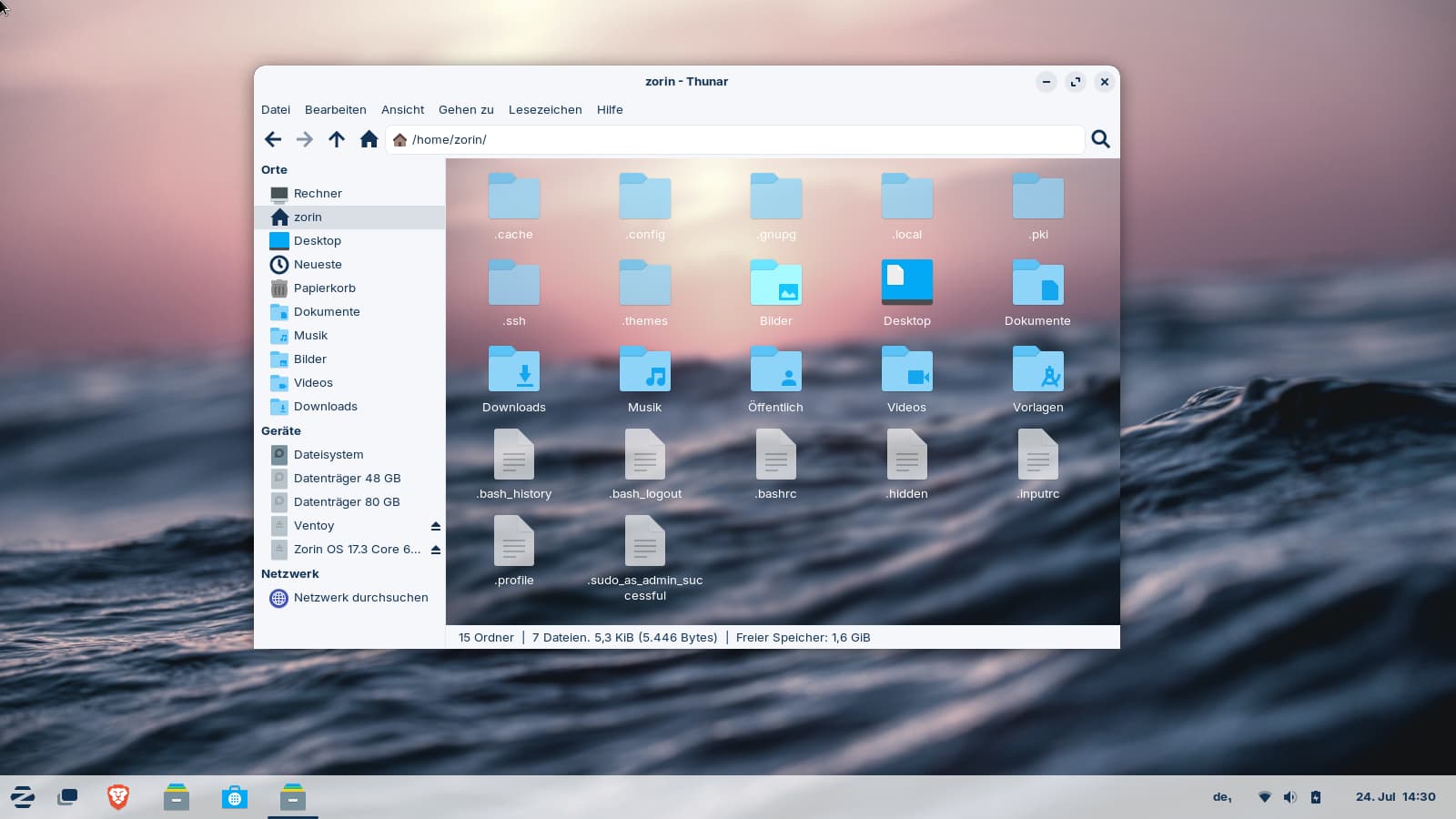
The settings of Zorin 17 worked for Thunar and Nemo, but not for Nautilus. Nautilus showed no background image.
I removed the notebook > stack and set just .nautilus-window, but now the headerbar of Nautilus also has a background image and a part of the image is under the sidebar. What could be the right class for the area with the folders/files?
It is not ready yet and the image not suitable as background, just a fast test. The font-color is not ready, I had to care for other things first.
Edit: With the dark Zorin theme, the headerbar of nautilus is readable and the window looks good. For light themes, light background images are the best, then you do not have to change the other fonts and label colors, and for dark themes, dark background images.