I have continued looking for a full featured Linux PDF program to replace Adobe Acrobat Pro (so I do not need to fool around with Virtual box plus windows) that runs on my computer, not the cloud, and found reviews of BentoPDF such as those at:
https://sourceforge.net/directory/pdf/linux/
that suggest it is an excellent option but a search for it on the Zorin forum came up with nothing. Being a newbie I do not look at other distro forums as that appears to be a recipe for disaster for newbies.
I must admit I like their simple FAQ page as well FAQ - Frequently Asked Questions | BentoPDF although it does not mention if it is contaminated with AI. From this FAQ answer I expect it to be contamination free.
Has anyone used it on Zorin 18 and if so what do/did you think of it? If you deleted it why please? Comments from usage on Zorin 17 could probably also help.
I downloaded it but do not know how to install it as it comes as a .tar.gz and that is a new format to me. I am sure there will be a forum thread to cover that but do wonder that the file is not named BentoPDF. Should I be concerned over that? Should I download from GitHub instead?
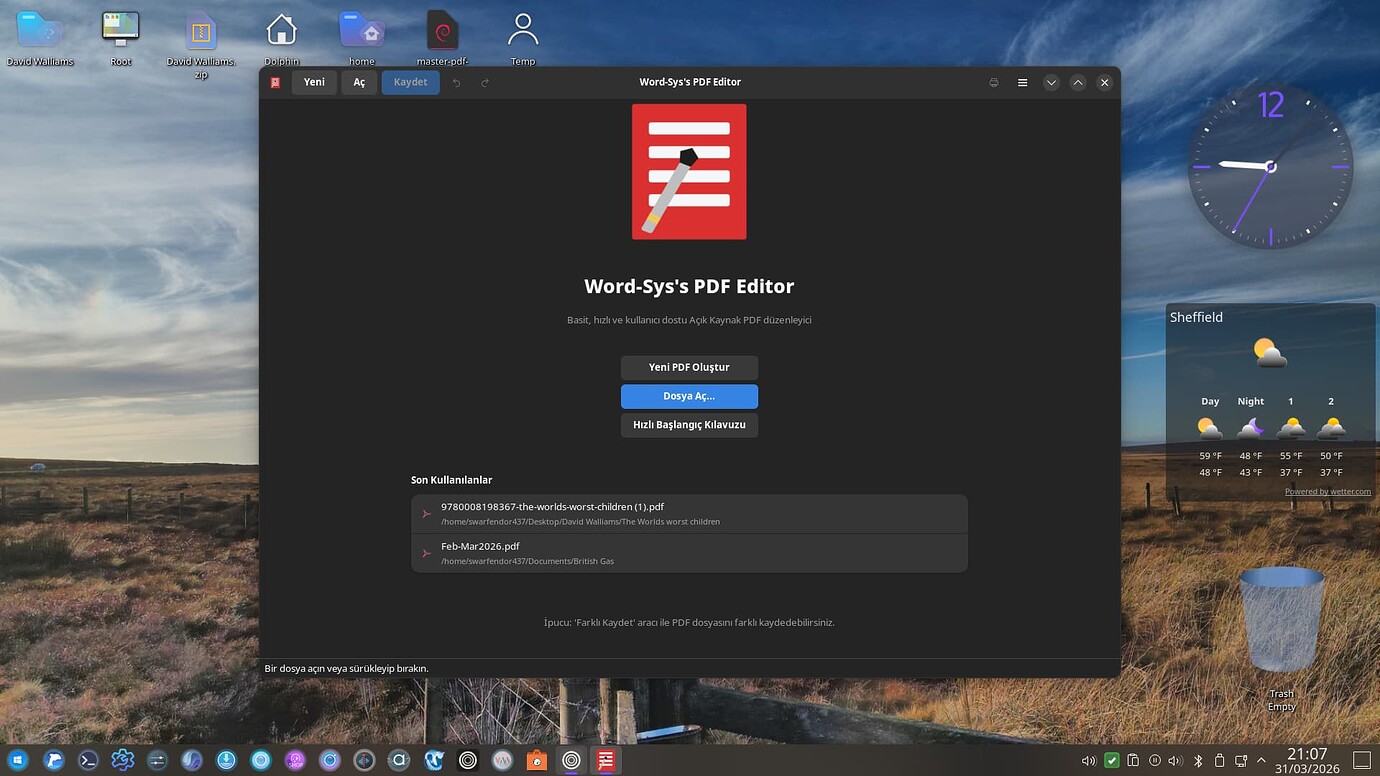
So looking at the GitHub page this looks like it is not an app but can only be used via a web browser. Think I will stick with pdf Studio Pro. Pity there is not an English translation of another free pdf Editor:
Thank you @littlekun - your reply makes far more sense than what I was thinking
@swarfendor437 - My only concern was having to reload LibreOffice which I had replaced with a less capable program that met all my needs and was more user friendly. You presumably dislike using the file inside of Firefox. Can you please explain what issues you have with that so that I can make a more informed decision.
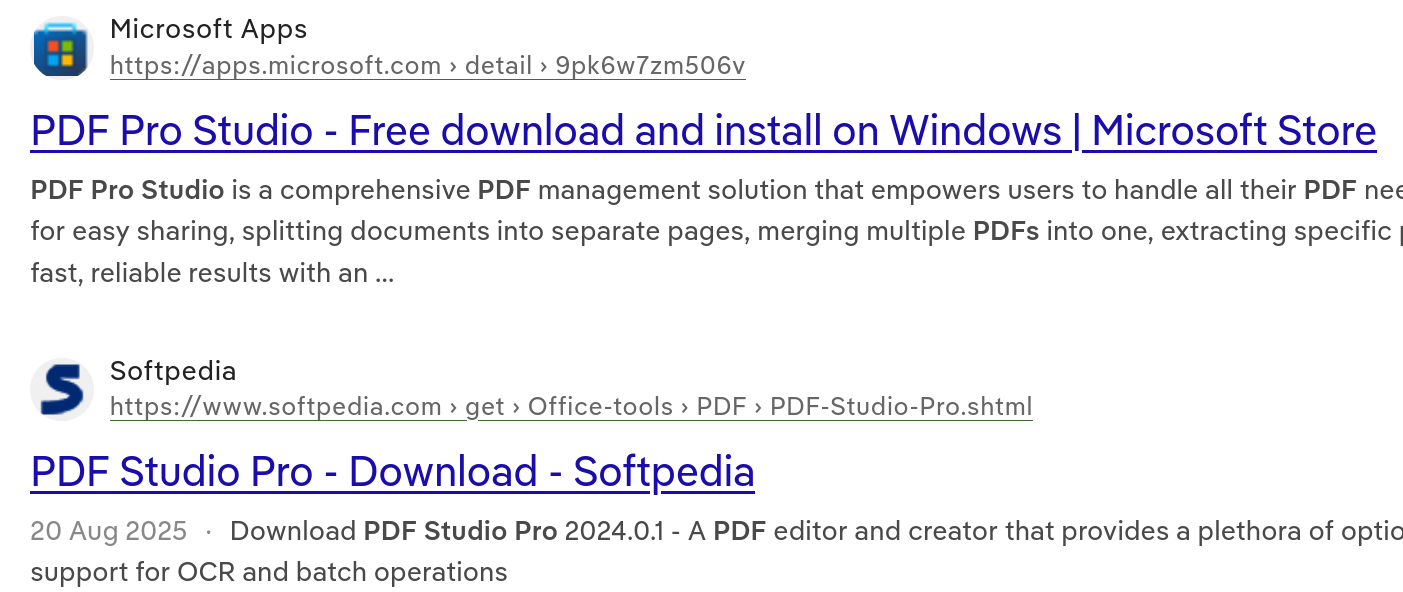
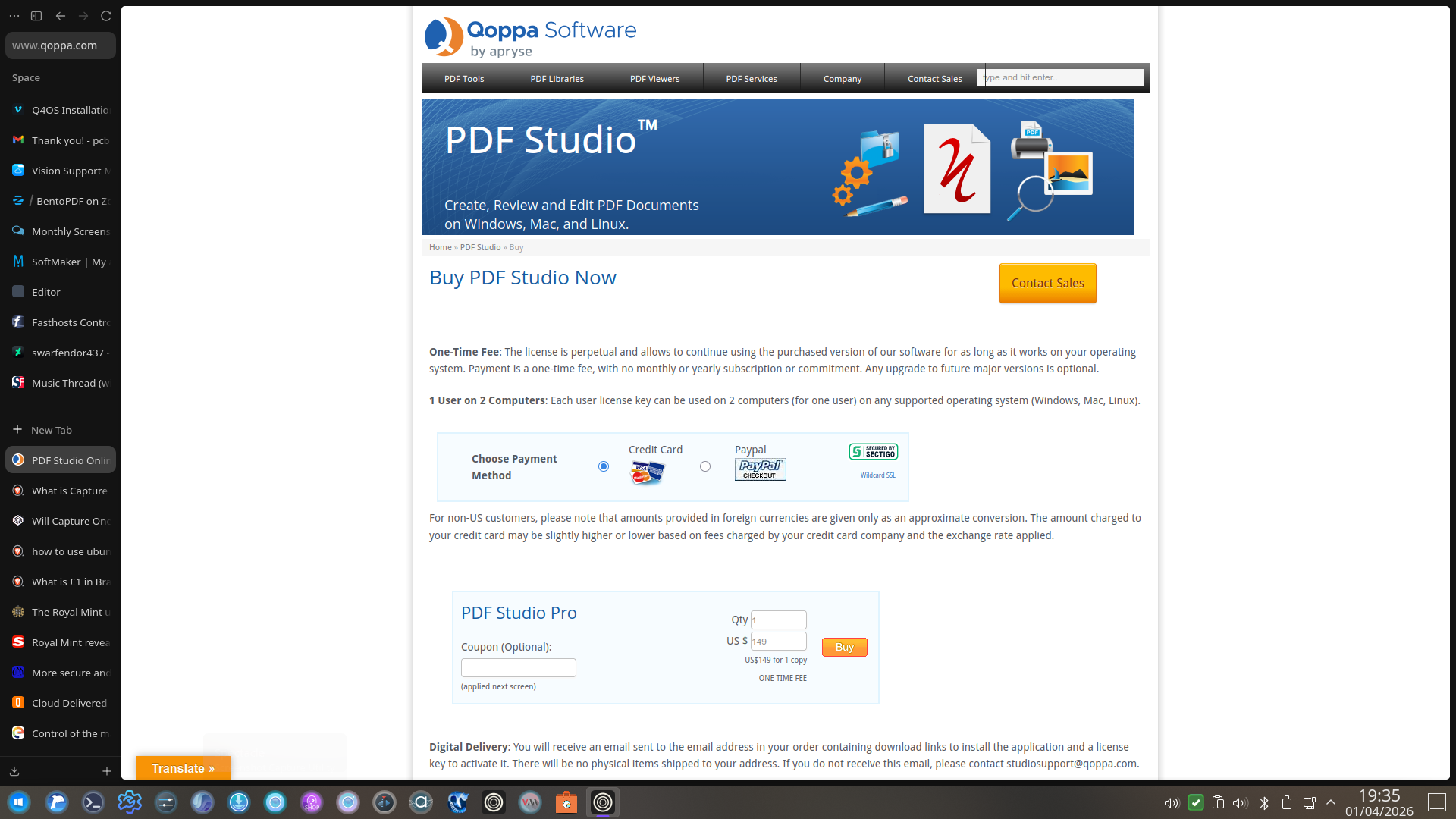
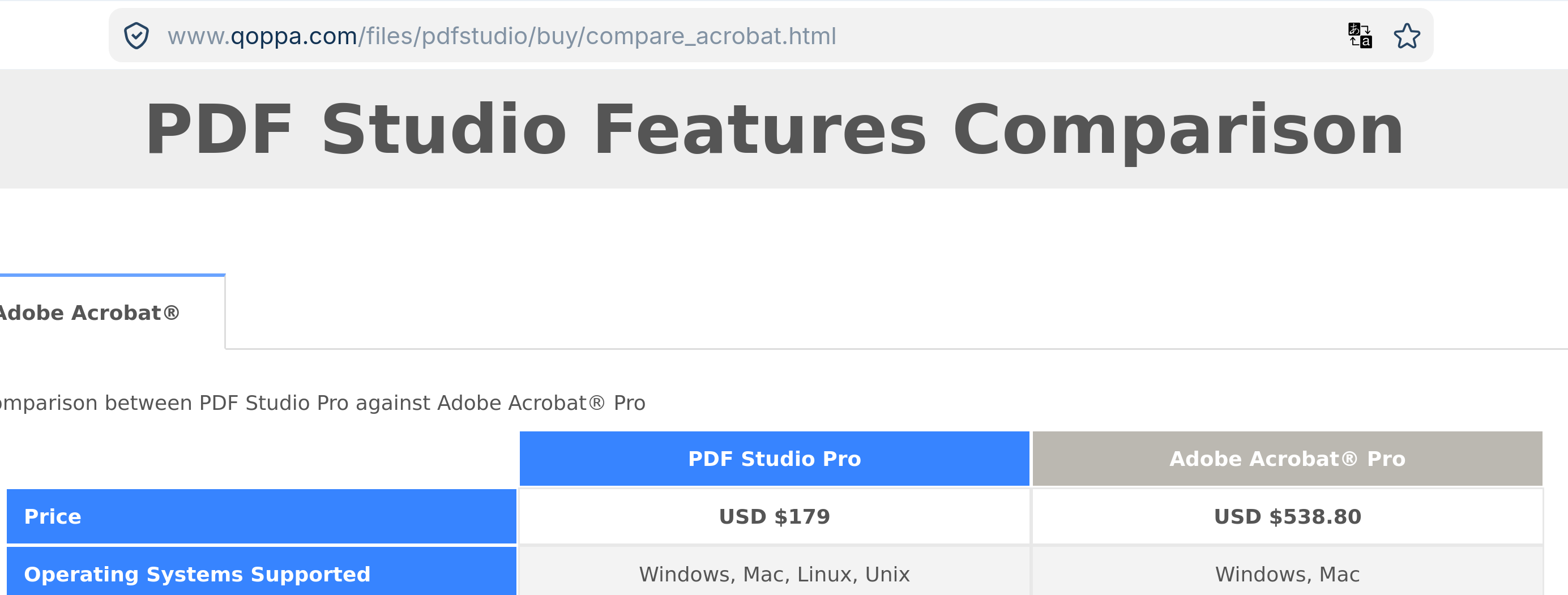
I am looking at pdf Studio Pro (I have downloaded the free trial) and the first program my browser popped up was PDF Pro Studio. I love it when two programs or books or ... have almost the same name - not. At present with fuel prices high and us having to travel almost 200km every day for medical I think that Au$220 is more than I should be spending so it will have significant benefits for me to purchase at present. NOTE that two pages on the PDF studio pro show two different prices for the same package - 149USD and 179USD = 220AUD
Thank you @Nourpon - I did try it and it was excellent but outside my budget - I might spend that on a lifetime purchase but not on subscriptionware You will understand once you are retired and you and your partner have medical issues
That is weird. I am wondering if it has anything to do with Tariff wars? I was helping a forum member in the US and out remotely and out of curiosity I went to SoftMaker Office site and cfor someone in the US it costs twice as much someone in the UK would pay!
There is another alternative that @NeilW posted which I forgot about, here:
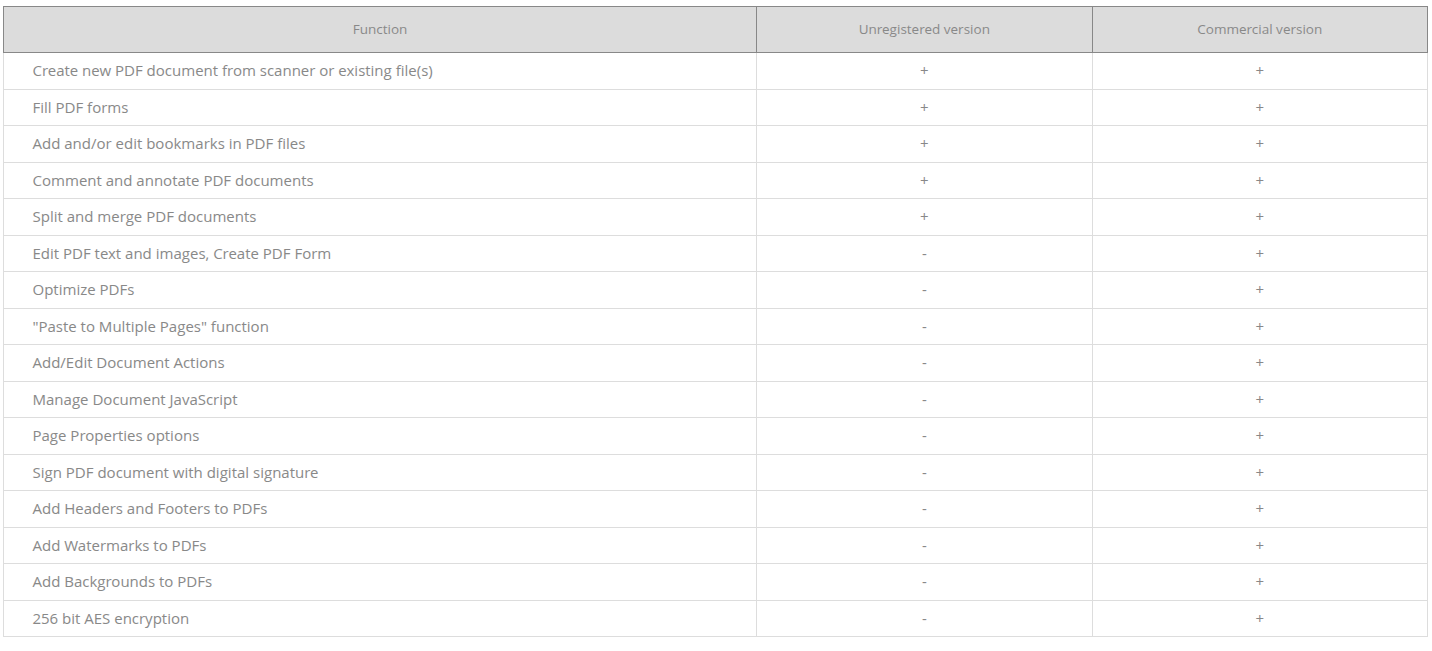
you can use unregistered version for free:
"The unregistered version can be used only in personal, noncommercial purposes to view documents, fill PDF forms, comment and print documents. In order to use the application for commercial purposes, and with its full functionality you are required to purchase a license."
Thanks @Nourpon for that information but unfortunately I need to optimise and watermark documents and both those features are only available in the pro version.
I scan, pdf and post historic documents on several websites where members are free to download and share them. The first file I uploaded was available for purchase on a thieving @#$%^ website just days after. Ever since I watermark every upload with the name of the site so that when @#$%^ do try to sell a copy the potential purchaser can see where it was stolen from and get it free just by becoming a (free) member of that site.
That sounds like a great little program but I also need optimisation.
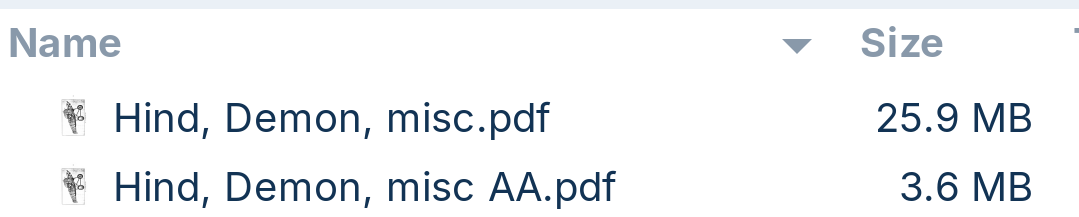
Below is a PDF file created in MS Office and how much Adobe Acrobat 9 reduced it using optimisation. Given AA9 is about 15 years old I would expect a better result with a more modern program. I even get similar, or greater, file size reduction with files created from tiffs by AA9.
" Ghostscript is the primary command-line utility for compressing PDFs on Linux, offering both lossy and lossless options through the -dPDFSETTINGS flag (e.g., /screen for 72 DPI, /ebook for 150 DPI, /printer for 300 DPI). The standard command to reduce file size is gs -sDEVICE=pdfwrite -dPDFSETTINGS=/ebook -dNOPAUSE -dBATCH -sOutputFile=output.pdf input.pdf .
qpdf provides lossless compression by reorganizing the PDF's internal structure without degrading image quality, using the command qpdf --linearize input.pdf output.pdf . For users preferring a graphical interface , Densify serves as a GUI wrapper around Ghostscript, allowing selection of optimization levels (screen, ebook, printer, prepress) via a simple interface.
Other specialized tools include:
pdfsizeopt : A powerful command-line tool often used for aggressive compression, particularly for LaTeX-generated PDFs, though it requires dependencies like jbig2enc and pngout .
Minuimus : A tool that compacts PDFs transparently by rebuilding them to remove unused data without altering content.
ps2pdf : A wrapper script around Ghostscript that can efficiently compress files by converting them to PostScript and back.



 Compress PDF —