Recently purchased one of these from Amazon (the clue is in the model number, it uses BT 5.4)

A few tips first.
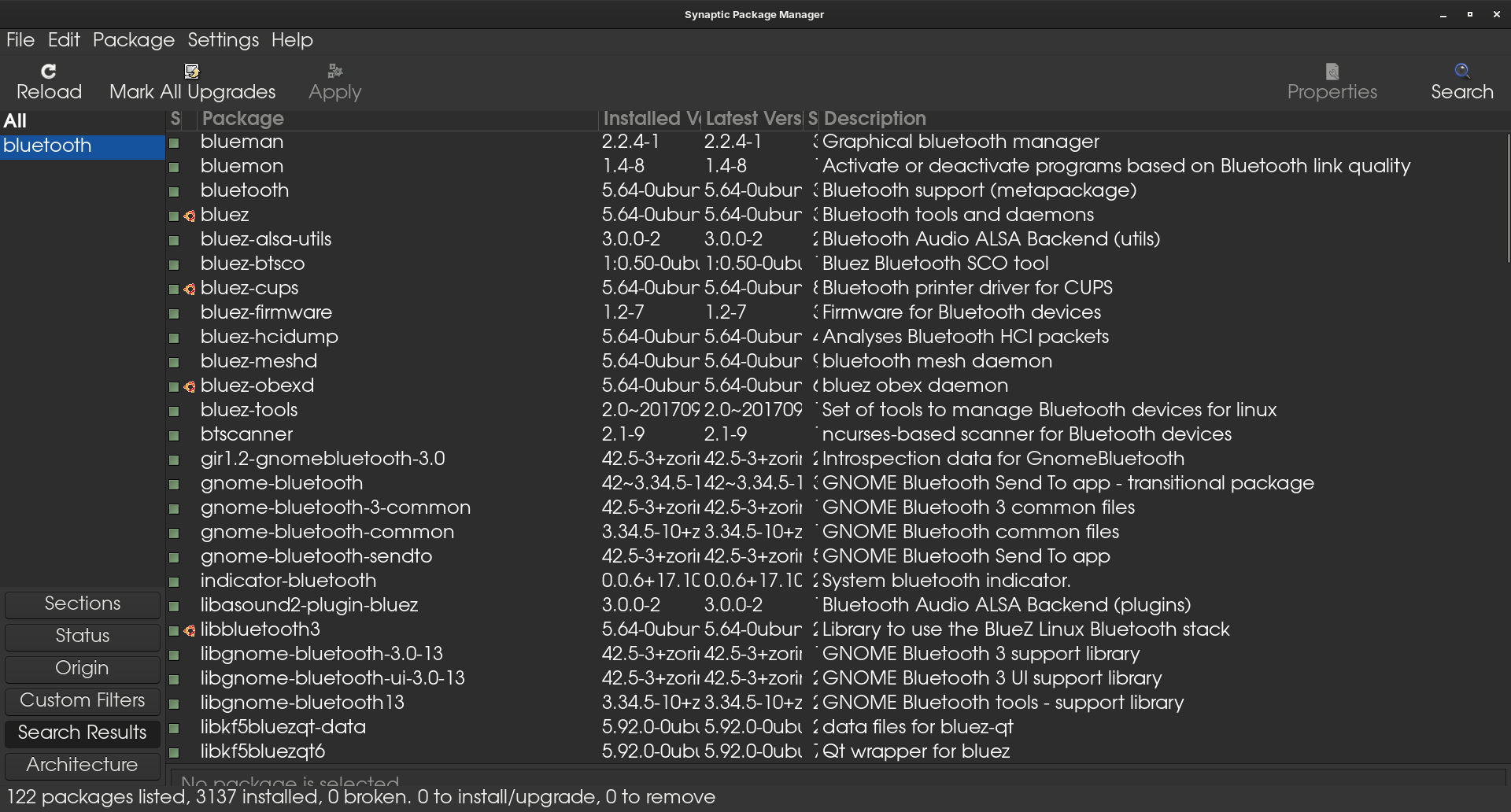
Make sure you have all these packages installed using Synaptic Package Manager:

Next, make sure you have a wired USB mouse while you setup your Bluetooth Mouse. This is to enable you to click on the device in settings to Connect:
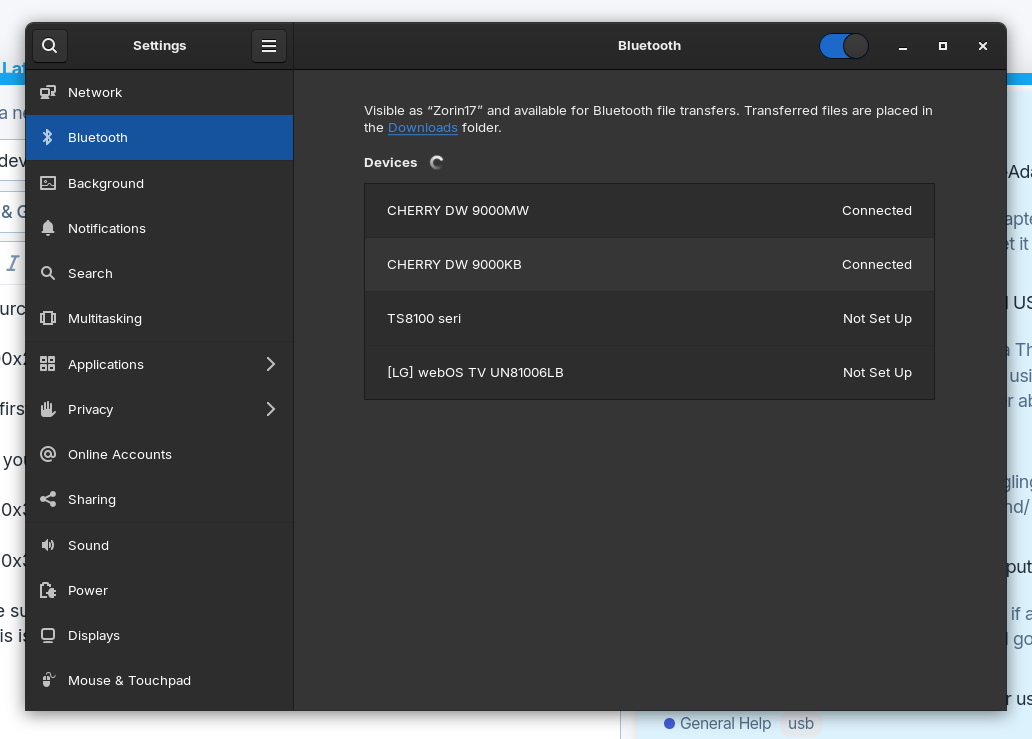
For connecting the USB Mouse (I have a Mk1 Cherry DW-9000 slim keyboard and mouse), it was just a case of switching from RF to Bluetooth and using the wired usb mouse to click on connect. Now if you leave the wired USB mouse connected you will get a lot of wobble from the bluetooth mouse so disconnect it. To connect the keyboard I held the connection button for a few seconds. Zorin then came up with a pairing key on screen. Don't attempt to use the numeric keypad, use the numbers on the top row.
I noticed in Synaptic Package Manager, BT6 is now out and about so if your device uses Bluetooth 6 you will need to install these:

(Just to add, have not been able to add the keyboard on PCLOS Debian!)
This now means I will have to add this to the Unofficial Manual for 18 - but will try it out first.