for the first 10 seconds everything runs smooth then after 5-10 seconds 2 blink like flash occur and then yt video starts to lag and i tried turning off hardware acceleration and not only yt video but whole browser starts lagging even on normal webpage.
Then try it with switching to X11/Xorg and see if it behaves better. To do that, go to the Login Screen. Click on Your Profile so that the Password Field appears. When it is appeared, You should see a Gear Icon in the bottom right Corner. Click on it and choose the Option ''Zorin Desktop on Xorg'' and then log in.
Beside that: Is Brave installed as Flatpak or .deb Version? Do You have installed all the Codecs?
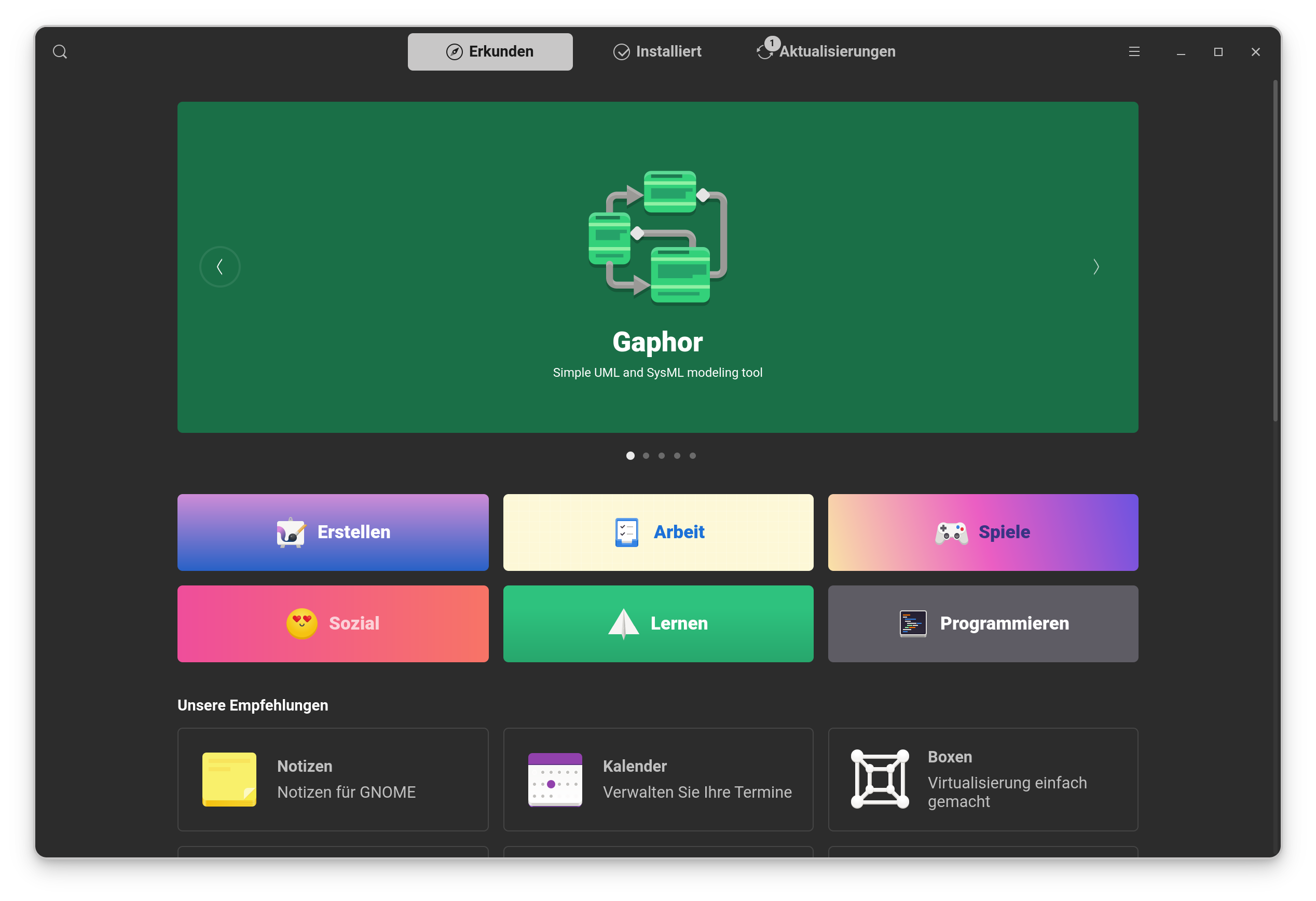
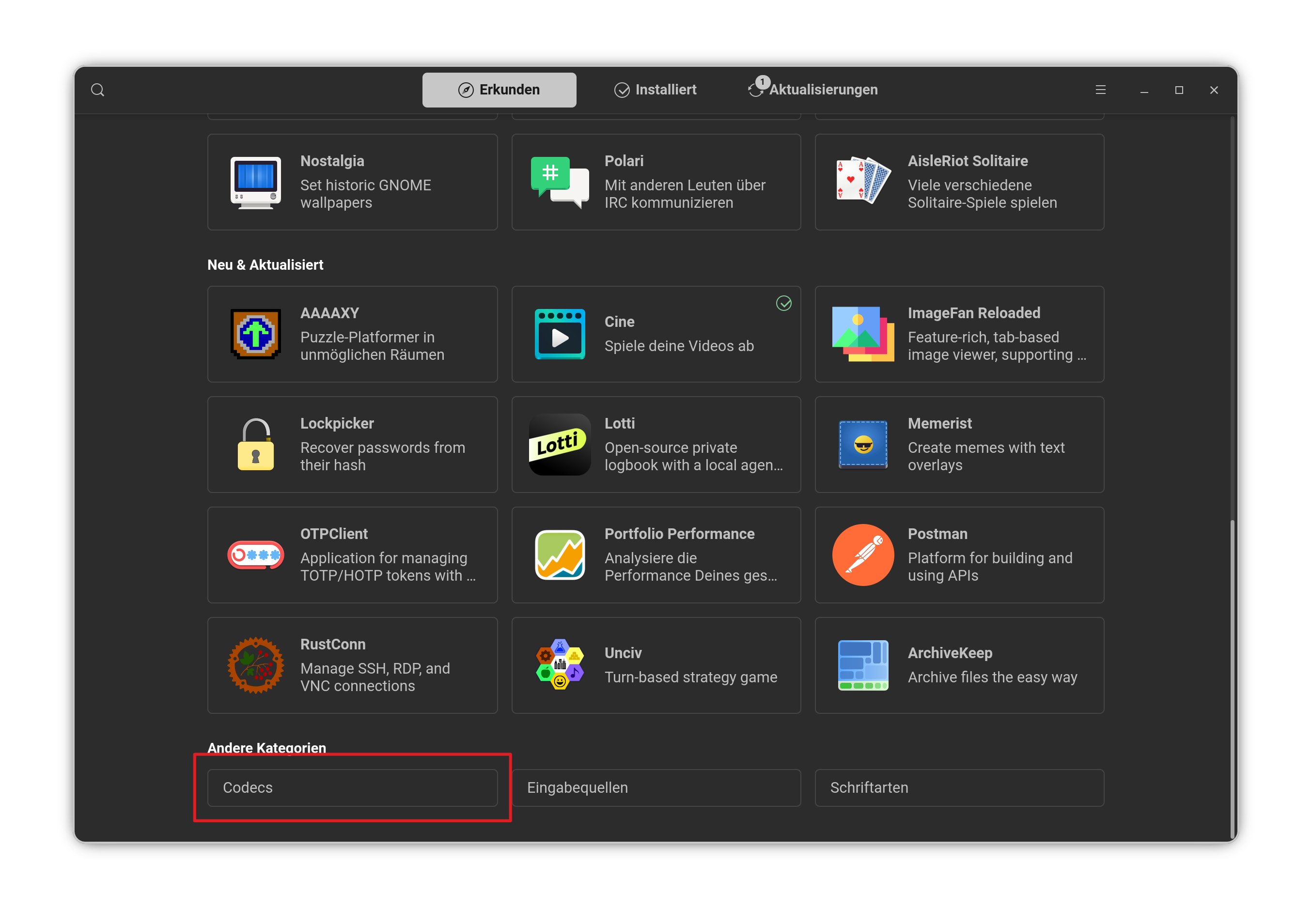
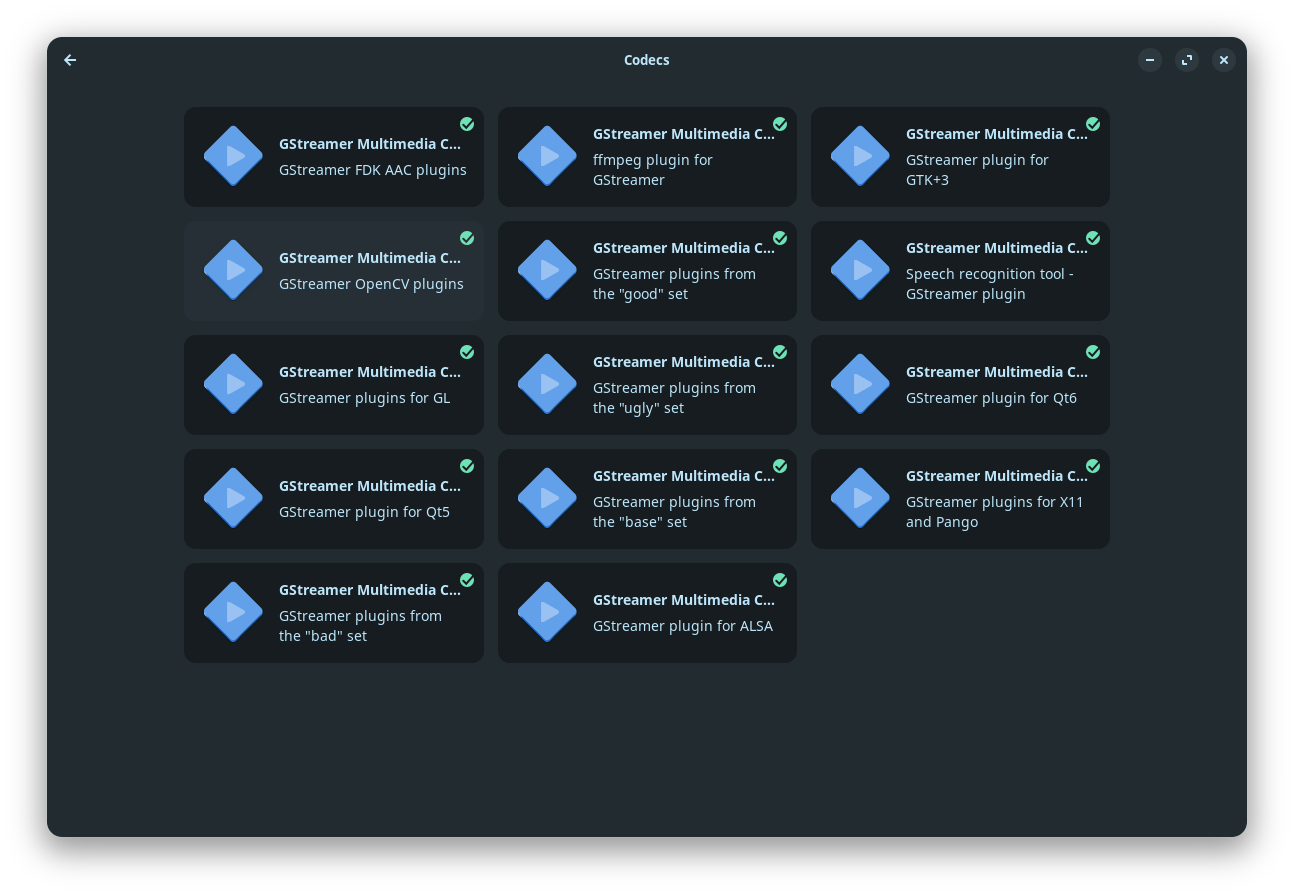
Open gnome software and scroll to the End. there is a Button called ''Codecs''. Click on it and You get an Overview with Codec Packages. Install them all.
For additional Codec Support, You can install some Stuff via Terminal:
The last Packages is a bundle and includes beside Codecs Microsoft Fonts. Because of that, You will get a Licence Agreement Prompt. That is normal. Read it and navigate with the Tab Key to ''Ok'' and press Enter.
You can install ubuntu-restricted-extras without MS Fonts:
" To install Ubuntu Restricted Extras without the Microsoft fonts, you must install the individual components manually or use a specific apt flag, as the ubuntu-restricted-extras meta-package includes the ttf-mscorefonts-installer package by default.
Method 1: Install Recommended Packages Directly The Microsoft fonts are listed as "recommended" rather than "essential" dependencies. You can install the media codecs and other extras without the fonts by running:
Thought I would take a look using Brave Search engine via Mojeek. I used Ubuntu 24.04 in the search criteria as that is what Zorin 18 is a fork of:
" Users on Ubuntu 24.04 using the Apt version of Brave Browser have reported system lockups and lag when hardware acceleration is enabled, particularly with AMD Radeon GPUs. The root cause is identified as a GPU-related bug in specific Brave versions (such as 1.82.166 , .170 , and .172 ) that conflicts with the Mesa drivers on Linux, causing the browser to crash the GPU driver and freeze the system.
Common solutions and workarounds include:
Disable Hardware Acceleration : Turn off "Use graphics acceleration when available" in Brave's System settings to offload processing to the CPU, though this may increase CPU temperature.
Disable Ambient Mode : Turn off "Ambient Mode" in YouTube's video settings, as this feature is a frequent cause of stuttering and lag in Brave.
Override GPU Blocklist : Enable the #ignore-gpu-blocklist flag in brave://flags to force GPU acceleration if it is being incorrectly disabled.
Update or Downgrade : Ensure Brave is updated to the latest stable version, or downgrade to a previous stable release (e.g., 1.81.137 ) if the issue persists in newer builds.
Looked at a different approach as to best browser:
" For most Linux users, Firefox is the best browser for watching YouTube without lag, particularly when paired with the uBlock Origin extension. It offers strong performance on low-spec hardware and avoids the high RAM usage associated with Chromium-based browsers.
If you encounter stuttering in Firefox, consider these optimized alternatives:
Google Chrome/Chromium : Often the smoothest option for very low-end hardware (e.g., old eeePCs or weak integrated graphics) because YouTube’s infrastructure is optimized for Google’s ecosystem.
LibreWolf : A privacy-focused fork of Firefox that may offer better performance by default if you disable telemetry and fingerprinting protections.
MPV + yt-dlp : The most resource-efficient method for terminal users or extremely weak machines, as it bypasses the browser entirely and uses lightweight local decoding.
Key Optimization Tips:
Disable Ambient Mode : This feature in YouTube settings significantly increases GPU load and should be turned off.
Force H.264 : Install the h264ify extension to force YouTube to use the widely supported H.264 codec instead of AV1 or VP9, which can cause stuttering on older graphics drivers.
Hardware Acceleration : Ensure hardware acceleration is enabled in your browser settings and that you have the correct proprietary graphics drivers installed.