I have Zorin Pro.
Since this morning, I can no longer log in to my laptop like I used to. After entering my password, I keep returning to the login screen. Can anyone help me?
Hello,
Can you press ctrl+alt+F2 or F3 or F4? It will get you to commandline. Are you using xorg or Wayland display protocol? Nvidia/intel or AMD video card?
When in commandline, try update the system and see if it helps;
sudo apt update && sudo apt upgrade
1 Like
I wil try
does'nt change anything.
I can log in via ctrl + alt + F2
Welcome to the Forum!
Try it with the Command sudo apt reinstall gdm3 zorin-os-desktop
thanks for the answer. but it doesn't work.
Hmm ... when You are on the Login Screen, does it behave normal? Or do You have any Screen Flickering, or is there a Delay when You do something, Clicking, Typing?
What is with @Storm's alrady asked Questions:
the login screen is behaving normal after enter my password screen becomes black and after about 3 sec. he returns to the login screen again.
i have nvidia on board but i don´t now the setting.
i don´t know the difference
At the login screen, click the username. A cog should appear somewhere, click it. Choose the Non-wayland option (can't recall it what's it call in Zorin). Then try login afterwards.
1 Like
I would suggest entering the Grub Menu and selecting "Advanced options for Zorin, then selecting the option to boot on Zorin on 6.14...kernel and not the6.17` kernel - see if that leads to a normal boot.
i have only the options:
- zorin desktop on xorg(error message)
- zorin desktop(after enter in password returns back to login screen)
i have linux 6.8.0-90 and linux 6.8.0-94 both not working
when i go to terminal mode i can login. so th login is ok
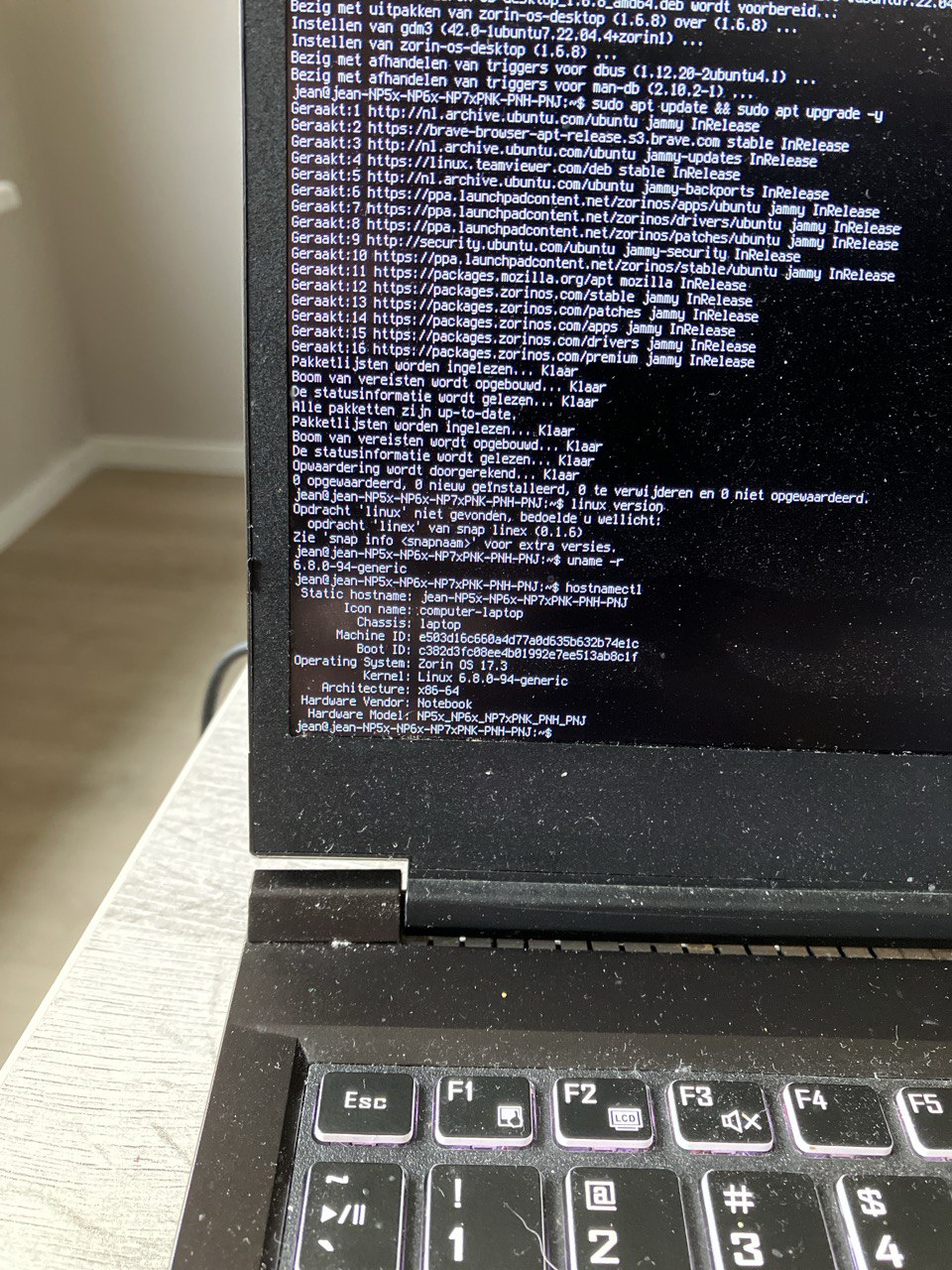
So, You are on Zorin 17, yes?
yes i have
zorin 17
i have changed from gdm3 to lightdm same problem
Luckily, I also have Linux Mint running on this laptop. Maybe I should just stick with Linux Mint.
I can't solve the problem. I've been using Zorin for at least six months, and then suddenly, this problem occurred overnight.
On Zorin OS, can you try:
sudo apt install --reinstall zorin-os-desktop
There are many things that can cause a login loop on Ubuntu derivatives, but the Gnome Shell crashing at launch is usually first suspect.
i have tried this but no difference
I am seeing many users make this statement - that Gnome Shell seems to just start crashing out of the blue.
Clearly, the Gnome 46 version has something very sensitive going on with it...