I'm trying to Install ZORIN OS 18 Core and no matter what I do, I fall into the same issue. A 'fatal error' occurs that prevents installation and it lets me use the live usb environment to find out what's the issue. I believe it has to do with the GPU because of the error when trying to launch the Install Zorin OS app with dedicated GPU.
I use an HP Omen 16" with an AMD Ryzen 8940HX and NVIDIA RTX 5060 Laptop GPU.
The NVIDIA driver preinstalled was 580.126.09, and the only error I found was related to NvKmsKapiDevice.
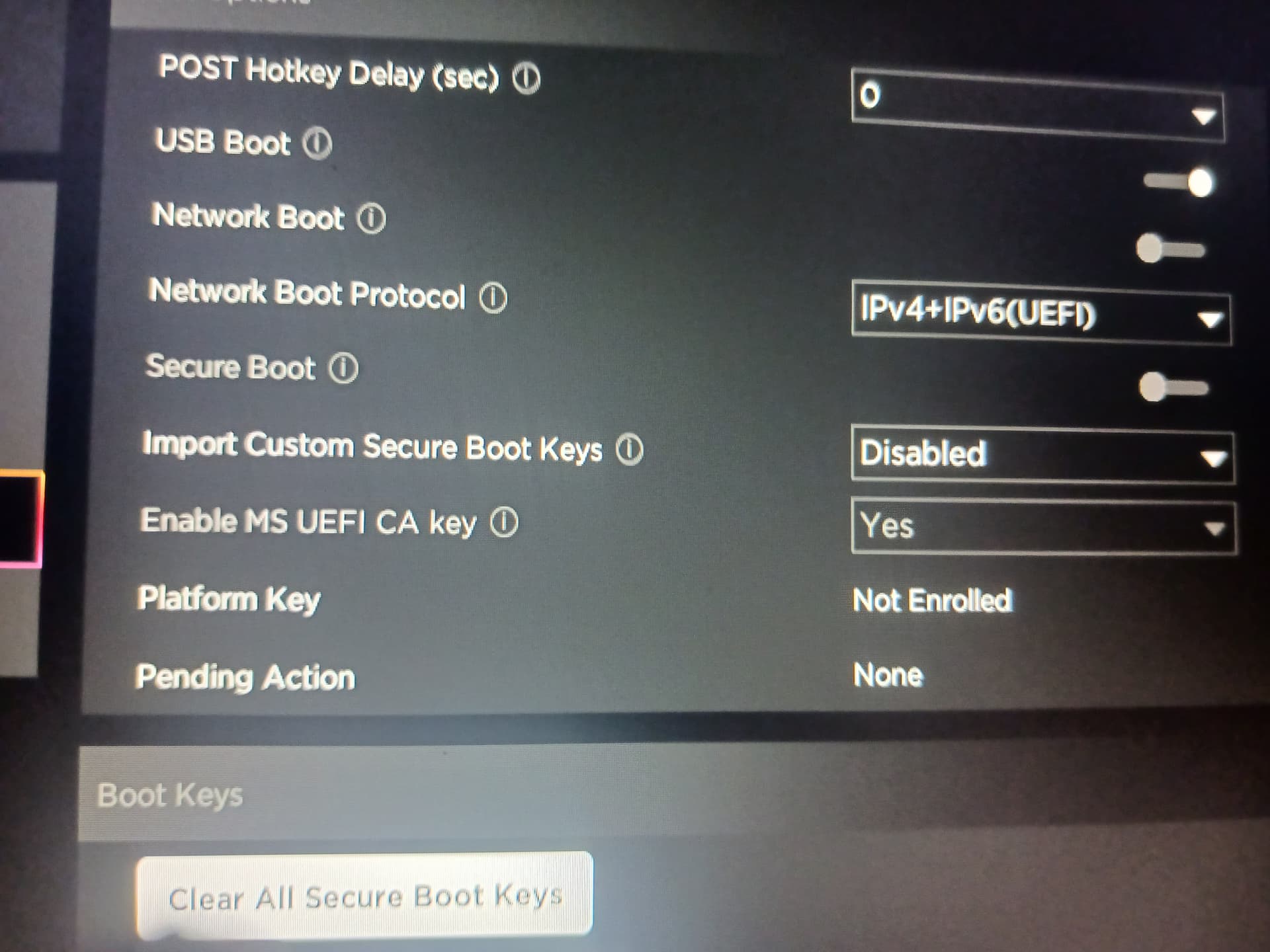
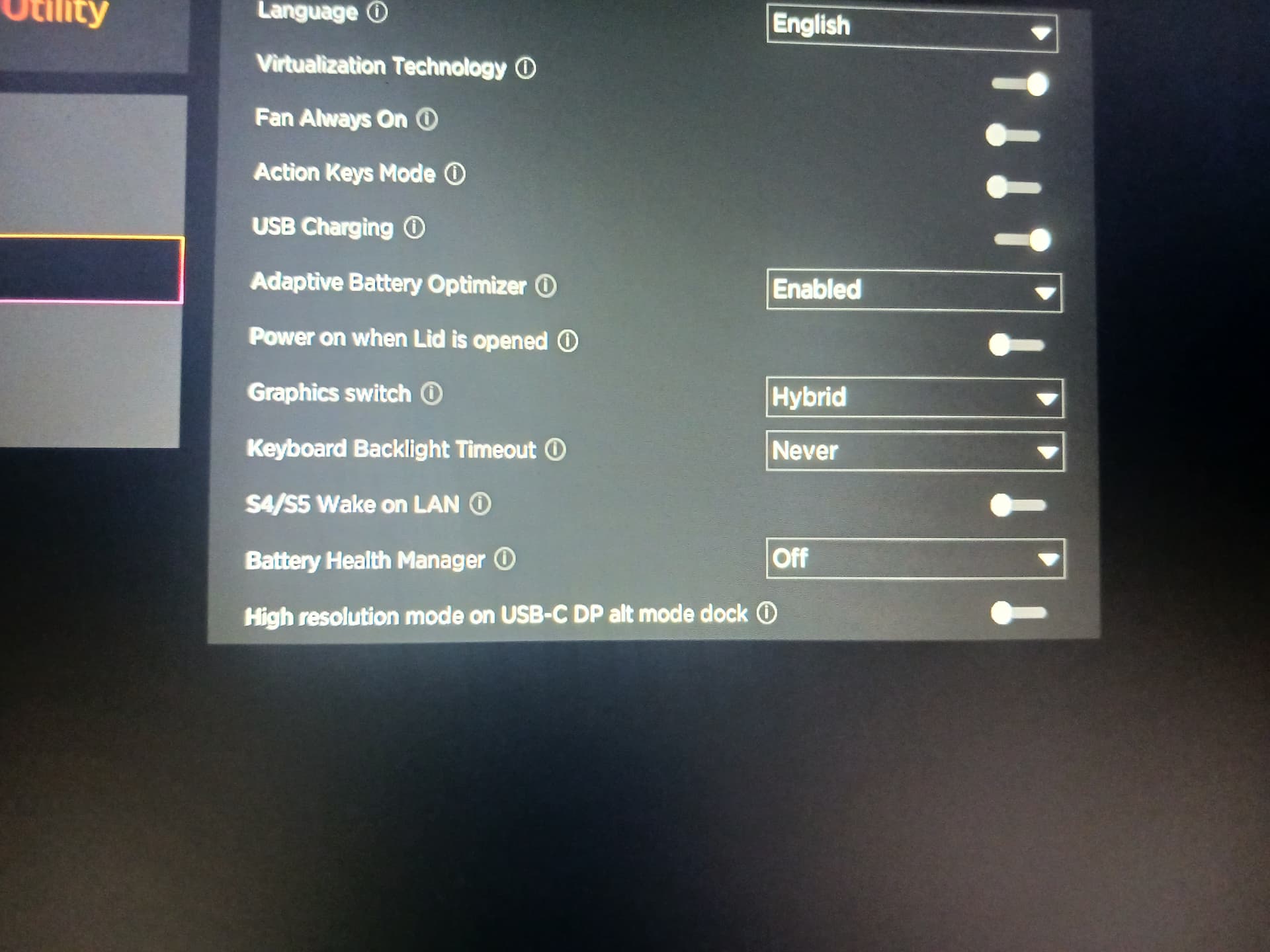
For BIOS settings, yes Secure boot was turned off (it always has been), and my graphics were set as Hybrid.
After more research, I found that this seems to be an issue with the ubuntu side of Zorin itself, something related to subiquity. I tried to install Linux Mint and Ubuntu and found the same types of errors.
Try to enable 4G decoding in your BIOS.
I'm not sure. Maybe this guide can help to find it?
If you have a Dualboot with Windows please disable fast startup in the energy settings of Windows.
Also disable fast startup in your BIOS.
Good call, I am trying to dualboot with windows. I'll do it after I update my Bios since it is outdated.
Found out that 4G decoding is automatically enabled and can't be disabled on my laptop
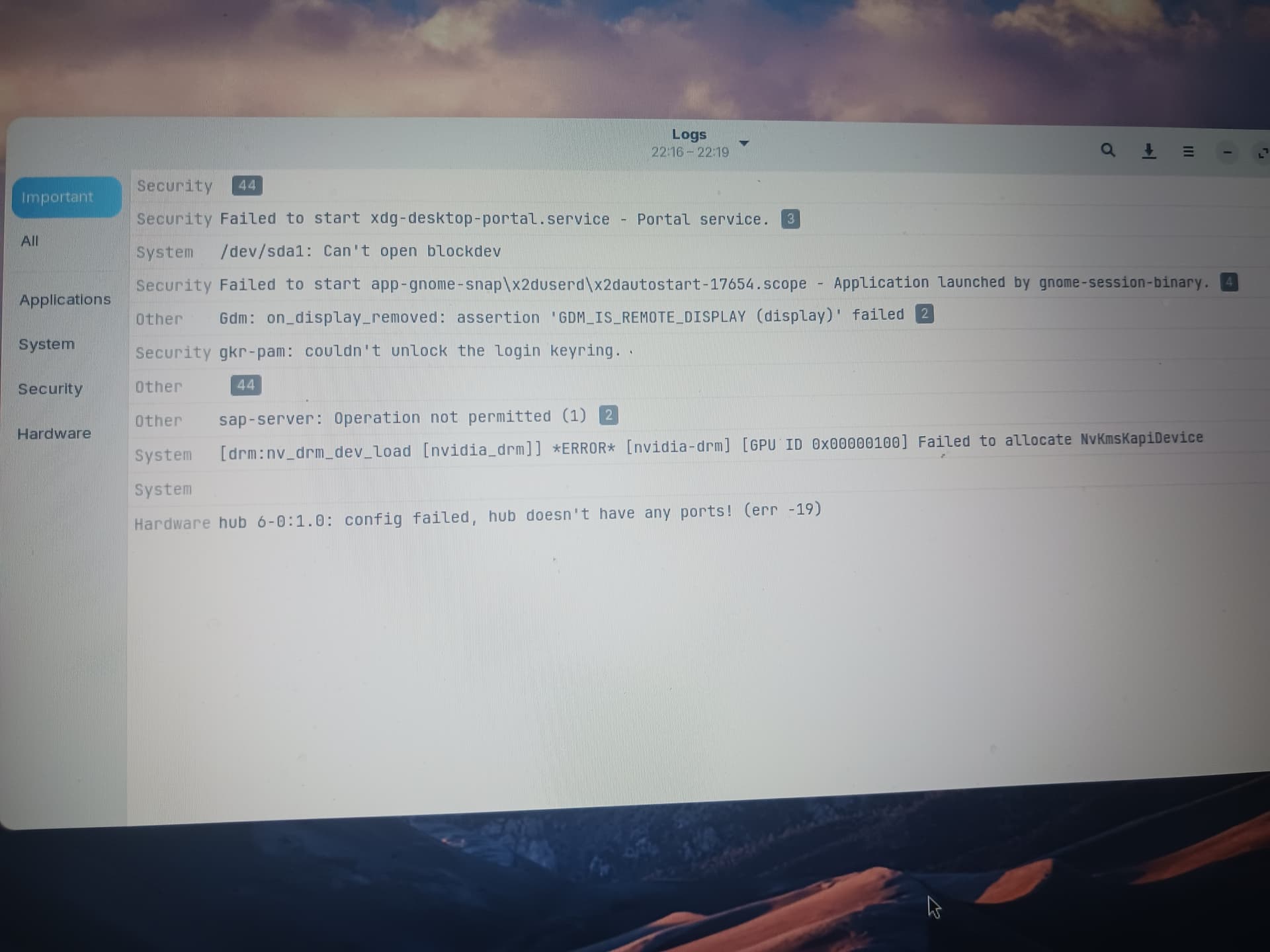
One thing that stands out is that the Nvidia Driver is failing to show Kernel module support.
What happens if you install Zorin OS without any Nvidia driver, relying on the integrated GPU?
Then install the Nvidia driver after install is complete.
I get the same issue as before, even when turning it off in the bios. I do notice that some logs change when I do normal install
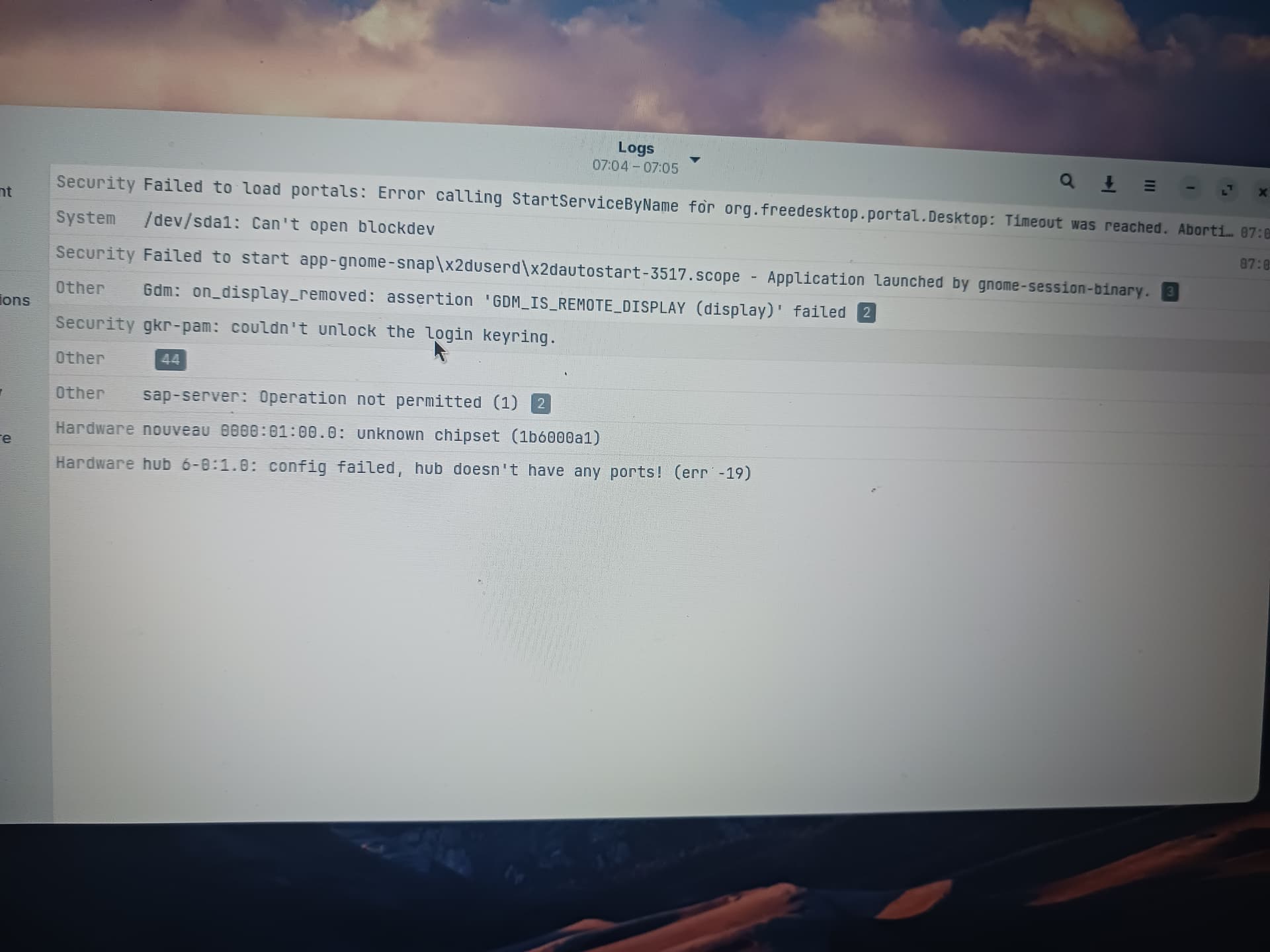
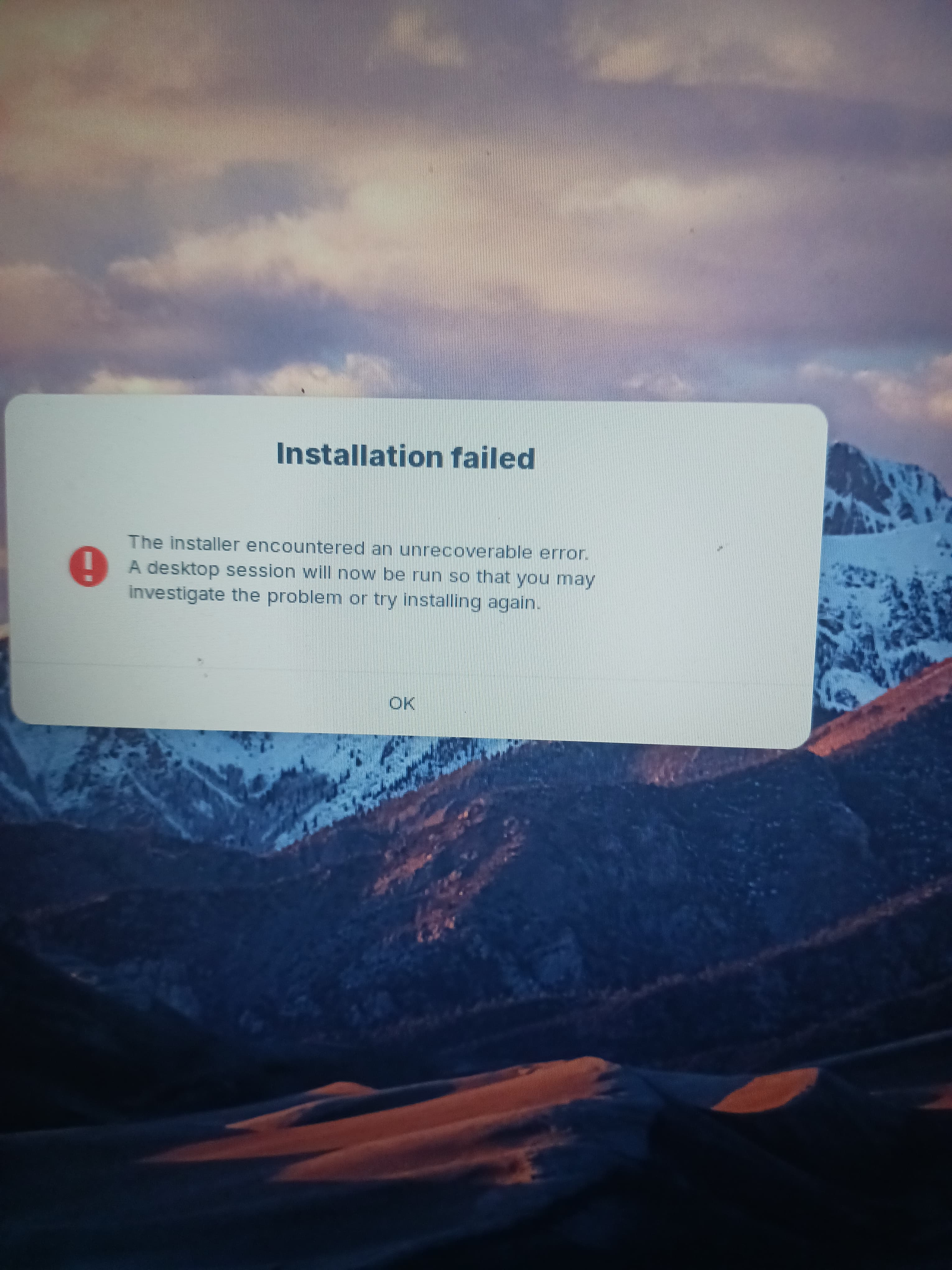
I am not seeing anything in the new logs that stands out as fatal...
But, it is after 1am here, so I will go into a coma, for now.
It's 11pm for me, I'll head off to sleep too. Good night brother.
Welcome to the Form!
In the bottom left Corner is a Button ''Clear All Secure Boot Keys''. Click it and then try the Installation again.
Another Point: It looks like Your BIOS runs in UEFI. Is that correct? What Tool did You use the create the Bootstick? Did You checked the Checksum of the ISO?
Did You tried it with an Offline Installation - or at least without installing Drivers and Updates?
My Bios is UEFI, and I flashed the Bios with an .exe on my machine from HP and I had tried different usb programs like Balena and Rufus yet found that Ventoy gave me less driver errors on Windows reinstall and Fedora. So I currently use Ventoy. I checked the checksum of the ISO and nothing was seen as wrong, I even managed to install the same .iso on a different machine with only a intel i7 10th gen. Offline Install doesn't change anything, and attempting to install with different drivers only removes the NVIDIA error (I still cant open the install zorin shortcut regardless)
Hmm thats an rtx 5060 i dont think the kernel thats currently in zorin even supports those(yet) i belive if what im hearing in other forums is the Mesa 25 drivers are needed so not sure what verson kernel has those i think the one im testing does
heres a link to it if ya want to give it a try.. no real guarrentees.but its possible
of course you will have to get zorin installed first
Doesn't seem to be possible atm  But the 5060 only causes one error so idk if its a gpu problem anymore
Did You set up Your Ventoy Stick with GPT for Your UEFI Bios?