Hi. I am having the Kernel Panic! screen come up and can't access anything. I had dual boot so booted into Windows 10. I don't have any technical skills where Linux is concerned and the solutions described don't make much sense to my newbie self. What do I do from here? I was relatively happy with Zorin until now.
From the Grub Menu where you select either Windows OS or Zorin OS, you should also see:
- Advanced options for Zorin
Selecting that will offer you to boot Zorin OS, Boot Zorin OS on recovery or boot Zorin OS on an earlier kernel.
So by tapping the Down Arrow key Twice, you should land on the option to boot Zorin from the earlier kernel.
If you can try that first...
1 Like
Thank you. I was able to boot into an earlier kernel. Will I need to do this each time? Also, will the software updater try to reinstall the buggy update again?
1 Like
Follow now the guide "How to set an older kernel as default" in the thread above when you have already booted into the older kernel.
Start with opening a terminal and enter
sudo nano /etc/default/grub
1 Like
Here is the link, again:
Yes, the updater will install later kernels - and the buggy one is still installed. You are just booted into the working stable kernel.
With the above link, those updates can be ignored.
2 Likes
Thanks again for your help.
2 Likes
This happened to me yesterday also on (2) computers
One laptop with no virtual box, One desktop with virtual box
One is AMD and other Intel
One is ethernet connected the other wifi
at the end of running the Updater in Zorin, each said something like
unable to delete kernel 6 ( don't remember perfectly) and after that if I started the computer again I was in Kernel panic
Which of the updates are the ones for Kernel 7.0 so I can not update them
The updater said i had security updates to install along with many others.How can I get the security updates and not the kernel update?
Kernel panic says unable to mount root
thanks
dan
When You use the Software Updater, untick the Kernel Updates.
do you mean the ones that say ....zorin drivers ubuntu noble?
there are 3 of these but I don't see anything that says Kernel updates
I am in the "Other Software" tab
thanks
dan
Wait I see in Updates/Subscribe to a choice that says security updates only. Again nothing says Kernel Updates
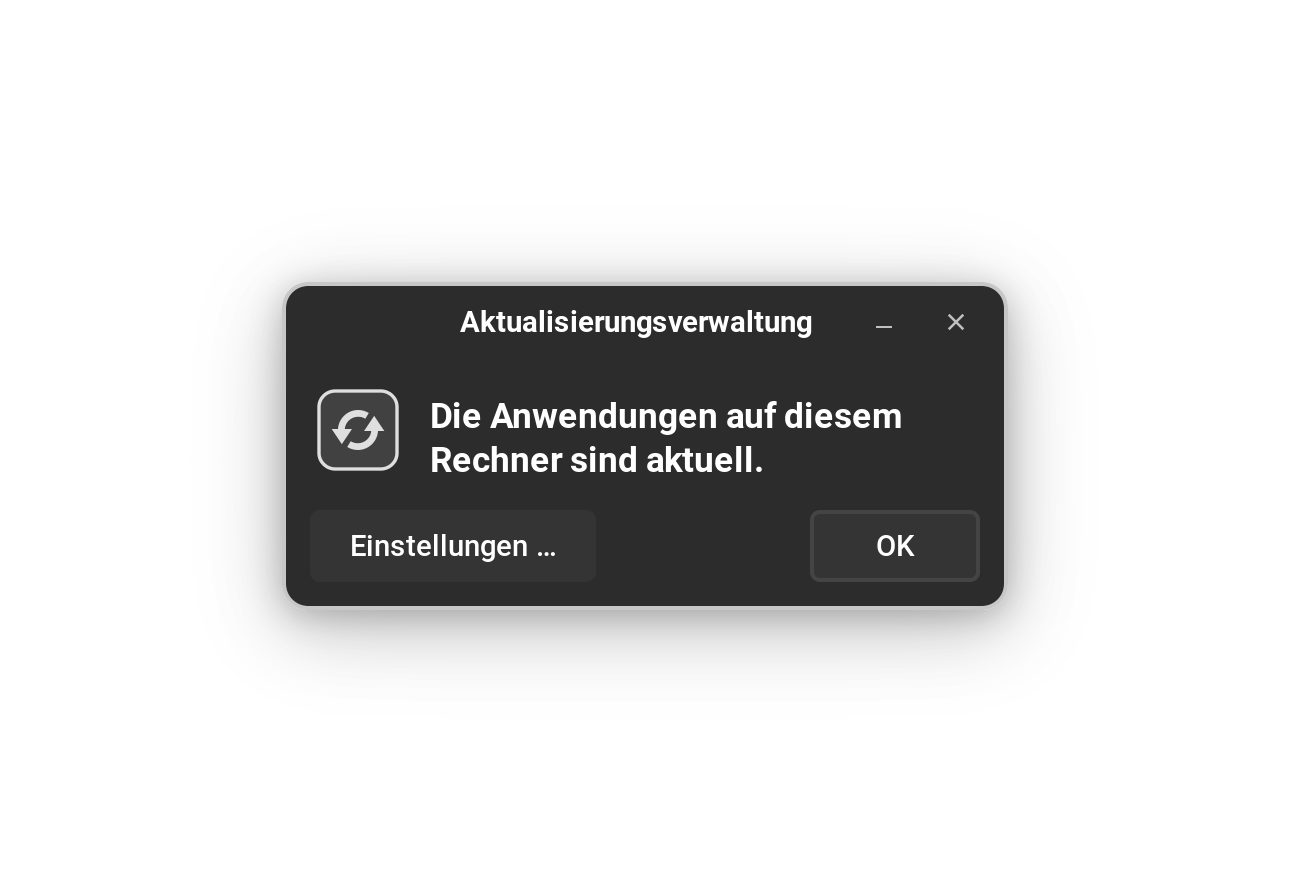
I mean the Software Updater. What You describe sound like the Sources Tab in Software & Updates. I mean this little Tool:
thanks, I have that and posted in the other thread that you kindly have answered but I still do not see where to check or uncheck Kernel updates
dan
Yeah, my System is in german. The Tool is called Software Updater in English I think. The Icon is an orange Circle with Arrows in it:

You can try to launch it from terminal with
update-manager
or enter update-manager in the search field of the Zorin start menu.