I try to compile thunar from source to adapt the color of hidden files/folders in Zorin 18 core live session.
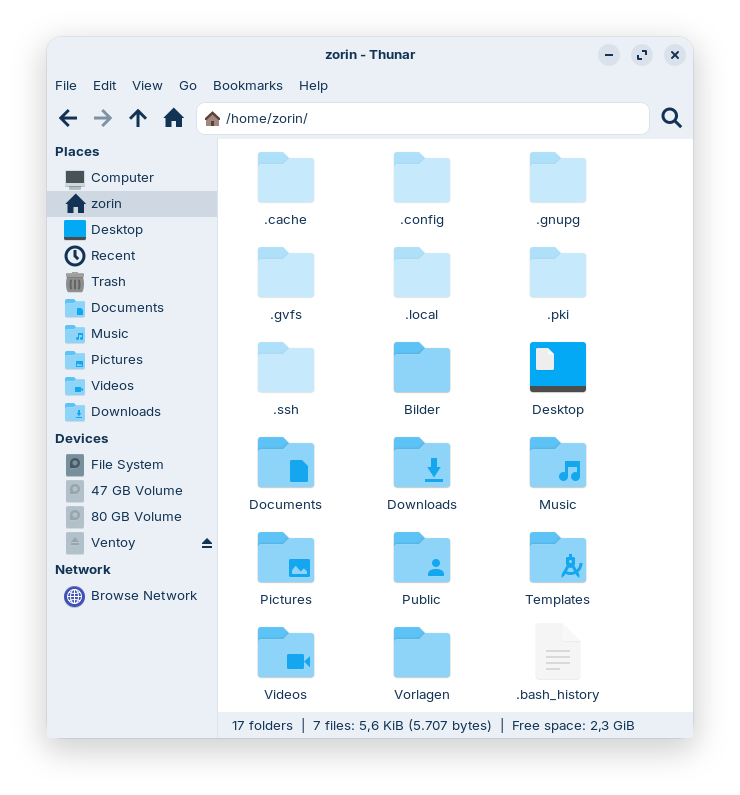
In dark themes the default value for the translucency is good, but in light themes it is difficult to distinguish hidden folders/files. They have nearly the same color as normal folders.
I downloaded the tar.bz2 file of thunar 4.20.2 from here und unziped it
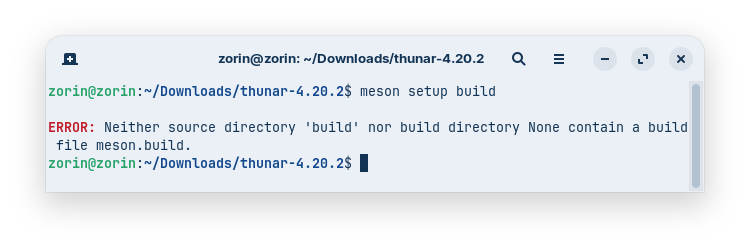
But when I open the terminal there and enter 'meson setup build' I get an error message:
What are the *dev packages which I need? How can I install them?
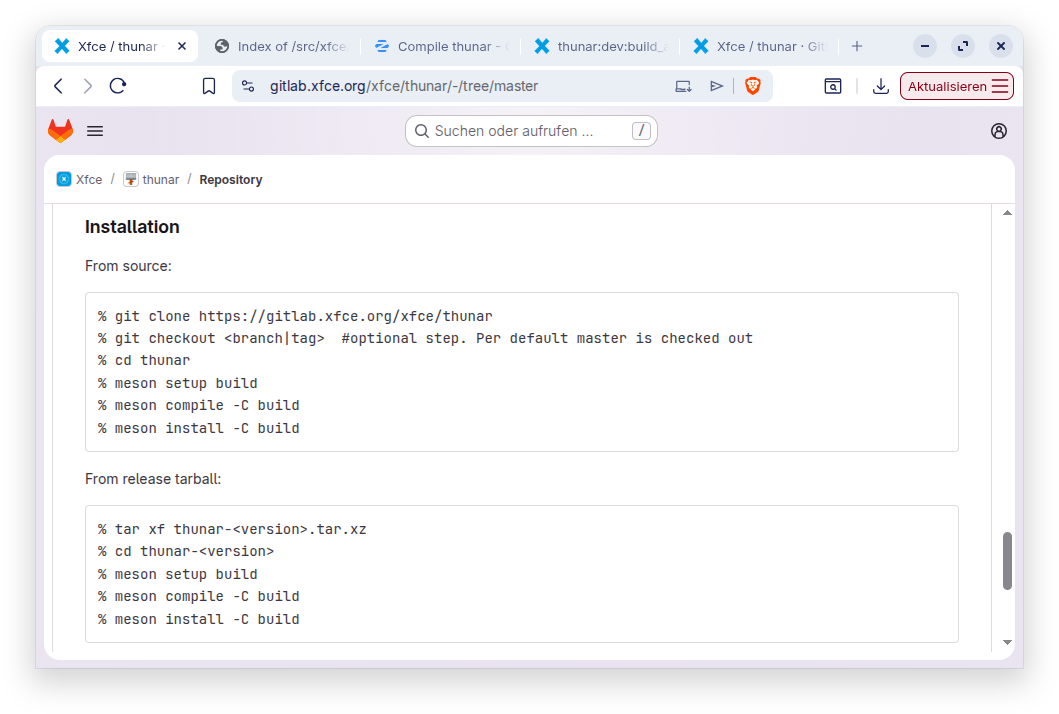
The guide on the xfce website says this is the installation method, but I tested it with all tar.bz2 files of the 4.20 version of thunar and no one contains a meson.build file, only the 4.21 version has such a file.
Will it work when I copy the meson.build file from 4.21.0 into my thunar folder? Probably not, because there are listed all dependencies and 4.21 has other ones than 4.20.
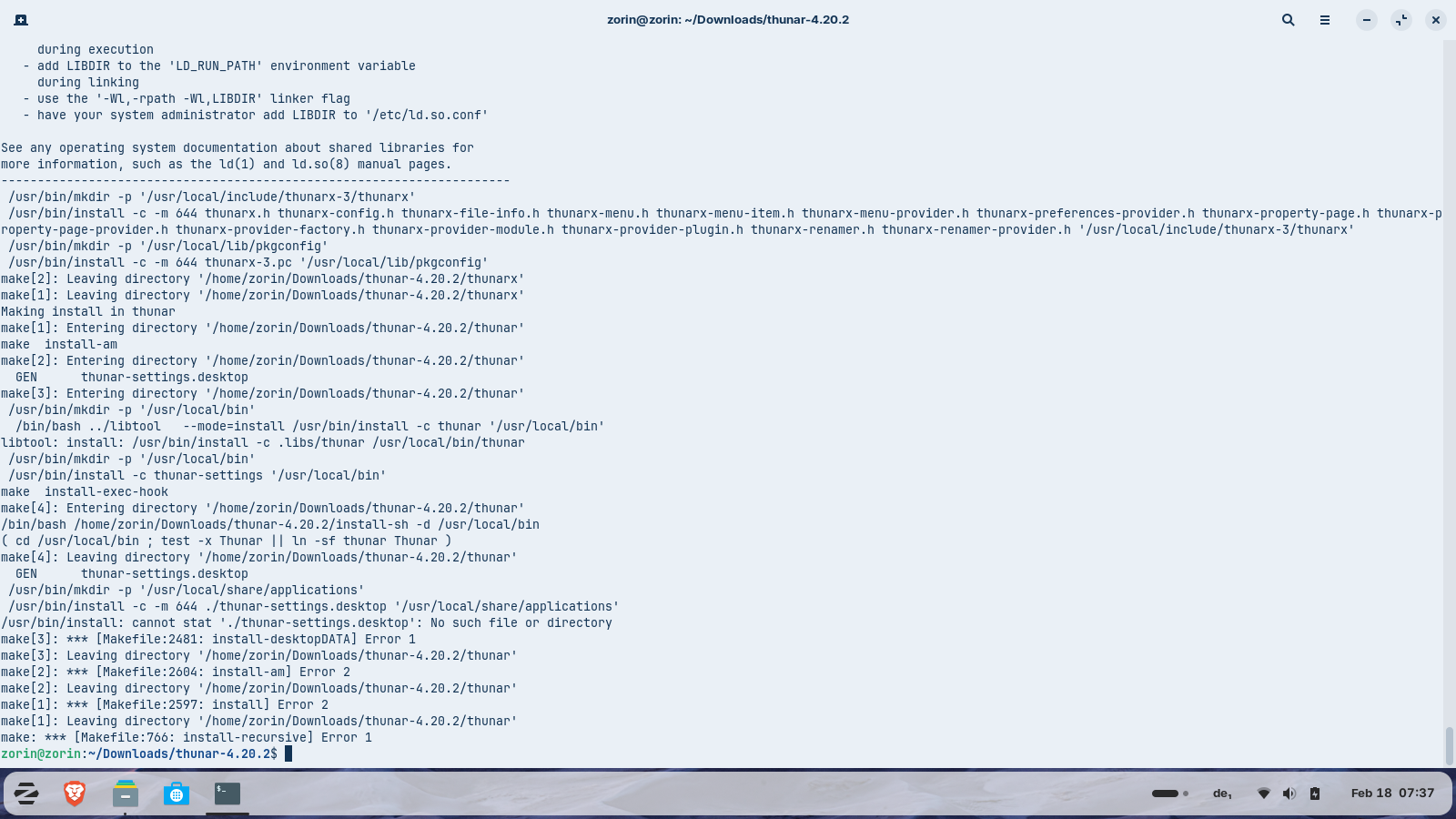
Yesterday I followed the guide from linuxfromscratch, but didn't work. I got errors at the last step when I ran 'make install'. It looks better now with your commands, I'll report.
This was the guide I used (the first step with the systemd file I skipped)
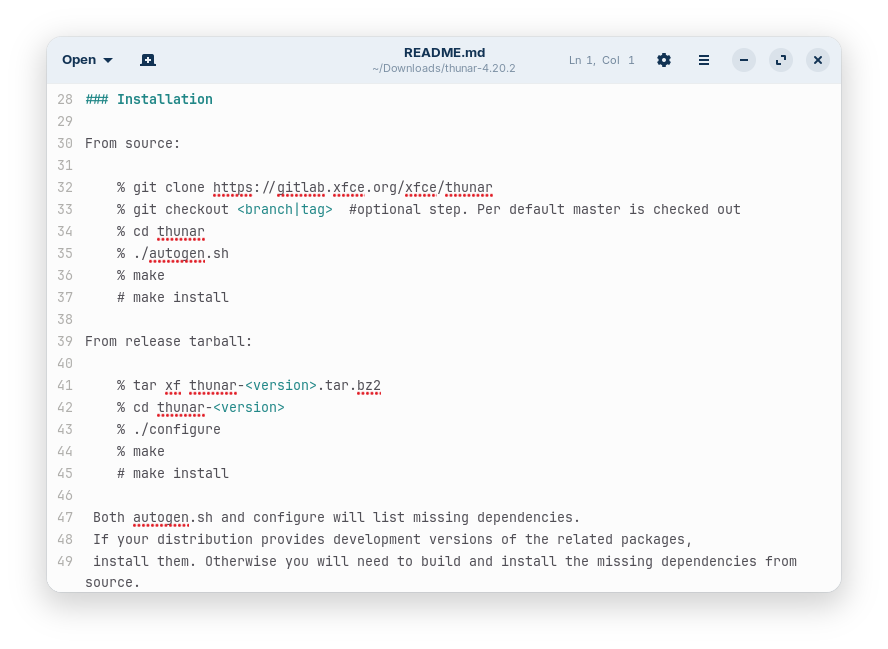
Edit: I now found the correct installation instructions for Thunar 4.20 in the downloaded README file
You can either modify the installer file to remove the local subdirectory or you can just create /usr/local/share/applications folder, then run the commands.
/usr/share/applications is the default directory structure in Zorin OS.
EDIT:
This is odd... I just looked at the link I posted above and it specifies the prefix as /usr and not as /usr/local
./configure --prefix=/usr     \
            --sysconfdir=/etc \
            --docdir=/usr/share/doc/thunar-4.20.4 &&
make
I am not sure where that /usr/local prefix came from.
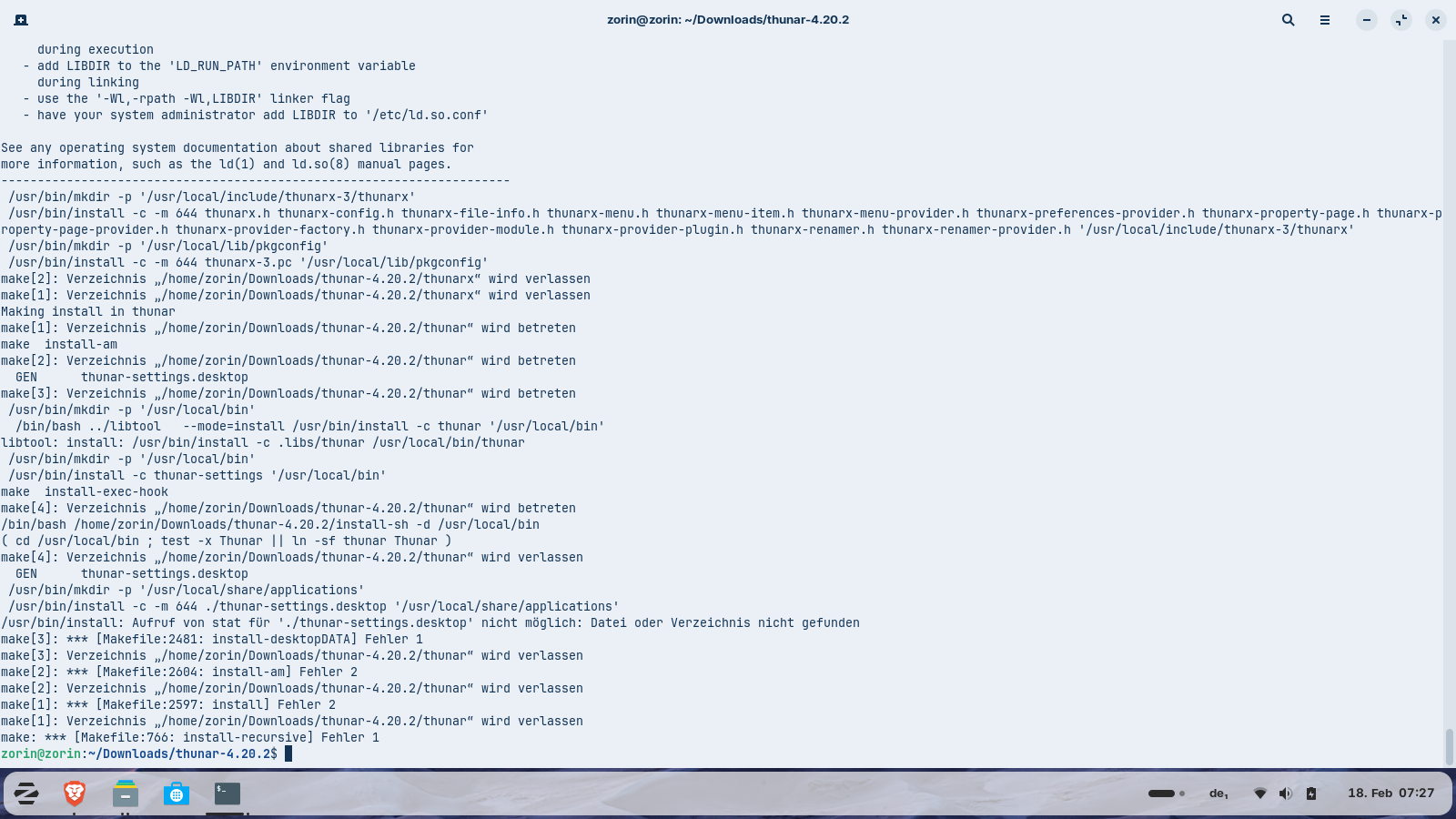
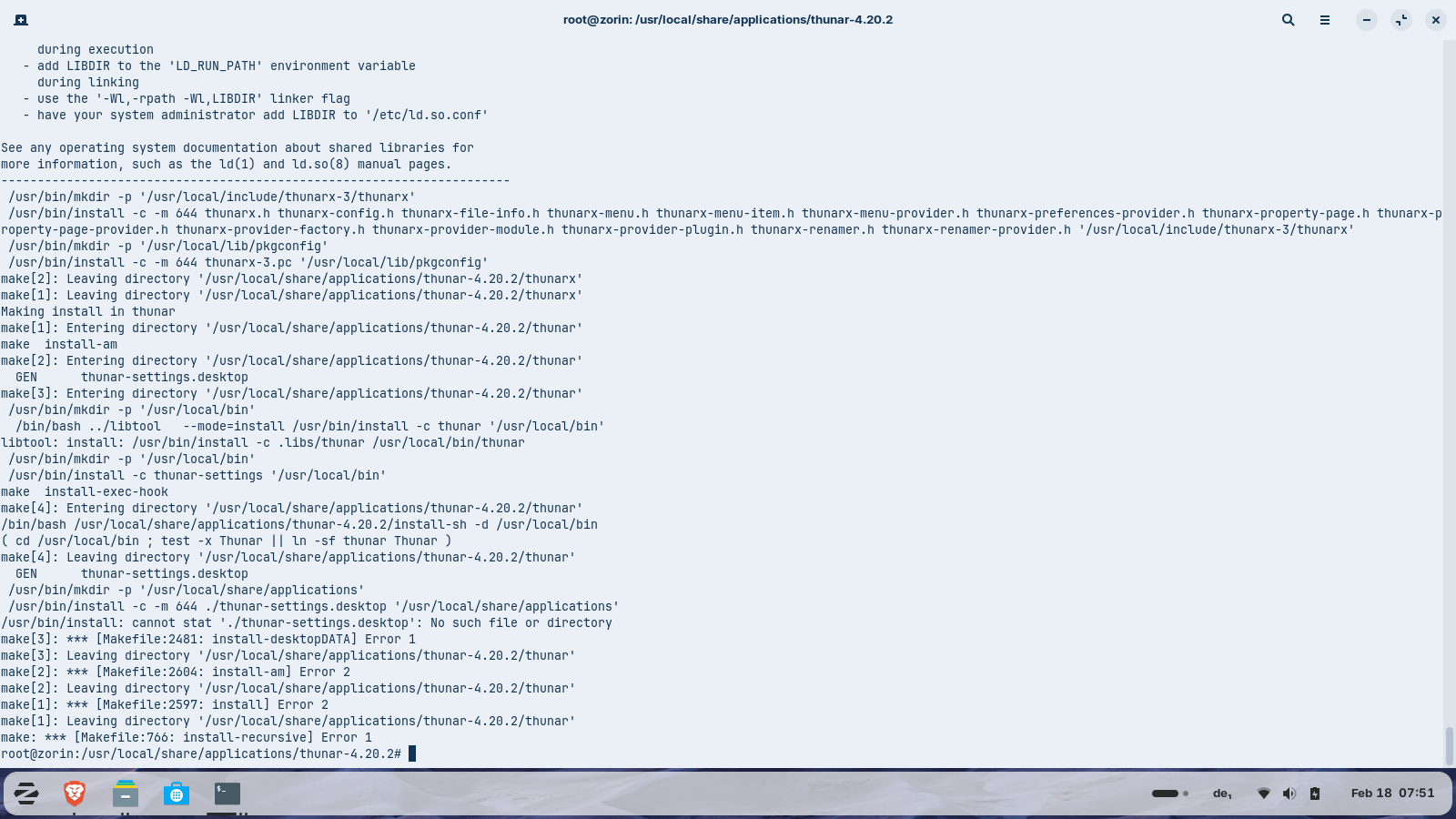
I'm not sure if I have understood you correctly. I put the downloaded thunar folder into /usr/local/share/applications and then repeated the commands. I also get an error:
By the way, you should run the commands from terminal as root - without moving files or terminal into that working directory.
The commands should follow the install paths - it is not relative.
Ugh... maybe try your text editor...
What I am seeing is
/bin/bash: line 4: cd: /usr/local/share/applications/thunar-settings.desktop: No such file or directory
make[4]: *** [Makefile:2811: install-data-local] Error 1
Which looks like it is trying to cd (Change Directory) into a File instead of the directory.
It should be something like: cd: /usr/local/share/applications/ && with the portion after the && generating the thunar-settings.desktop file. If you can check that line in the makefile (It shows 2811 as the line...) maybe you can see where the disconnect is.
I mean... Does no dev ever build this stuff from source? How can there be this kind of error? A non-standard directory and now a cd command into a File? That... is... It does not make sense.
It is 2am here... So, I need to go fall into a deep coma.
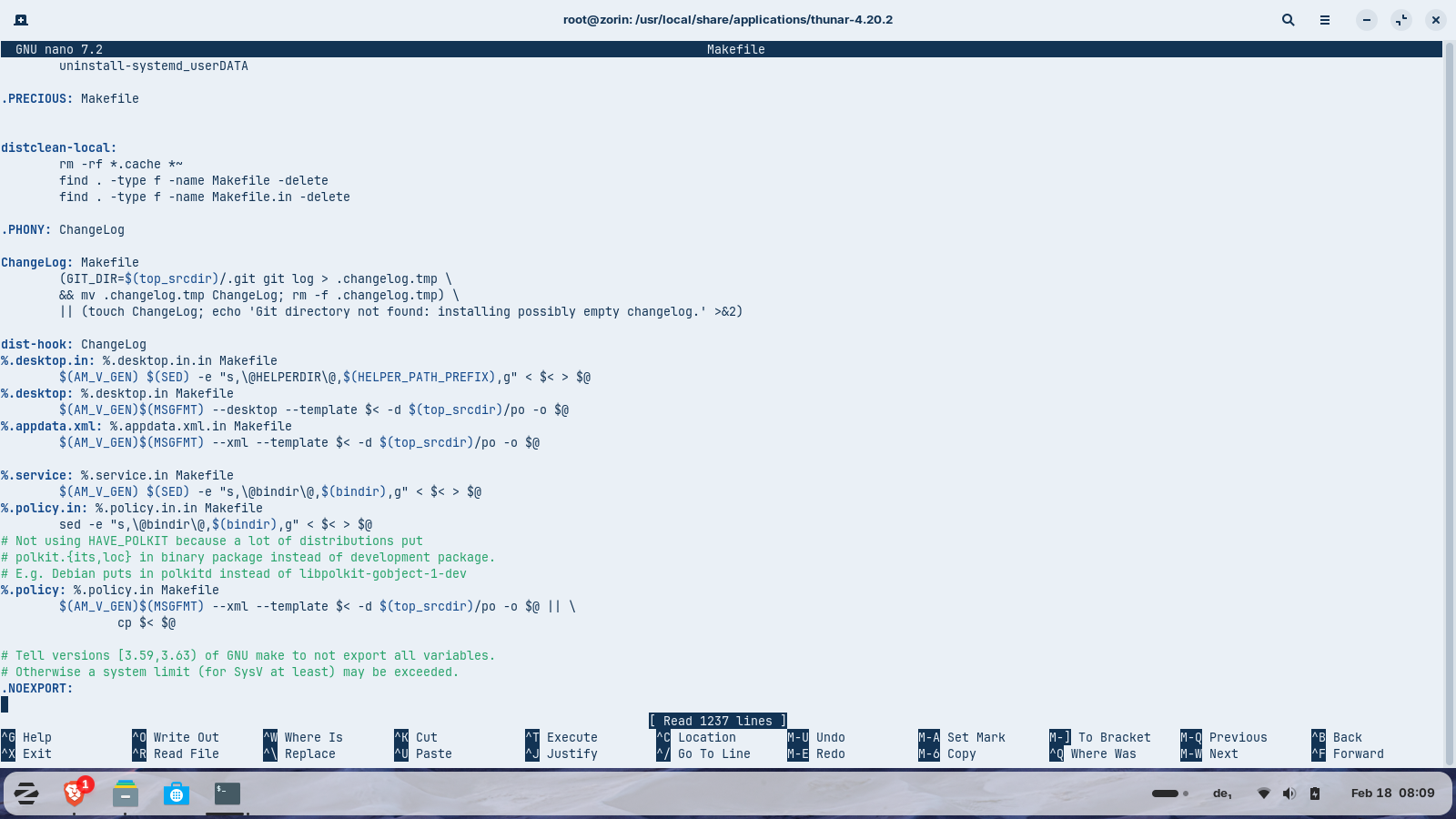
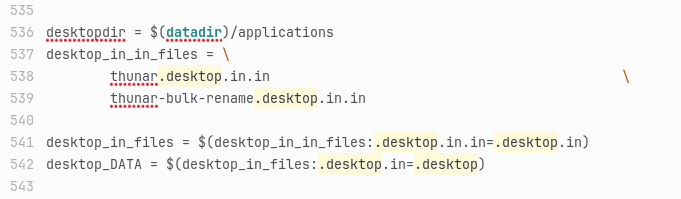
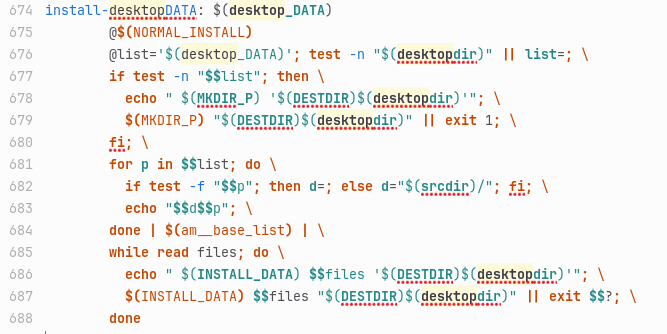
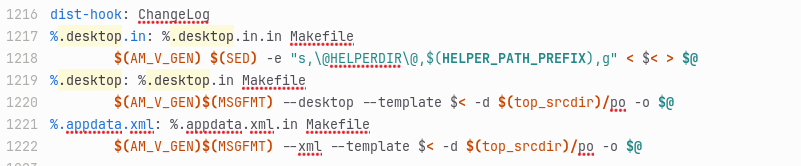
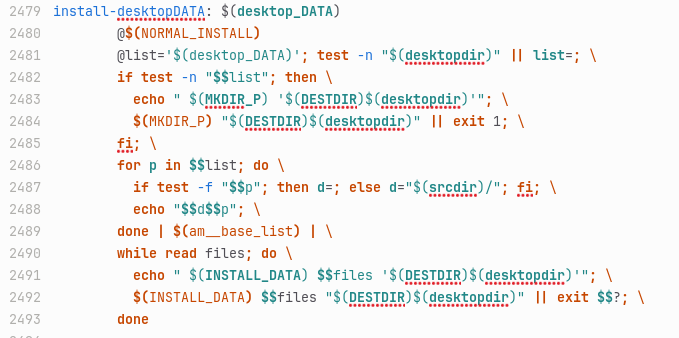
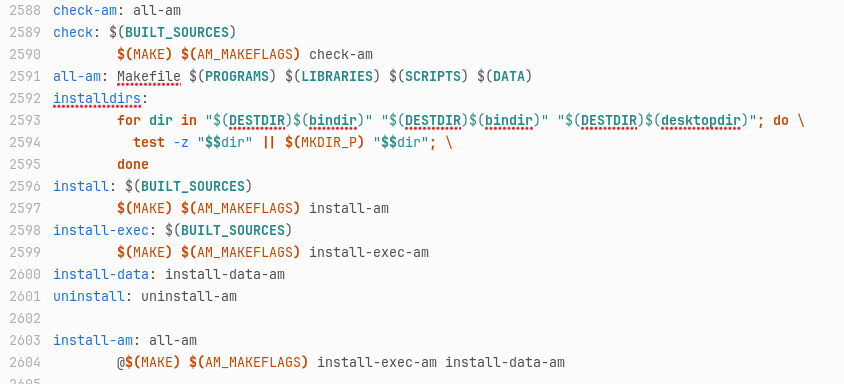
It is the whole Makefile file but it has only 1237 lines. When I search for 'install-data-local' there is nothing found. I searched for .desktop in the Makefile and found these (only some of the search results):
Yes, but I want to explore if I can change the folder color for hidden files (edit the translucency) and Aravisian said that it is not possible only when you compile it.
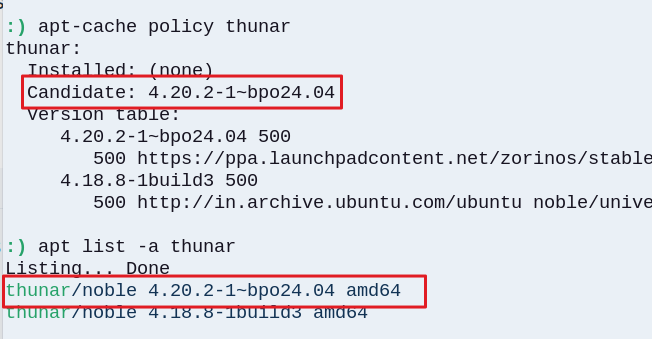
I found some commands for some packages to install which I added to my system
'sudo apt install intltool xfce4-dev-tools gettext pkgconf'
and then I compiled thunar again from the thunar file in my Download folder.
Now thunar is found in start menu and can be launched.
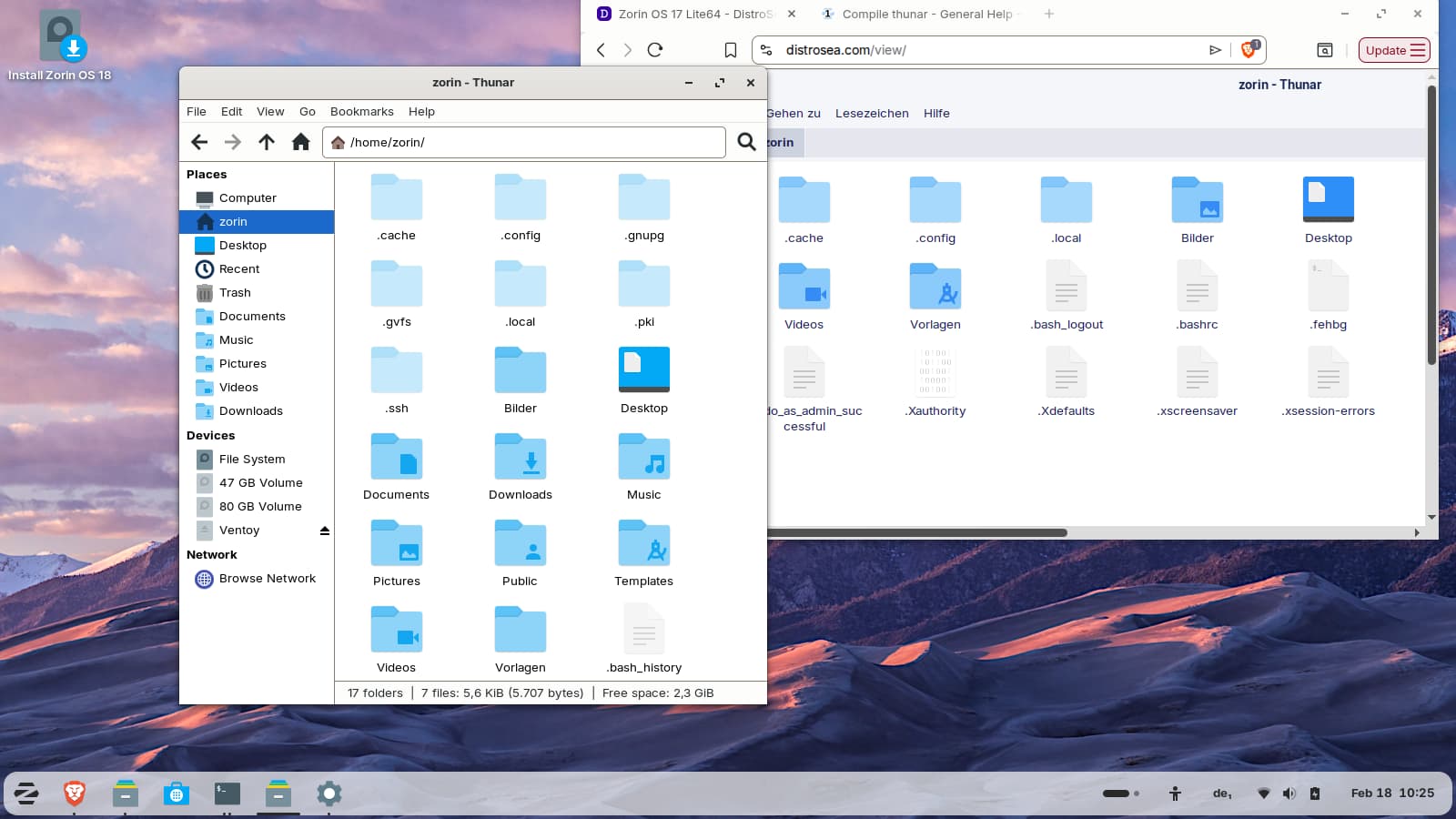
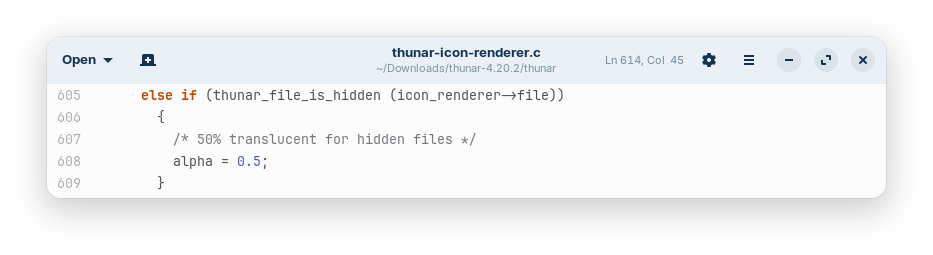
I think the hidden folders have a lighter color now with 0.5 translucency instead of 0.75.
It was a very laborious process for days - but it works now!
Here you can see the difference (I started Zorin 17 lite in distrosea, it has no the same thunar version but probably the same translucency value for hidden files to compare both and turned on high contrast so that the inactive window isn´t darkened):
I often look up a list and most guides list which you need for certain tasks - though your project here seems to have fallen through the cracks - as the link above assumes the user already took care of all that.
Over time, those developmental packages accrue on the system. I forget all I have at this point...
But you also have been doing a lot in a VM which is a more tedious way of doing it.
It makes it hard to maintain a foundation, and in VM, you often are operating in SquashFS.
Can the translucency of the icons of the hidden files in thunar not be determined by a .css file? Have I understood that correctly? Is compiling the only way to solve this?