To flash under Zorin OS an USB Stick you can use Ventoy to make it bootable.
To the with Ventoy flashed USB Multibootstick device you can copy and store several ISO/WIM/IMG/VHD(x)/EFI Files, from which you can choose the one needed when you boot from this stick.
To download Ventoy choose on URL Download . Ventoy ventoy-1.1.17-linux.tar.gz
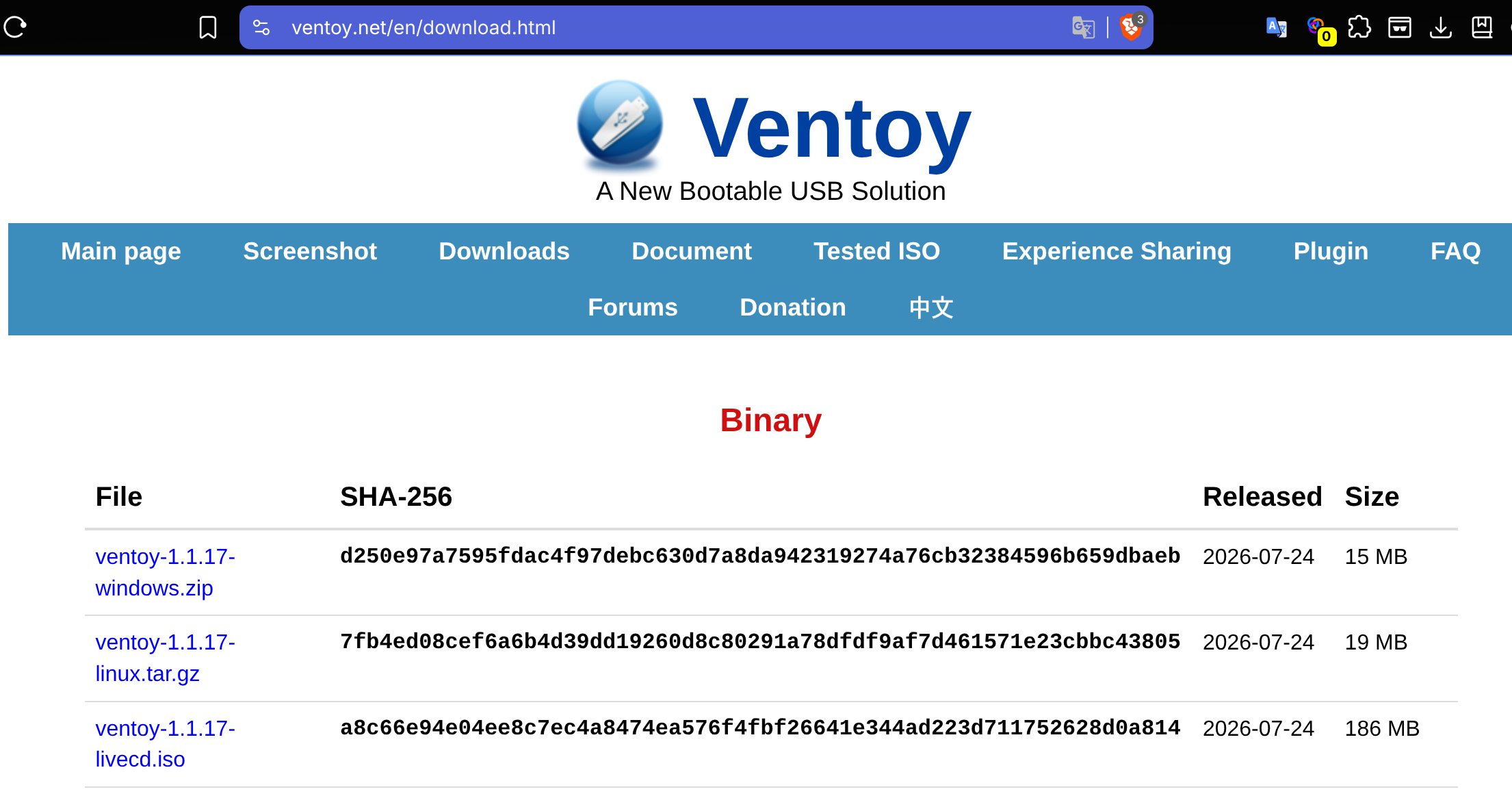
After download the ventoy-1.1.17-linux.tar.gz Package you unpack it into its folder ventoy-1.1.17 which contains the linux Ventoy program file VentoyGUI.x86_64 to run for flashing the USB Stick.

Start it with double click and choose your USB Stick to be flashed (it will be overwritten!).
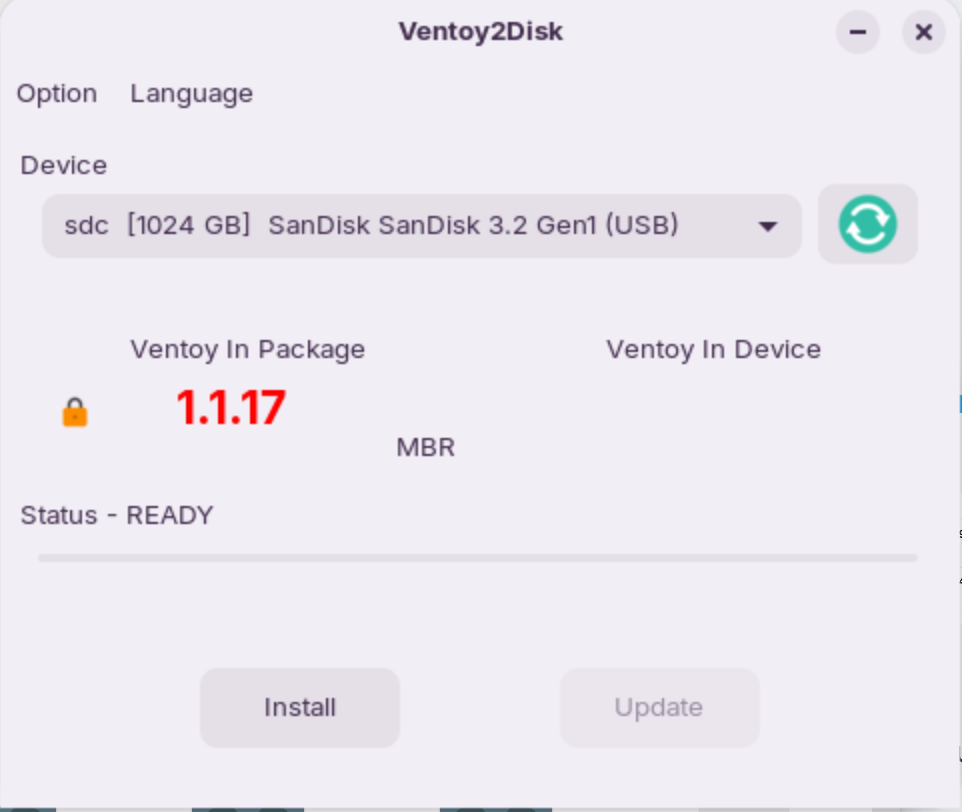
Choose the partition style depending of the PC's BIOS you want to install your Boot file (mostly an ISO file): MBR for Legacy, GPT for UEFI.
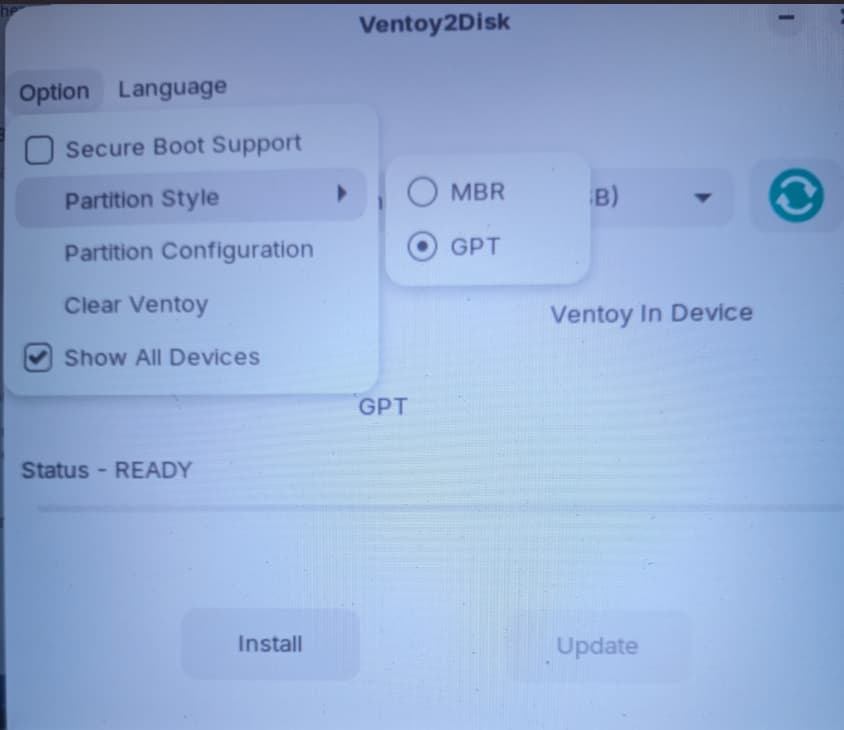
,
Klick Install to start it.
When the USB Stick is flashed copy your ISO file (and additional other boot files) to the stick. Now your USB Stick is ready to boot from it: you get a menu to choose between the boot files you have copied to the stick.