It is normal to have the 2011 and the 2023 keys in parallel, there is nothing wrong with it. But only the 2023 secure boot keys are valid.
As the 2011 keys have no impact to the Secure Boot Configuration, there is no need to look at them. 
When we look at your 2023 secure boot keys, there are two keys missing:
- Windows UEFI CA 2023
-> not needed as you don't use windows - Microsoft Corporation KEK 2K CA 2023
-> would be necessary to get future updates for the dbx database to update the entries for forbidden software
-> but not the cause for your linux kernel problem
Without Windows and without Microsoft Corporation KEK 2K CA 2023 key there is no really win to have secure boot enabled under Linux Zorin OS.
I would recommend just to disable secure boot and fast boot within your BIOS/UEFI. You can boot into BIOS/UEFI directly via sudo systemctl reboot --firmware
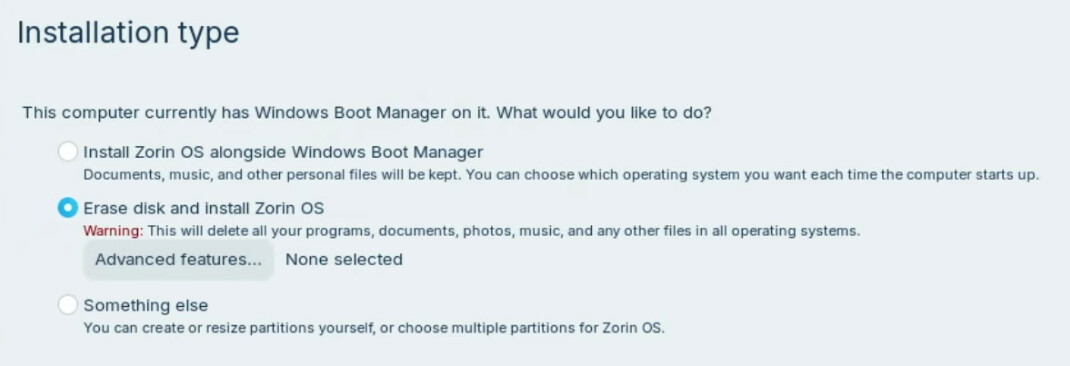
Then follow @swarfendor437 advise to install Zorin OS from the scratch (overrides Windows Boot EFI) with Ventoy for flashing the USB stick to make it bootable.
Make sure that your -zorin OS ISO file is clean and copy it to the Ventoy USB stick.
Before starting the new Zorin OS installation backup your data.
During the new Zorin installation choose then: