Hi,
I have the same problem as here, but the solution in this thread does not work for me, as there is no IDLE device - all are SUSPENDED when I run that command.
Anybody knows how to solve it, by any chance?
Hi,
I have the same problem as here, but the solution in this thread does not work for me, as there is no IDLE device - all are SUSPENDED when I run that command.
Anybody knows how to solve it, by any chance?
You could try it with Pulse Audio Volume control. you can install it with sudo apt install pavucontrol and when installed, open it and go to the Output Tab and the Confioguration tab to set up Your Sound.
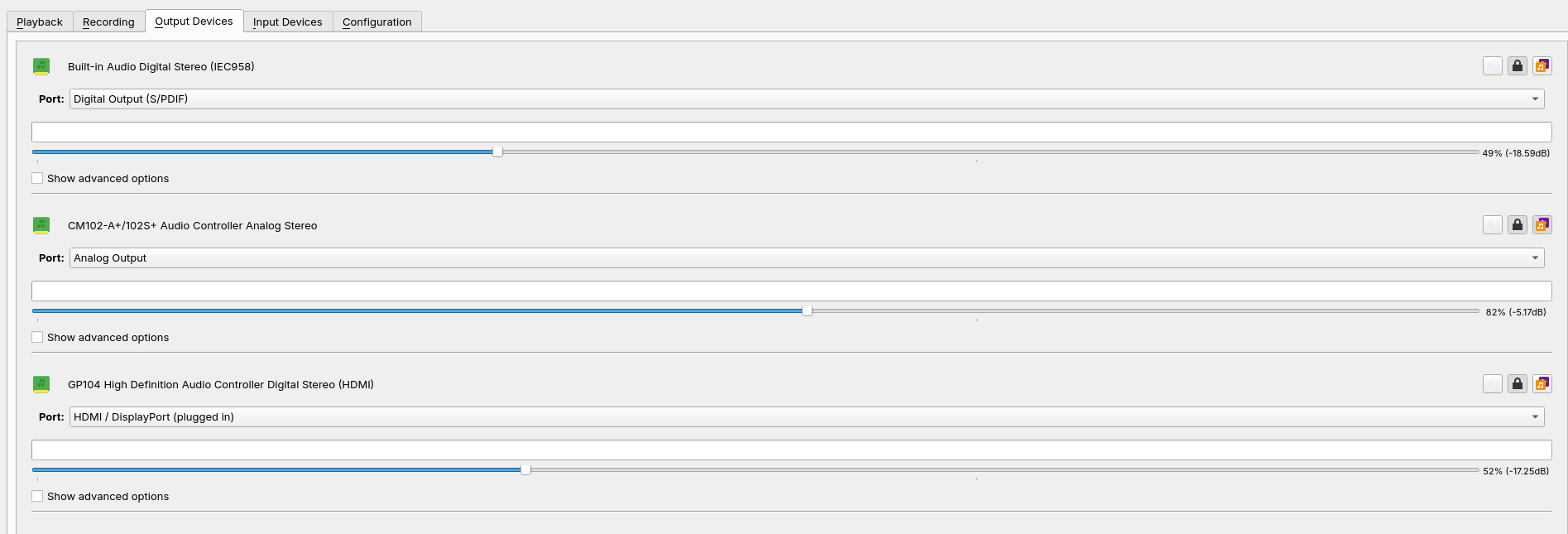
Which one of these Output Sources do You want use?
The HDMI one. Why?
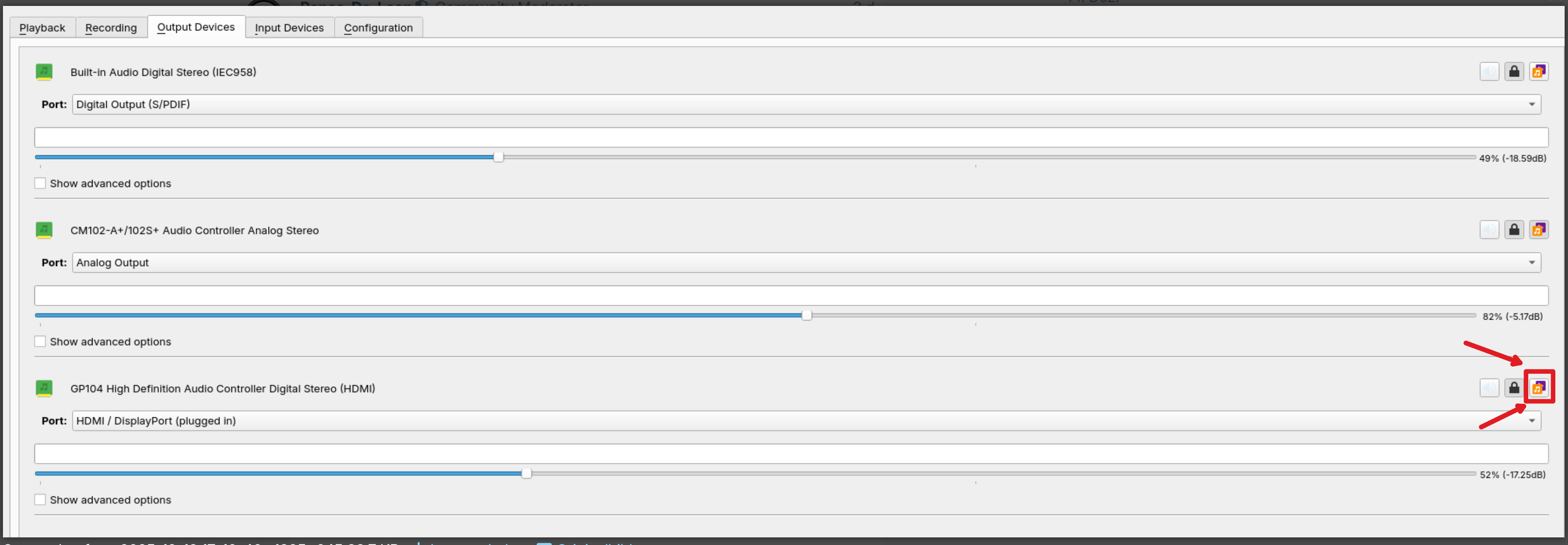
Because on Your Picture the CM102 Option is marked as Fallback (the little Note Symbol on the far right). Click thin on the HDMI Option. And further, You could go to the Configuration Tab and there set the Sources that You don't use in the Dropdown Menu of each to off.
Apologies, but I don't understand the instructions. What does "click thin on the HDMI option" mean?
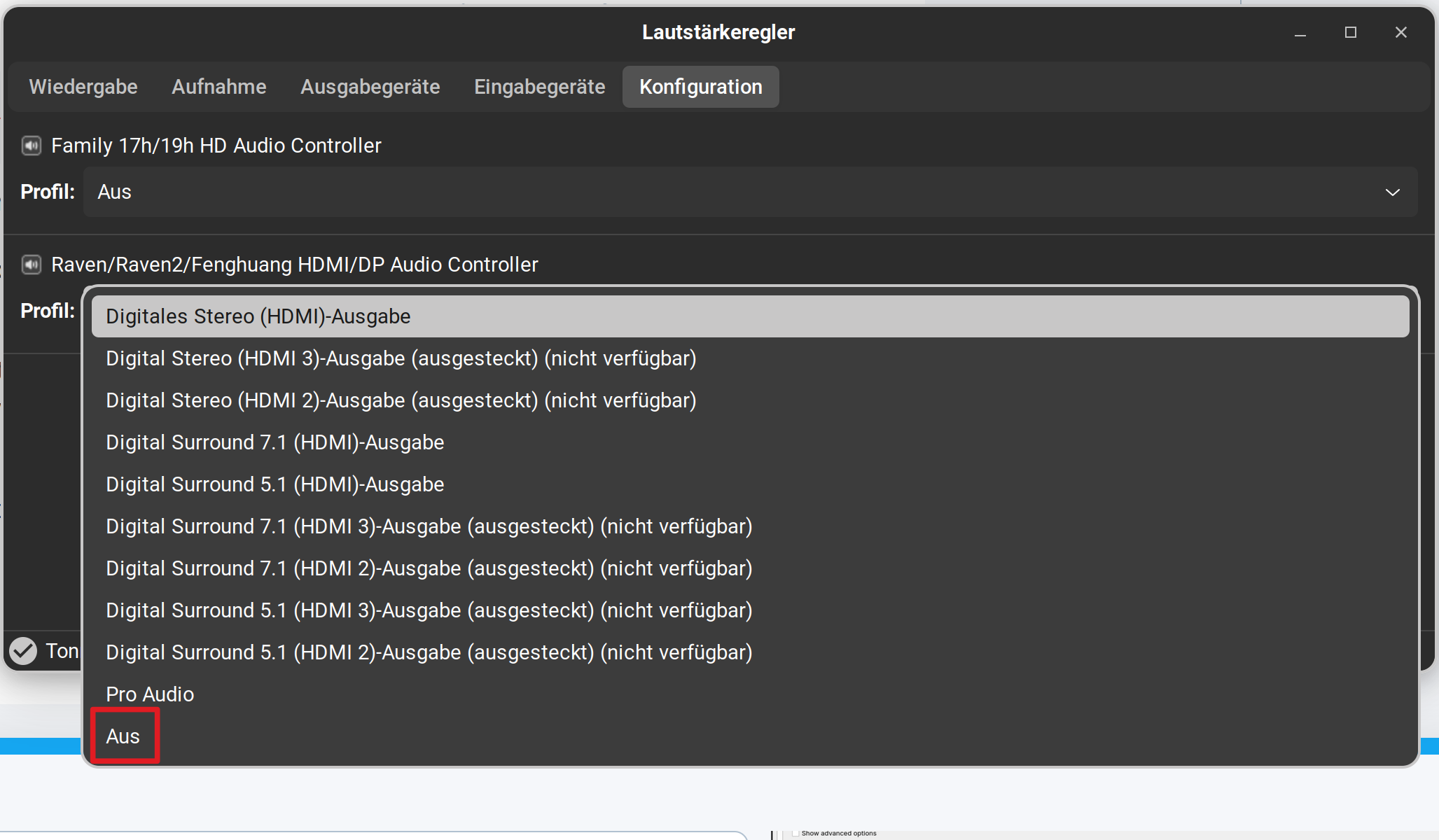
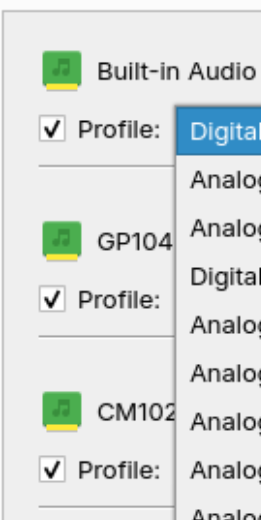
On the Configuration tab, there is no way to set them to off. The dropdown just shows various devices, but not an off setting.
LE: I completely disconnected the headset and it still goes to Analog by default upon restart, even though there's no physical Analog device connected anymore, which is strange.
No, no OFF option. Not sure why, but I'm unable to capture a screenshot while the dropdown is clicked, so I can't show. But there's no off option.
If you want to take screenshots of dropdown menus which can't be taken with the integrated screenshot tool because you are not able to set a time delay there, you can use instead gnome-screenshot or other screenshot tools which offer more functions, e.g. ksnip.
sudo apt install gnome-screenshot
sudo apt install ksnip
Open the tool, set a time delay of some seconds and then open the context/dropdown menu you want to take a screenshot of.
And You can't scroll in the Dropdown Menu?
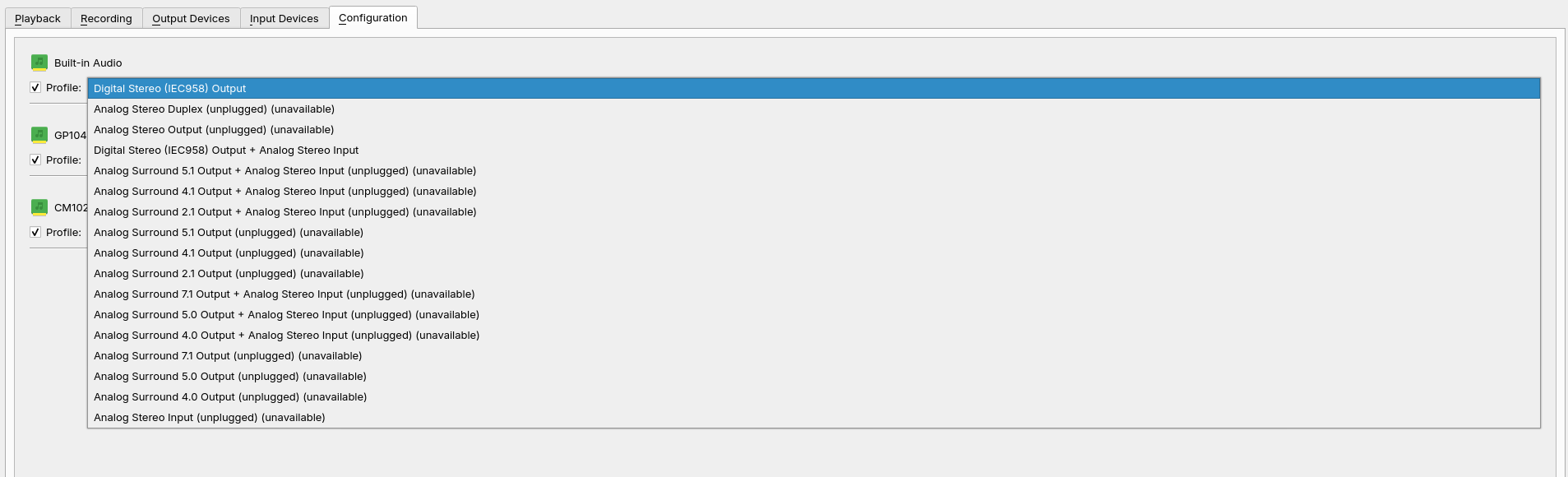
But wait ... You have Markers:
Interesting, I don't have them. In this Case, try it with unmark the Options that you don't want use.
Only as Tip: When the Dropdown Menu is open, click on the Prnt-Button on Your Keyboard. Then You can make a Picture of it, too.
There's no scroll option, but yes, unmarking seems to have done the trick. Thank you!
This topic was automatically closed 90 days after the last reply. New replies are no longer allowed.