My desktop has vanished. I am no longer able to add shortcuts or files to the desktop. Seems like the desktop file is somehow broken. What to do?
Did you change Layout at any point?
Try a quick reinstall of the desktop: Open terminal with ctl+alt+t and run:
sudo apt install --reinstall zorin-os-desktop
Reboot. Check that you are also using your preferred Layout in Settings > Layouts and ensure it was not somehow switched to a different one without your awareness.
1 Like
There is a typo. Use
sudo apt install --reinstall zorin-os-desktop
Check at Zorin appearance > desktop
if the desktop icons are enabled.
1 Like
Tried to re-install desktop. Came up with the error:
Could not localize the package zorin-od-desktop
Use that command, not Aravisian's that had a typo. (I will have edit his post to correct the typo)
1 Like
Completed desktop reinstall. Desktop still absent
Try
sudo apt install --reinstall gnome-shell-extension-zorin-desktop-icons
1 Like
How did that one slip by me? Thanks Zab and Forpli for catching that quick.
@papepeter, do you recall any software installs you did, or software uninstalls you did or any system updates prior to this issue?
Anything that may have made a change to the computer.
Easily. Fat fingers. SD are next to each other 
No change either.
Haven´t made any alterations apart from usual updates. Don´t exactly remember which update was the latest before the problem arose
Can you post a screenshot of your visible desktop?
1 Like
Did you try to disable and enable "show icons on the desktop" at Zorin appearance?
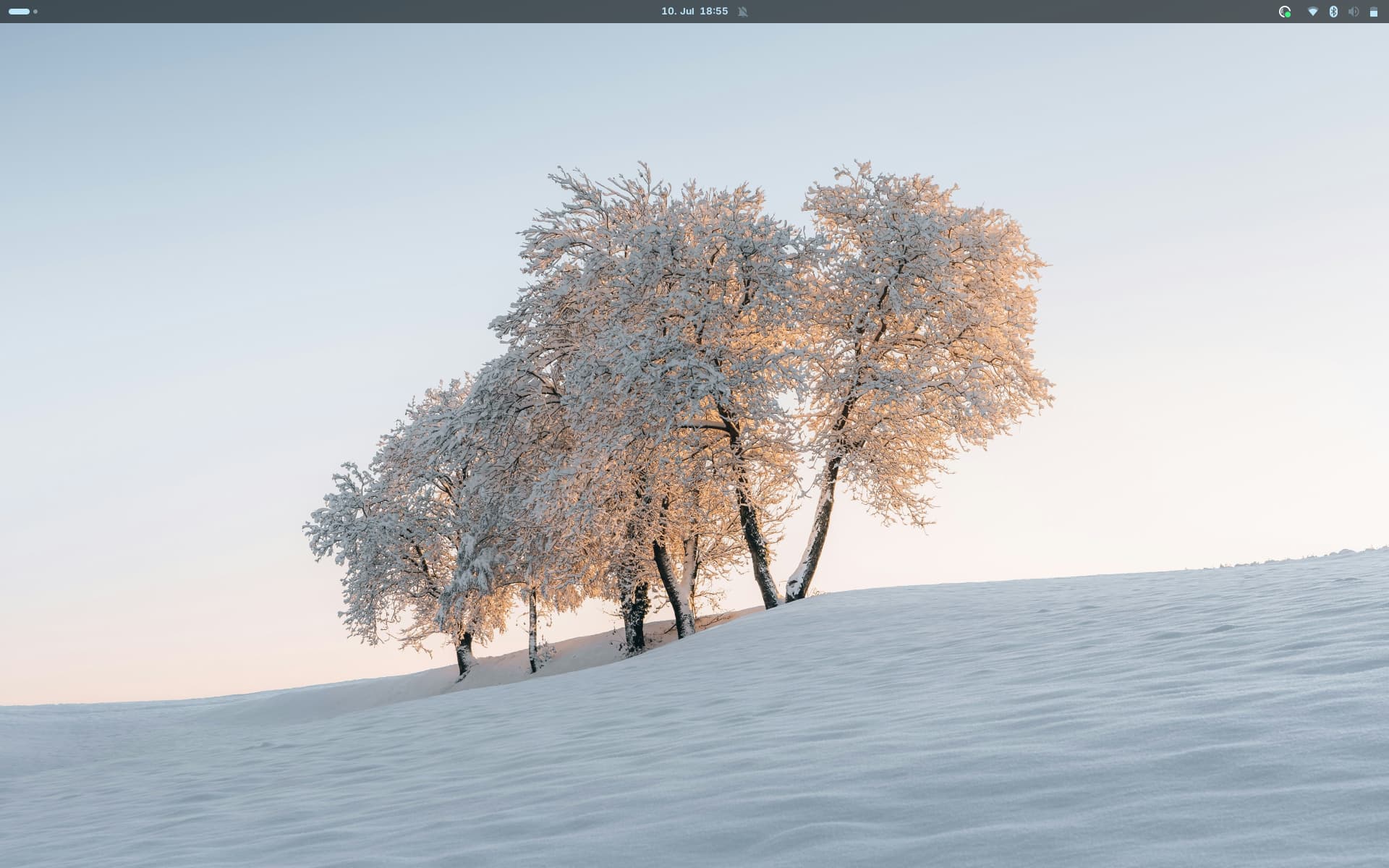
Yes I did. It is greyed out and can´t be enabled
I am wondering what that icon is top left corner of your screen?
I have never seen that before.
It is the activities button to show the desktops overview.
As long as it doesn't work you could try that gnome extension instead:
Not really sure how to go about this??
Install the extension manager
sudo apt install gnome-shell-extension-manager
then open it and go to tab "browse" to search for the extension and install it.
Thinking this is where Timeshift comes in real handy.... 