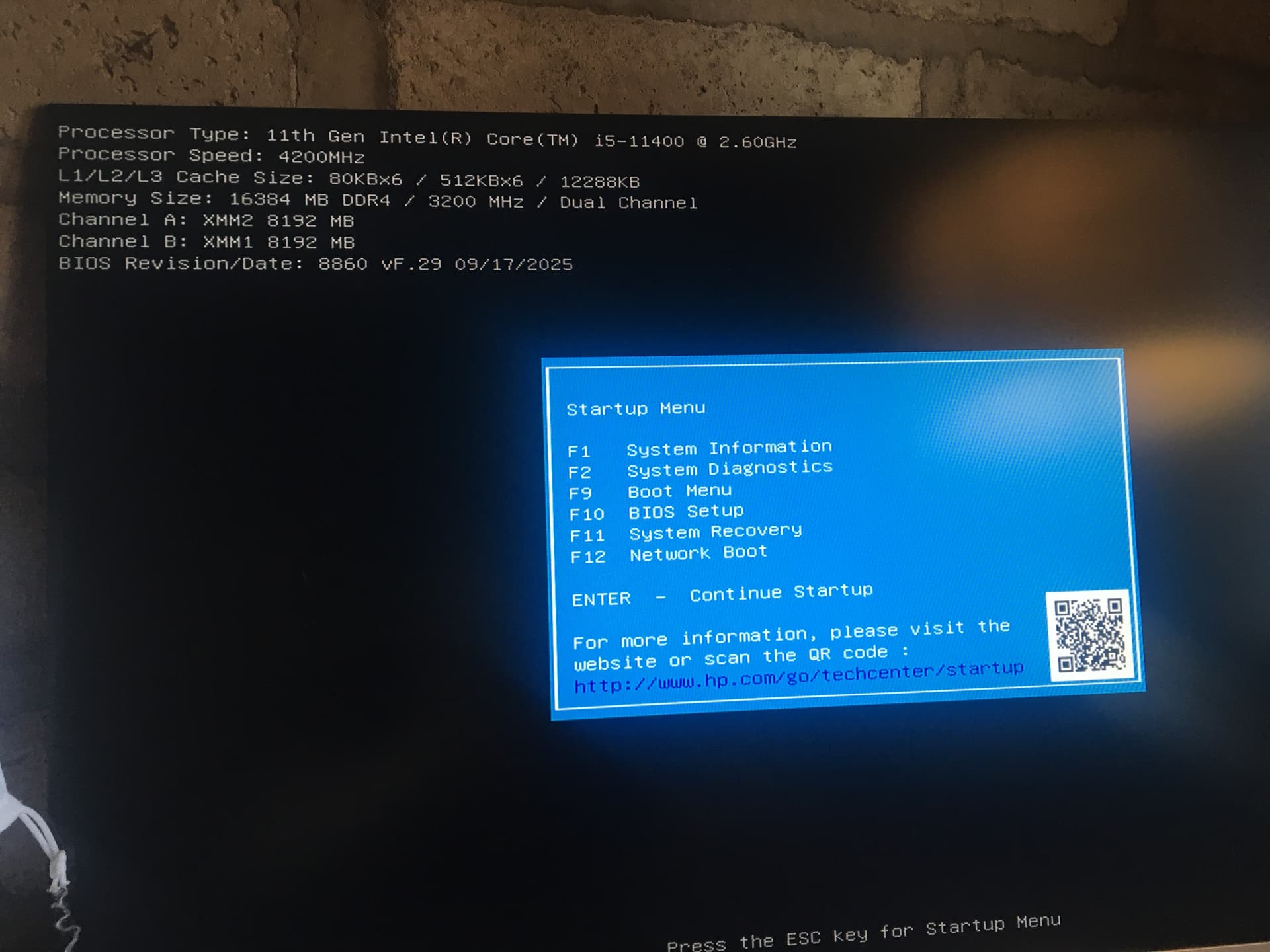
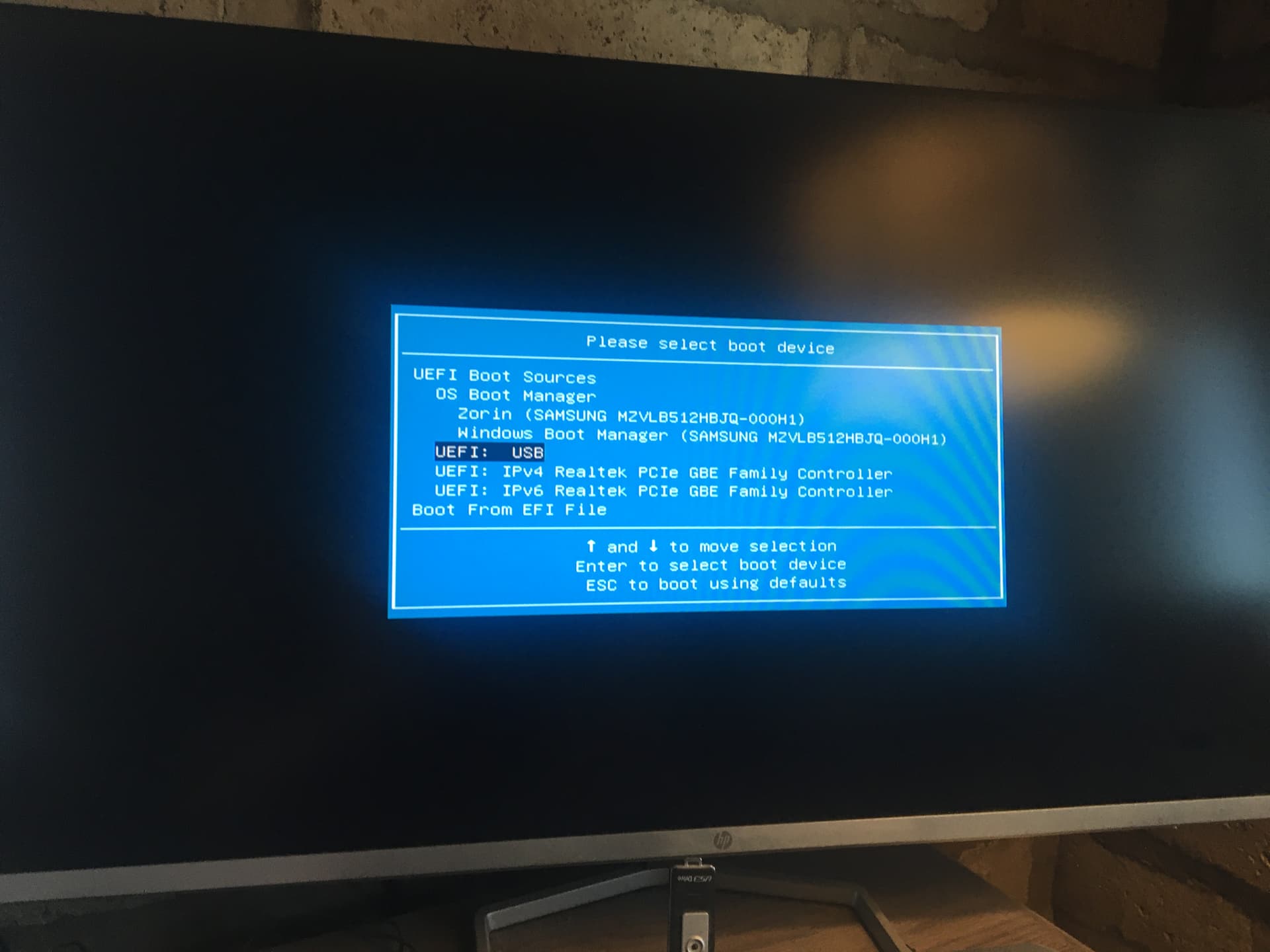
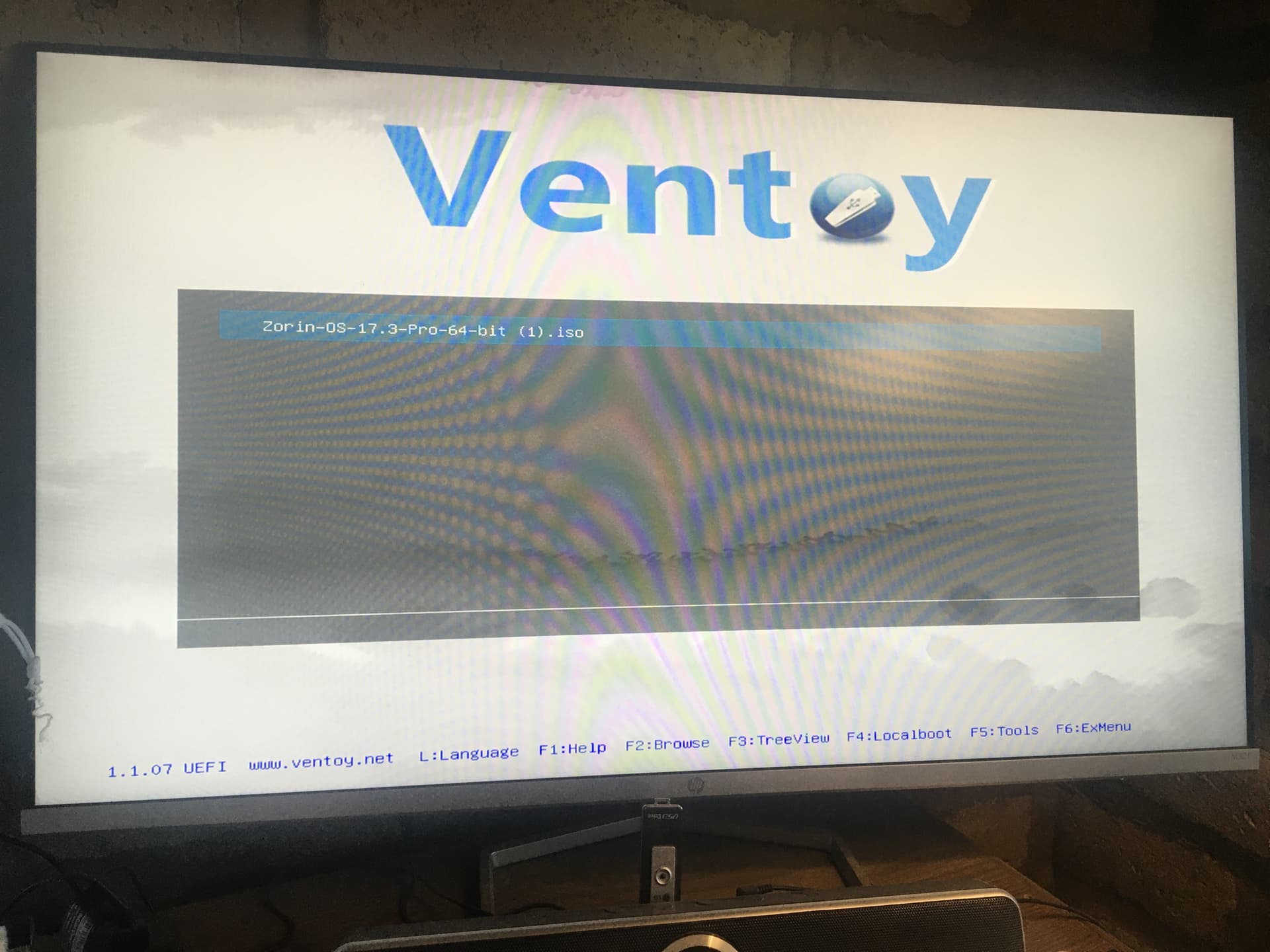
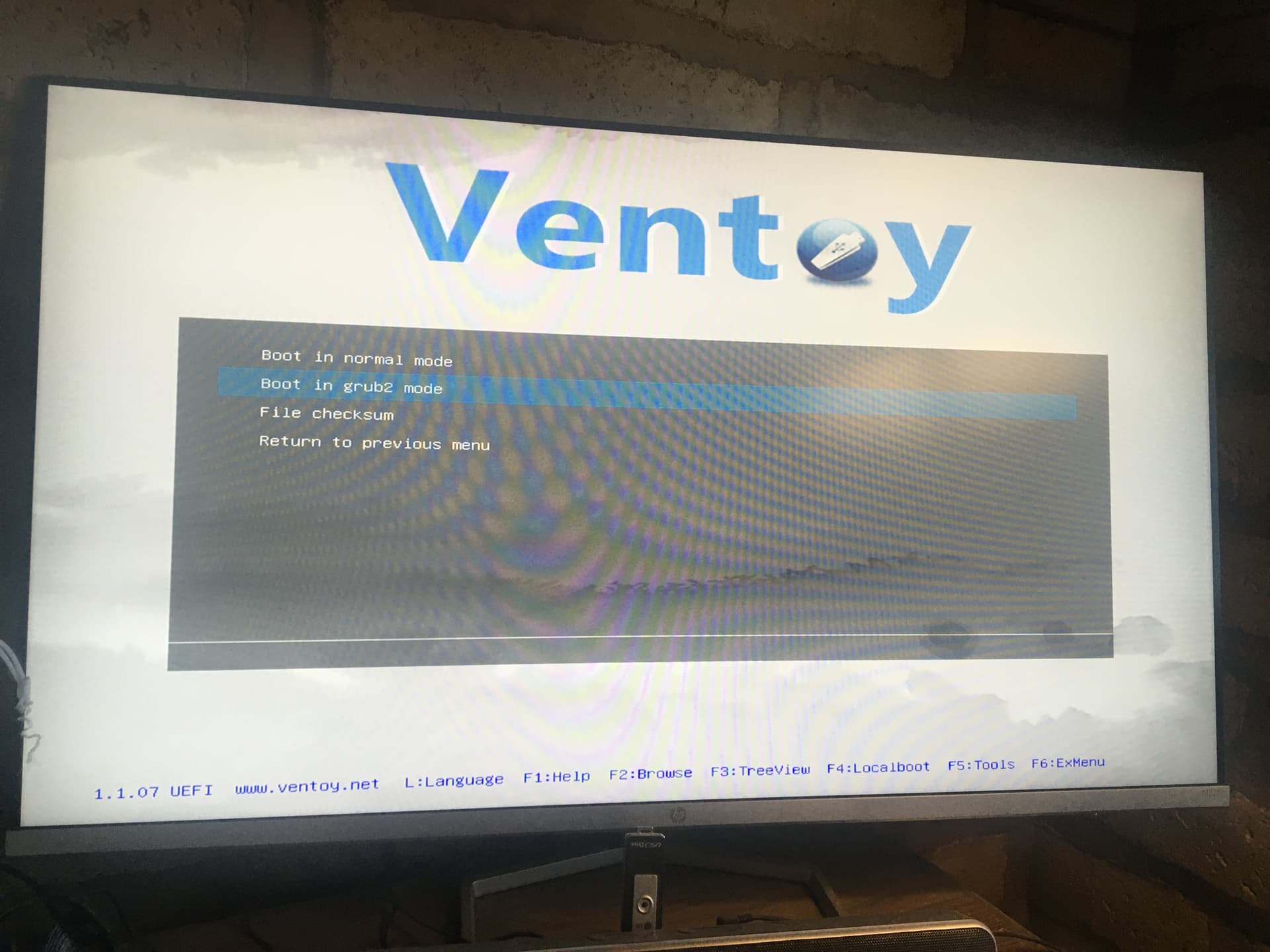
I am a newcomer to Zorin OS and am considering using it to replace Windows 10 on a ACER Aspire ES 15 laptop on which Windows cannot be upgraded.
I have downloaded the Zorin.iso file using two different computers, used five different software programs to prepare two difference USB drives for running Zorin on my ACER laptop which has three USB ports.
The outcome is that the only USB drives to successfully boot Zorin were the two prepared by Ventoy. With the other four programs the laptop loaded Windows instead and did not recognise the USB drives.
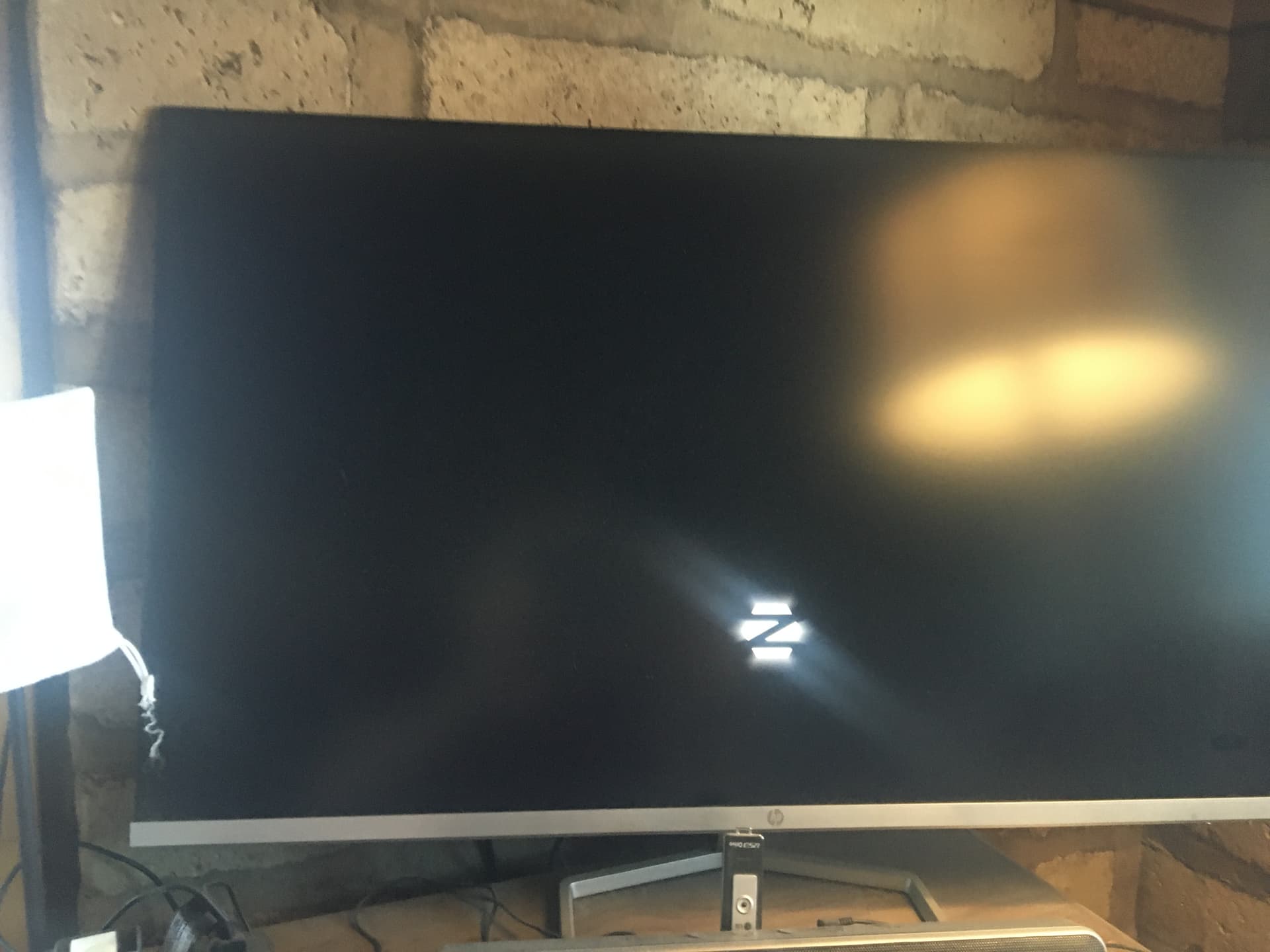
I was able to use Zorin successfully until I loaded the email program (which I was able to set up). The next time I used the Ventoy-prepared USB drive the process froze during the appearance of the Z logo. Even reloading the USB drive I cannot get past this point any more.
Hello and welcome,
You could try to disable Secure Boot in your BIOS and see if it's better, you can also disable Fast Boot from Windows in the Power Management Settings
As a quick suggestion: make sure both secure boot in BIOS and fast boot in windows are off. Either might be stopping you from booting from the USB. While I was typing this I see @Nourpon made the same suggestion.
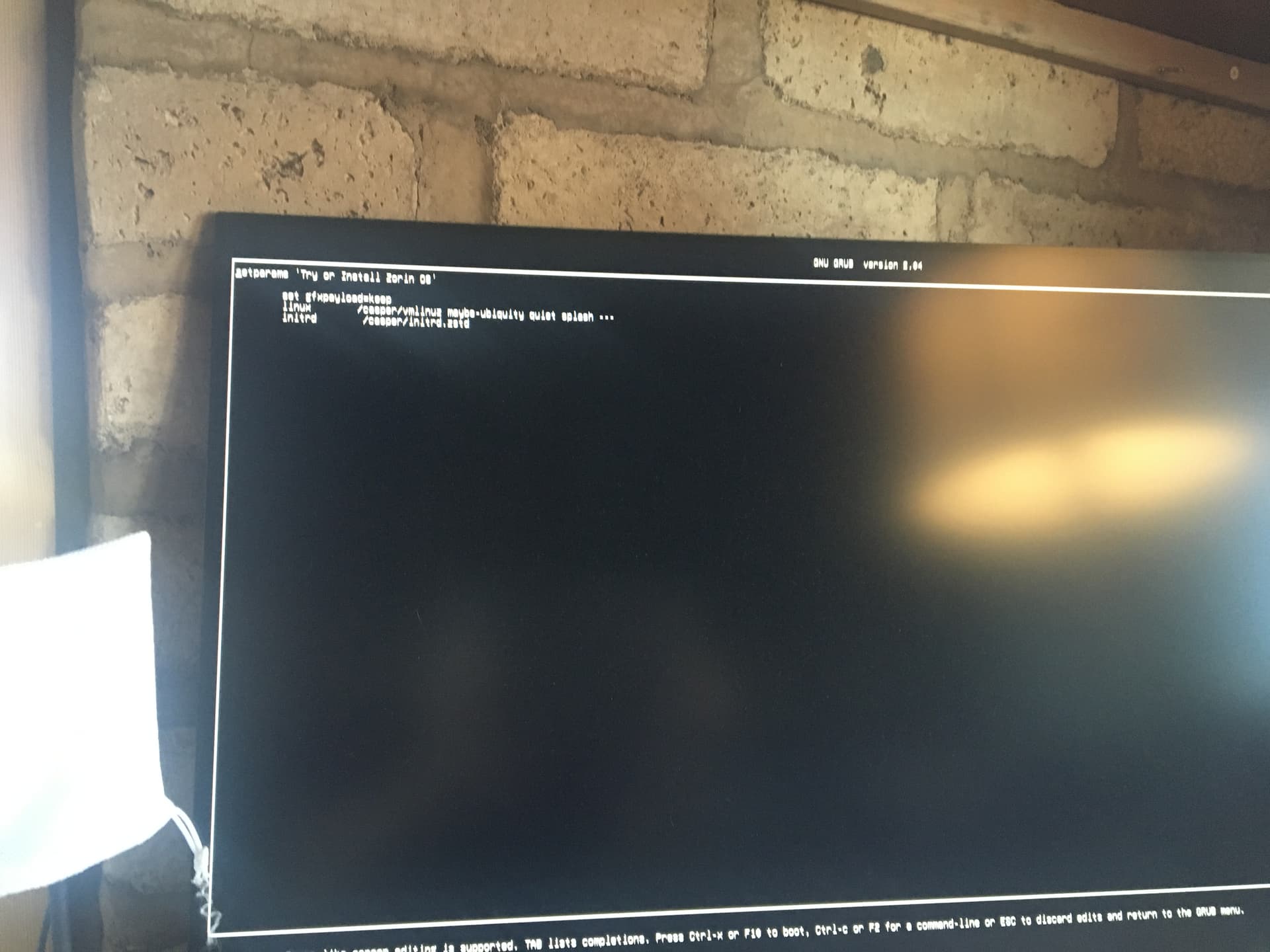
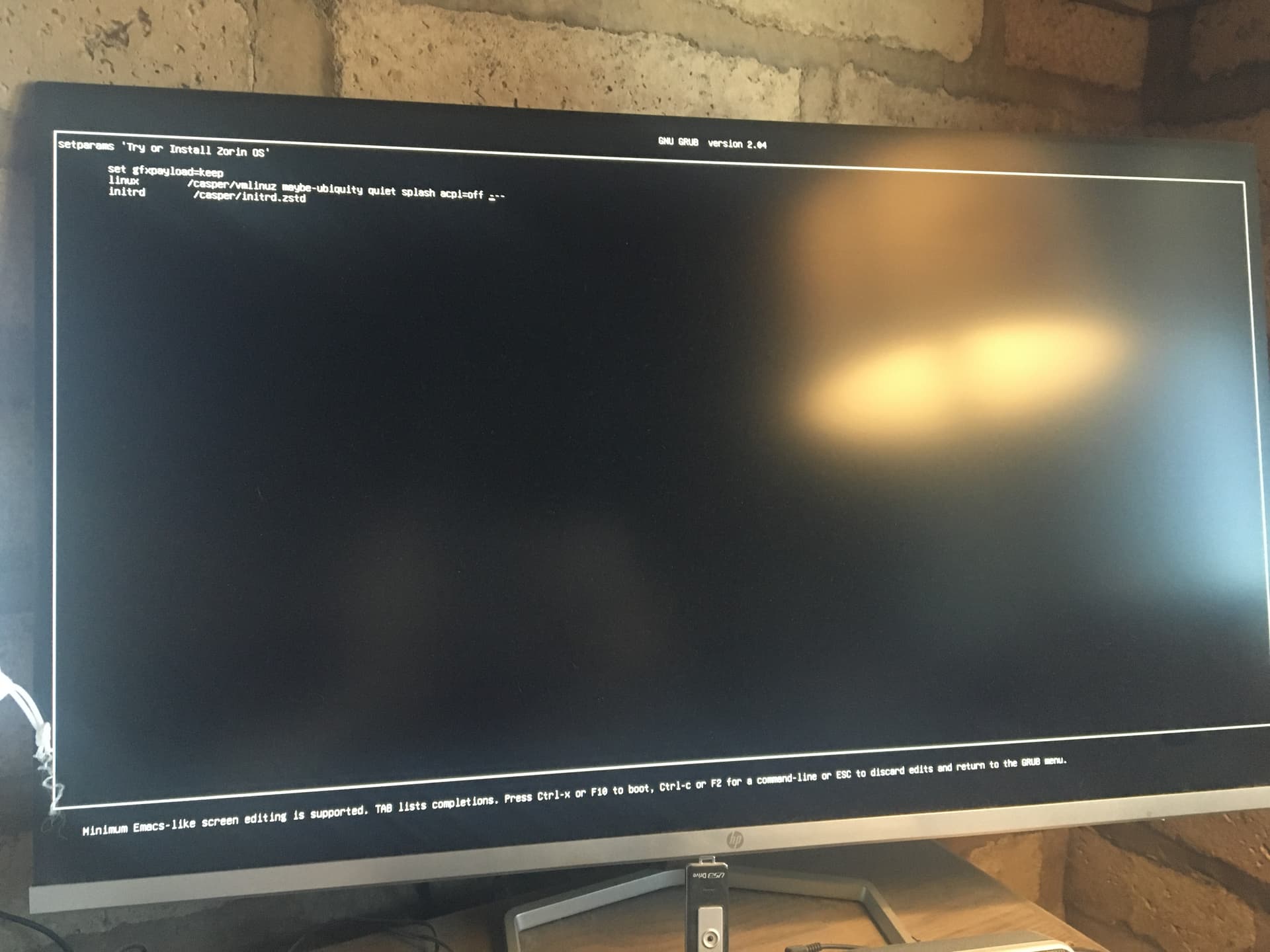
I had my computer freeze at the Zorin logo when I first tried to install. The solution for me was to hit the E key to edit when getting the first menu/grub before getting to the pulsing Z and add the command acpi=off after quiet splash still in the quotes. I don't know if that would work on yours but it is easy to try.
If not there are a number of threads about problems with Acers that you might be able to search or wait for someone with more Acer experience to comment.
Beside the already mentioned disabled Secure Boot and Fast Boot in BIOS: Does Your BIOS run in UEFI or Legacy Mode? Because, You still have Windows, I can recommend using Rufus to create the Bootstick. When You BIOS is in UEFI Mode choose in Rufus on the Partition Sheme'' Option GPT. When it run in Legacy choose MBR.
If You prefer to use Ventoy, it has that, too in the Settings to set it up on a USB Stick.
Thank you for the advice. Secure boot and Fast boot have both been off. BIOS in UEFI mode and partition scheme is GPT on USB drive. My real problem is that I have already successfully run Zorin a couple of times from the USB drive but then it froze on the next boot (after I had installed the email client). I will try the edit suggestion.
Thank you for the suggestion. When I hit the E key I get a new black screen but I cannot find out what command to use to insert the acpi=off. I have scoured the internet without success. All I get is the command into which acpi=off is to be inserted but not haow to find that command!
If you press the E (edit) key while the menu is displayed (I think it is the one that has modern NVIDIA, safe mode etc choices), you should get a black screen with about three or four lines of code at the top. You can use your arrow keys to move around in that code and find quiet and splash commands then insert after them. At the bottom of the screen it tells you how to boot (F10 maybe) with the modified code. Sorry, I'm working from memory here because I would need to reboot my computer with the live ventoy USB stick to be sure.
Thank you, NickS. I have now downloaded OS 17.3 and tried to install it. It freezes as OS 18.1 does but I still cannot see how to get the appropriate command into which to introduce apic=off.
OK. I did a live boot and photographed the series of screens. I am going to try to paste them in order though I would caution that the first Zorin menu screen is very blurred because I had to take the photo quickly before the menu went away. That is the one where you need to hit the E key before it moves on. I may have to do the paste in multiple messages due to attachment size/
Thank you for all your effort to help me. When I press E and reach that screen I press TAB to see what commands are available. However, I do not know what command to use to reach (grub_cmdline_linux_default="quiet splash") into which I am to insert acpi=off.
Just use the arrow keys on your keyboard to navigate down and across to the right, type in your change and hit F10 or whatever key is indicated to move on.
When I open a terminal (by pressing F2; ctrl+alt+t does not work) I get grub>. When I type sudo nano /etc/default/grub the response is that the command sudo is not known.