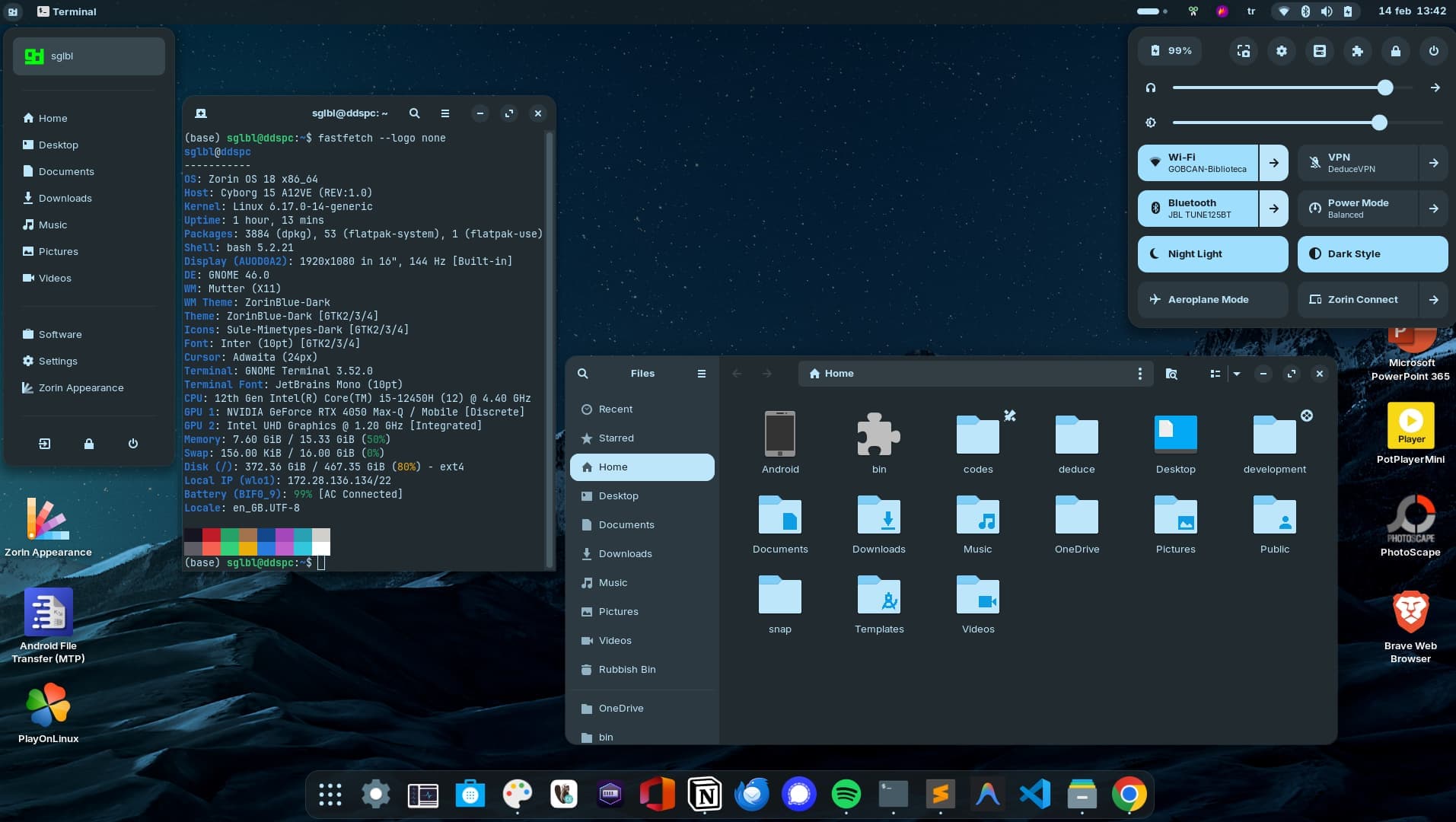
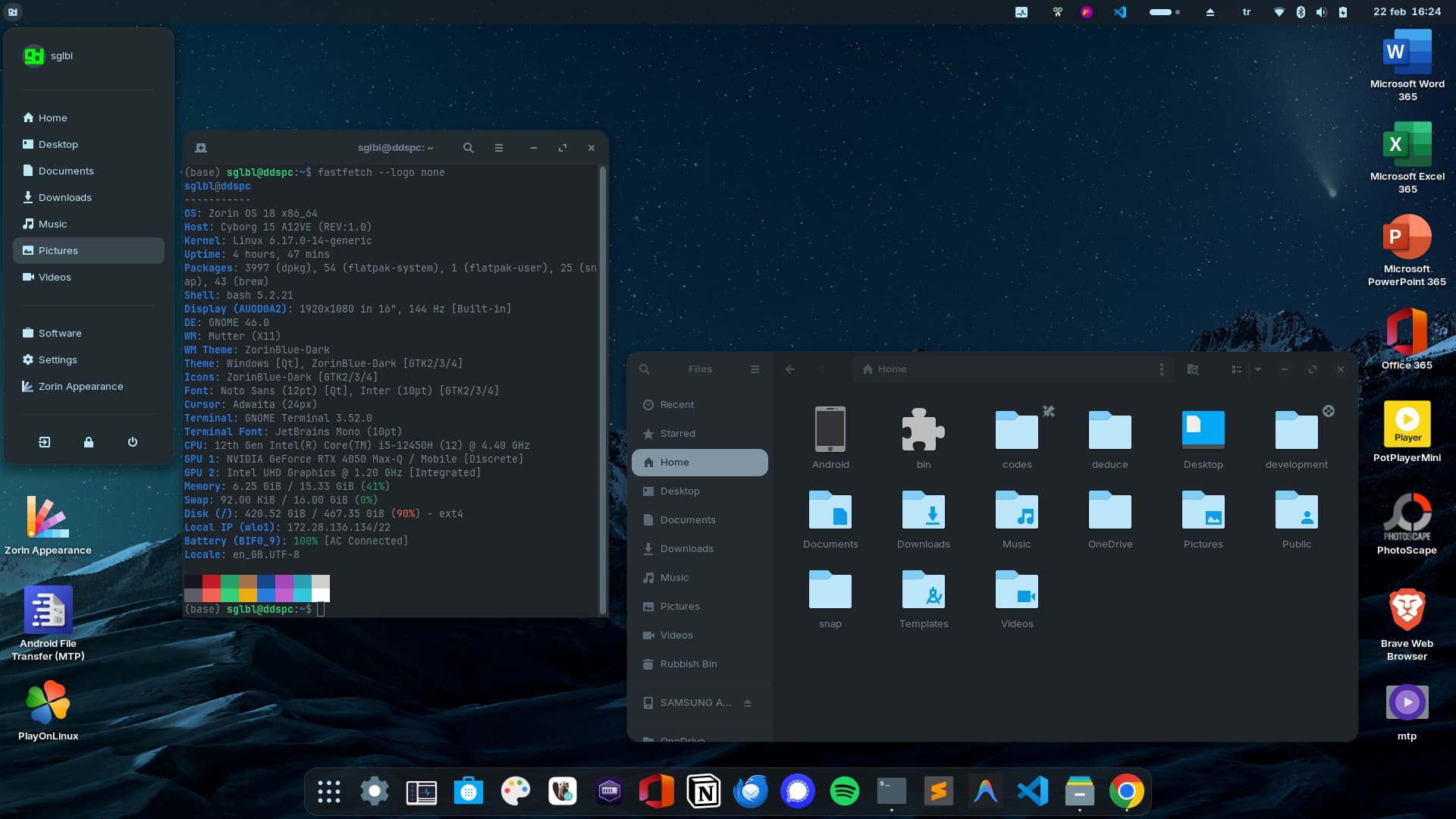
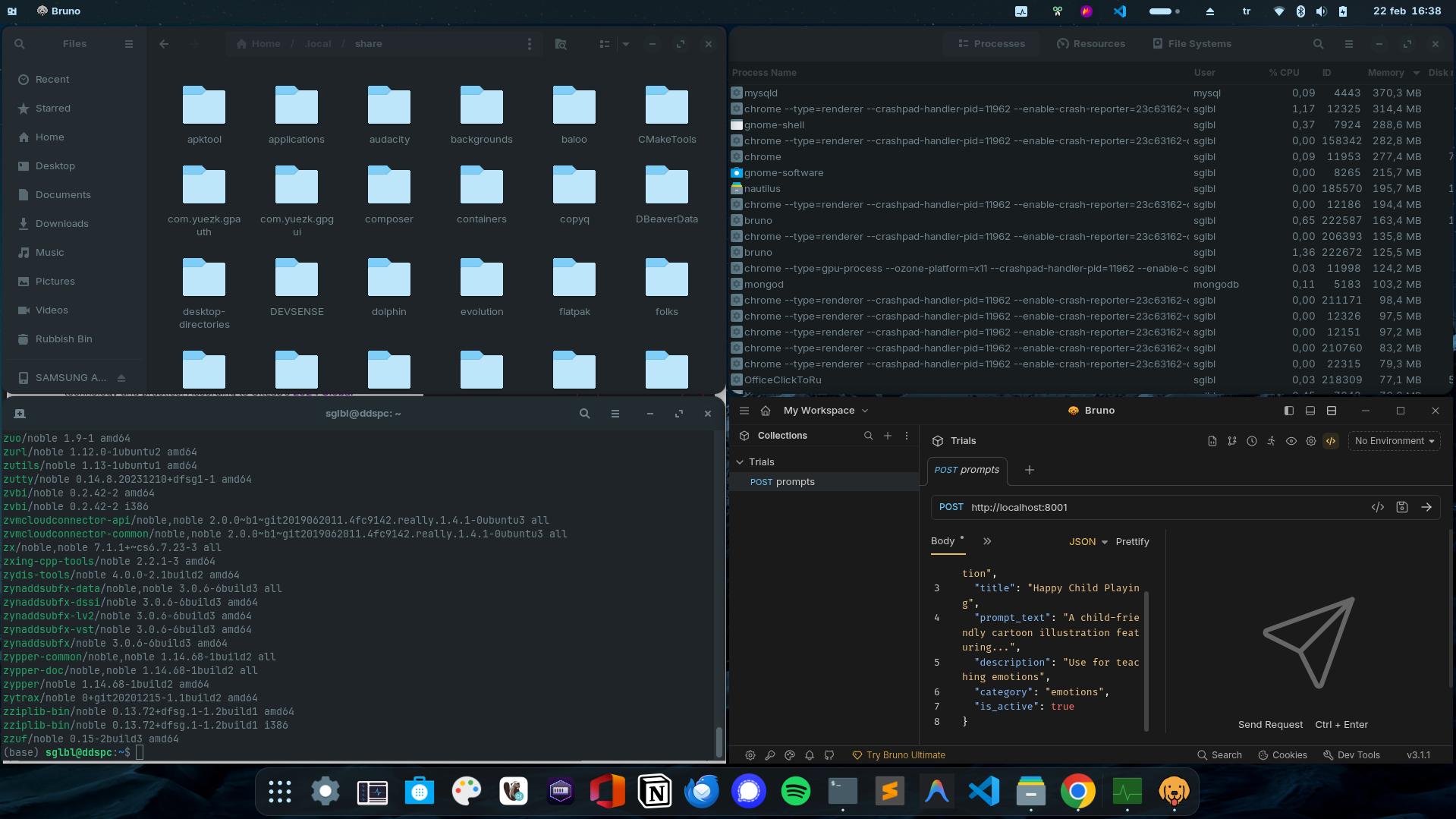
Summary: So, my problem is when I use 2 screens or 1 screen with multiple windows at the same time, I don't want other windows to be faden out.
It doesn't occur with applications like chrome, but usually with gnome apps. Instead of only top panel fades, all the application fades.
Example: Usually I feel it when I open a window like postman, the terminal text or folders/files are dimmed.
I'd really like to have such a function in Zorin, too to disable dimming for unfocused windows. The only thing that helps is to use a custom theme which has no backdrop classes set, but it is difficult to find one.
You can turn on high contrast at Acceccibility settings. The look isn't nice then, but the unfocused windows are not so dimmed then.
Edit:
Otherwise, the only simple solution I can think of (which doesn't require you to dig through the code of the Zorin CSS files) is to install a different desktop environment on Zorin that comes with its own theme and doesn't have this darkening effect, e.g., Enlightenment, Moksha, Cosmic.
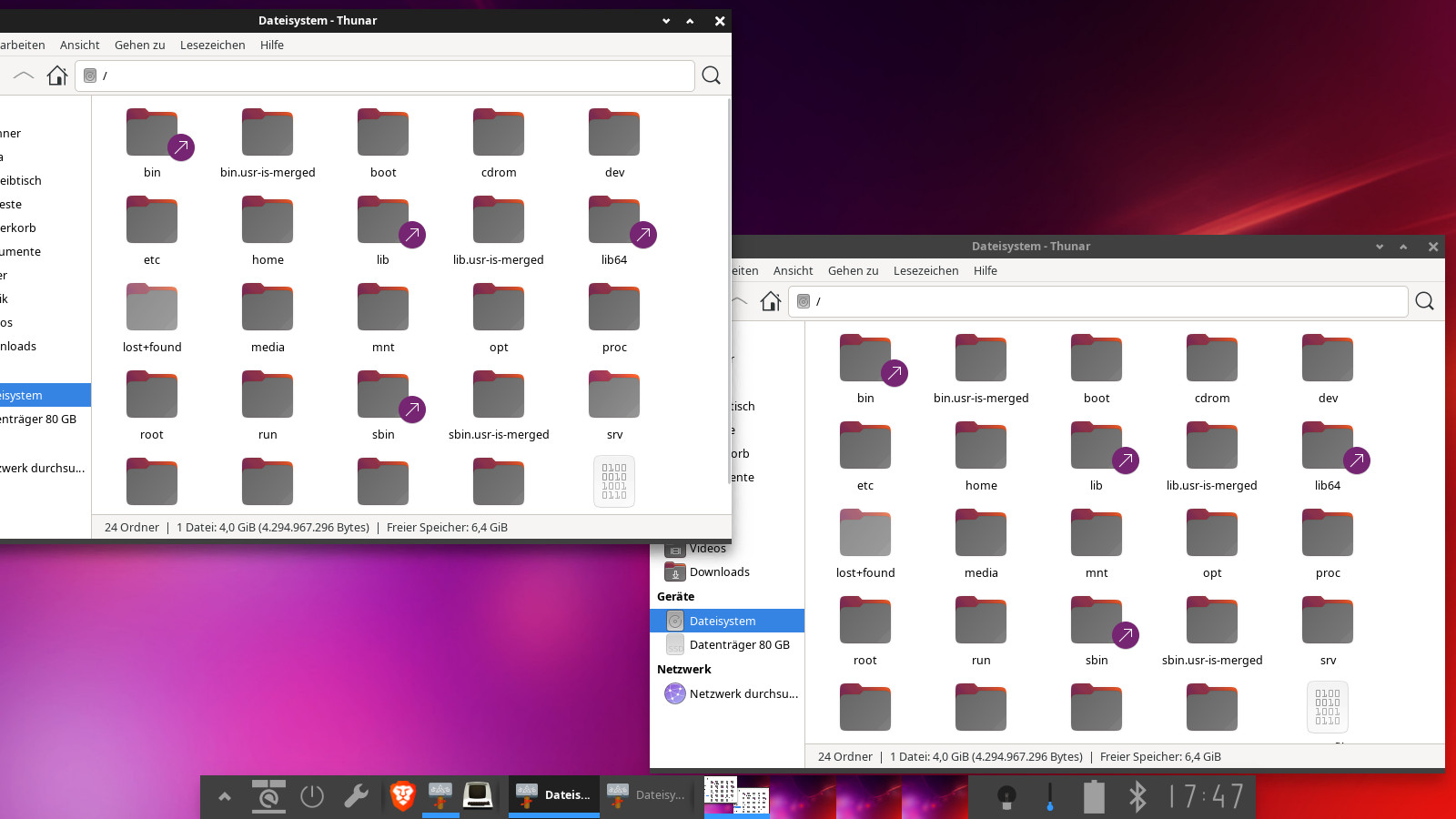
From those desktop environments Enlightenment is the only one which is very easy installable with ubuntu repository. You see here my enlightenment desktop which I have installed as second DE on my LinuxMint XFCE system. Only the topbar of unfocused windows is a bit lighter, not the rest of the window.