See this error when I try to install.
a_user@HP-ZBook-17-G3:~$ sudo apt install --reinstall zorin-appearance
Reading package lists... Done
Building dependency tree... Done
Reading state information... Done
Reinstallation of zorin-appearance is not possible, it cannot be downloaded.
Is there another way to download this?
TIA,
annon
1 Like
For Core and Lite, users would see:
apt search zorin-appearance                                                                    ─╯
Sorting... Done
Full Text Search... Done
zorin-appearance/noble,noble 5.5.3 all
  Modify the look and feel of your Zorin OS desktop

zorin-appearance-layouts-shell-core/noble,noble 4.5.4 all
  Desktop layouts in Zorin Appearance for Zorin OS Core

zorin-appearance-layouts-support/noble,noble 3.5.6 all
  Zorin Appearance - Layouts Support

zorin-appearance-layouts-xfce-core/noble,noble 1.3.1+1 all
  Zorin Appearance - Layouts XFCE Core
Zorin OS Pro included the Premium layouts and must be searched with that inclusion. On Zorin OS Pro, what does apt search zorin-appearance-premium yield?
1 Like
a_user@HP-ZBook-17-G3:~$ apt search zorin-appearance-premium
Sorting... Done
Full Text Search... Done
a_user@HP-ZBook-17-G3:~$
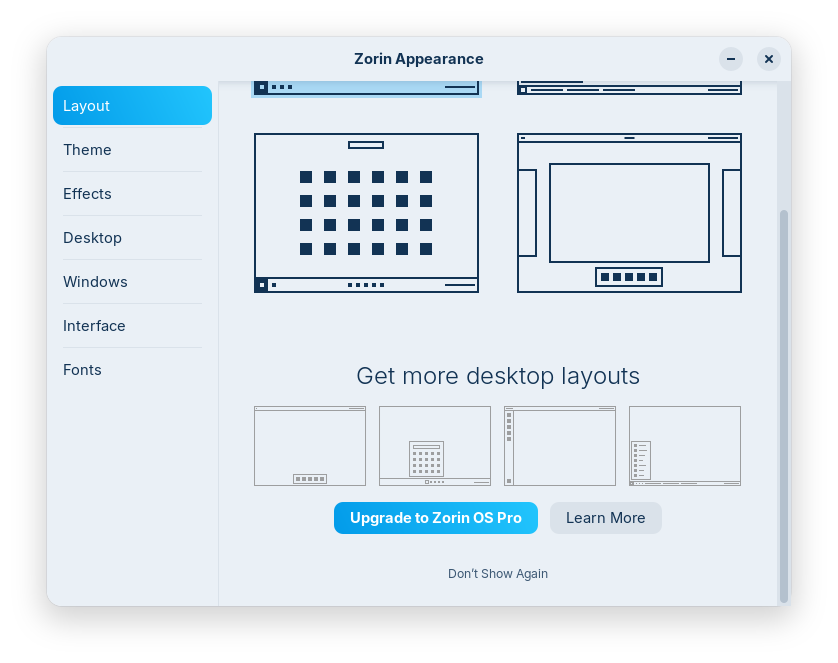
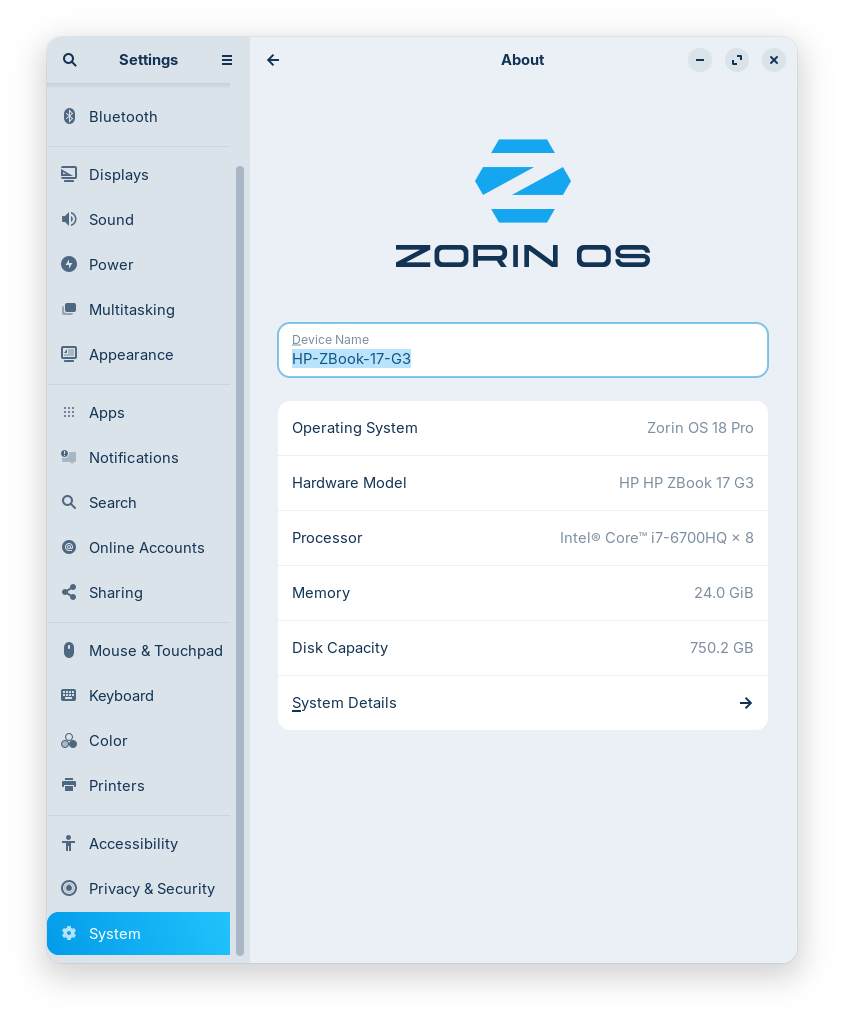
Hmmm...
Those screenshots contradict each other.
But as this is a Pro Install support issue, I recommend contacting the developers directly for the installation support on this:
1 Like
Exactly. Zorin Installation Support has a unhelpful and repetitive "do a fresh install" mantra regardless of the issue.
As this deals with Premium packages, it is their area.
How many replies have you received so far from the ZorinGroup?
What methods have you tested?
Have you checked your sources?
Have you added any third party repositories, or in the process, disabled any existing repositories?
Geez. Very sorry you're going through this. The "Pro" version should include the layouts you paid for. If I were you, I would ask for a refund if the Zorin Group does not help to your satisfaction. Good luck.
1 Like
Hi Annon,
In order to resolve this issue, we would recommend you to replace your current installation of Zorin OS with a clean install by following these instructions: Replace Your Zorin OS Installation - Zorin Help
I hope this was helpful to you. Please contact us again if you require anymore assistance.
Kindest Regards,
The Zorin OS Support Team
Am starting to learn about Packages and Repositories here.
It is more than a bit confusing for this 40 year DOS/Windows computer veteran. Intel IPD, MS OEM System Builder, Partner and MS MRR.
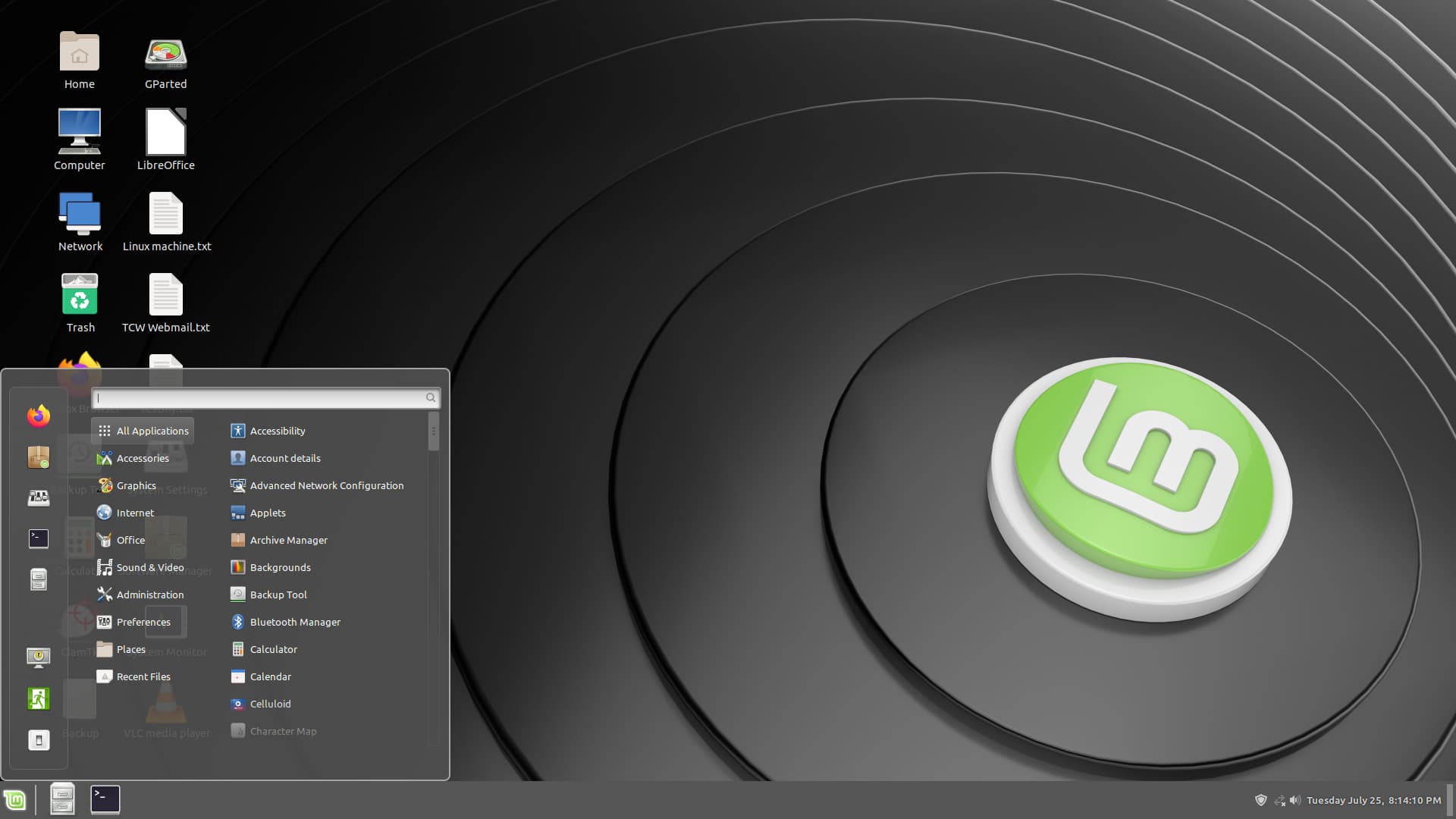
Been running Linux Mint Cinnamon for a couple of years on a desktop and don't have these kinds of issues.
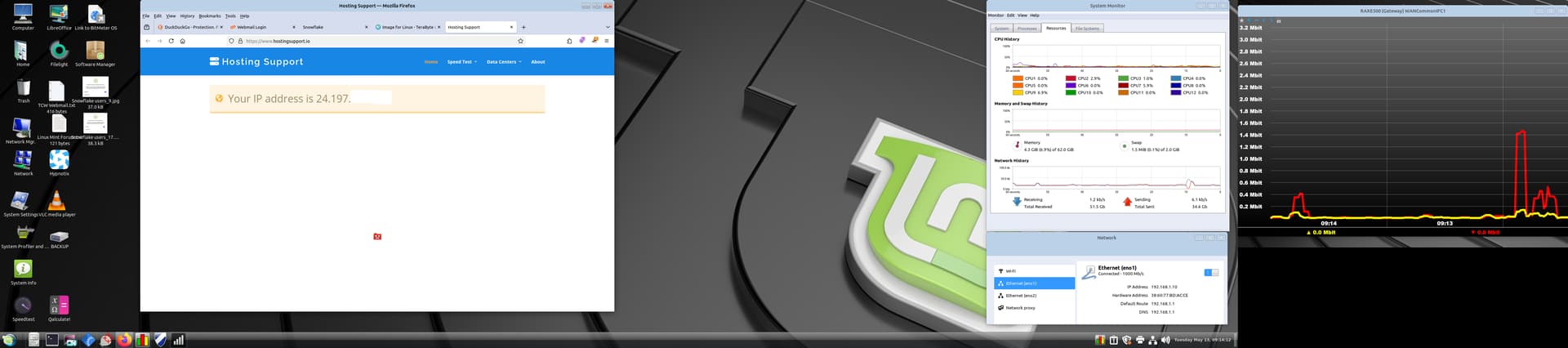
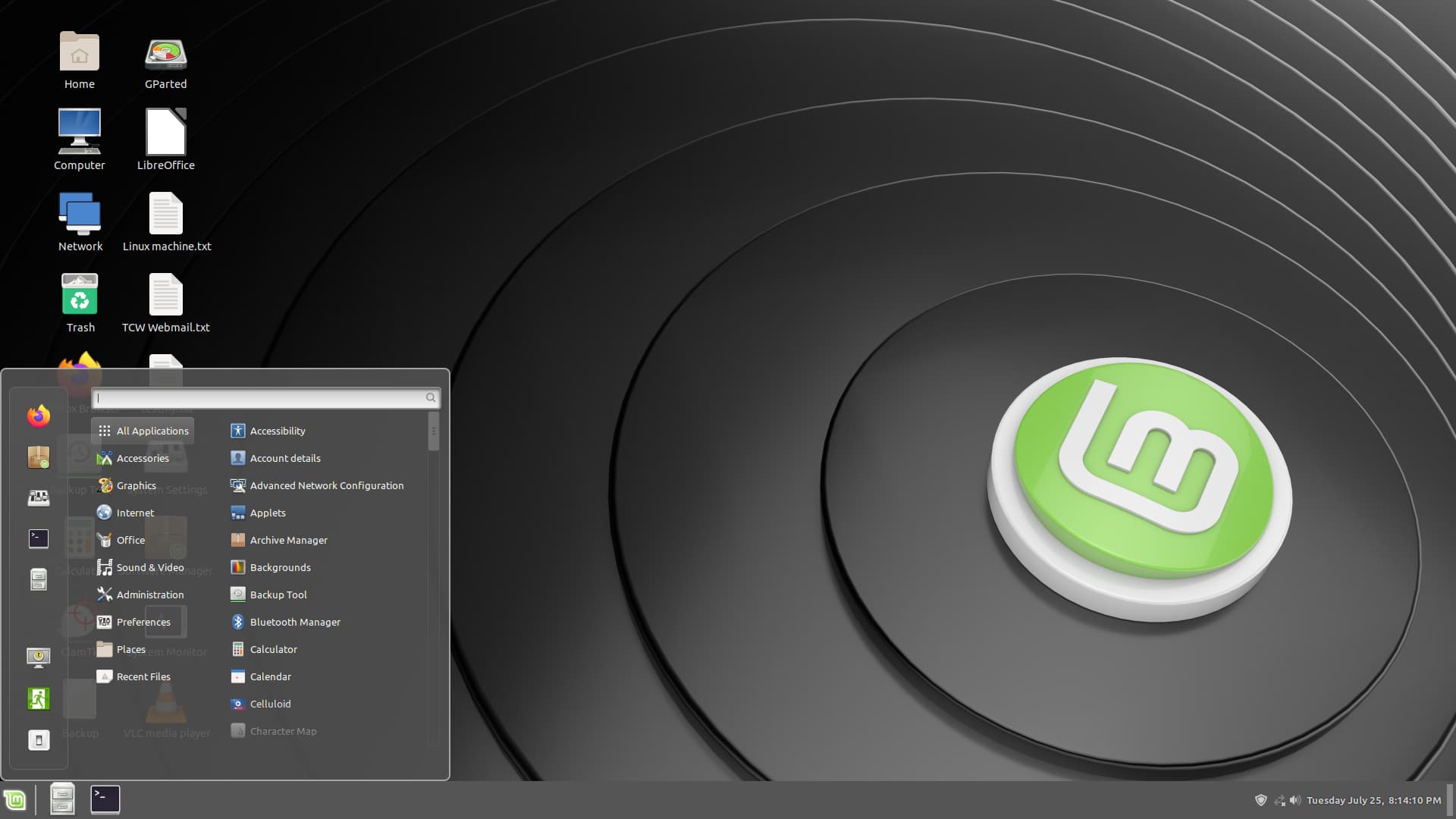
I am most of the way to what I want on this HP ZBook 17 G3.
Given that reply, it looks like the suggestion is that during initial install, some packages dealing with the Pro version did not install properly.
But, let's see if we can do this without reinstalling the O.S. if that is your preference.
If you still have - or can recreate your LiveUSB installer with Zorin OS 18 Pro,
plug in the USB stick while booted into your baremetal install.
In Software & Updates, check the box for using CDROM: Zorin OS, to use the .iso on the liveUSB as an installation source.
Once that is done, in terminal, run
sudo apt update && sudo apt install --reinstall zorin-appearance-premium
If successful, please return to Software & Updates and UNcheck the box for using CDROM: Zorin OS, then eject and unplug your LiveUSB.
If unsuccessful; then Omnimaxus has a valid point. You purchased Pro and if the Premium features you paid for a missing, that excludes you from what you paid for.
You have the option of pursuing a refund, given the missing Premium Features. I have no authority on that... But I state it as my publicly viewable stance on the matter.
2 Likes
I got the software packages, just not the desktop templates.
I ran your command on my existing installation, because I really didn't fully understand your instructions, and got the following. What do you think this Public Key business is all about?
a_user@HP-ZBook-17-G3:~$ sudo apt update && sudo apt install --reinstall zorin-appearance-premium
[sudo] password for a_user:
Hit:1 Index of /ubuntu noble InRelease
Hit:2 https://brave-browser-apt-release.s3.brave.com stable InRelease
Hit:3 Index of /ubuntu noble-updates InRelease
Hit:4 Index of /ubuntu noble-backports InRelease
Hit:5 Index of /ubuntu noble-security InRelease
Get:6 Index of /zorinos/stable/ubuntu focal InRelease [18.1 kB]
Hit:7 Zorin OS Pro - Zorin OS noble InRelease
Get:8 Index of /zorinos/drivers/ubuntu focal InRelease [18.1 kB]
Err:6 Index of /zorinos/stable/ubuntu focal InRelease
The following signatures couldn't be verified because the public key is not available: NO_PUBKEY 30FCF8F64F71B61C
Err:8 Index of /zorinos/drivers/ubuntu focal InRelease
The following signatures couldn't be verified because the public key is not available: NO_PUBKEY 30FCF8F64F71B61C
Reading package lists... Done
W: GPG error: Index of /zorinos/stable/ubuntu focal InRelease: The following signatures couldn't be verified because the public key is not available: NO_PUBKEY 30FCF8F64F71B61C
E: The repository 'Index of /zorinos/stable/ubuntu focal InRelease' is not signed.
N: Updating from such a repository can't be done securely, and is therefore disabled by default.
N: See apt-secure(8) manpage for repository creation and user configuration details.
W: GPG error: Index of /zorinos/drivers/ubuntu focal InRelease: The following signatures couldn't be verified because the public key is not available: NO_PUBKEY 30FCF8F64F71B61C
E: The repository 'Index of /zorinos/drivers/ubuntu focal InRelease' is not signed.
N: Updating from such a repository can't be done securely, and is therefore disabled by default.
N: See apt-secure(8) manpage for repository creation and user configuration details.
TIA,
Annon
I am seeing Focal sources for Zorin OS 17 16 and Noble sources for Zorin OS 18.
Can you please clarify:
Are you on Zorin OS 16, 17 or 18?
How did you install the OS and when?
Did you use Zorin OS Upgrader to release-upgrade from Zorin OS 17 16 to Zorin OS 18?
With the above clarified, we can look to correcting your sources and straightening things up.
I ask this also concluding you did not do:
based on your comment here;
1 Like
Focal sources are for Zorin 16.
Do you have tried to upgrade from Zorin 16 to 18?
2 Likes
I keep doing that... sigh
Jammy is 17...
Zorin OS 16 : Ubuntu 20.04 Focal Fossa
Zorin OS 17 : Ubuntu 22.04 Jammy Jellyfish
Zorin OS 18 : Ubuntu 24.04 Noble Numbat
I have used too many editions of Zorin OS.  Can't keep track.
2 Likes
@Aravisian - for what it's worth, this shows the user is on Zorin OS 18 Pro.
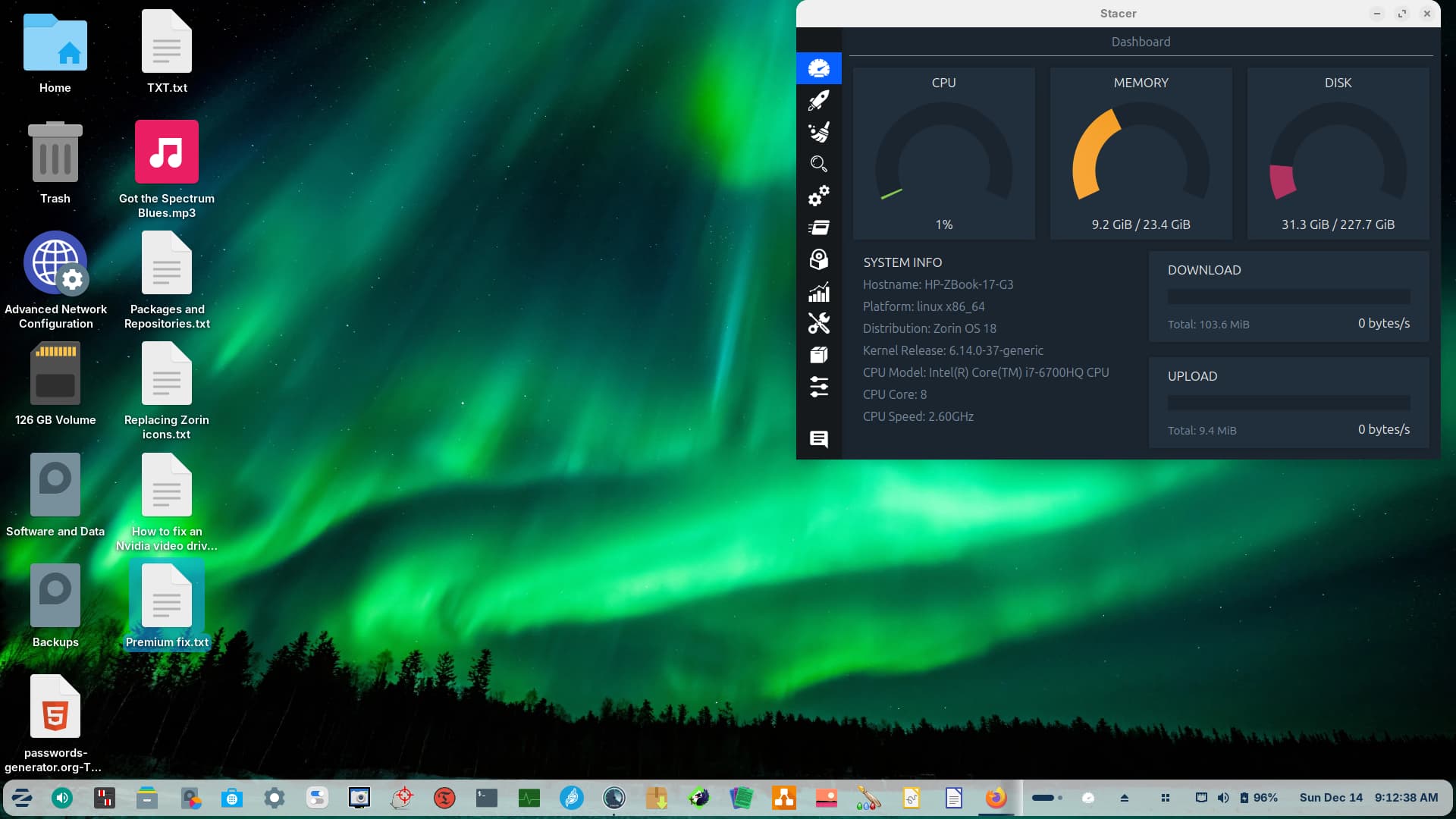
Software & Updates will not run from the GUI. I installed 18 Core two weeks ago and then upgraded to Pro last week.
Continue to request support from the Zorin Group. If they can't or won't help you, ask for a refund and move on elsewhere. That's what I would do. Good luck to you.
And what would elsewhere look like? It's not about money, I have a lot of time invested in this distribution.
I understand. I was in the same spot myself with Zorin OS 17. I get it. My notes for Zorin OS 17 are filled with workaround after workaround. Again, I get it. I had a lot of time invested in Zorin OS 17, much like how you do with Zorin OS 18. But ultimately I said to myself, "no one should have to deal with this, especially after subsidizing the Zorin Group with my purchase of the 'pro' version." My suggestions for you would be: 1) MX Linux, 2) Linux Mint, and 3) Debian itself (although you'd have to do more work yourself to get it the way you want it; if you are OK with that, then go for it). I use MX Linux XFCE as my daily driver. I highly recommend it.
I recently saw a system build with Linus and Linus on youtube and they installed Fedora at his request. Something about the kernel.
I have beta tested every version of Windows from 3.0VFW to Win 10, excluding ME, and I don't mind beat testing this with cooperation.
I am running one laptop with Win11 but it has been greatly neutered.
I am running 12 computers with four OS's and three form factors. My prior experience is with Mint and it is much better. I have it on one daily driver desktop, but I have three daily drivers, two are Win7. Don't know about MX Linux XFCE, but will check it out.
1 Like
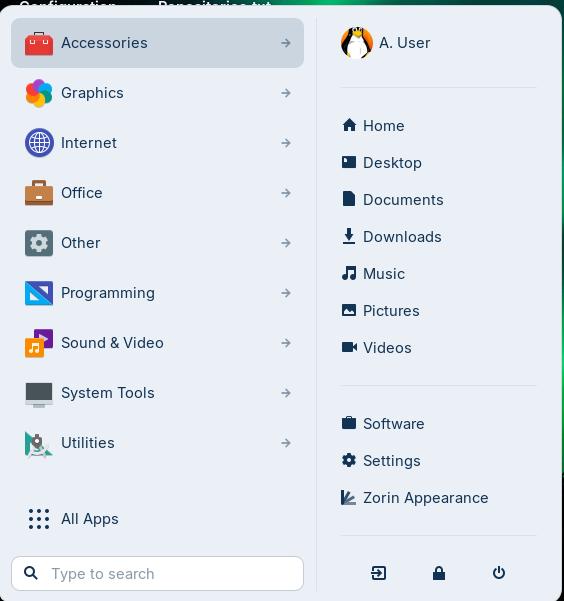
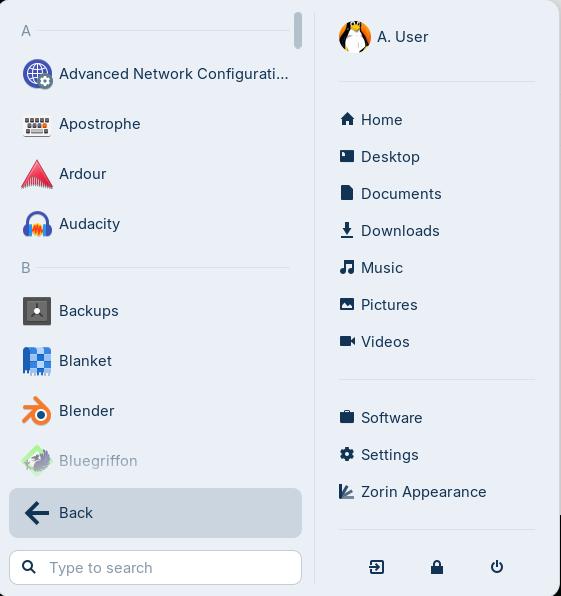
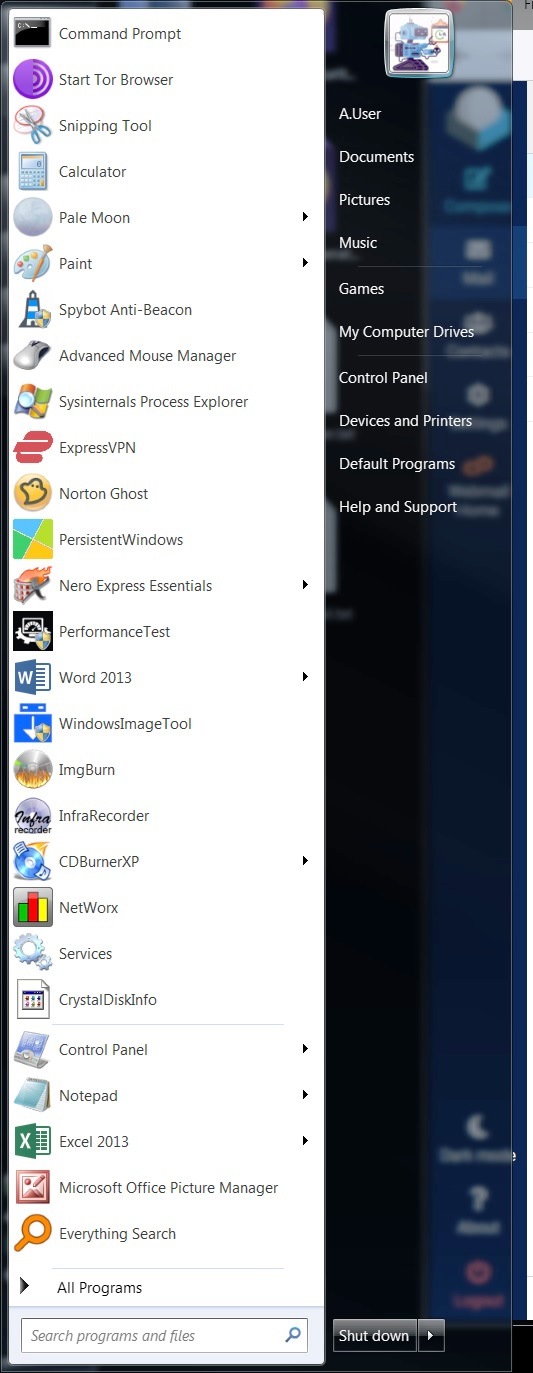
What I am really after here, is to have a Start Menu (Zorin Menu) that lists the programs that I want in it, not categories or alpha listings.
Pin to Start is missing. I don't want all my programs lined up on the taskbar (dash) which I have now, or icons on the desktop.
All I want in the dash is running programs, and on the desktop just quick access stuff.
Can I do this?