I 've been using Zorin for about 4 days now, so I'm kinda new to all this, though I am experienced in building my own PC's etc..
I installed an internal 4tb ssd m.2
At first, it was seen by system and I eventually managed to get it partitioned etc. and had installed some steam games onto it, which ran..
11.30pm arrives, I'm tired, long day, shut down system...
System wont shut down. No response from mouse/keyboard.. except for the Escape key..
This reveals a list, at the bottom of it is a line mentioning "FAILED TO UNMOUNT"..
The drive I had installed is now the reason why my PC wont shut down.
Nothing worked..
It was stuck in a loop of running some attempts to unmount/shutdown..
8 of them..
20 minutes later, I had no choice but to pull the plug..
Today, no drive found.. not listed, cant detect it.. Tried putting it into one of those external cases, all the system sees is a Realtek RTL9210b connected..
System is seeing the device but not the drive attached to it..
The problem with the UAS controller on your enclosure if an older version might be an issue as they are limited to 2 or 3 Tb drive recognition capacity.
So, You installed this m.2. Is this the only Drive or is there another one? If there are 2: On which one is Zorin installed? Is Your BIOS is UEFI or Legacy Mode? What Tool did You use to create the Bootstick?
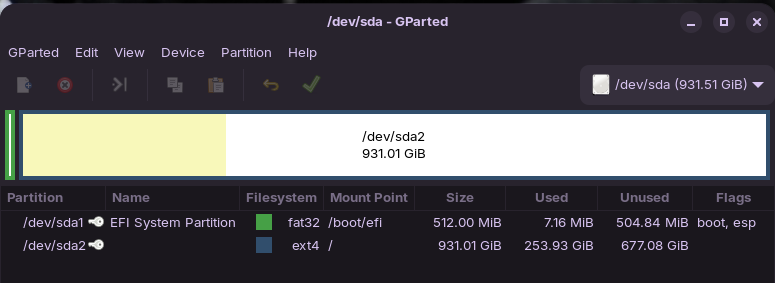
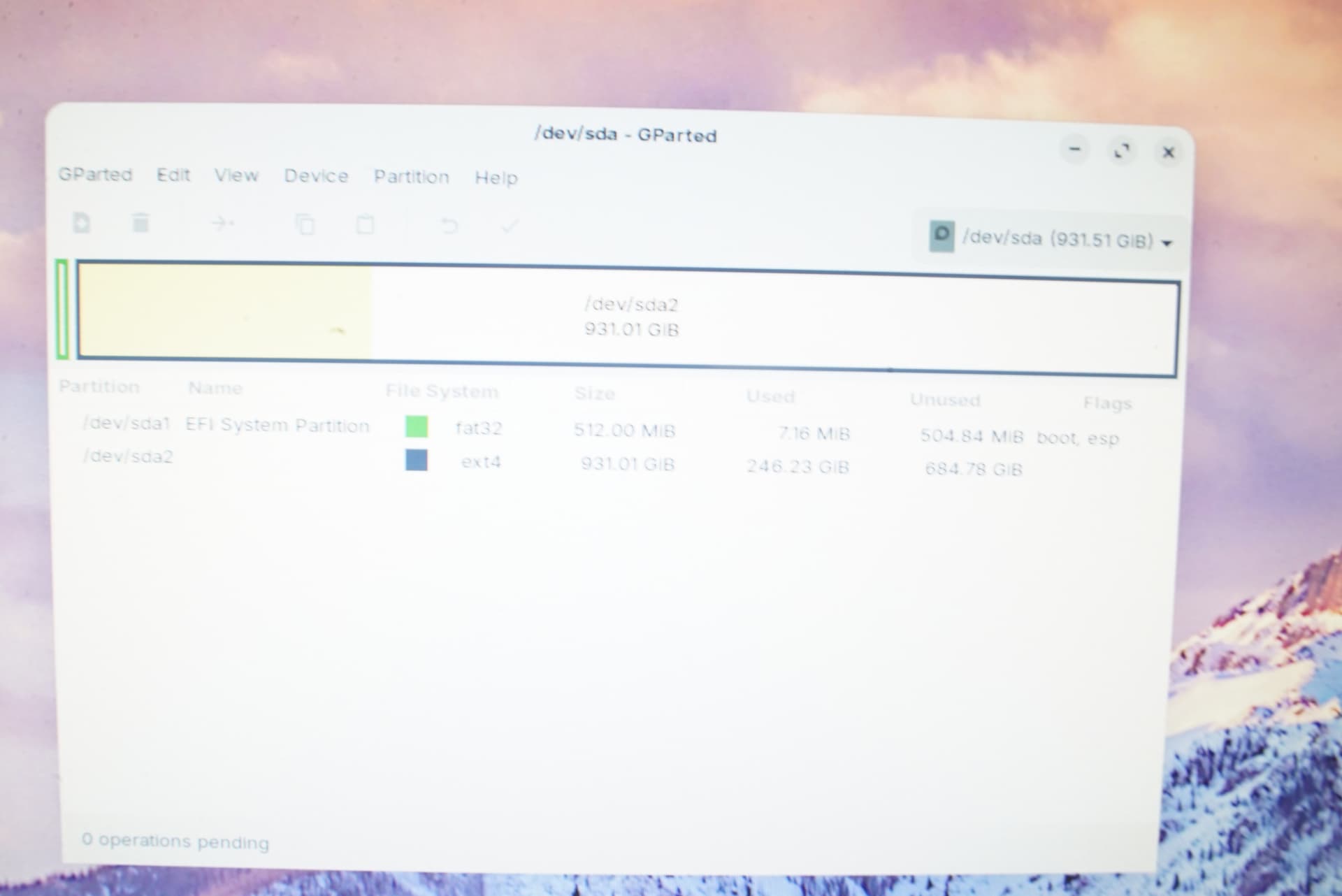
When You still have the Bootstick with Zorin on it, start it in Live Mode (''Try Zorin'' instead of ''Install Zorin'') and look there for GParted. Open it and make a Screenshot of the Drive/Drives with the Partitions and post it here pelase.
There are two drives.
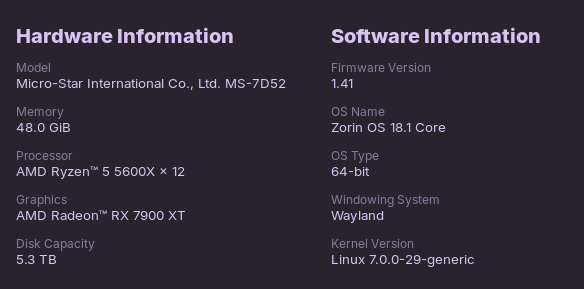
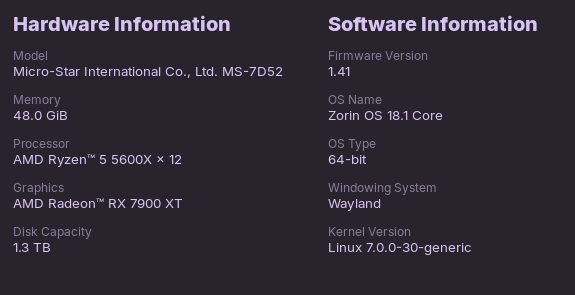
One of which Zorin is on, which is a 1tb drive.
The 4tb drive is for game storage/use via Steam.
It was working.
I used balena etcher.
Will check back with you on the BIOS.
I have physically unplugged the Zorin OS drive, started system with boot stick in USB in order to see if an install would pick up the 4tb drive.
Nothing there.
No.
No other drives shown.
Doesn't show in BIOS either.
It WAS working, had Steam games on it and tested running..
Then I shut down pc, that drive failed to unmount..
Kept looping over the same checks/commands etc..
Pulled the plug.. no other choice.
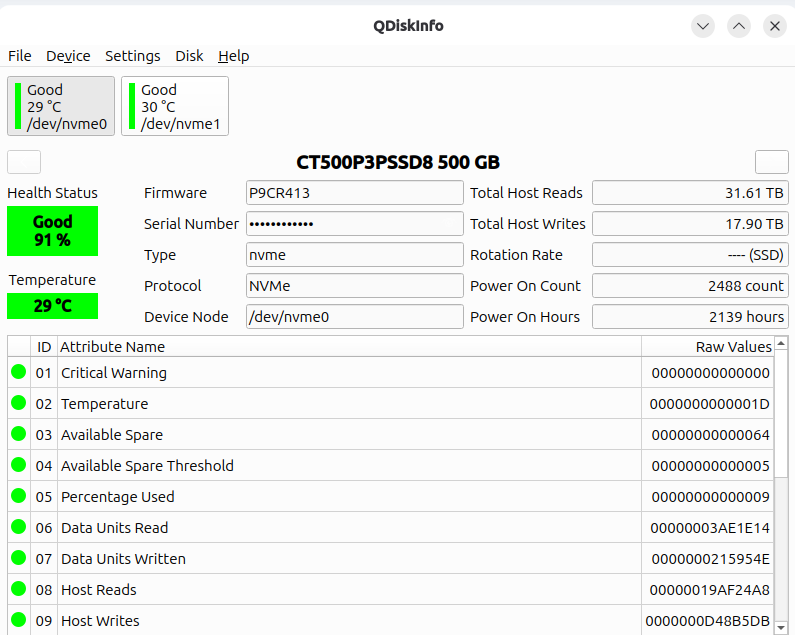
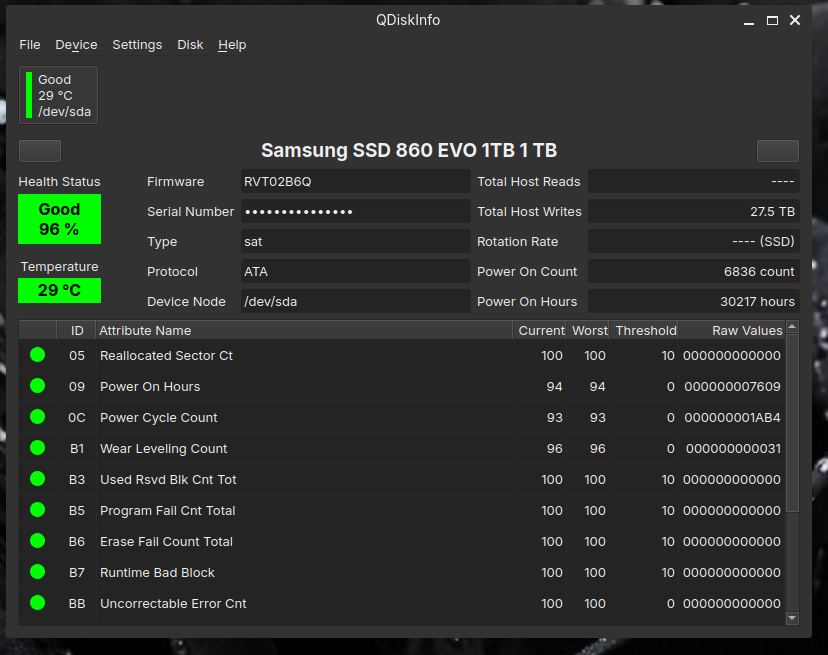
how old is this drive? more then 5 years? sounds like something happened to either the controler or the driver that runs it. you could try downloading Qdiskinfo and see if it can see the drive and see if its showing up as bad/possible fail
The drive itself is 1 year old, almost..
I've looked at the qdiskinfo.
I've got no idea how to install that.
I've read the "read me" but it doesn't make any sense to me right now.
Thank you for putting it in here though as i might be able to get it working later..
ok im thinking at this point something bad has happened to the controler/driver or the disk went bad or major error. and your welcome...sometimes things just go bad without warning. or the controler is bad or something along this line. unless it can be seen by the OS its gonna be hard to determin in my opinion what caused this error
To bad ya didnt have a pic of the screen that showed the unmount error
maybe try using it on another computer(if you have one) and see if it starts working on that comp
That's what I was beginning to think too!
Perhaps something has happened to the data on the drive that made it un-useable??
I don't think it's hardware.
Something went wrong as the system shut down.
The "failed to unmount" error, along with the repeated attempts of some code trying to get some other bit of code working, didn't work..
It would appear I now am the proud owner of a 4tb Lego building block!
This error may have locked the drive from being read.
I'm not seeing how a fail in hardware that prevented a dismount would affect a drives visibility, though it is possible..
Hmm ... When it would be locked or something, okay. But that it doesn't even been seen ... Okay, maybe put out the Drive, boot the Machine, then power off, put the Drive in again and then check if it is detected again. If You have more than one m.2 Slot, use a different one.
Sounds like a drive issue. What did you use it for before trying it with your Zorin computer? I had a couple of large drives that I previously used as part of a windows storage system but did not fully remove/delete before I left windows and are now expensive paper weights.