Exactly that..
Game/file storage on Windows system..
1 Like
Well, at this Point, I would agree that the Drive might have a Problem.
2 Likes
Drive manufactures like to say...shes good for 5 years or 3 years or whatever. most of the time that is a true statement. but its not always true none of us can truely see the future only go by data of the past. in past sales most went 3 to 5 years...but some dont...it happens and i know its sad but its the truth....sometimes stuff fails for no real reason...just does. if you still have the proof of purchase, I belive most will honor it and either refund or replace it.
1 Like
Have you let it run for a length of time, I have had some 2tb disks take a while to read after an issue.
2 Likes
Yes, have considered that as I went along. You are correct, but in this case, it hasn't shown up on my system at all...
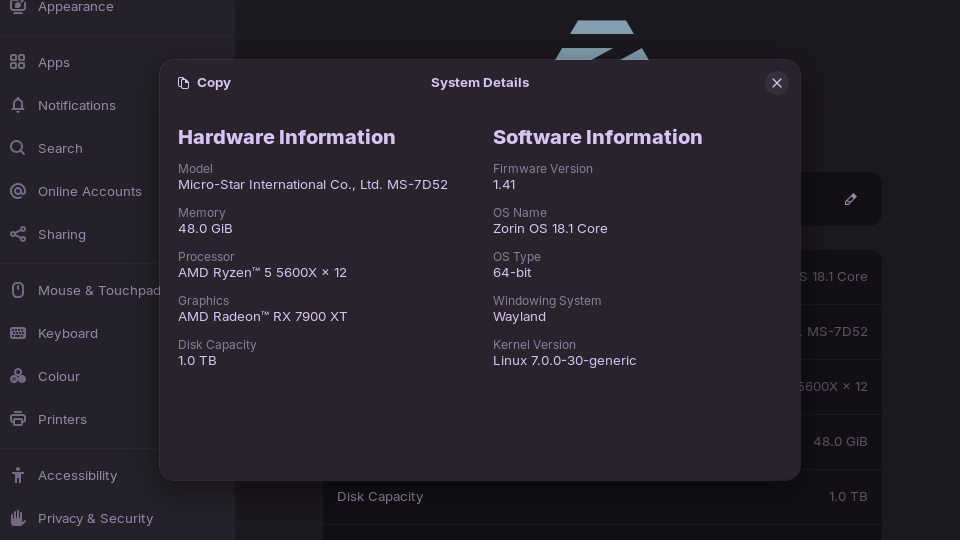
I've even just completed a full Zorin re-install onto this PC, for a few reasons, not just to check if there was an issue there..
2 Likes
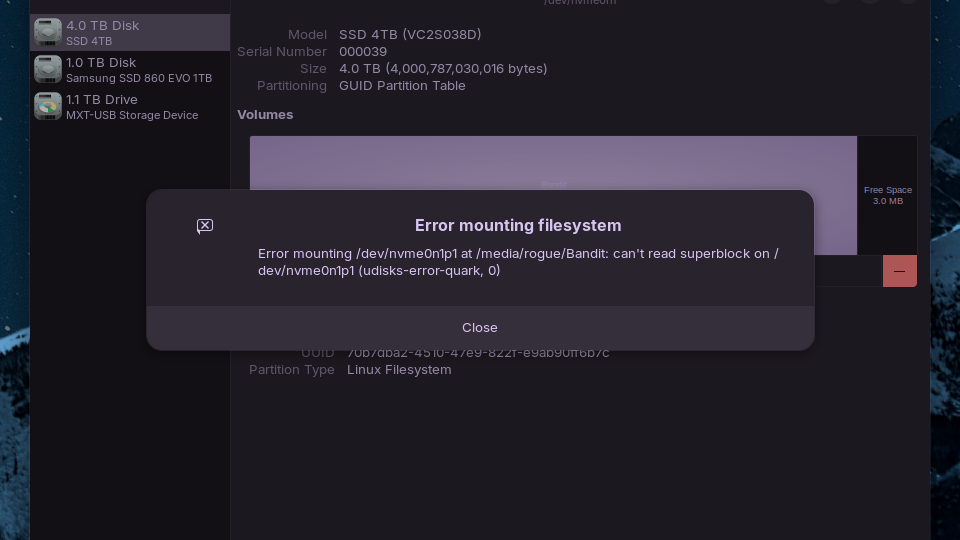
Well, here's a surprise!!
The drive has shown up again..
Revealing this error...
Formatted it with success... It can take and hold files etc BUT Steam will not let it be accepted as a storage drive!!!
Which was the whole point of having it..
Don't ask how it suddenly showed up, I've no idea.. All I did was go into files and tere it was, listed..
Kinda glad I chose not to remove it and bin it..
1 Like
That’s great news for you.
As far as I can see, all that’s left to do is run the following command, and the error should disappear.
sudo apt install exfat-fuse exfat-utils ntfs-3g
1 Like
Gives this..
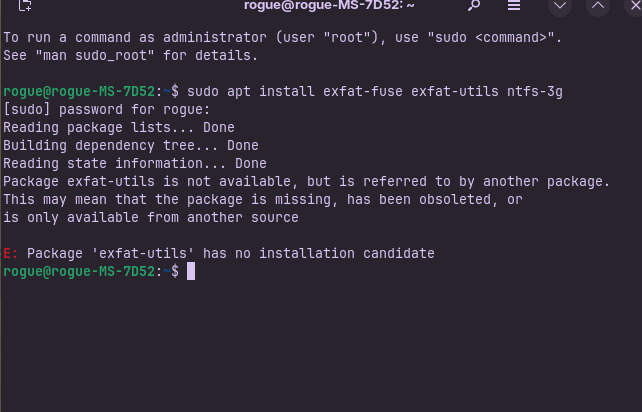
BUT .. whatever that means.. I can now install/move games to the 4tb drive, shows as an external drive.
Had to remount it earlier. don't think it's auto mounting. Can't check with reboot yet, bit busy on pc.
Looking good though!!!
1 Like
Just discovered (response from IA Brave):
Regarding the error, the "exfat-utils" package is obsolete and has been replaced by "exfatprogs"
sudo apt install exfat-fuse exfatprogs ntfs-3g
3 Likes
Done that... TYVM!!
I'll see how it goes..
Not tested anything yet..
1 Like
Rebooted and it's gone..
Along with the other external drive in a USB slot..
But that recovered after removing and plugging back in..
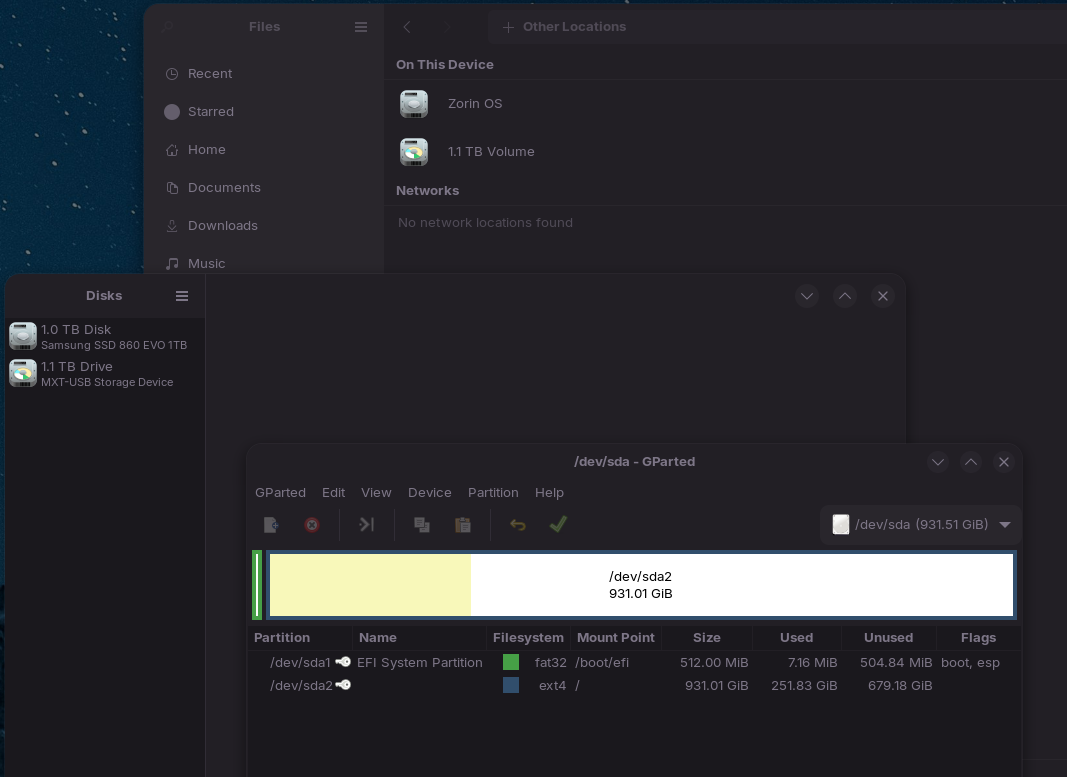
Gparted can't see the 4tb drive.
Not in Disks.
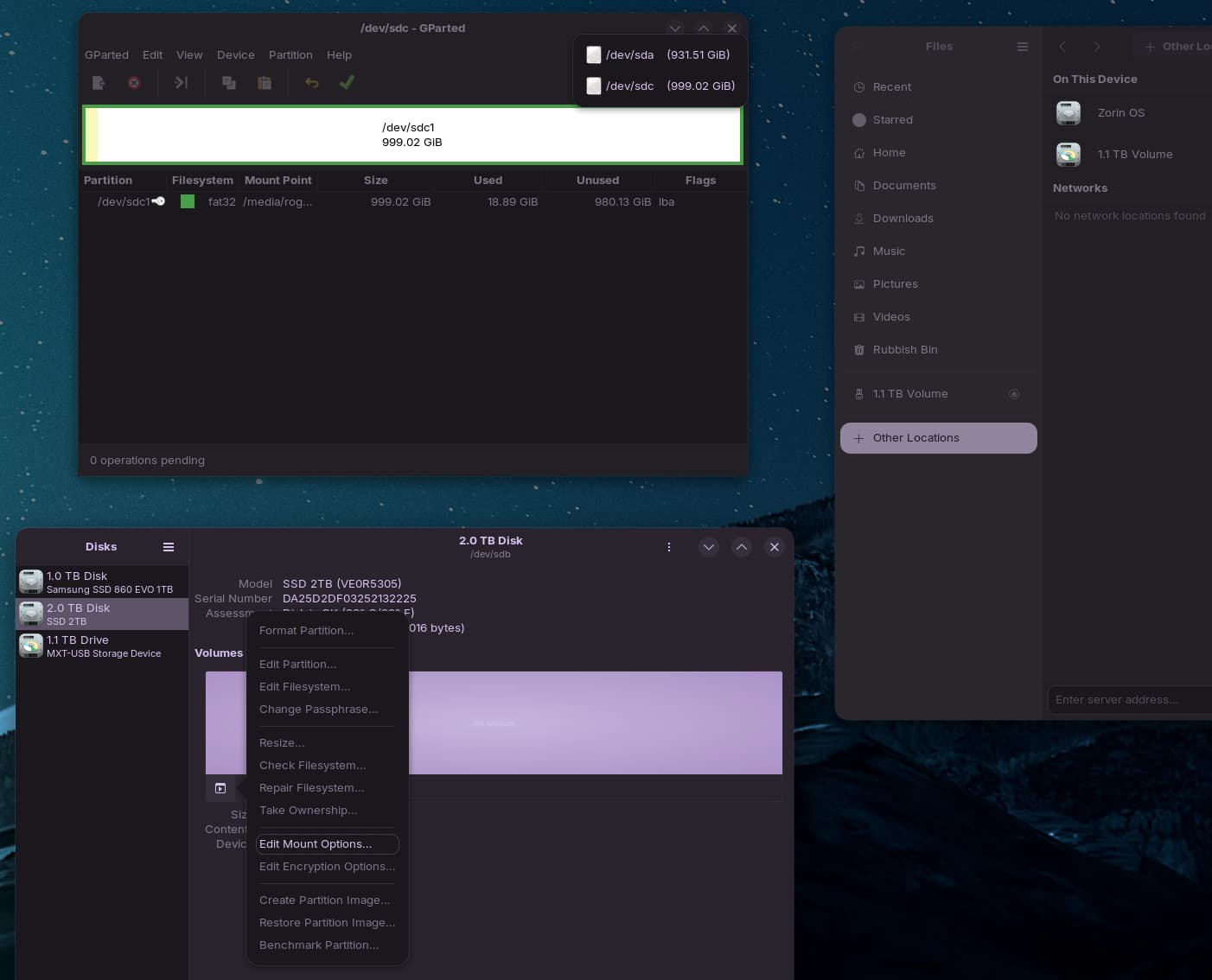
This drive named "Rogue Trooper" is a 2tb drive.. brand new.. Format failed, get this error..

Should be showing as sdb, no further choices regards formatting partition or mounting. Mount Options don't give much more ..
I know this discussion has been ongoing for a while and I don’t remember all the things discussed, but did you consider that the problem might be with the physical connection between the drives and the computer? I think at some point you tried plugging in to different ports, right?
Yes.. The 4tb is an m.2 connected directly to the MB. The 2tb is connected via SATA to one port.. The 2tb is brand new yet has gone through the exact same issue the 4tb did
Did You checked Your Motherboards Manual? I heard it can happen when You use an m.2 Slot that SATA Ports can be blocked.
1 Like
It's an X570s Carbon Max MB.. Can handle several SATA's and an m.2, or a few SATA's with two m.2's onboard. I currently have two SATA's, one m.2 and a USB drive connected.
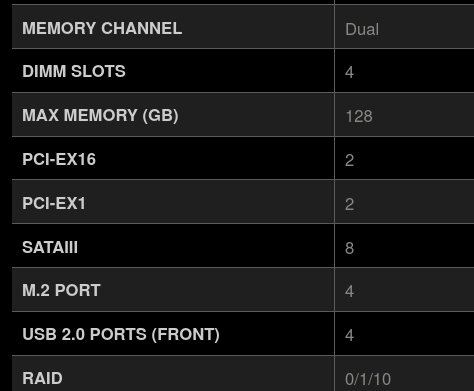
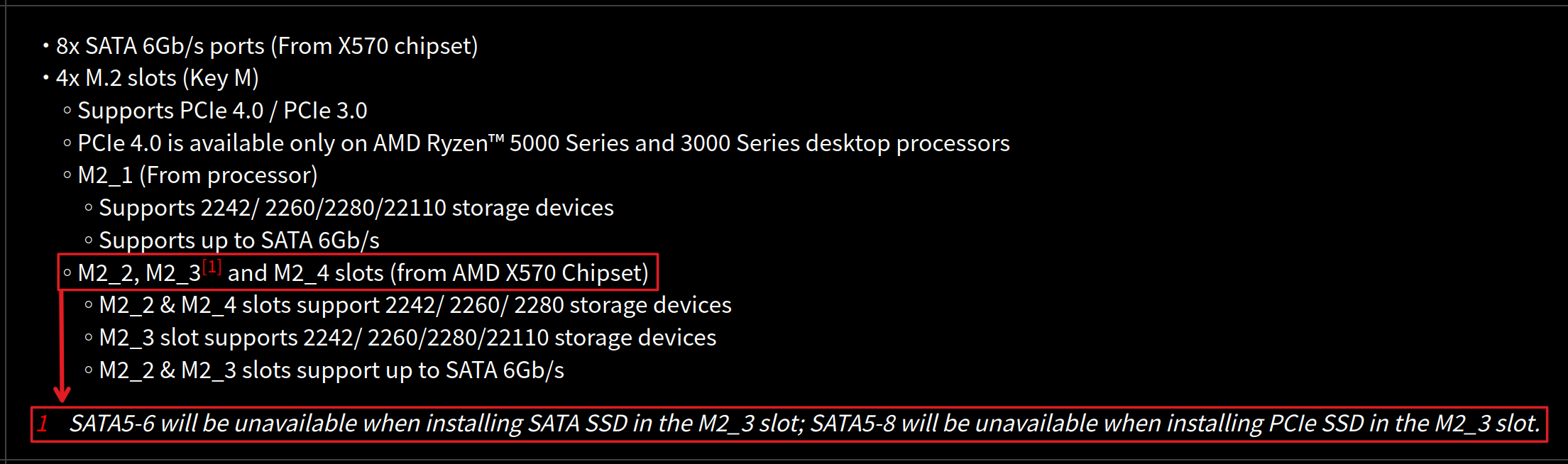
Yes, that's correct info.
My Sata's are in 1 and 2.
This should have no effect on the operation of the m.2
I'm using the main slot for that, sits above graphics.
I'm well within any limits.