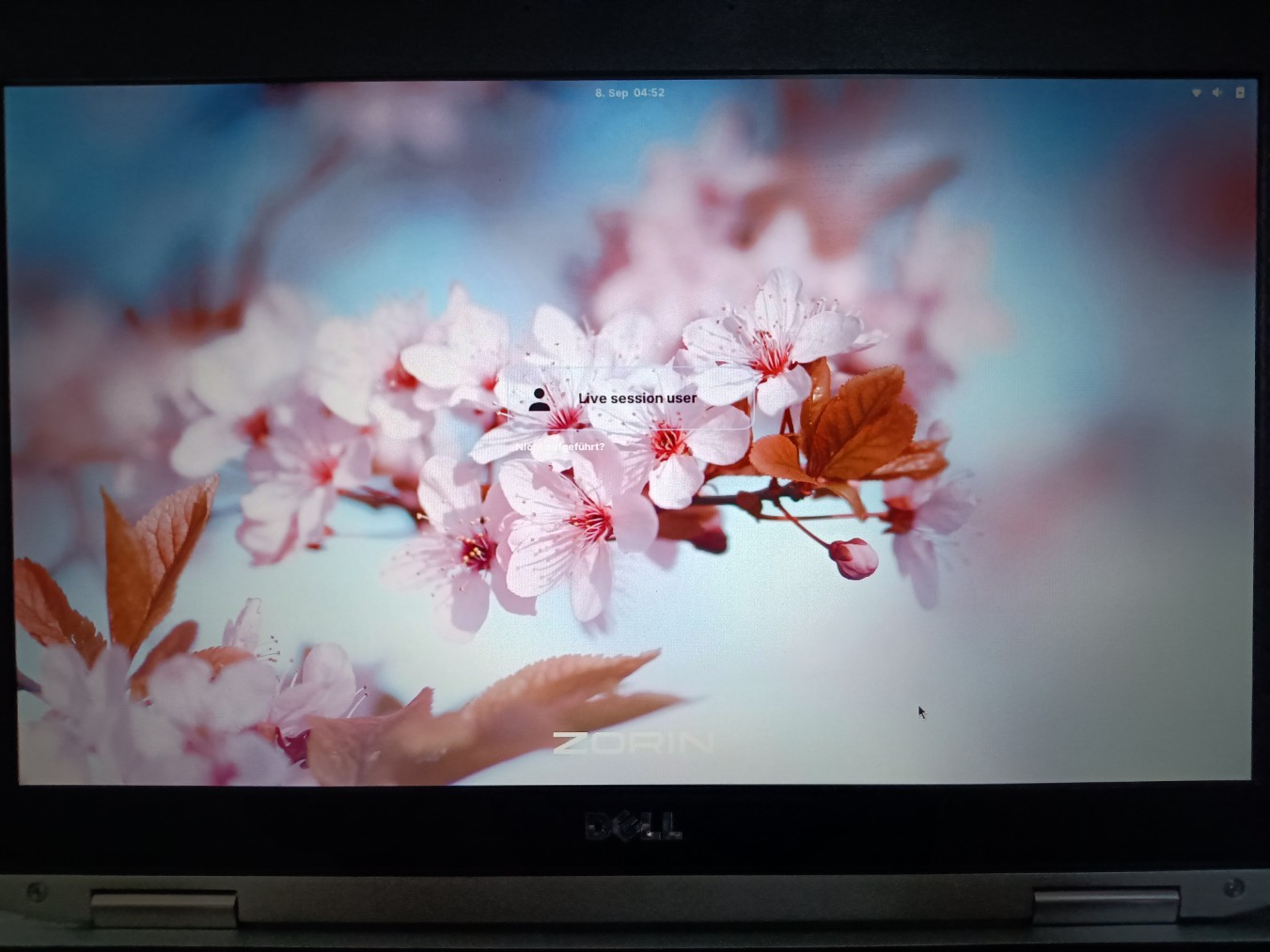
I'd like to modify the gresource file and recompile it to have more customization options for the GDM login screen. For example, I think it would be nice if you could also change the shield in the middle of the screen (I'm not sure if that's the right name) and adjust the text color and background. In the default ZorinBlue-Dark theme the font color is white and the background has transparency, so it is unreadable when you set a light background picture.
I tried it yesterday but failed. It’s quite time-consuming and complicated.
At the end of the experiment, I was greeted by a white screen with a error message... gdm was broken.
That's why I want to be better prepared for the next attempts (in the live session).
What can help me regain access to the system?
Using Ctrl+Alt+F3, I was able to access a TTY, which at least allowed me to shut down the system properly.
I'll also install lightdm next time just to be safe, in the hope that I'll then be able to switch to lightdm from the TTY console.
Would it help to restore the original gresource file in the ZorinBlue-Dark theme (I had named it .bak), remove the other one/s and restart gdm3?
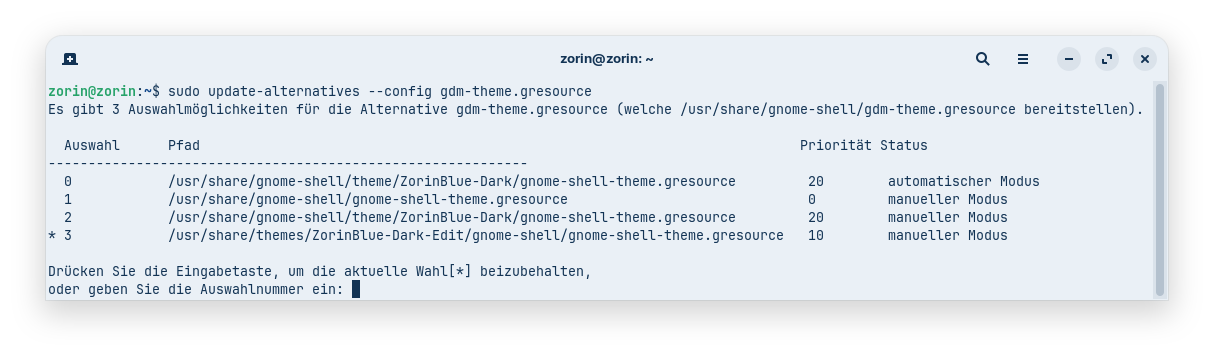
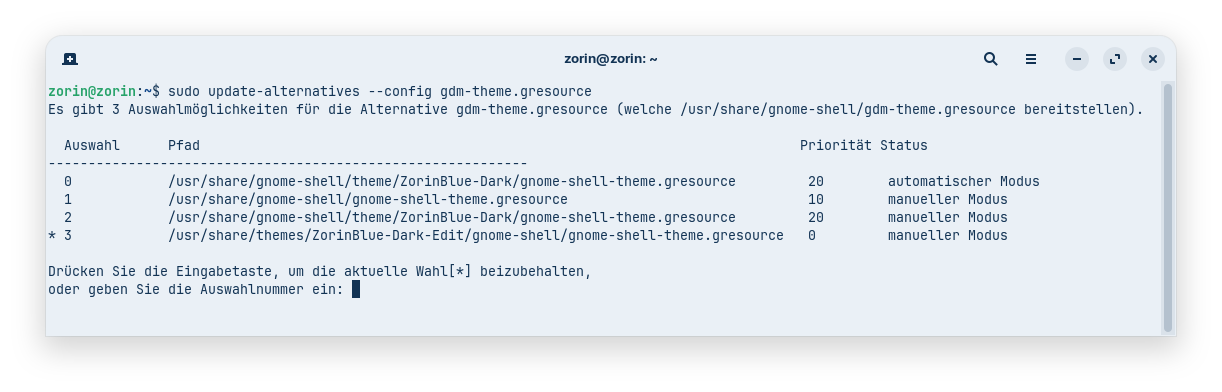
How do you create a new option for update-alternatives for gdm-theme.gresource? I’d like to keep the existing options for the original gnome-shell and ZorinBlue-Dark and add my modified theme there so I can select it as further option. That would make it easier to fall back on working versions if something goes wrong.
Unfortunately, I'm pretty much in the dark about what I need to do.
Yesterday, I followed the instructions from jlb for Zorin 17 to extract the ZorinBlue-Dark gresource file into my home directory. Then I edited the gnome-shell.css file in there (though I’m not sure which file to edit - there was also a gdm.css file). Afterward, I created an XML file listing all the extracted files individually. That was very tedious, since many of the images in the “assets” folder were no longer named the same way as in Zorin 17, and I basically had to recreate the file from scratch.
After that, I must have done something wrong during compilation. I had put that XML file into the original Zorin Blue Dark theme, but the original gresource file was still there (I had forgotten to remove it). Then I compiled it with sudo glib-compile-resources. Somewhere was a message that gdm.css doesn't exist, so I removed it from my xml file.
Is it possible to compile the XML file in the folder you're currently in (the home directory) and then, once it's done, save it somewhere as a theme?
Maybe I'll just give up because it's too much trouble just to get a nicer login screen for light-colored background images in gdm.
I'm just trying it out of curiosity and to better understand the system, not because I need it. It's easier to switch to lightdm instead.
 .
.