I Formatted an external drive with two partitions.
NTFS: for the windows boot drive to use.
Ext4: for the Zorin boot drive to use.
On my Zorin machine in Steam, when I go to Settings/Storage/Add Drive, I only have an option to add the NTFS partition (to use as a secondary Steam Library).
So I was thinking that If I reformat the Ext4 partition using exFAT, then maybe Steam will see it?
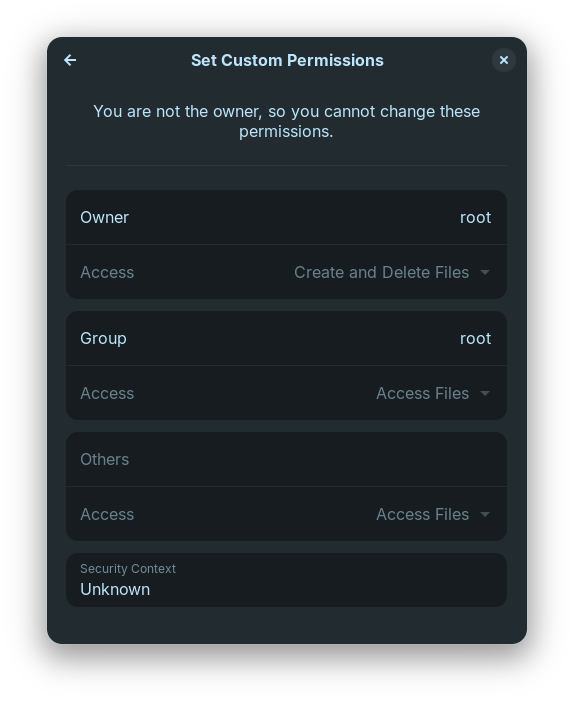
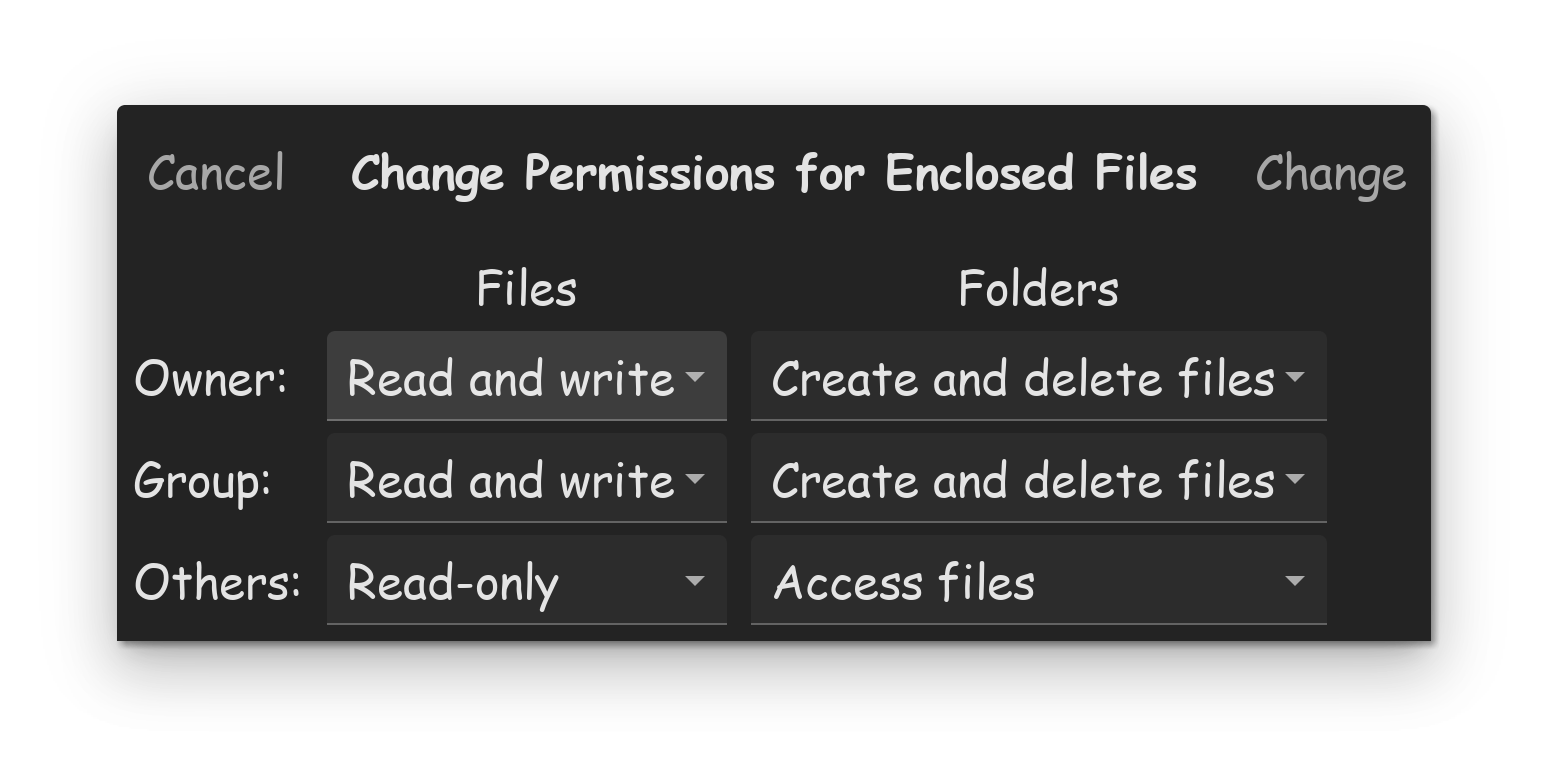
Actually, I think this may be a permision issue on the Ext4 partition. I can not remember how, or what OS I used to create/format the partitions on the external drive.
If this is the case I have no idea how to correct it.
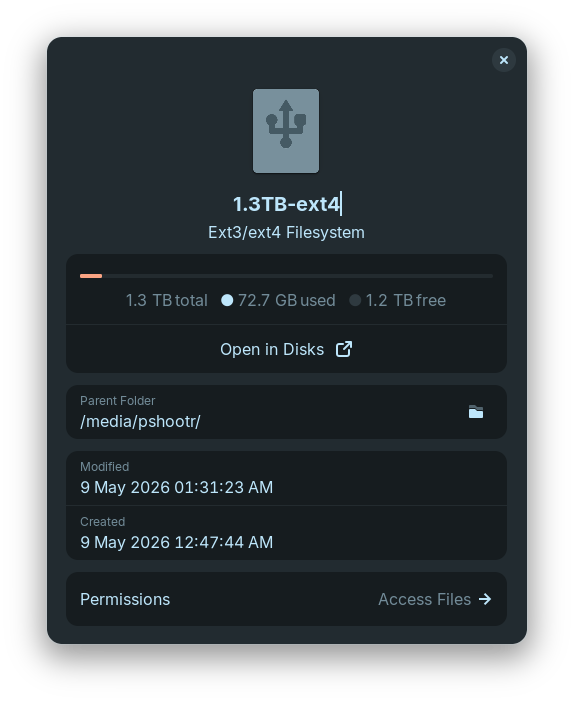
Point of Interest: Time shift is using the Ext4 partition (external drive) fine. However I now noticed I can not create/write files to this partition in nemo.
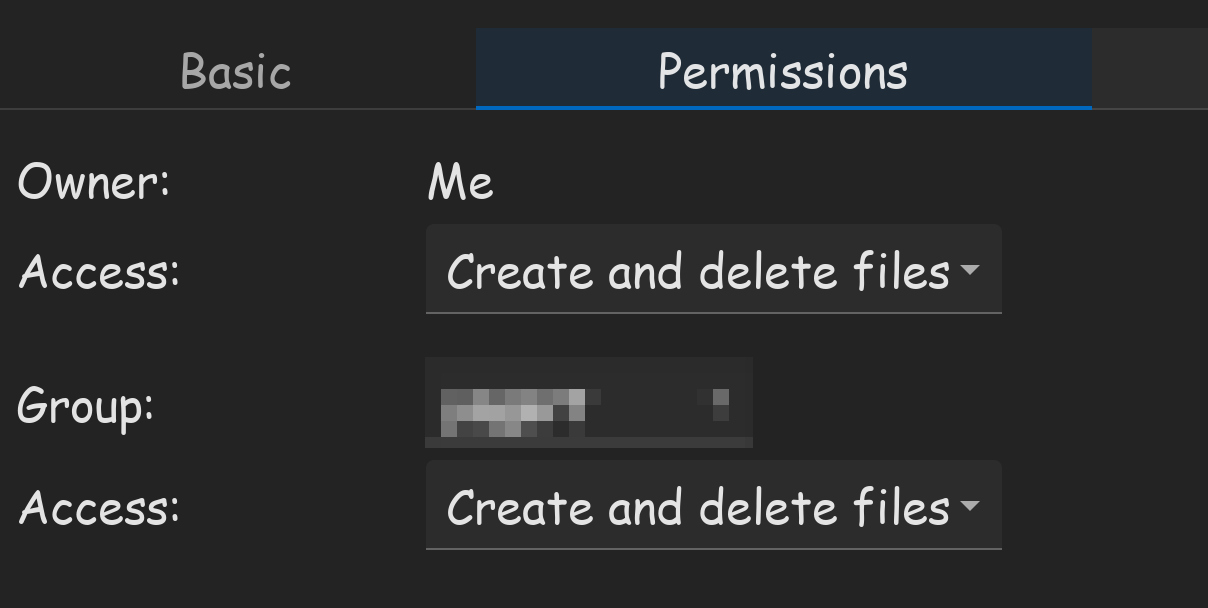
On the NTFS partition, I have both read/write permission.
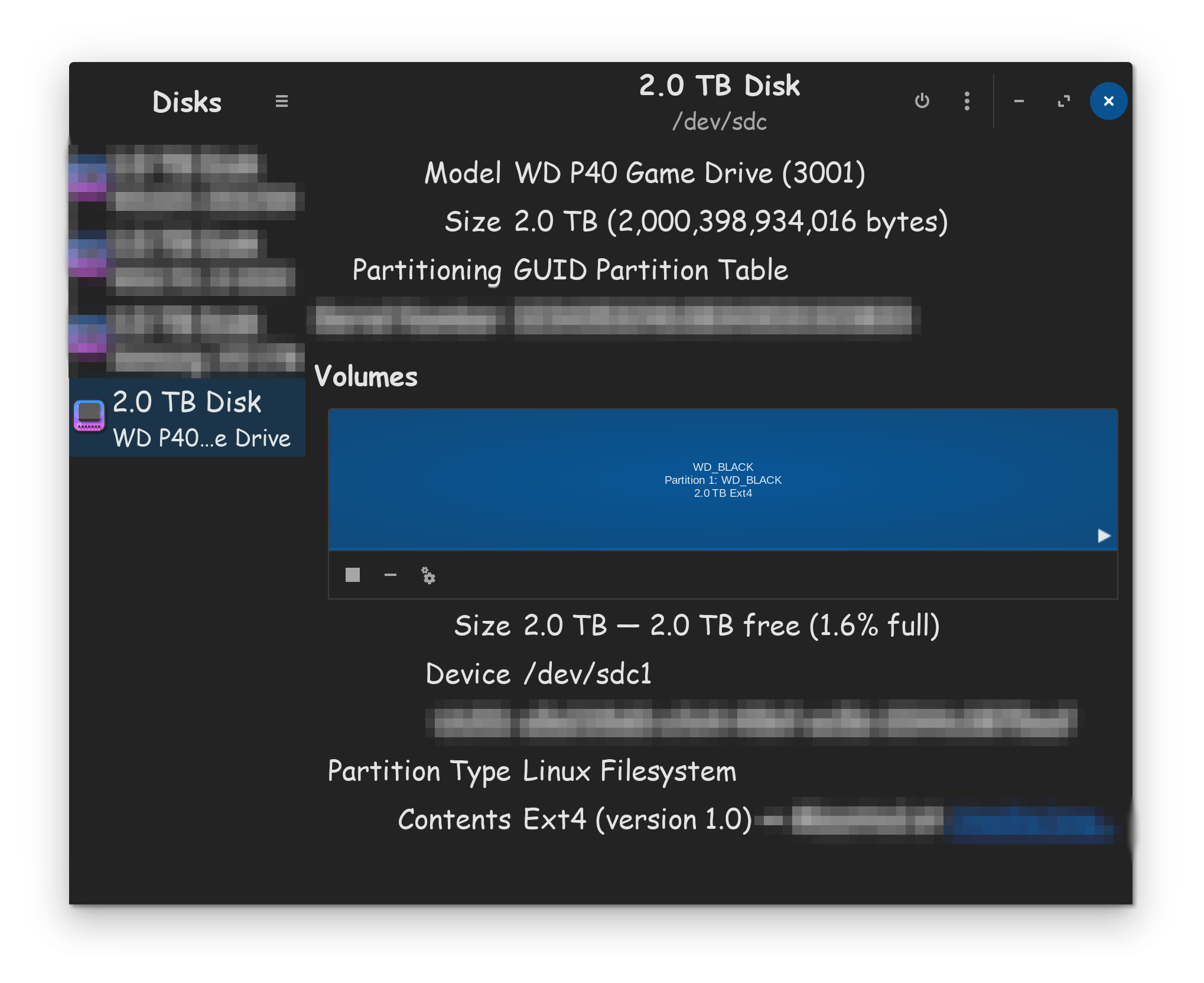
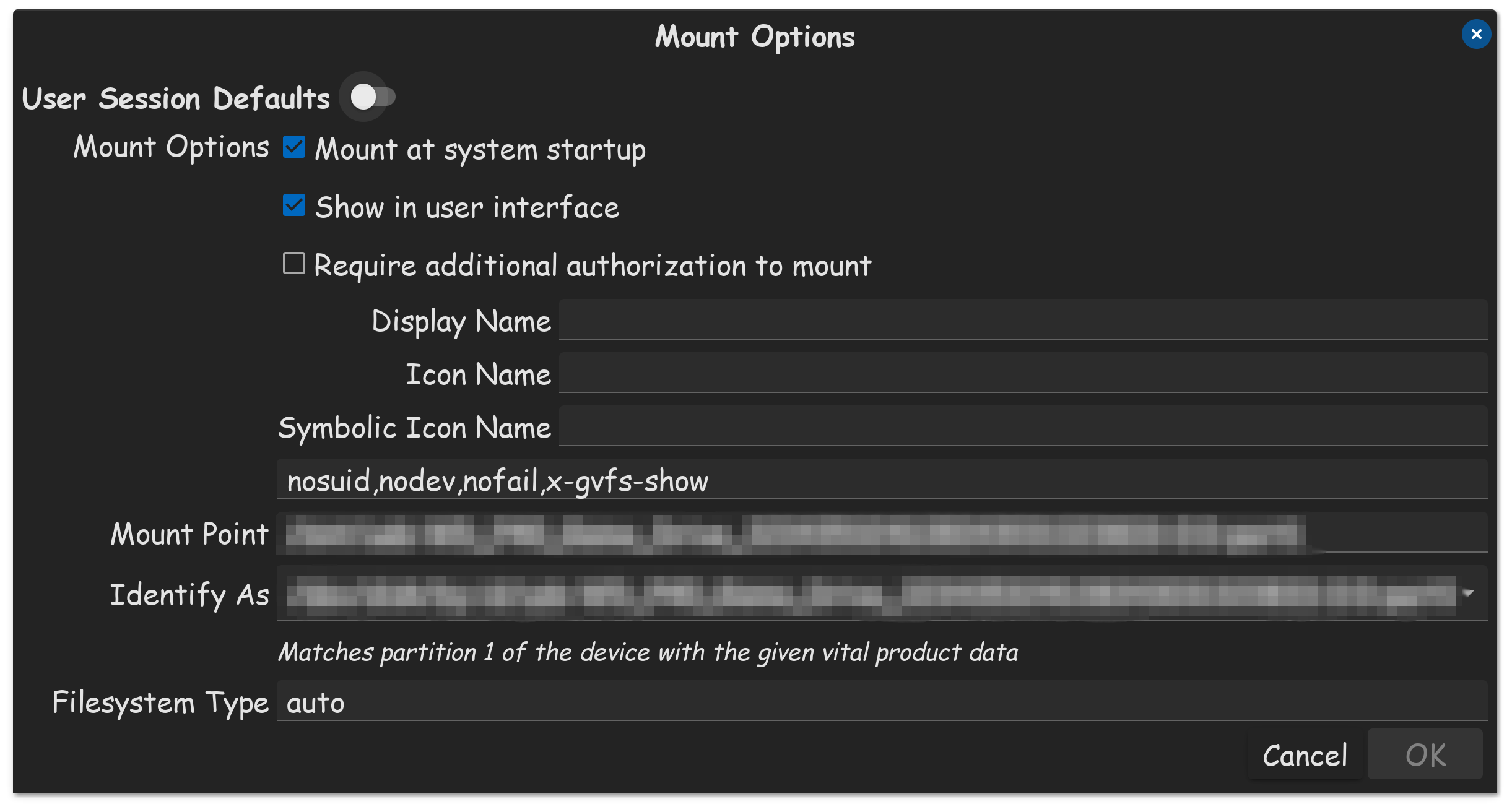
Do you have only datas on the external drive and no OS and no backups? If yes, then you could try if it is possible to take ownership in the app "disks" for the ext4 partition.
There in no OS installed. Just the two partitions, intended for backups. (and now for a steam library)
I did what you said, and have ownership now. Thanks!
So steam is now able to see the Ext4 partition on the external drive. I was also able to add the drive, and click the 3 dots to make it the default drive.
I believe the reason I had to take ownership, is because recently I changed the hostname. The original host name had some capitol letters, and Samba did not like that.
if steam.flatpak you need to specify the path to your folders through the flatseal program or give the application access to the user files /home/ or /system if it is the /mnt folder
then disable fast startup in Windows otherwise you will not be able to work with disks - read and write.
Also, please keep in mind, if you are using the Flatpak version of Steam, you are likely going to need to use the Flatseal APP, to give Steam Flatpak, permissions to use external drives as well. My tutorial bellow...