I did same thing with using external drive, only I made the entire drive EXT4.
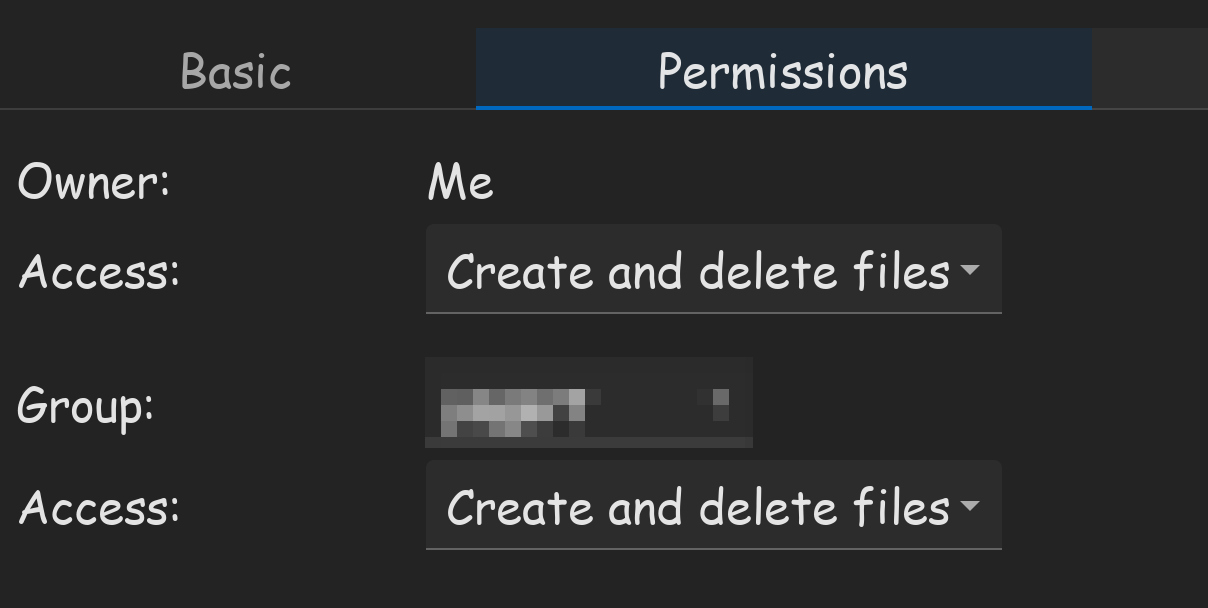
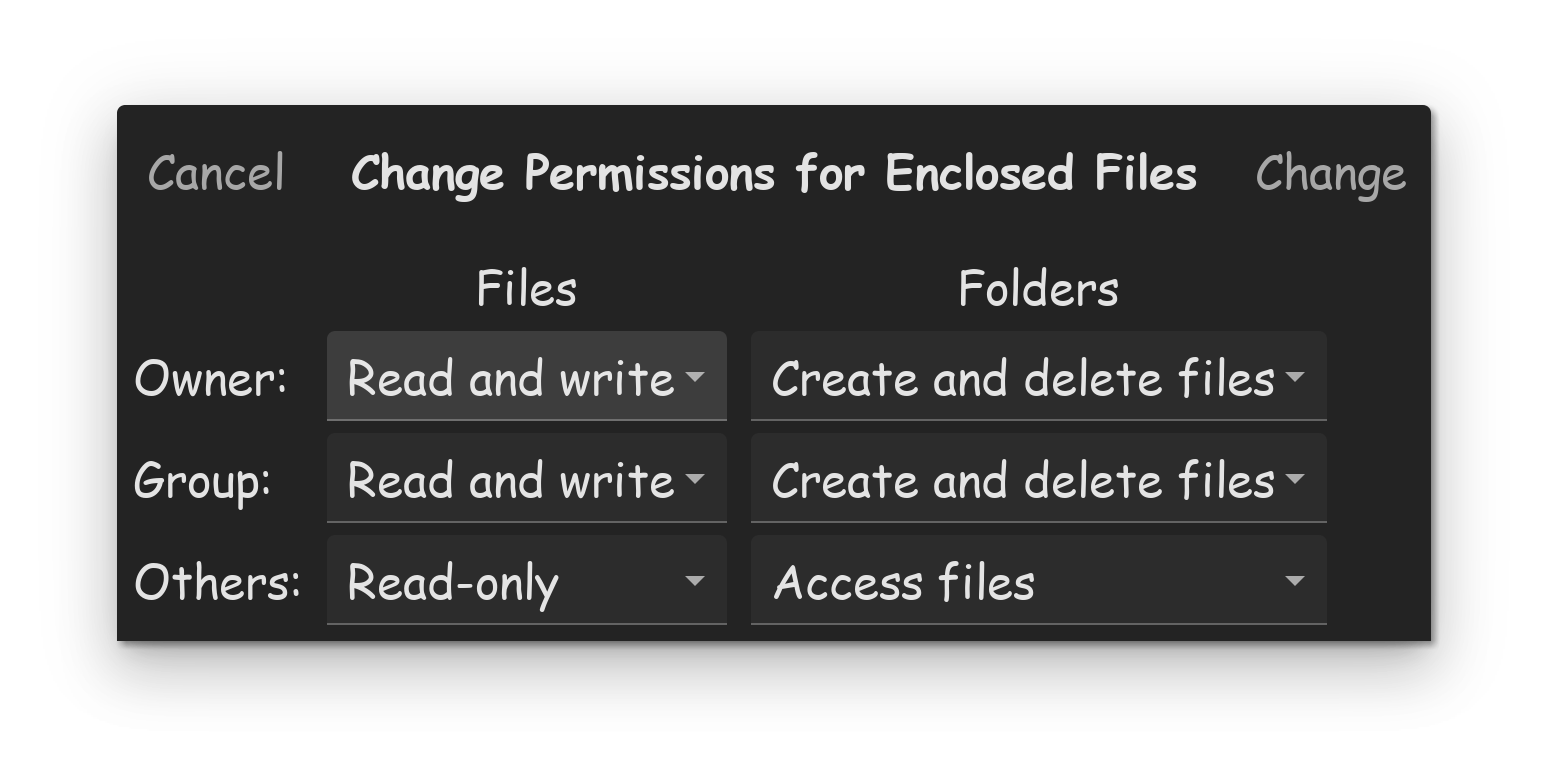
Running Nautilus as root, I changed the permissions of the drive to the following...
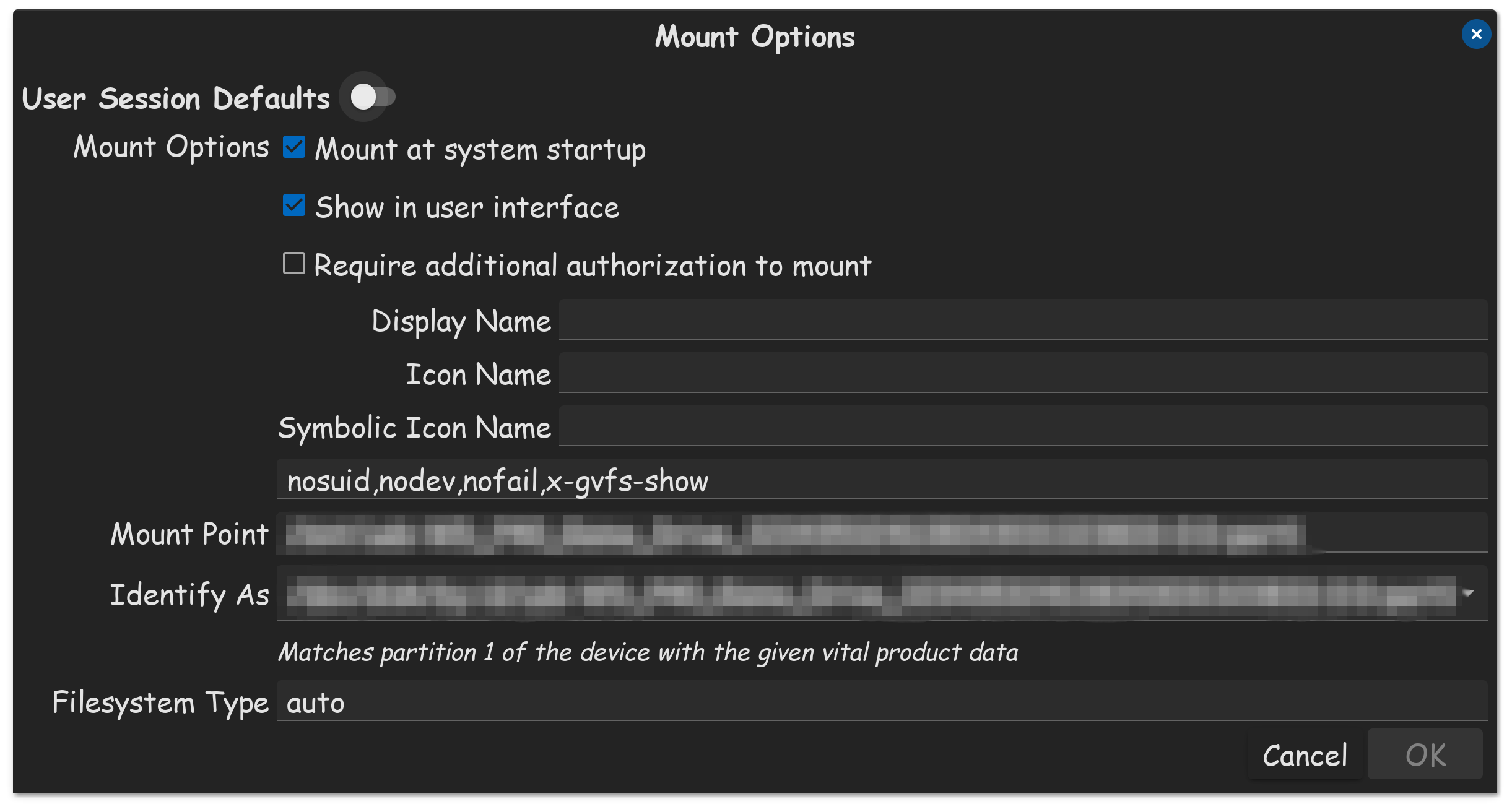
Under Group, I just used my OS account login name. Make sure your drive is always mounted on every system boot.
Also, please keep in mind, if you are using the Flatpak version of Steam, you are likely going to need to use the Flatseal APP, to give Steam Flatpak, permissions to use external drives as well. My tutorial bellow...
With Windows, all you have to do is plug in your formatted external drive, go in Steam, and tell it to use the external drive for your games library. But on Linux, its a lot harder. First and formost, when you buy a hard drive, it never comes preformatted for Linux.
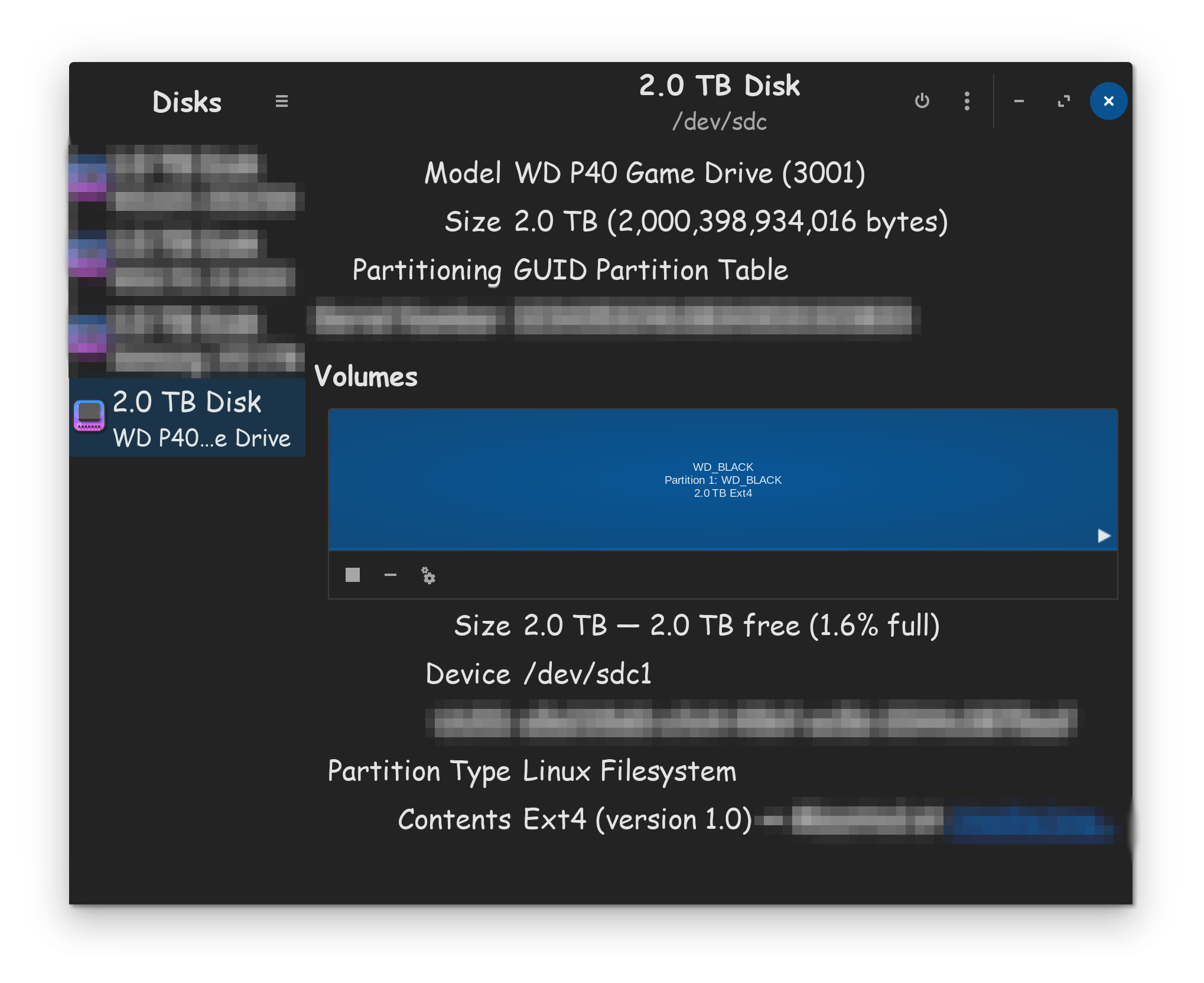
The first thing your going to want to do after plugging in your new external drive, is go into your DISKS utility, and format the DISK to use GPT. Once done, create a EXT4 partition using available space. Once done, click on the > s…
1 Like