Hi,
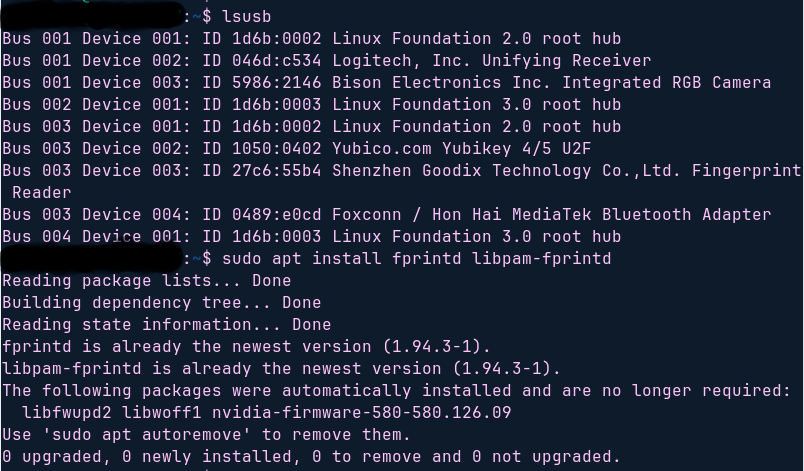
I just moved from Windows 11 to Zorin a couple of days ago, and have been figuring my way around as a newbie, and one thing I've been hammering the past couple of hours is trying to enable fingerprint as default way to access upon login. There was a similar thread from a couple of years ago and followed their instructions, which even made me debug to check if Zorin recognizes the built-in-fingerprint sensor by following this thread too, but to no avail, nothing worked so far, and I'm beginning to think it maybe/cannot fingerprint access 
I wanted to check with the community if anybody else still encounters this and if so, did they manage to fix it and how? Below are the screenshots from trying to enable fingerprinting and my hardware specifications:
Model: 64-bit Lenovo Yoga 6 with AMD Ryzen5 Processor