Hello, I have a hp pavilion touch 11 notebook, is a minilaptop, and I installed Zorin Os, but now the pc won't react to any command, the mouse is unresponsive, the keyboard does not respond and a random sotfware will start opening and closing at random, and the screen flickers. So i was wondering if it was the distro that I choose. I couldn't get the full specs before changing to Zorin os, so I had to check on the internet. I dont mind changing distros or reinstalling Zorin. I want to use that laptop for office work only and give some clases, that's it, no gaming no nothing.
Thanks for your time
Procesador: AMD A4-1250 de doble núcleo a 1.0 GHz
Memoria RAM: 4 GB DDR3
Disco duro: 500 GB a 5400 RPM
Gráficos: AMD Radeon HD 8210
Pantalla: 11.6 pulgadas, HD (1366 x 768), táctil
Sistema operativo: Windows 8
With 4 GiB RAM I'd recommend Zorin lite for you. It will run much better than Zorin core. Zorin 18 lite has not been released, but you can use Zorin 17 lite.
What you could try to see if it helps:
Switch to Xorg. Logout and at login click on your username then a cog wheal appears at the bottom right corner. There select "Zorin Desktop on Xorg".
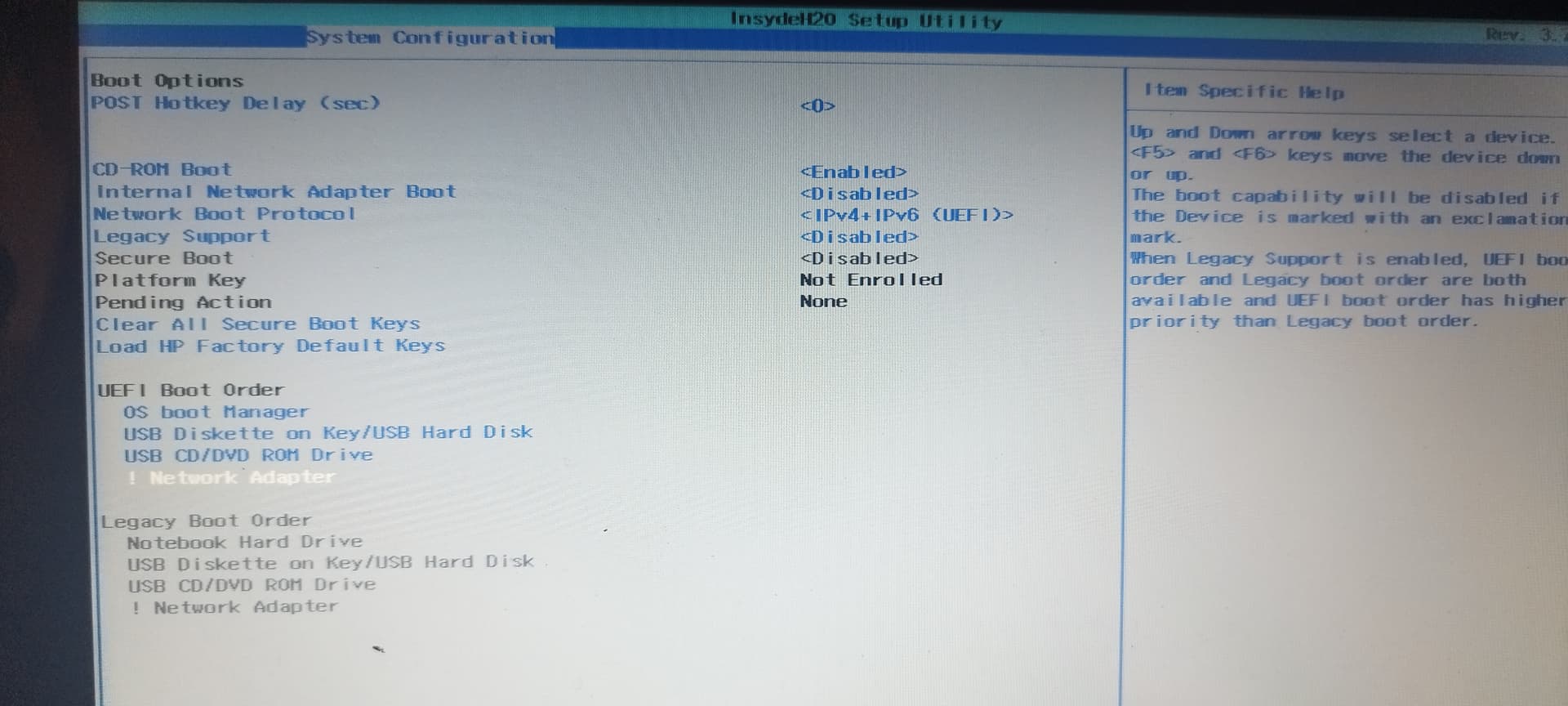
Disable secure boot and fast boot in your BIOS.
If you have Dualboot with Windows, also disable fast startup there at energy settings.
Thanks for the advice I will try it. I hope this works. I know we are in a zorin forum, but if this doesn't work, what other distro could help me? Linux lite maybe? Puppy is?
Edit. I disabled the secure boot. The flickering stop... Until I touch the screen. Then the screen black out and the menu pop out, the cursor started to blink and the keyboard became unresponsive. I had to press the turn off button. Maybe I have to change to a even lighter distro and follow every single step carefully. If you want to give other advice you are free to do it.
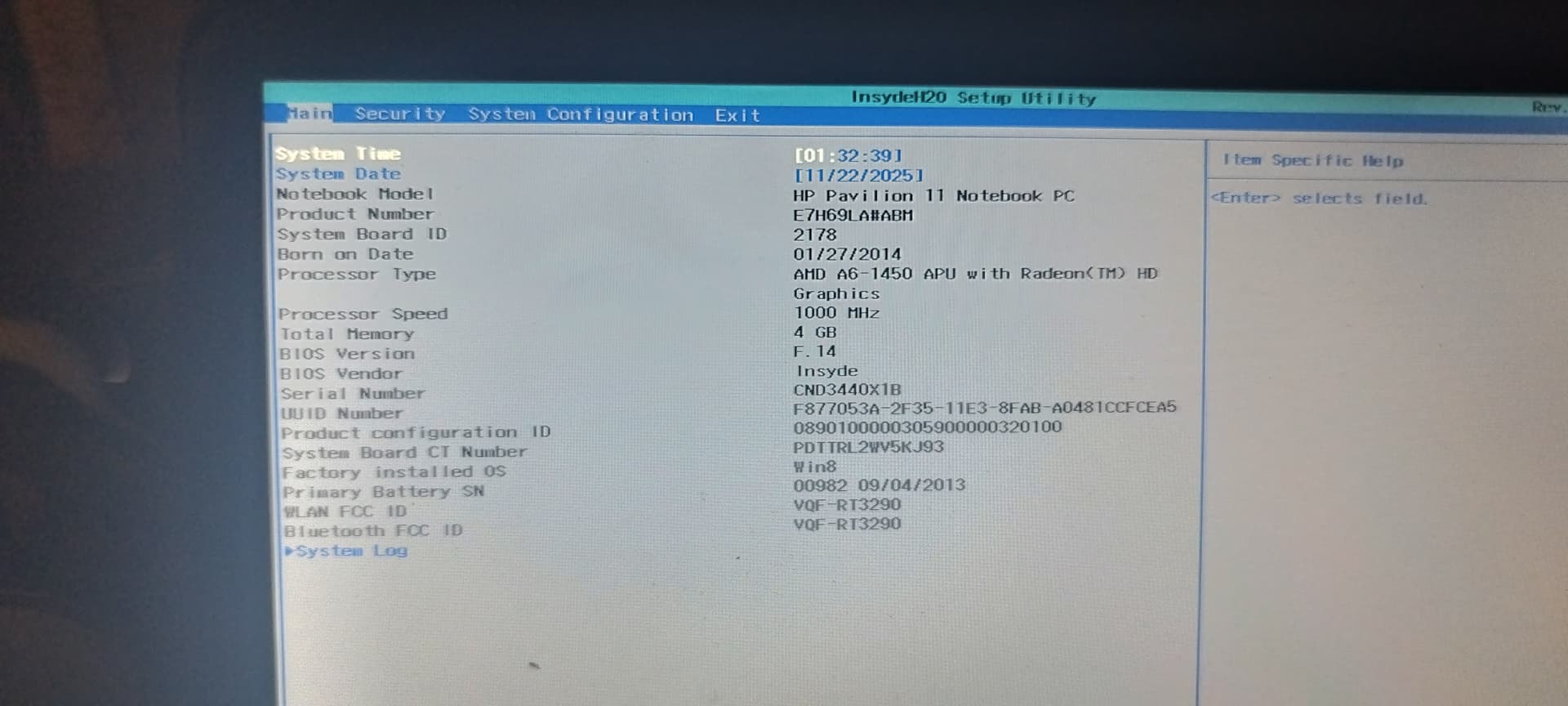
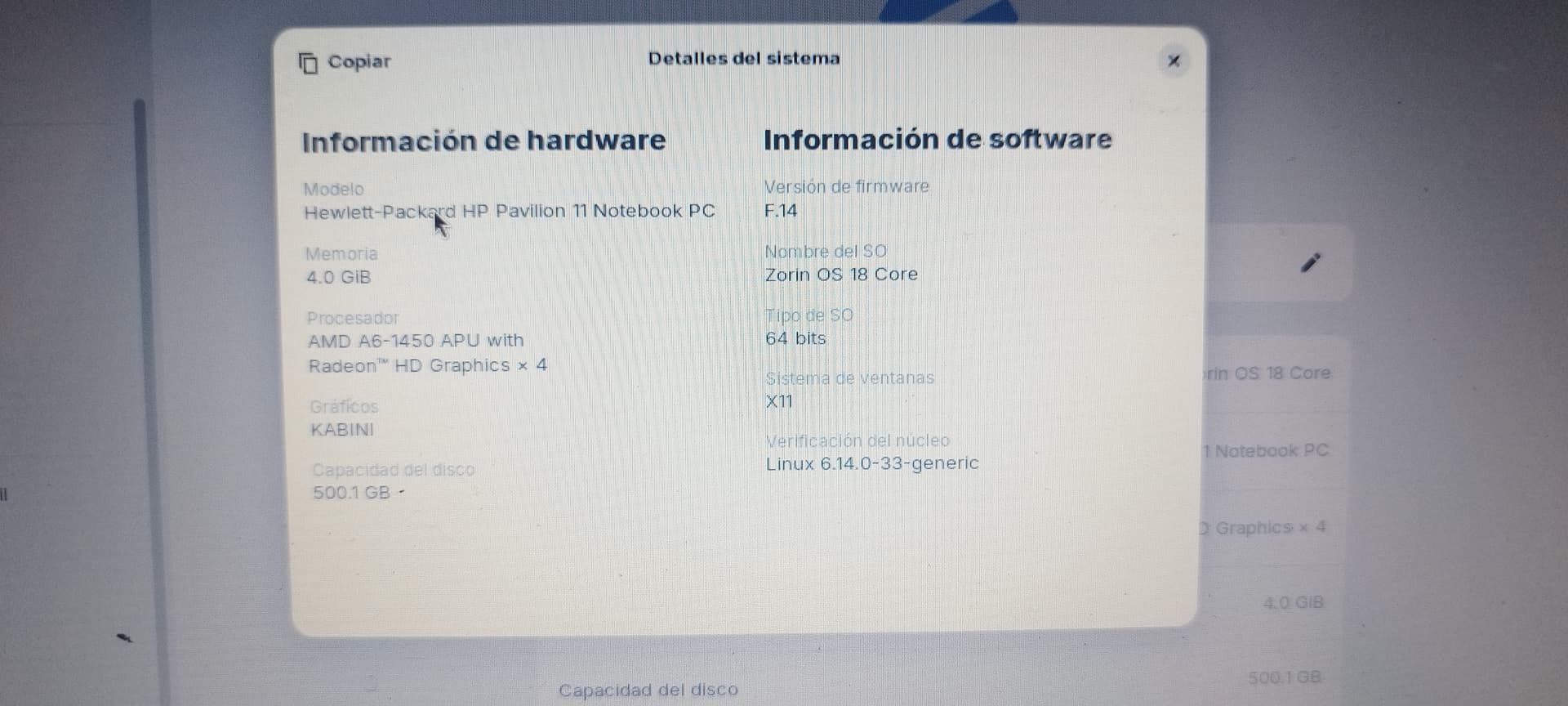
Edit. I just disabled the bios safe boot. Here are some pics along with the specs
You could also try
MX Linux (XFCE), Linux Mint XFCE, Linux Lite.
Puppy linux and AntiX would surely work, but they have not such a nice appearance, but they are more lightweight than the other ones.
All distributions with a lightweight desktop (XFCE, LXQT...) are a good choice.
At distrosea.com you can take a look on the various distributions to see if you like the appearance. They are started in a virtual machine and you can see them on your desktop. It's the easiest method for just getting an first impression.
As others have said, if you can get to the login screen, click as to login (but don't) and find cog/gearwheel icon bottom right. Click and change select Xorg/X11, instead of default Wayland.