During audio playback(music & videos), I am experiencing random anomalies consisting of crackling, popping, skipping & delays - which desyncs videos...
I experienced similar before in my first week of Linux Distros - where I was able to resolve it by 'kernel hopping' - but the ability to do so is not as straightforward if at all possible on Zorin...
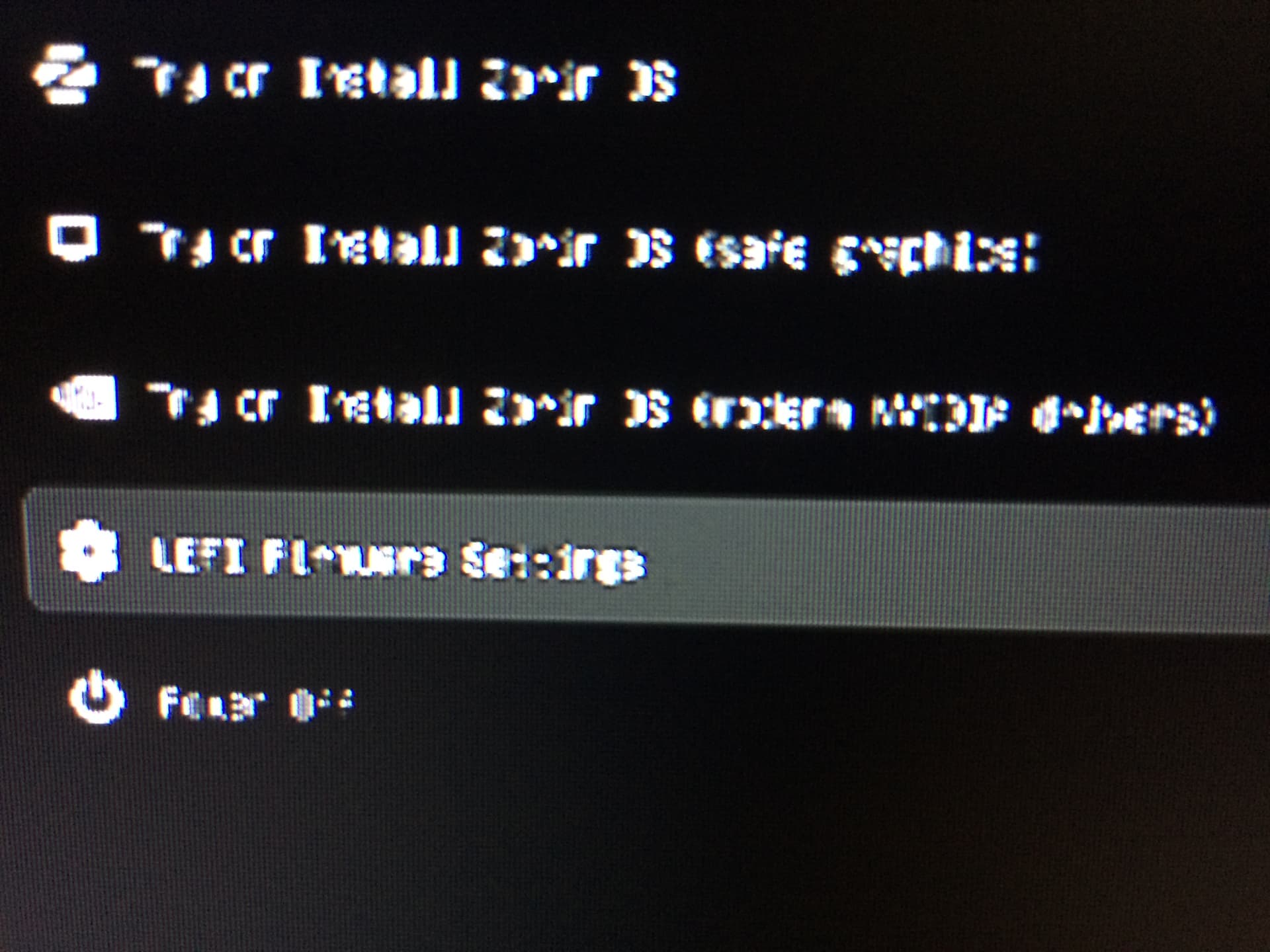
Note - I just tried restarting & pressing 'shift' as per previous thread on here, but I did not encounter any such option & the text on the only 'bios' startup screen I come across before encryption password prompt is 4K(or higher)so I cannot make out what the words, say... O.O
ok its possible it the esc key then at the zorin grub screen use arrow down key to select advanced options then arrow down again to 3rd from top then hit enter ....if that fails follow instructions here
I was able to do the changes listed in the first paragraph - but when I get to the, mostly blue screen of pre password start sequence, I cannot see what the menu items are, because of how small they are...
If there isn't a way for me to change the resolution that you can tell me, I will have to try using another(old)monitor with a lower max resolution, which should allow me to see what I am doing...
My monitor is 2560x1080p, but it's EDID has 4K in it somewhere & that seems to be causing problems...
(it could also be 8K due to the HDMI 2.1 EDID of my Audio Receiver - I will try one more time while I await a response...)
Basically, what happens is the 'bios' menu uses 4K/8K for some reason by default, then, after I get to the password section, everything seamlessly goes to 1080p...
This seems to be the norm - but in this case it's a real obstacle... O.O
You can change the resolution for grub menu in /etc/default/grub as shown here, but I don't know how to change BIOS screen. Perhaps you can change it in your BIOS.
To display the grub menu always at boot, edit this file, too, and change the following lines to
GRUB_TIMEOUT_STYLE=menu
GRUB_TIMEOUT=10
The timeout is in seconds, you can set a value here which you like, e.g. 5 or 10 seconds.
Don't forget to run
sudo update-grub
after you made changes in that file.
When you tell us which kernel you want to install, we can better help you.
Zorin 18 has a very new kernel, so, please tell us, if you need an older kernel as e.g. the 6.8 kernel (if you have older hardware) or if you need a newer one. Which kernel has helped you the last time?
To make sure, You use the right Resolution, You could at Your current GRUB press c to get the Command Line and there type vbeinfo or when that doesn't work videoinfo to get an Output List with supported Resolutions.
Or: You go the shorter Way and remove the # from the Line #GRUB_GFXMODE=640x480 and then You will have this Resolution on the GRUB. For a first Test, that might be good. Then You can see how it looks and adjust. Or You type directly Your prefered Resolution.
For this replace the 640x480 with Your prefered Value. I would recommend not a too high Value because then the default GRUB Menu will be relatively small. When You have made the Changes press ctrl+o to save, Enter to confirm and ctrl+o to exit. Then type sudo update-grub and then reboot to check it out. And when You want adjust it, repeat these Steps again.
This depends a bit. When Your Monitor can handle the Resolution, You can take it. But the default Zorin GRUB might not made for higher Resolutions. You could replace it with another GRUB Menu Theme which would support higher Resolutions if You want do that.
But for now You can look if You can try to find with the default GRUB a Resolution that suits You.
After removing the '#' from the grub resulotion settings there wasn't any change from the 4K resolution, then when I was restarting to set it to 1080p, my computer would not load into the desktop...
I ended up reinstalling & staring over somewhat - boot repair didn't work either & I did not bother to email for help - & I'm just back on here, still in the process of reestablishing my settings & logins & what not...
Thinking about installing the liq kernel - but saw in a video that there is a new Gnome 7.2.2 kernel release which will(well, should)soon trickle down to Zorin...
So should I wait or should I get liq 7.2?
I'm wondering this now - worried about making manual changes, after last night's, 'escapade'... O.O
You started this whole string based on problems you were having with the newest Zorin kernel so I am not sure it is a good strategy to be going for the newest of anything now you have reinstalled. If I were you I would go back and use 6.8
Based on the reinstall - I did not have any option to choose the kernel...
The install file comes with I think 6.17 or something - the after updating it changes to 7.0...
I made this post to find out how to make changes - but I'm having added difficulty because I can't see the grub menu writing because it's in to large a resolution to read on my screen, due to settings which came with my install/updates... O.O
'I just work here' is basically how I would describe this situation I have limited control over... o.O
I ended up using a previously mentioned set of instructions to install kernels & then liquorix 7.2 amd64 - & it WORKS!!!
As in last night(early this am), I tested video playback & music - where all was fine, except for a slight glitch...
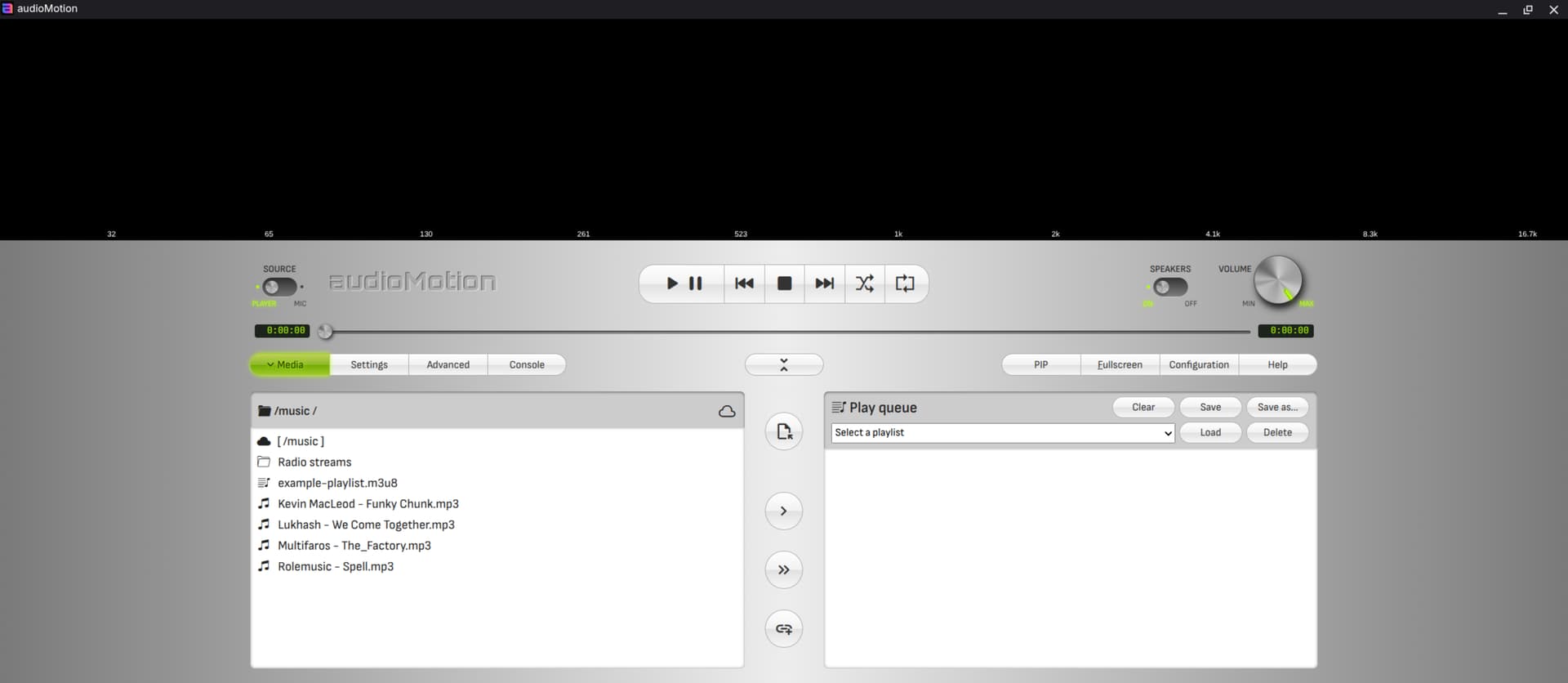
I found Audio Motion - an AWESOME music player which has an ACCURATE Music Frequency/Spectrum RTA analiser built in(recommended) - which now works perfectly except for a weird buzzing sound I experienced as I transitioned between playlist view on & off(pill like button at centre of console)...
The liquorix kernel is independent of the hwe kernel. If you have the liquorix ppa and the hwe kernel stack installed, you get kernel updates for both.
If you use no proprietary drivers that should not be a problem.
If you want to use only liquorix on your system, you can remove the hwe kernel stack. For Zorin 18 the command is