Hi everyone,
I moved from W11 about a week ago and I have encounter a problem that don't know how to fix.
When I try to play a large 3GB video in MP4 the video is stuttering even when using VLC. I used advice from chat GPT such as:
So, You have a Dual-Boot System with Windows, yes? Are Secure Boot and Fast Boot in BIOS disabled? Is Fast Start-Up in Windows disabled?
Because of Codecs: When You open Gnome Software and scroll down, You see a Codecs Button. Click on it and You get a List of Codec Packages. Install them all. In Terminal type sudo apt install ffmpeg zorin-os-restricted-extras to install additional Codec Support. Then reboot and try it again.
Thank you for a quick reply Ponce-De-Leon,
I have disabled Secure Boot and Quick Boot, installed all codecs in the Gnome software and the additional using the Terminal and the stuttering still persist. Actually I have realised that also the you tube also has the same problem even on low ress.
AI is constantly suggesting that this might the wayland issue. Any thoughts?
I forgot to ask: Is VLC installed as Flatpak or .deb/APT Version? Because of Youtube: Is the Browser what You use for it installed as flatpak or .deb/APT Version? Did you tried it with disabled Hardware Acceleration in the Browser?
That is worth a Try, too. Only to add how You can do that:
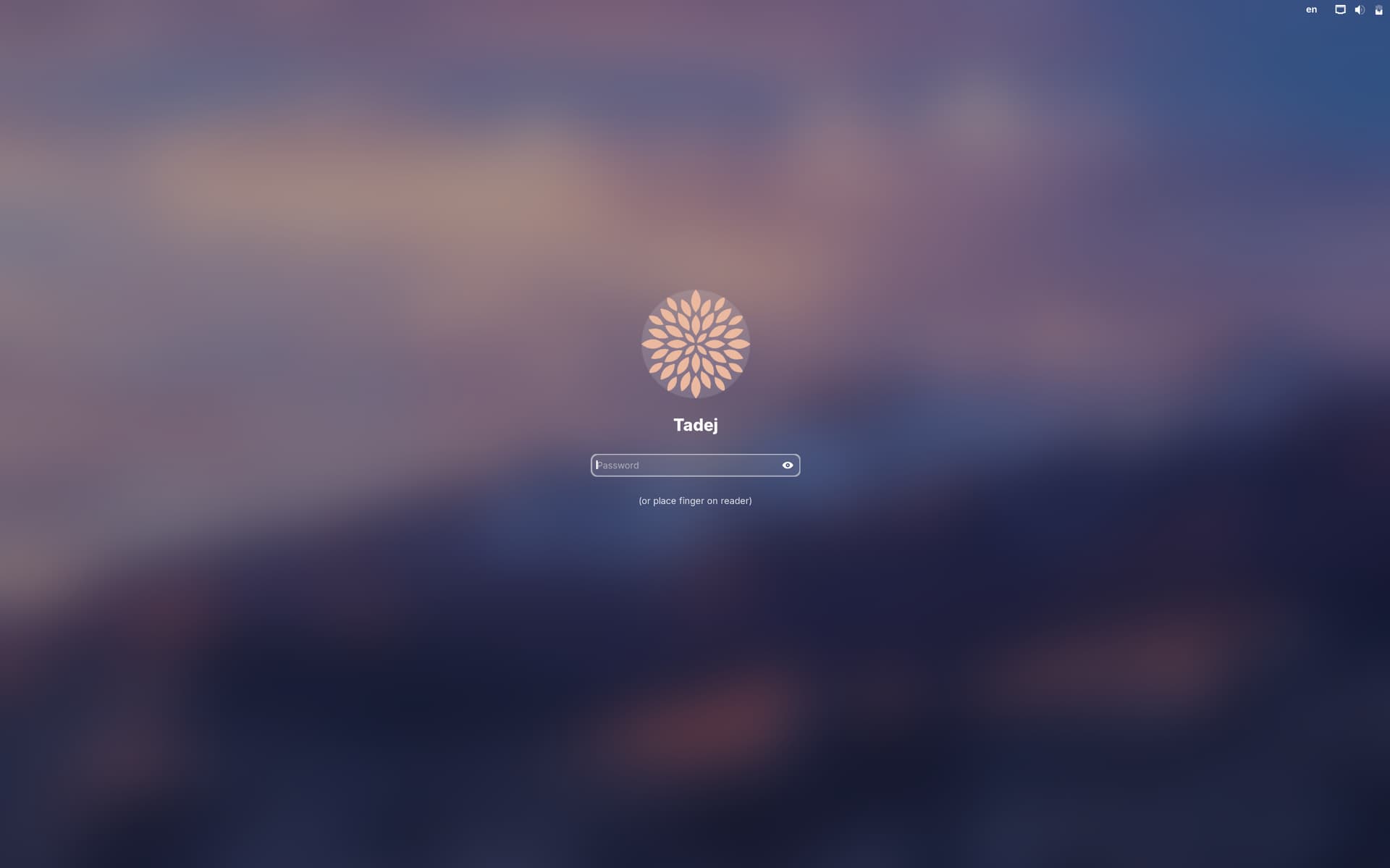
Go to the Login Screen. Click there on Your Profile so that the Password Field appears. When it is appeared, You should see a Gear Icon in the bottom right Corner. Click on it and choose the Option ''Zorin Desktop on Xorg'' and then log in.
hi guys,
I have created a new user and everything works well there. So, I must have messed up some settings when I was trouble shooting black screen when trying to record screen with Slack app. And now also the gear icon appears.
Thanks a lot for your help.
BTW do you recommend switching to xorg for better functioning of screen recording apps?
The gear icon appear only for the secondary account not for my primary (administrator). So now when I have switched to a new account only for the one that has video issues the great icon appears.
I don't think I did any changes is the `/etc/gdm3/custom.conf. What changes could be making problems?
Okay, then You should get a Gear Icon ... You were on the Login Screen and not on the Lock Screen, yes? Because on the Lock Screen, you don't have that Option. That You had the Password Field, I saw.
I know what the log in screen is but the gear icon doesn't appear. I know because it does appear for the secondary user but somehow it doesn't appear for the admin use.