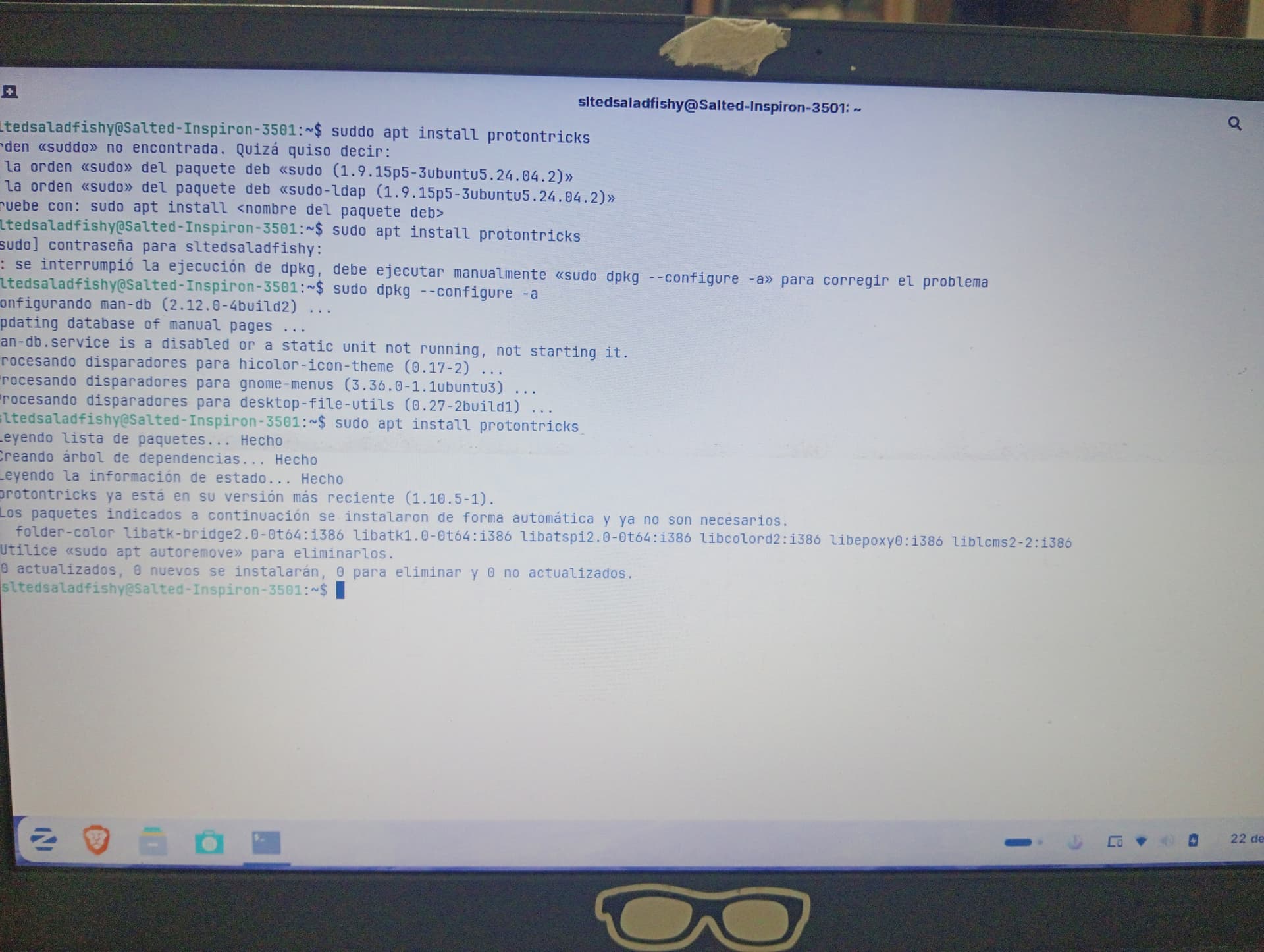
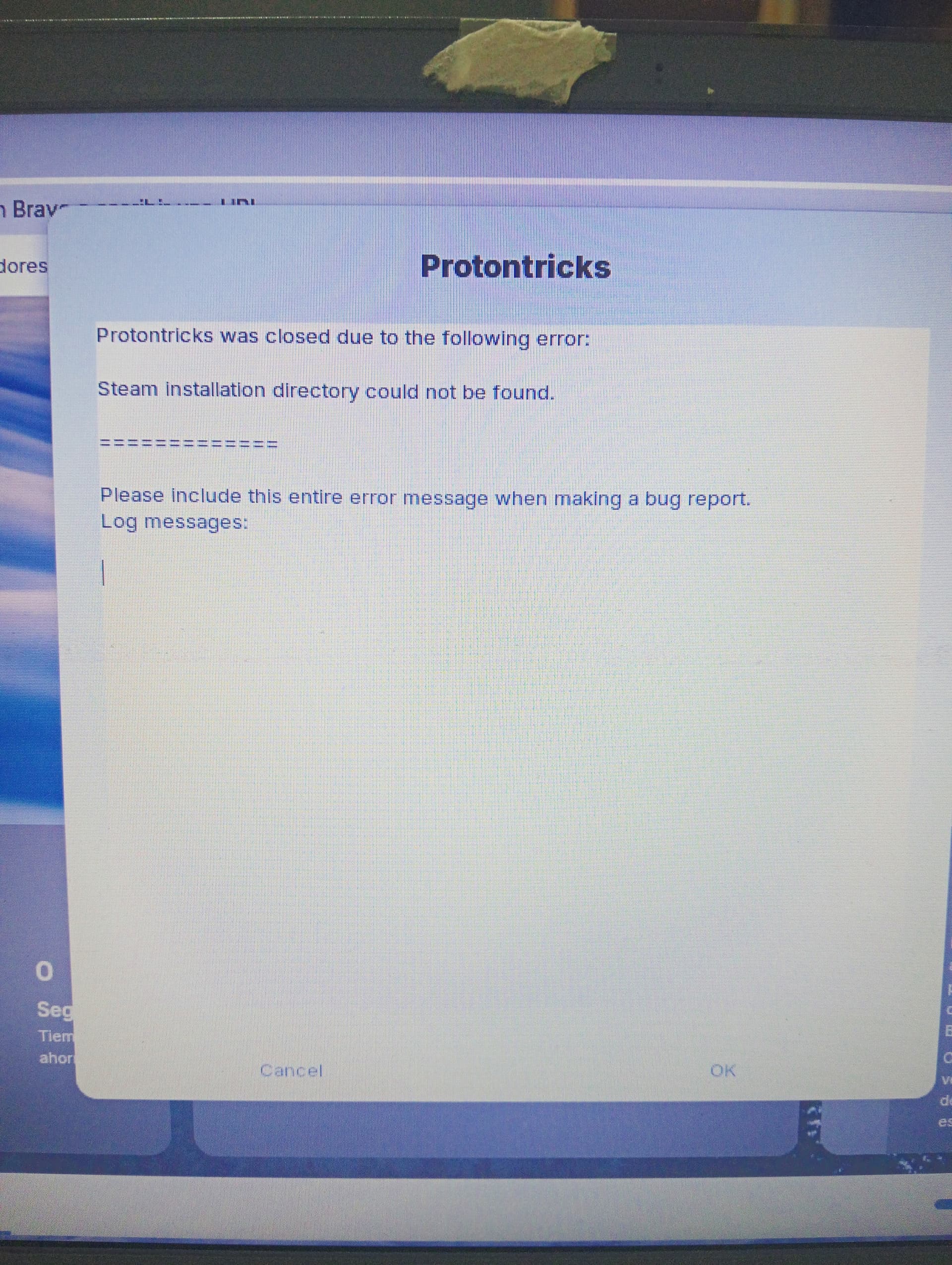
I niticed, but i tried the correct command and it just diidnt quite work, i mean yes and no
I think maybe this is happenin becuz the other launcher for steam was doing a .steam folder, and this one had another location and another folder, i didnt remember where
Sorry for late answer, i think flatpak, cuz i installed it from the software manager, but im unsurr, the problem is that when i try to open the program and see the steam program details, it just freezes D:
If it is, I highly recommend removing the flatpak - it sandboxes it. It cannot see outside of that sandbox in order to access what it needs.
You can install the .deb with
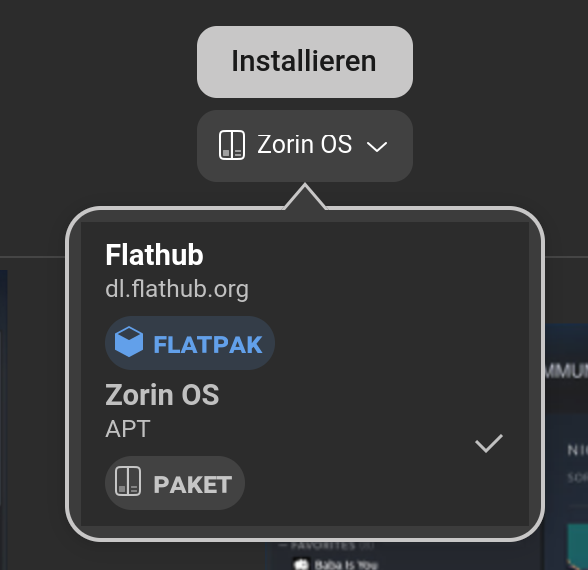
Besides the Terminal Way shown by @Aravisian, You can check it in Gnome Software, too if You should prefer the graphical Way. Go to the Steam Side and take a Look under the Uninstall button. there is a Dropdown Menu:
What Package is installed, You can see at the green Marker:
If it should be the Flatpak Version, I would agree to @Aravisian to try the .deb Version. You can install it from the Zorin Repo's or download it directly from Steam if You wish: