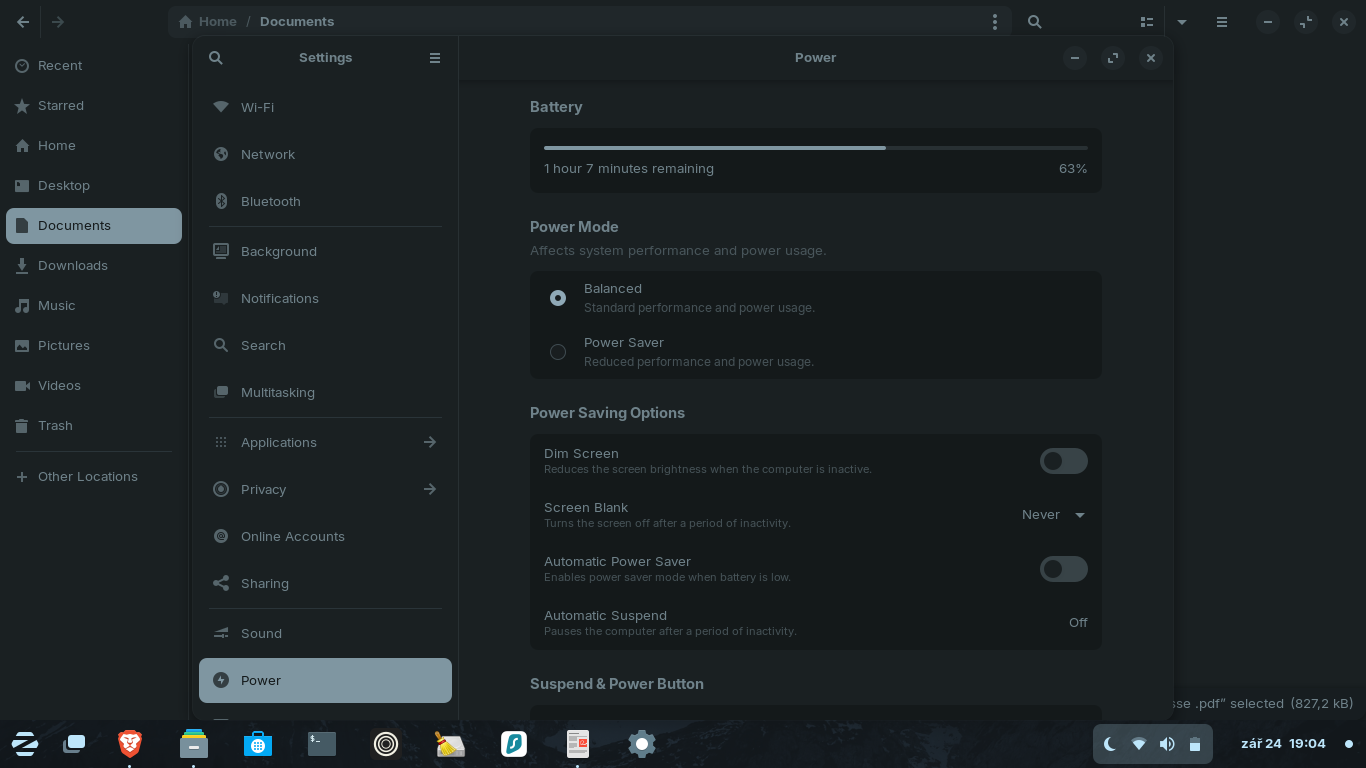
I'm here preparing for an online interview, just doing some searches and noting down some information, when the screen started to fade. I immediately swiped the touch pad and the screen brightened and I moved the cursor around. Next second, it just went to sleep and I had to use the power button to wake it back up, and type in my password!
It's got to stop doing this! If I'm going to be teaching online, there will be times where I'm not using the keyboard, or actively scrolling.
Your power settings look good.
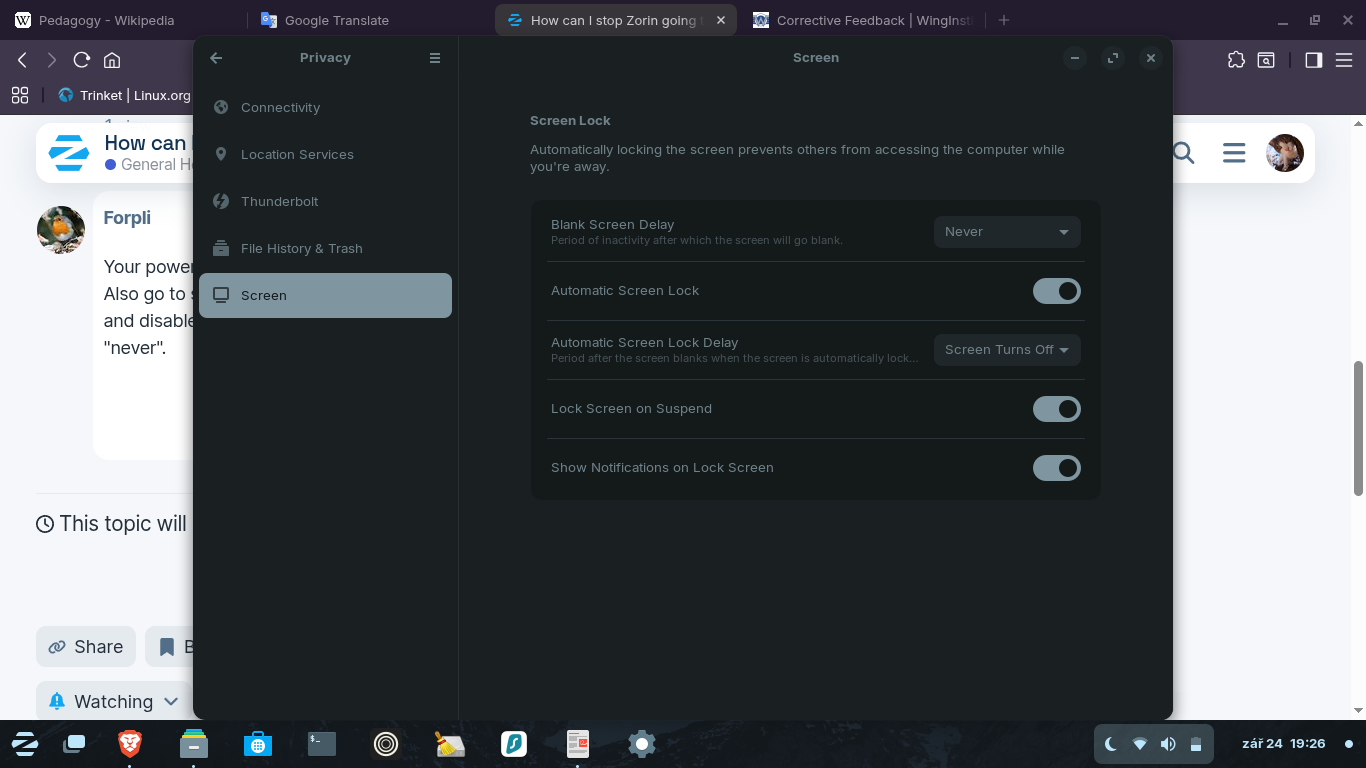
Also go to settings > privacy> screen
and disable the screen lock settings there and set the blank screen delay to "never".
If you still have problems with suspending or if you want another option you can install caffeine or espresso to prevent falling asleep while e.g. watching a video or playing a game.
It are extensions which make it possible to disable automatic suspend in special situations.
First install the gnome extension manager, then browse for espresso there to install espresso.
Blank screen Display, was already set to: Never. I'll change those other settings now!! I'll let you know, I'm just going downstairs, so lets see what has happened when I return.