Maybe log out and back in.
It is identical, except for most colors, to the first one.
alright i can try
After restarting my pc, its still not there. I can try re-installing it?
nope, after deleting the extracted file and the tar.gz, then reinstalling and extracting in the .themes folder, its still not appearing. Do i need to delete the original tar.gz file after extracting?
i think zorin really hates the concept of me being around pink with a dark mode
No, it would not affect visibility in the settings. This is odd.
Are you looking for Zorin or Zenith?
oh. it was named zenith. thats probably why.
if i rename it, it should work, right?
No, renaming it would only rename it. The name is not related to visibility - the system does not have a method of excluding a theme based on its name...
I just recompressed then re-uploaded it, ensuring everything is correct.
If you would, please delete the existing to avoid confusion, then re-download once everything is clean and fresh:
Extract in ~.themes (The .themes folder you created earlier) and test...
nope, still nothing..
Looking into the assets, alot of them have the term "light" at the end.. Maybe if you re-created it basing it off of a pre-existing theme with dark mode on, it would solve the problem? (assuming this isnt already what youre doing, of course.)
Nevermind, i fixed it by deleting the "light" version.
However, i notice that it doesnt make everything pink (some stuff is light blue) and it also, for whatever reason, inverted where the colors went. Instead of pink being the main body and then the area where text would be is in white while the text is black, now, black is the main body, and it's white text on a light pink box, which is very hard to read.
1 Like
this is what it looks like right now
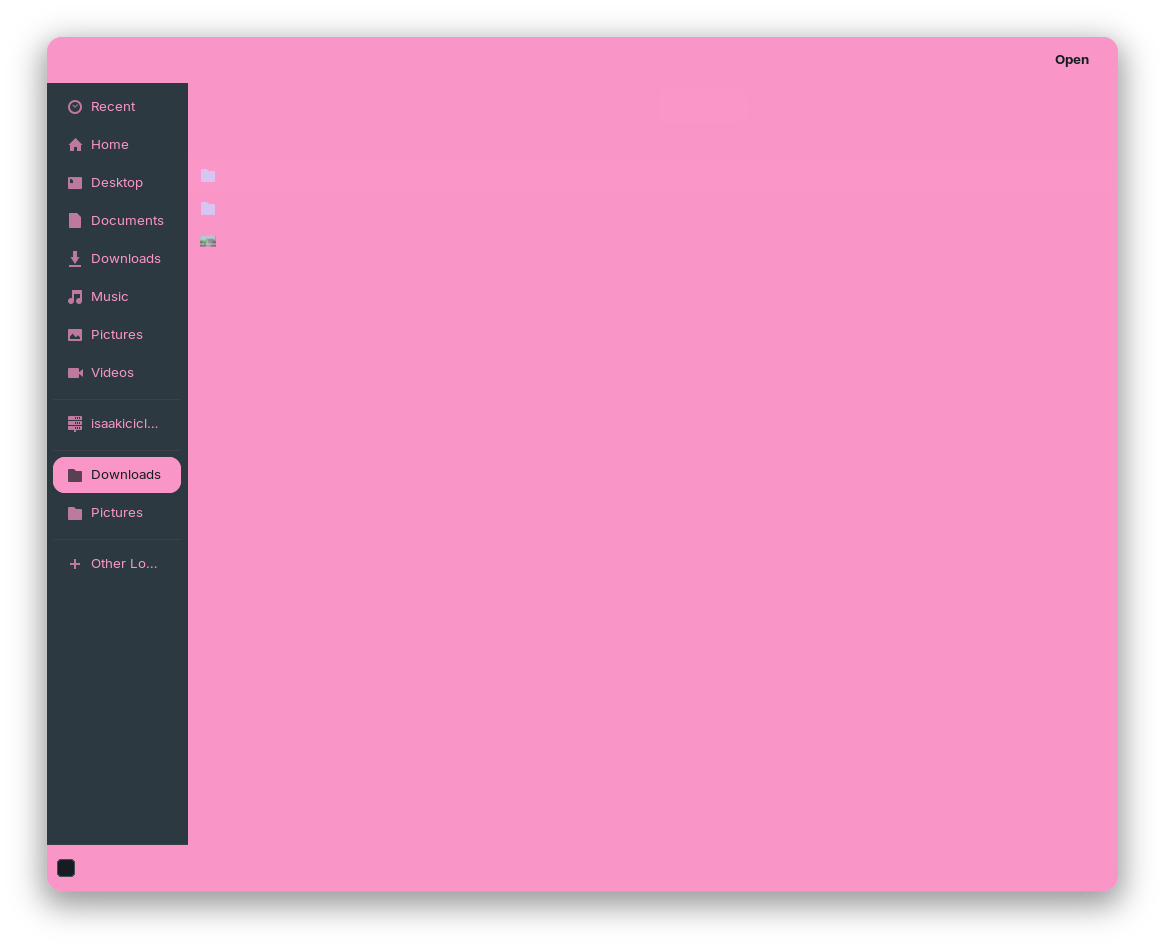
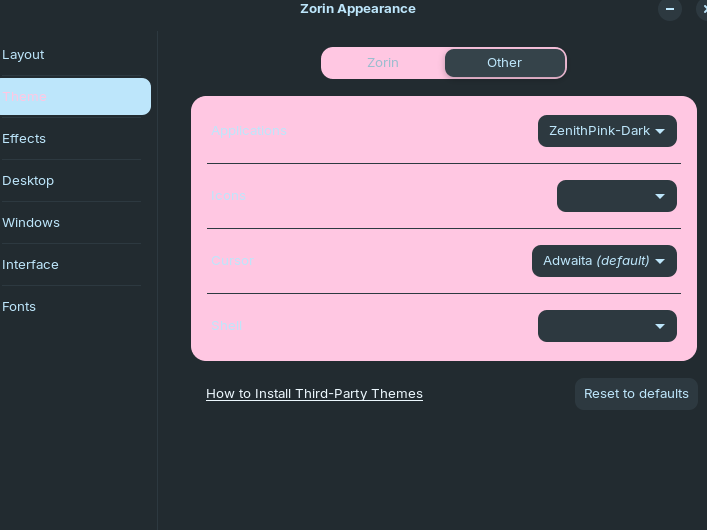
as you can see, sometimes its even light pink text on a light pink background, effectively removing a lot of text..
LOL
Well. This is what happens when looking only at code and not the actual finished U.I. 
It's no problem: We have established in principle - But I also clearly need to see the effect of changes rather than writing something logical, then having you test it.
Can you give me a few days to get to where I can get another Gnomish computer running, then build the theme while able to observe it?
absolutely, take your time, i really appreciate your help.
1 Like
That's the Graphite gtk theme with ferra color scheme.
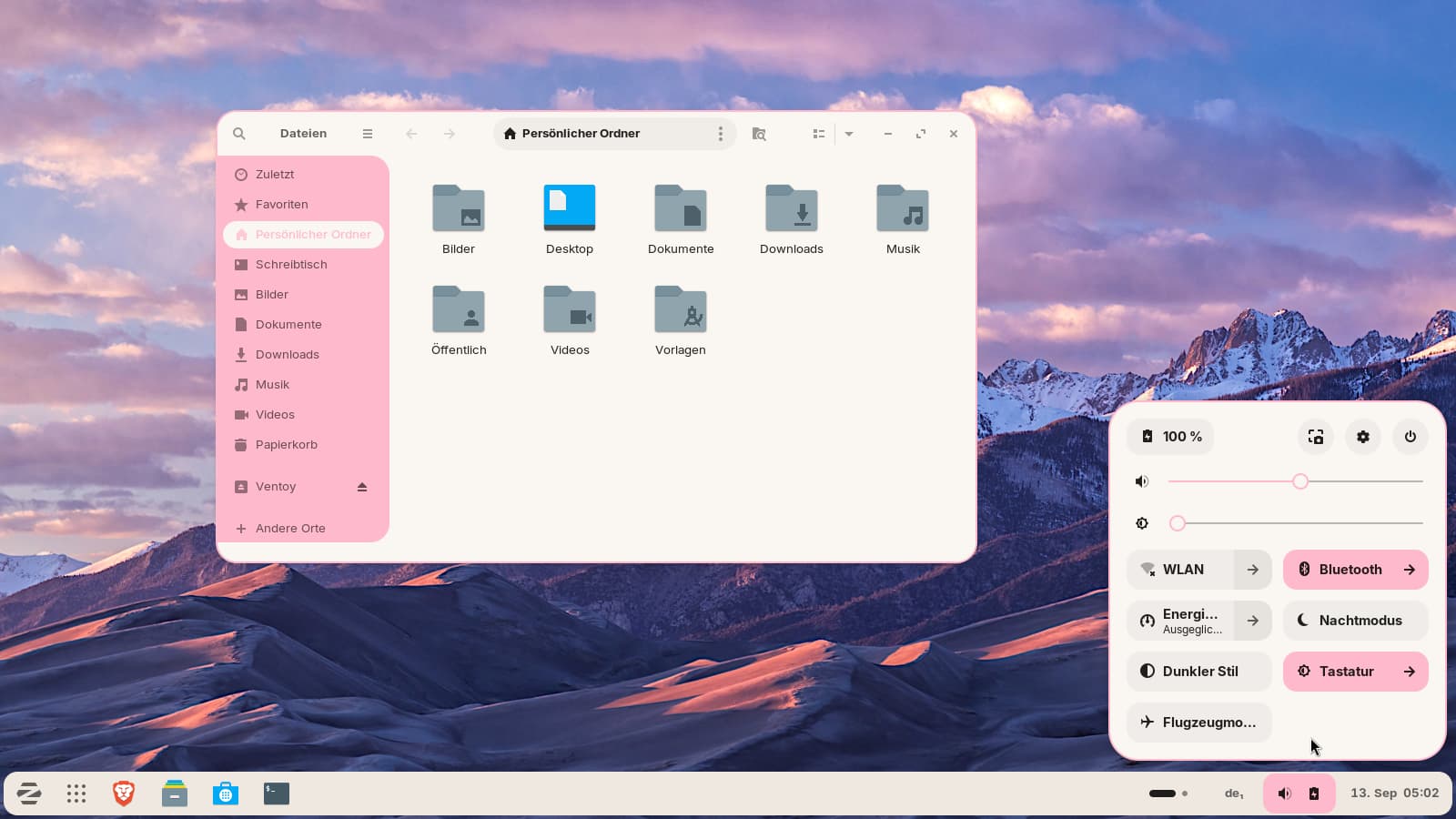
I used that command for the installation:
/install.sh -c light -t pink --tweaks ferra --round 15px -l
The icon theme is Zorin grey light, but you could install a pink icon theme.
When you tell us which colorschme (dark, light), theme color and tweaks option you like, then we can tell you the command.
That's the dark variant:
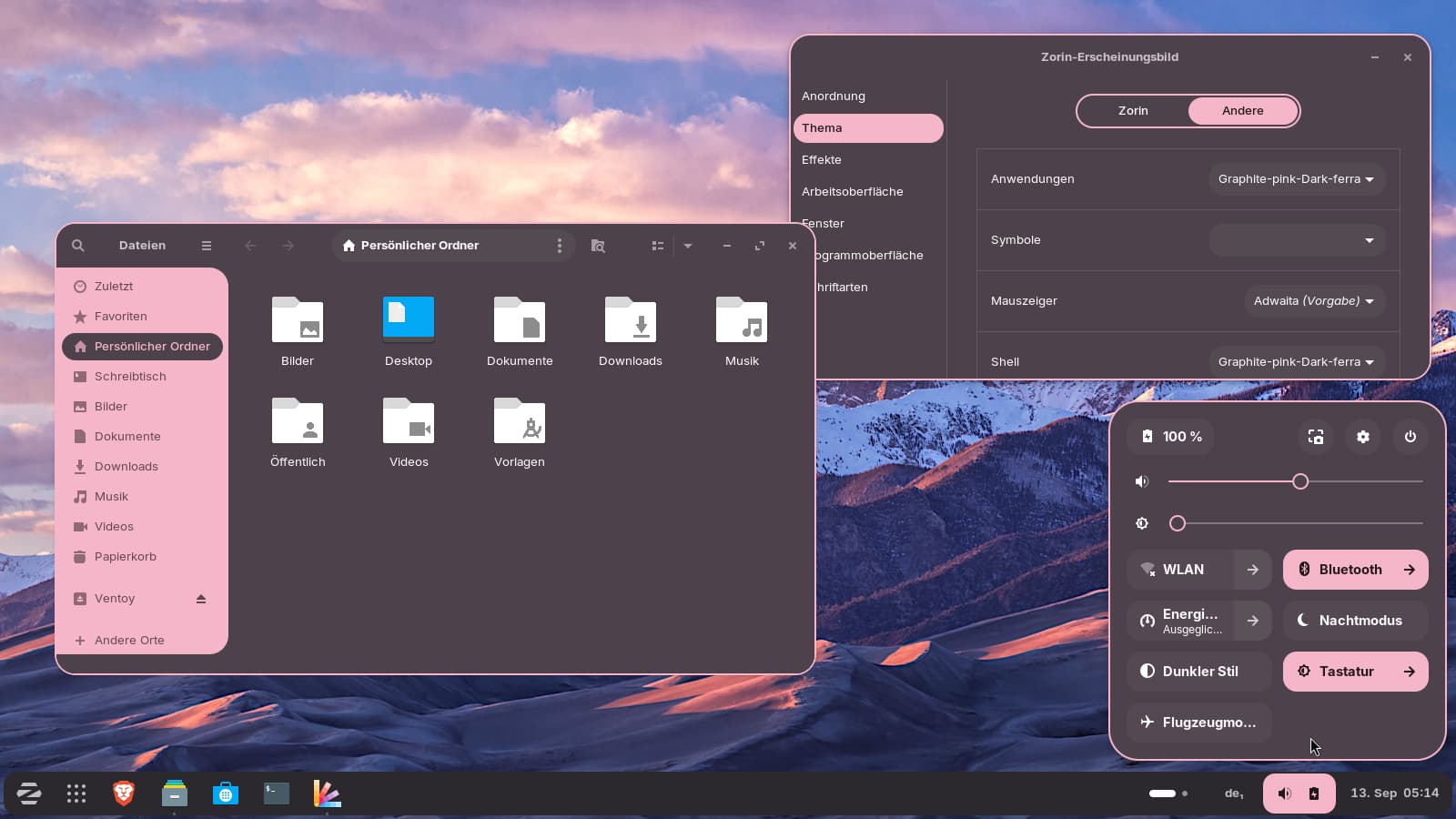
To remove installed themes, run
./install.sh -r
To remove the libadwaita link of a theme, run
./install.sh -l -r
The command to install the dark version of ferra pink:
./install.sh -c dark -t pink --tweaks ferra --round 15px -l
After the installation, logout and then login and then select the theme in Zorin Appearance.
And here, you see the Graphite gtk theme in the tweak nord pink variant:
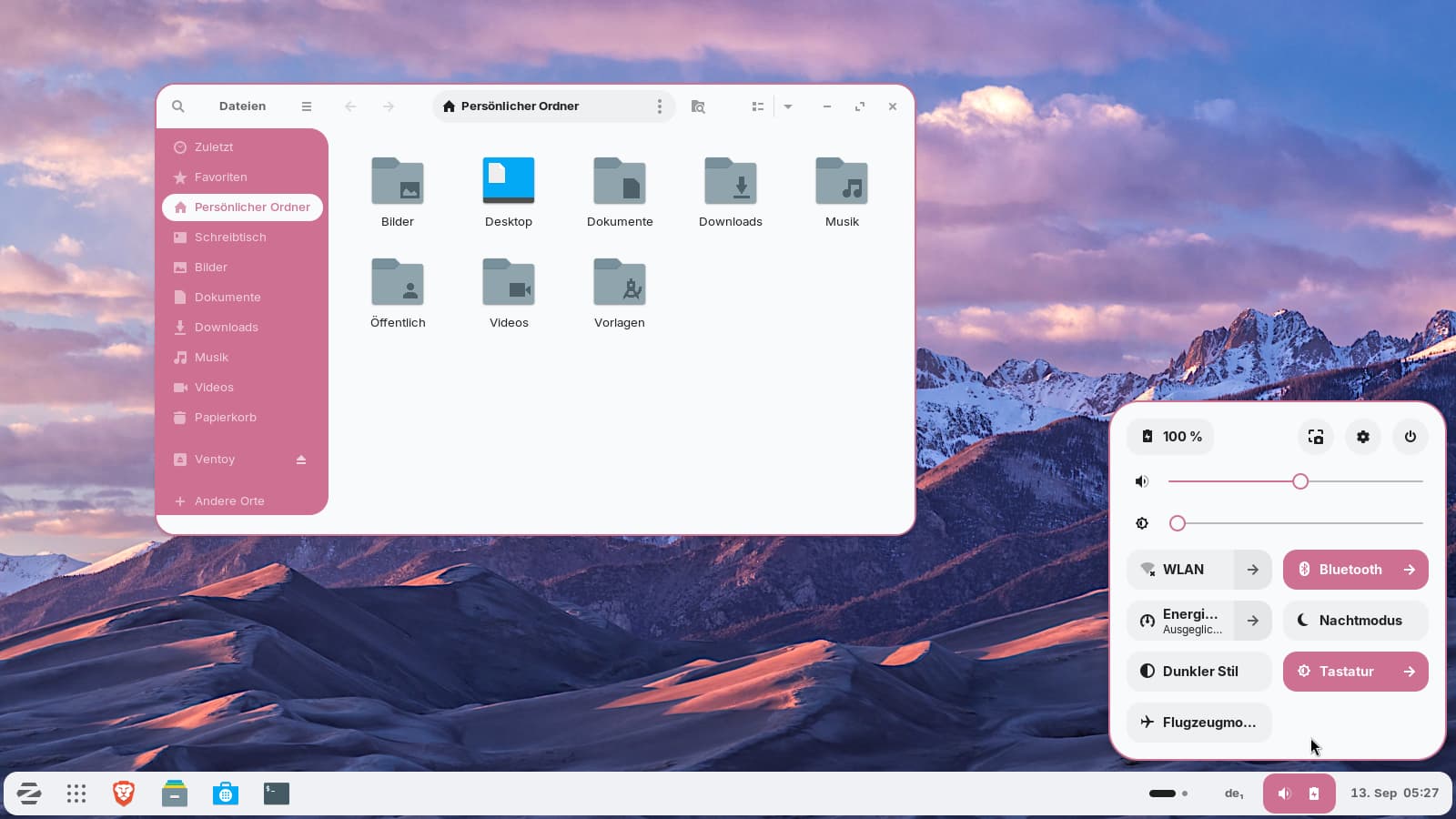
./install.sh -c light -t pink --tweaks nord --round 15px -l
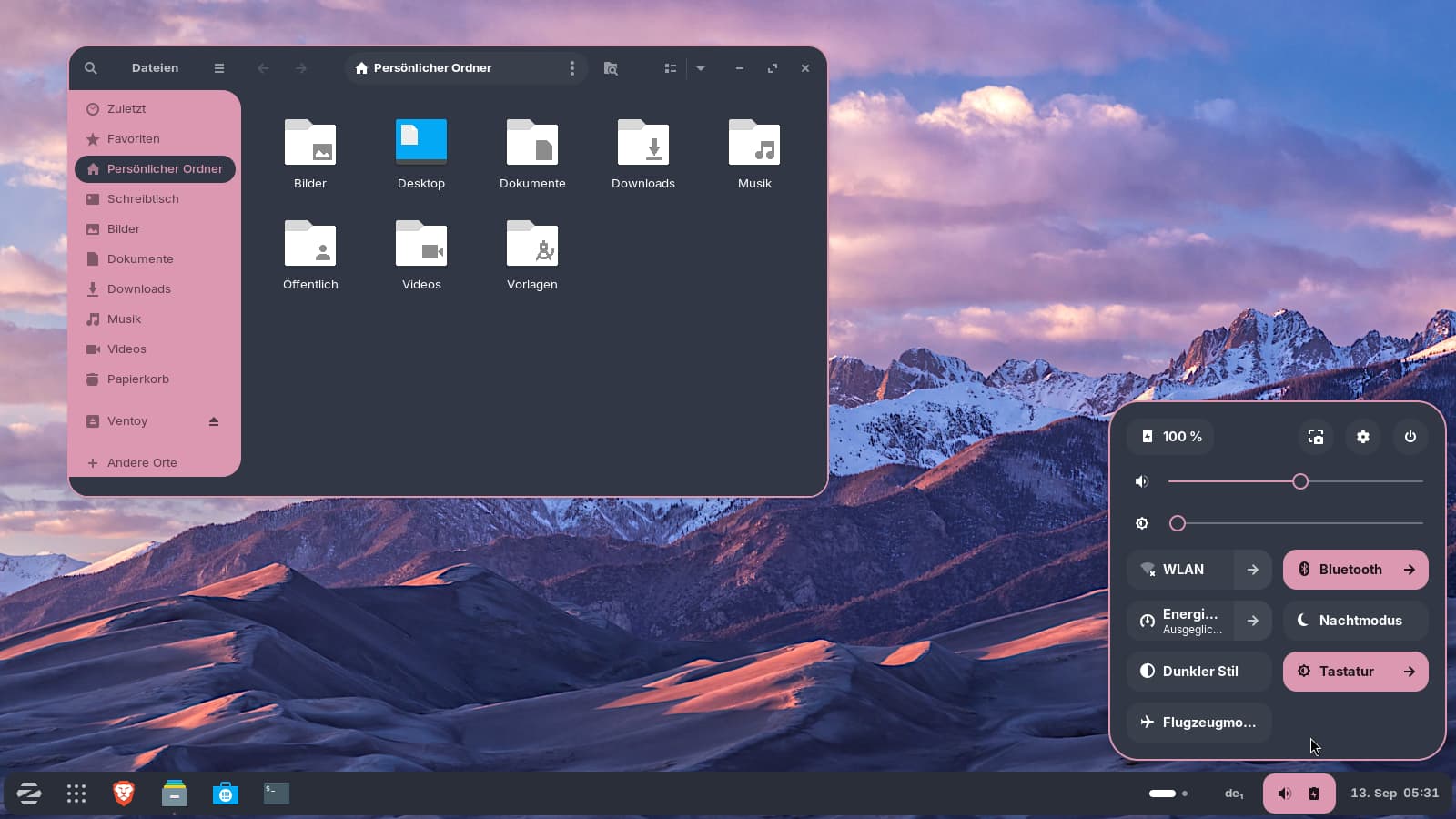
./install.sh -c dark -t pink --tweaks nord --round 15px -l
Or here with the dracula color variant:
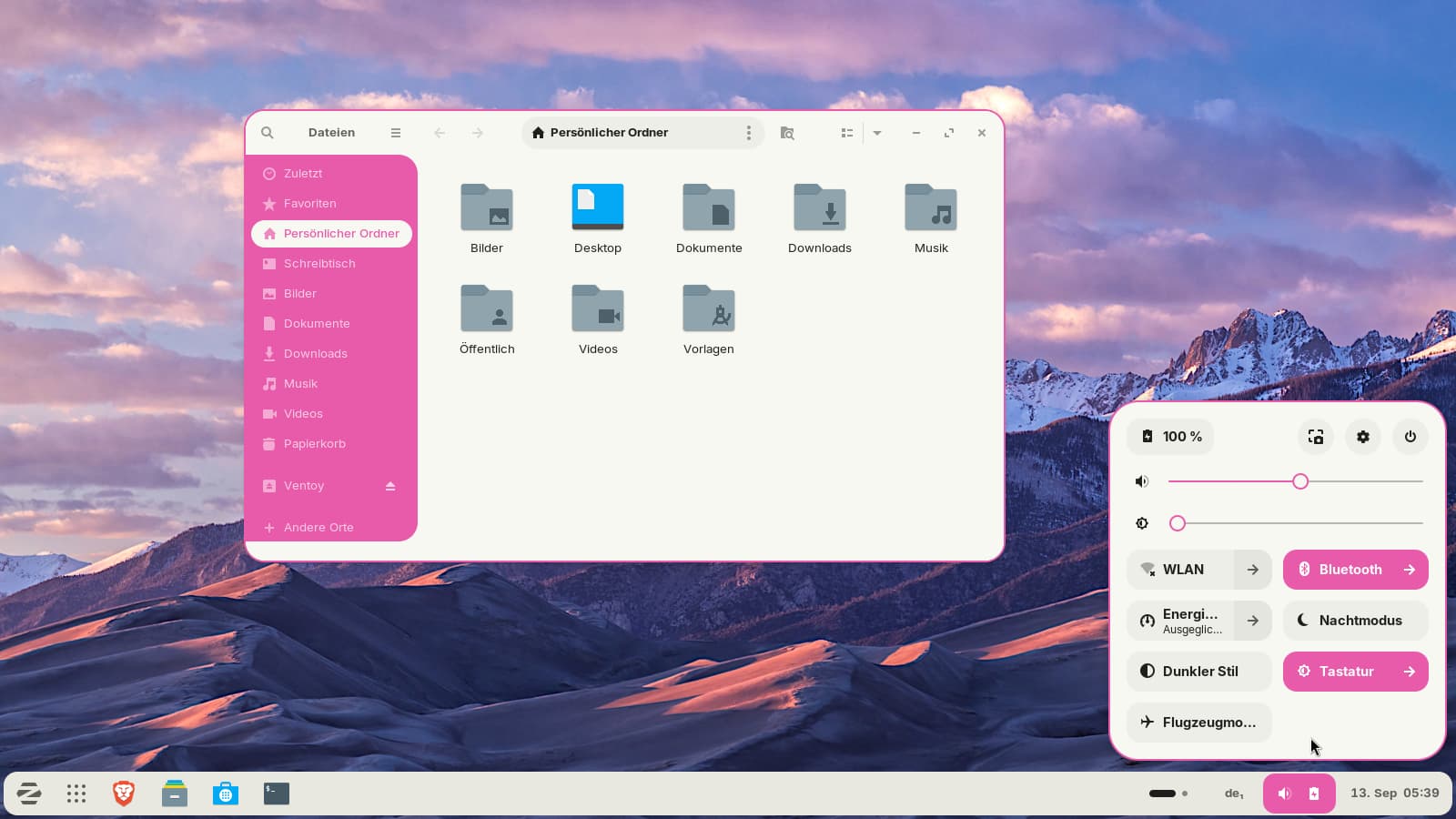
./install.sh -c light -t pink --tweaks dracula --round 15px -l
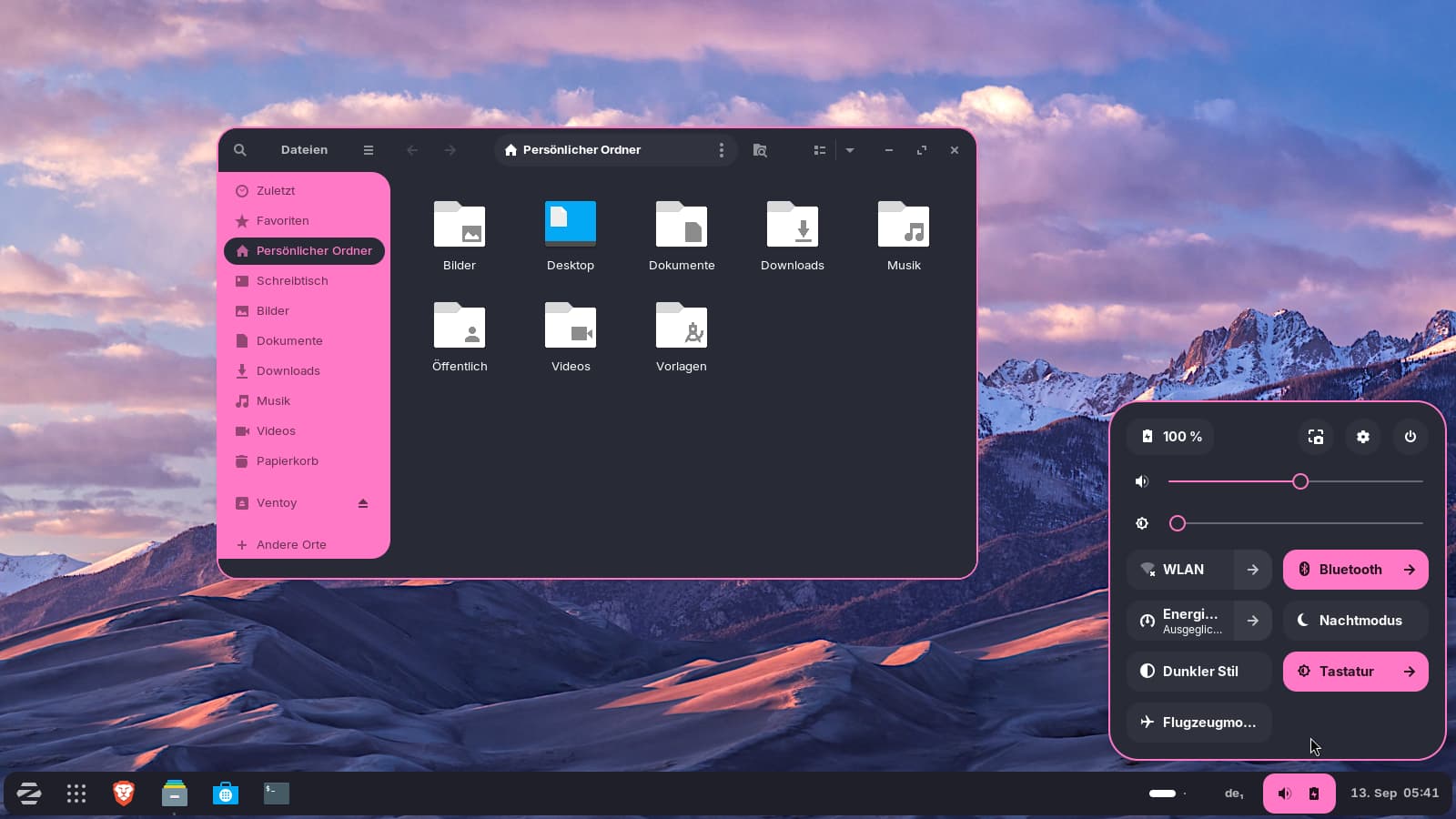
./install.sh -c dark -t pink --tweaks dracula --round 15px -l
Always run the commands from the Downloads folder. Right-click on the extracted Graphite-gtk-theme-main folder, select open in terminal, and then enter the command.
To try other theme variants, it is the best to remove the installed one with
./install.sh -r
and
./install.sh -l -r
2 Likes
do i just run the commands after opening the terminal?
Yes, when you have opened the terminal at the Downloads folder where the theme is saved.
Otherwise, run
cd ~/Downloads
first (replace Downloadswith the word in your language if you use another language than English and have another name for that folder).
1 Like
shouldnt i open it in the home area since thats where the themes folder is?
Also, do i need to install something before running these commands?
Right-click on the extracted theme folder and select "open terminal here", then a terminal will open and there you can enter the install command.
You need to download the code of the Graphite gtk theme first. Otherwise, it will not work. But you don´t need to install other packages or you`ll see a error message during installation. Usually, the script installs sassc, if it is missing.
1 Like
OH you mean the theme folder they gave me, i was so confused, sorry
Hm, about which theme are you talking? Do you mean the Graphite gtk theme?