I can’t log into the system

By mistake, I changed the permissions of the file
gnome-shell-theme.gresource
in
/usr/share/themes,
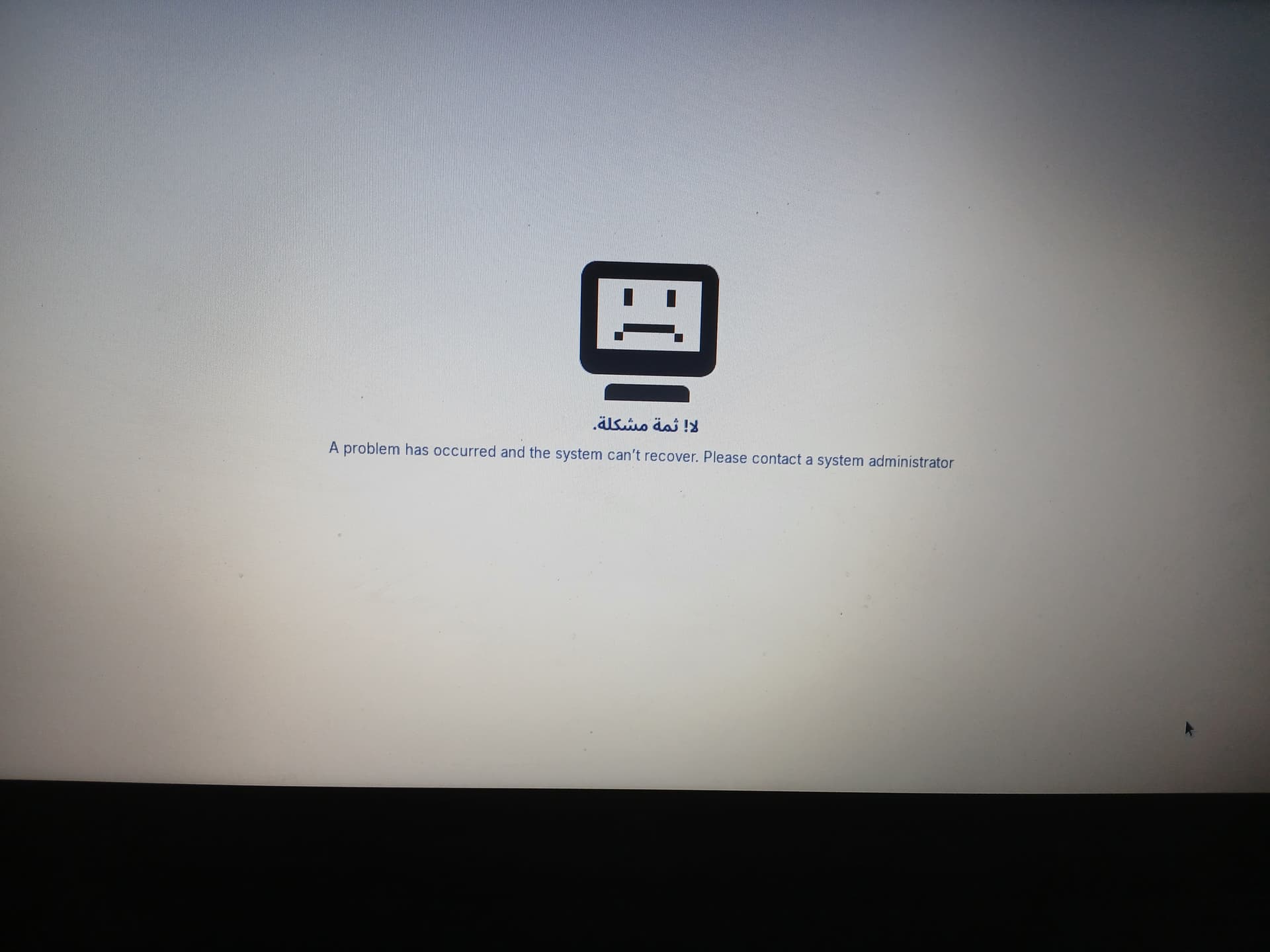
and after restarting GDM, I was no longer able to log into the system — I only get a white screen.

I tried to fix it using a live USB environment, and also from the TTY terminal, where I did everything from resetting permissions to reinstalling the desktop environment, but the problem wasn’t solved.

Have I lost my system?

From TTY, have you run

sudo chown root:root /usr/share/themes/gnome-shell-theme.gresource

sudo chmod 644 /usr/share/themes/gnome-shell-theme.gresource

sudo chown -R root:root /usr/share/themes

sudo chmod -R u=rwX,go=rX /usr/share/themes

sudo systemctl restart gdm

If that does not work, you can move the files over from the LiveUSB, I suppose...

1 Like

I executed some of them, but the problem still persists.

What exactly have You done?

My little brother disassembled this file:

gnome-shell-theme.gresource

He changed the border color in the password entry field on the login screen

Then he recompiled the file

and moved it to the system.

After that, the login screen became double (or duplicated).

So he entered these commands sequentially:

​sudo chmod 644 /usr/share/themes/ZorinBlue-Dark/gnome-shell/gnome-shell-theme.gresource

​sudo systemctl restart gdm

​And after that, this screen appeared (referring to a screen not shown in the text).

I accessed the system from another distribution, deleted the file he modified, and restored the original file.

Since that moment, I cannot log in.

The modified file may be cached.
Try using TTY:

sudo glib-compile-schemas /usr/share/glib-2.0/schemas/

sudo rm -rf /var/cache/gdm

sudo rm -rf /var/cache/gnome

rm -rf ~/.cache/gnome-shell

rm -rf ~/.cache/gdm

They implemented it one after the other and the problem still exists

Do You have a Backup of Your Data? If yes and it doesn't bother You too much, make a fresh Install.

I don't have a backup can I prevent system loss

And when You start a Live Mode with a Zorin USB Stick and then copy Your Data through Nautilus? Or is it too much?

2 Likes

​I switched the display manager from gdm3 to lightdm.

I am currently on the desktop.
There is no Zorin or Zorin Xorg in the list of desktop environments on the login screen.
This means that the problem was in the gdm

1 Like

Despite all attempts, I couldn't fix GDM.
​I did the following:
sudo apt install --reinstall gnome-shell mutter gjs libglib2.0-0 zorin-os-desktop zorin-os-default-settings
​And the problem still persists.
​When I switch to GDM3, it can't open the login screen, and the screen in the attached image always appears.
​However, LightDM is still working.

Have you yet reinstalled gdm and then configured it?

sudo apt install --reinstall gdm3

sudo dpkg-reconfigure gdm3

I did this from the TTY terminal
sudo apt install --reinstall gdm3
But this
sudo dpkg-reconfigure gdm3
Active Service Shows
But gdm fails and the login screen doesn't come

Well, at this Point, I would suggest a fresh Install. Or You stay on LightDM if this is okay for You.

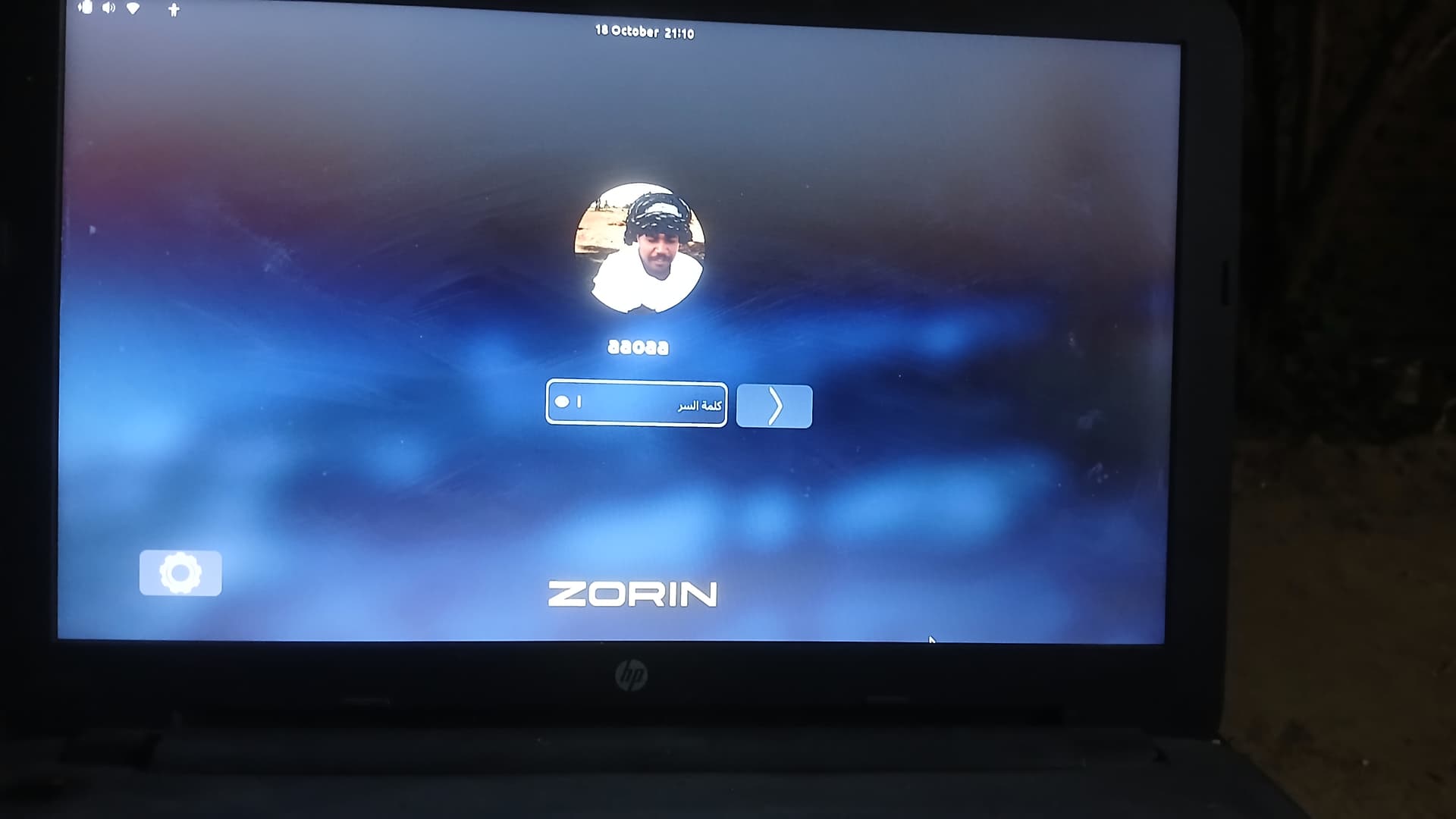
I was able to log in via gdm by permanently deleting the ZorinBlue-Dark folder and replacing it with the theme I downloaded from the package.
zorin-desktop-themes
Question
This login screen has become big
It wasn't like that before.

I think it has to do with the theme that gdm uses
How do I know which active theme is and how do I change it?

That is an interesting login screen and means if I was able to create an Arabic Manual it would take me a long time getting the correct images. I see the cog is back which should allow you to change between Wayland and Zorin desktop on xorg. Sometimes a big login screen is to do with Graphical issues. When you login, do you have a small screen area (zoomed)? Once logged in, make sure the resolution of the display is correctly set, then once you have made the change, keep the change and reboot to see if this resolves it.

Probably reinstalling and reconfiguring GDM reset the screen resolution.
Do you have a /var/lib/gdm3/.config/monitors.xml file?

The file does not exist but once the screen resolution in the system is reset the file was created and then transferred to
/var/lib/gdm3
And it didn't work