I have a Lenovo V110-151KB 80TH Laptop, with 8 GB RAM, running Windows 10. It can't run Windows 11 (not that I want to...), so to keep the laptop safe from online attacks or whatever, I want to dual boot Windows 10 with Linux, using Windows 10 for offline only games, and for anything online I will use Linux (web browsing, e-mail), keeping Windows permanently offline.
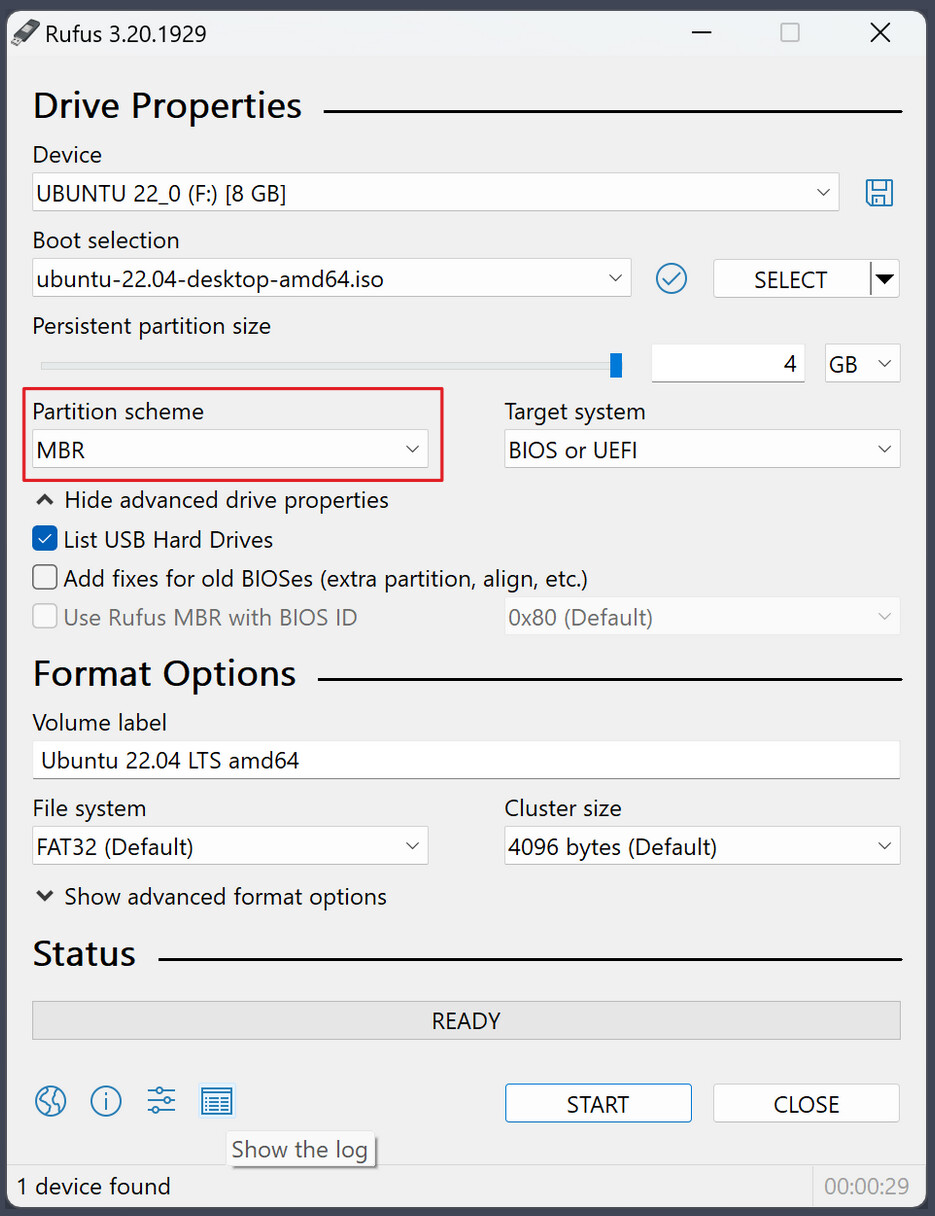
The laptop is working fine, it has two SSD drives (one has replaced the laptop's CD drive), and Windows 10 is installed on the C: drive of course. I don't know anything about Linux, but I've heard that Zorin Linux is great for newcomers familiar with Windows 10, so I downloaded 'Zorin-OS-18-Core-64-bit-r1.iso', used Rufus to put it on a USB stick, and booted it on the laptop (and so running it from the USB stick), and it seems to work great.
So I decided to install it on the laptop, so I could dual boot with Windows 10. So I shrank the second hard drive by 50 GB, and set up that 50 GB as a partition, and now the laptop's hard drive partitions are:
Disk 0
C: 102 GB (Windows 10)
E: 851 GB
Disk 1
D: 1857 GB
F: 50 GB (the partition I want to install Zorin into, of course).
And everything is working, Windows and laptop-wise, and the laptop still (of course) boots up to Windows 10. All is now ready to install Zorin. So I boot up Zorin with the USB stick, Zorin boots and I tell it I want to install it, then I enter the wi-fi details so it can install updates, then the installer stops with the message:
"Installation type
-
This computer currently has no detected operating systems. What would you like to do?
Erase disk and install Zorin OS
Warning: This will delete all of your programs, documents, photos, music and any other files in
all operating systems.
Advanced Features... None selected.
-
Something else
You can create or resize partitions yourself, or choose multiple partitions for Zorin OS."
The laptop does, of course have an installed operating system, Windows 10, and it's still working fine (I turned the laptop off then on again, and Windows 10 booted fine. I should mention that when I live booted Zorin, Zorin allowed me to read the C: drives files, so Zorin can read the C: files, at least when Zorin is run from the live distribution on the USB stick.
Anyway, according to google, the "computer currently has no detected operating systems" problem might be caused by Windows 10 having the fast boot turned on, but I think it's turned off. I say 'think', because Windows won't give me the "Turn on fast startup" tick-able option on Power Options > System Settings, which seems (according to google) to mean that it is turned off, and if I use:
powercfg -a
in a commend prompt, then it says:
"Fast Startup
Hibernation is not availaible"
which seems to me to confirm that fast boot isn't activated.
In the laptop's BIOS, Boot mode is set to 'Legacy Support' and if I change it to UEFI then the laptop won't boot up, it only boots if the Boot mode settling is Legacy Support. I have set the boot mode to UEFI, then set the Safe Boot option to off (I had to set the boot mode to UEFI, as otherwise the Safe Boot mode didn't appear) then I set the boot mode to Legacy Support again, the laptop and Windows work fine, but when I try to install Zorin I still get the "This computer currently has no detected operating systems" error message.
Can anyone help me, please?