I followed the Zorin instructions for installing the Canon printer drivers but the down loaded file will not open in terminal as it says No such file or directory exists
when you use the command ./install.sh It dose exist and is full, but nope no joy ....
anybody ale help ?
thanks,
alex
First go to the folder where you have downloaded the driver (e.g. Downloads), open the downloaded folder and right-click on a free space and select "open terminal here". Then enter your install command ./install.sh in the terminal.
Hi tanks for that, i just get either Command not found or no such file or directory !
Can you please post a screenshot of the content of your downloaded driver package?
1 Like
difficult its on the other comp..
Or take a photo or write down the files which you see.
Which canon driver do you want to install?
1 Like
back in a mo
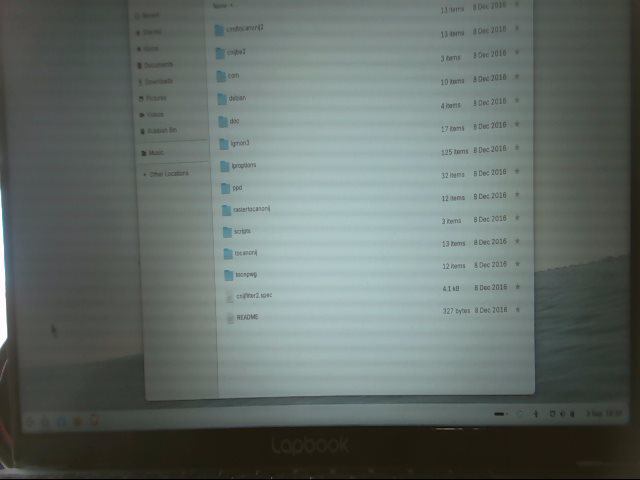
it's for the Canon Maxify MB5150
looks like the install is in the cnijbe2 folder or possibly the script folder in the install deb folder
so now !
open the script folder then the install deb folder then right click a blank area open a terminal and run the ./install.sh
how do i install the deb folder, Im new to this
open that folder the install deb folder you will see a install.sh in there right click on a blank area an choose open a terminal then in that terminal type ./install.sh
error occured a necessary package could not be found in the proper location
ok open the cnijbe2 then right click open area choose open a terminal and same thing ./install.sh
its possible its in the first folder the cmdtocanonij2
it just says no such file or directory
ok the person who is awsome at printers is our resident printer guy @swarfendor437 he does it for a living pm him if you can just click that name then upper right hit message
OK thanks I'll try tomorrow , thanks for your help , have a good one...