How do i install Wine on Zorin OS 17.3
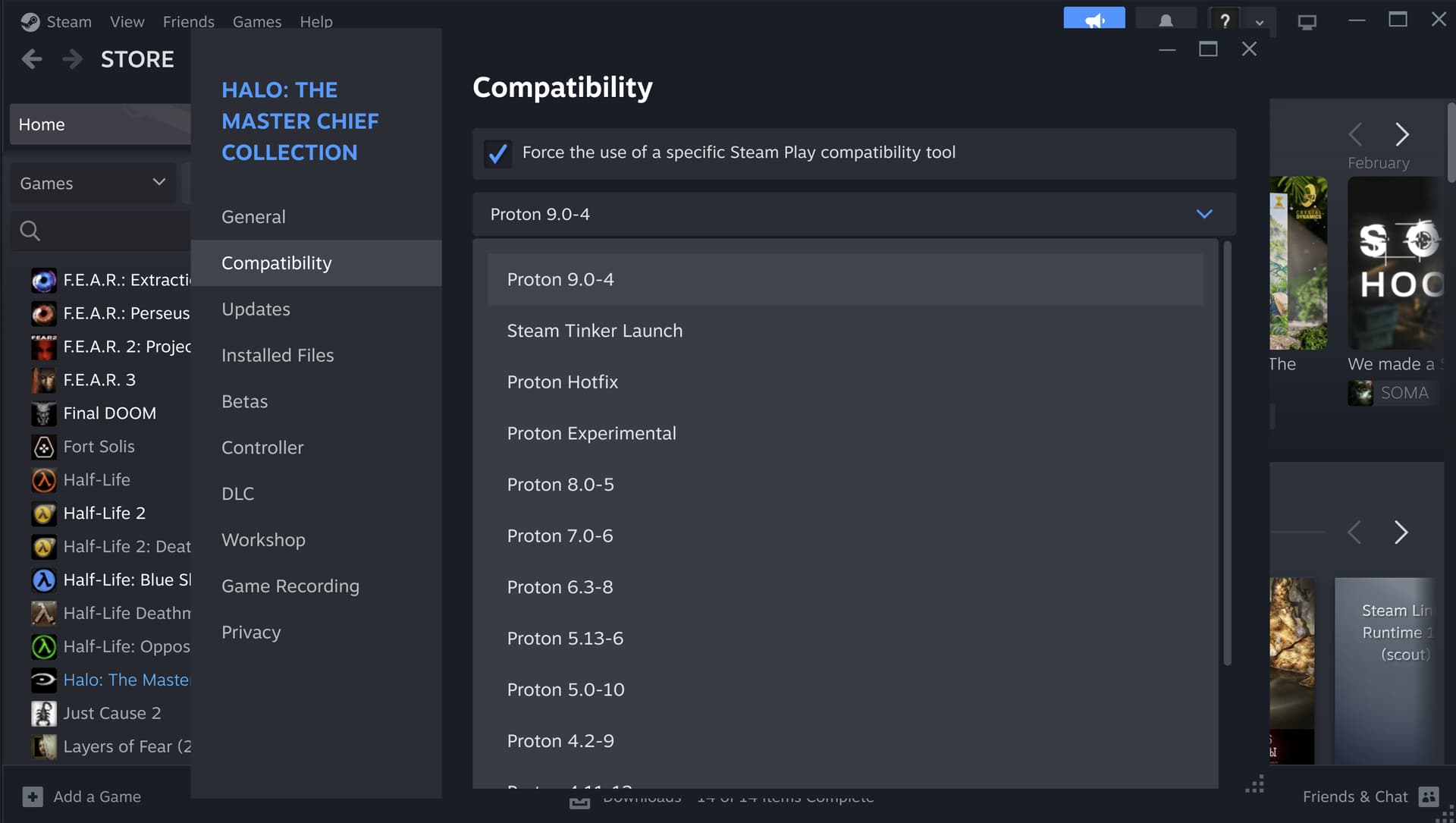
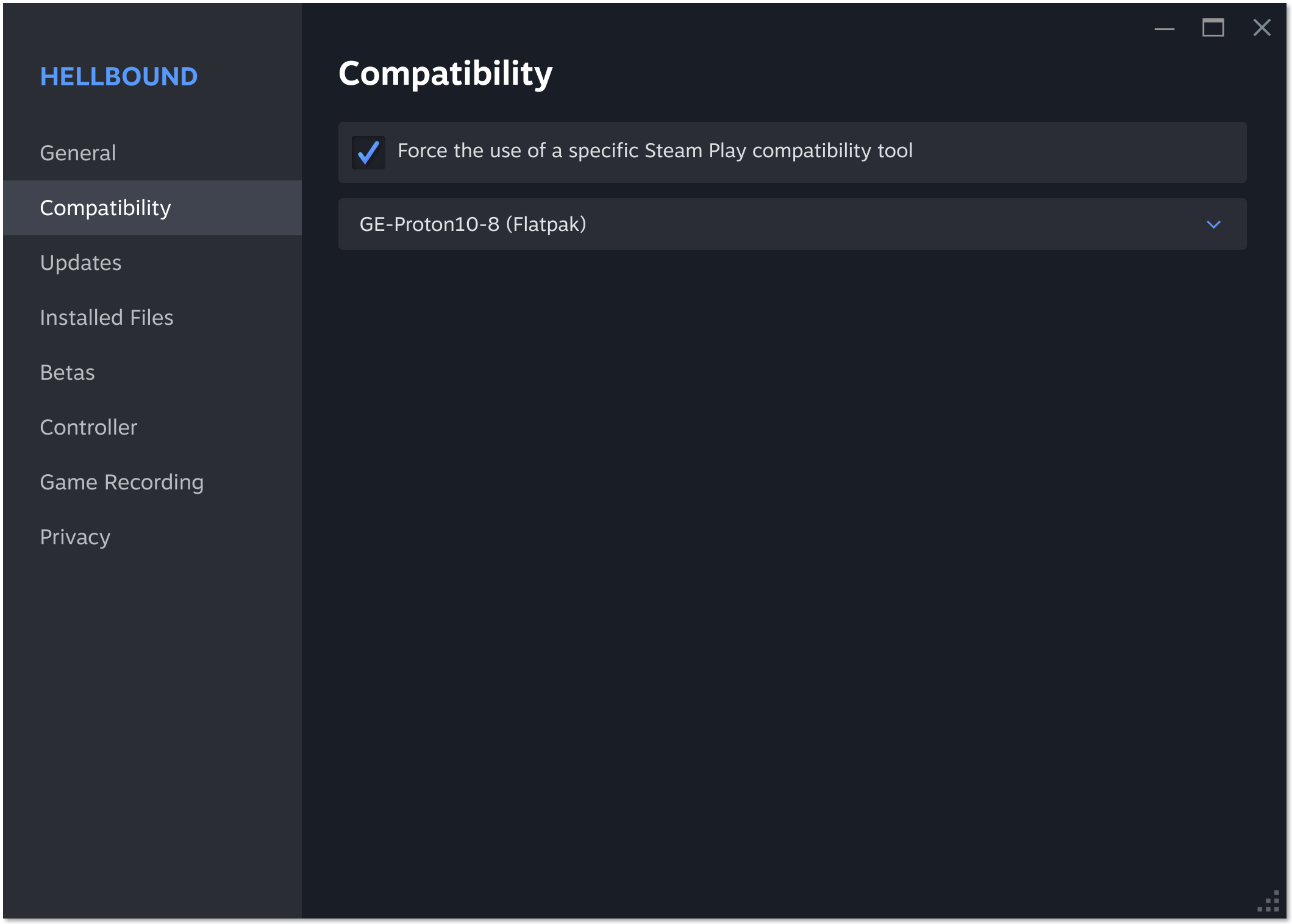
To play games on linux you can follow this guide. You don't need to install wine. Use steam and proton instead.
Install steam via the "steam-installer".
When you “Enable Steam Play for all other titles” in the "Advanced" section of steam play, this will enable Proton.
For other Proton versions you can take a look here:
2 Likes
You can install it with the Command sudo apt install wine or look in the Software Store for it and install it there.
You can install the Windows App Support Package from Zorin (should be avalible as Icon). Or You use for Games something like Steam, Lutris and Proton.

Since others kinda assumed for games just incase it's not and you just want to install windows based applications if you open the menu on Zorin and click Utilities you will see Windows App Support and clicking to install windows app support will do all the setup for you and once it's done a Windows section will appear in the menu where you can open wine, bottles, and see the applications you install that are windows based.
2 Likes
This topic was automatically closed 90 days after the last reply. New replies are no longer allowed.