I'm using a NVIDIA GPU.
I get this error when running the installer:
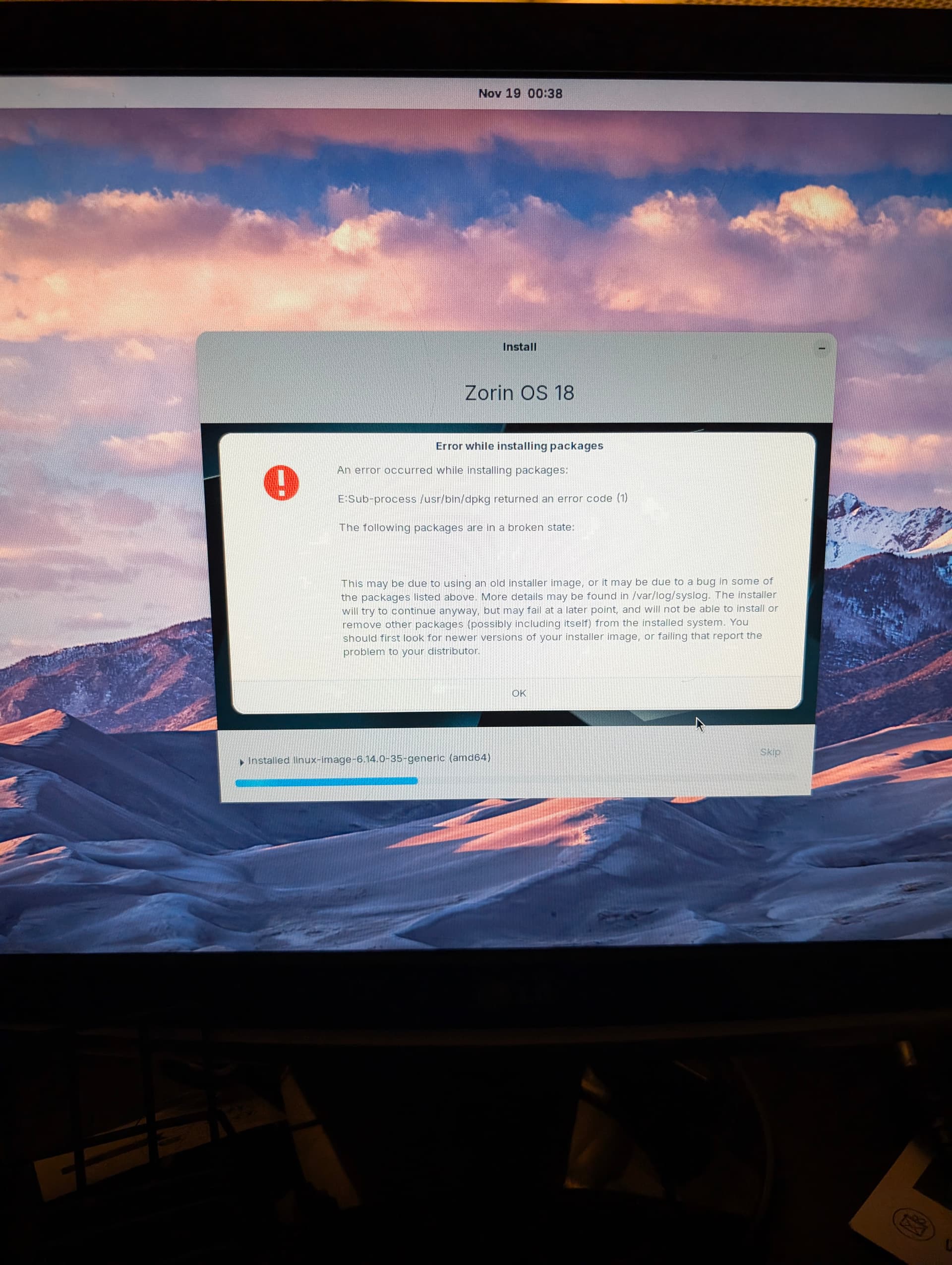
I think someone else had a similar issue that was solved by not installing any additional drivers and updates during the installation. You can still have those installed afterwards anyway, and as I recall that worked fine, so I'd suggest trying to re-install again without any of those options enabled when asked about it.
1 Like
Beneath @zenzen's Advice: Did You checked the Checksum of the ISO?
Hi, I'm a new user.
I'm trying to install the system on my 2TB SSD, but no matter which options I uncheck, I keep getting this error.
I've tried recreating the bootable USB drive, double-checked the ISO file's checksum, and even switched to a different program to flash the image (I was using Balena Etcher, now I'm using Rufus).
I really want to try the system, but I can't get past this error. Does anyone have any ideas what I might be doing wrong?
EDIT:
After a lot of trial and error, I finally managed to install it.
Here's what I had to do to make it work:
· Choose the "Install without NVIDIA drivers" option.
· Uncheck the box for installing third-party software.
· Uncheck the box for downloading updates during installation.
The system itself seems really good, but the installer definitely needs a review.
2 Likes
J'ai eu le même problème, pour arriver à l'installer correctement sans aucune erreur jusqu'au bout,
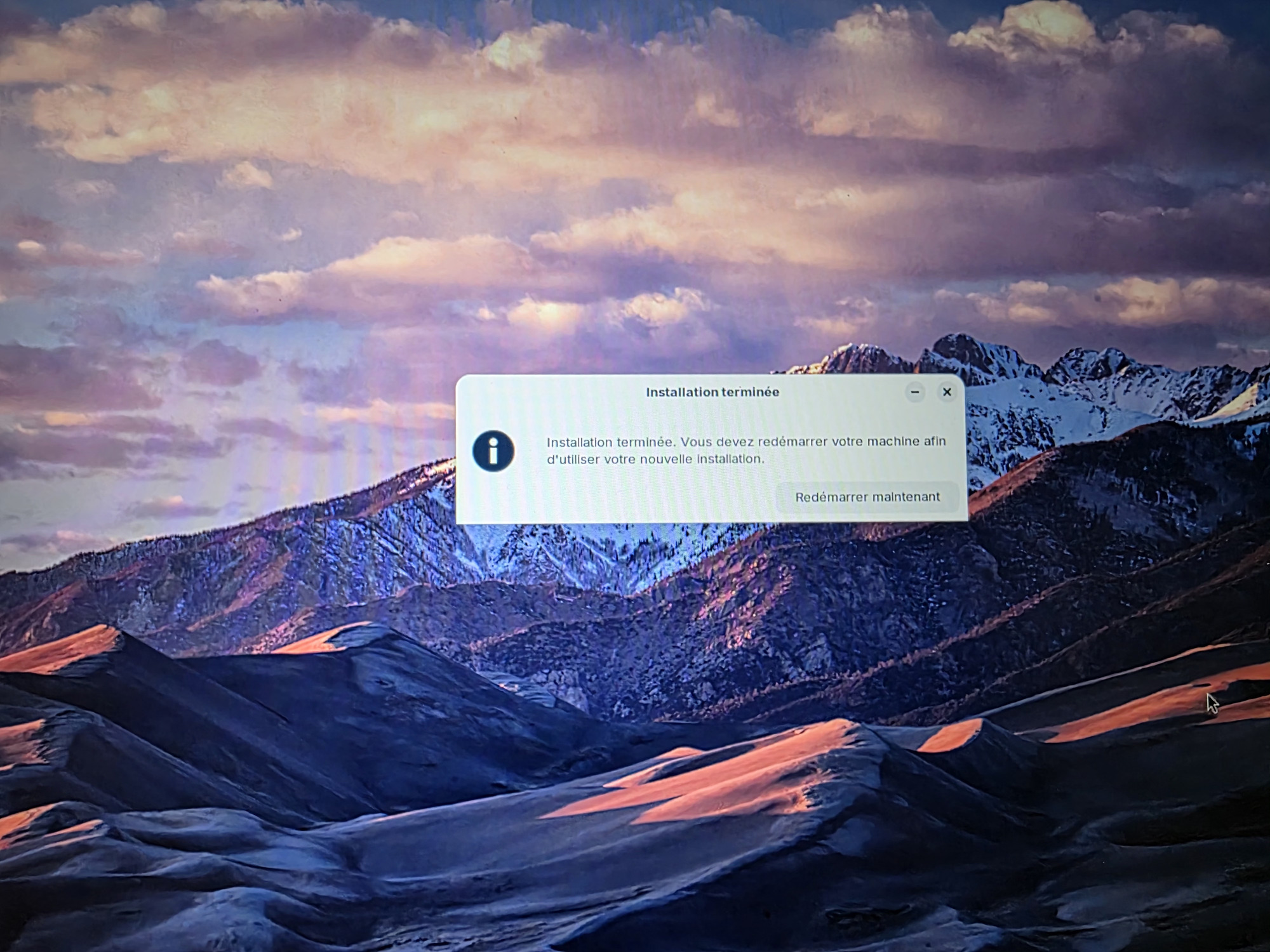
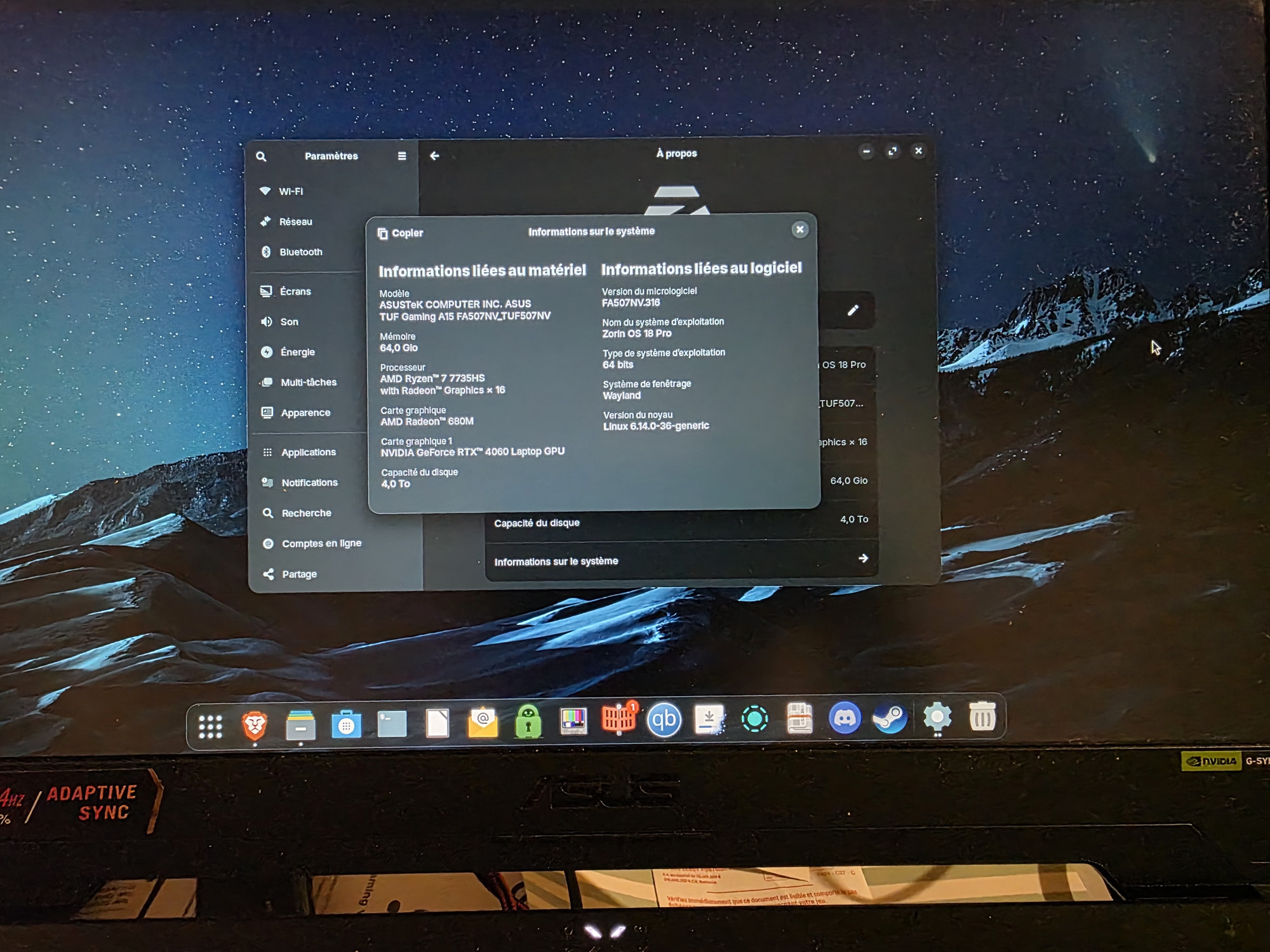
J'ai démarré sur une image live Ubuntu 24.04.3 j'e me suis envoyé le lien de l'ISO Zorin OS 18 Pro je l'ai vérifié avec le snap GtKHash c'était ok , et ensuite j'ai téléchargé popsicle en appimage, j'ai créé la clé Zorin OS 18 Pro avec , j'ai après formaté mais deux SSD deux fois ( et une troisième un peu plus hard , mais pas jusqu'àu bout juste 3 ou 4 minutes) puis formaté deux fois, j'ai éteint le laptop, je suis allée dans le UFI j'ai supprimé les certificats un par un , et après je l'ai mis a jour pour qu'il se réinstalle, j'ai redémarré le laptop avec la clé Zorin OS 18 Pro et la l'installation et aller jusqu'au bout sans la moindre erreur, la tout fonctionne parfaitement, j'ai bien choisi l'installation avec les. Driver NVIDIA wifi et autres et les mise à jour, bref la ça fonctionne parfaitement,
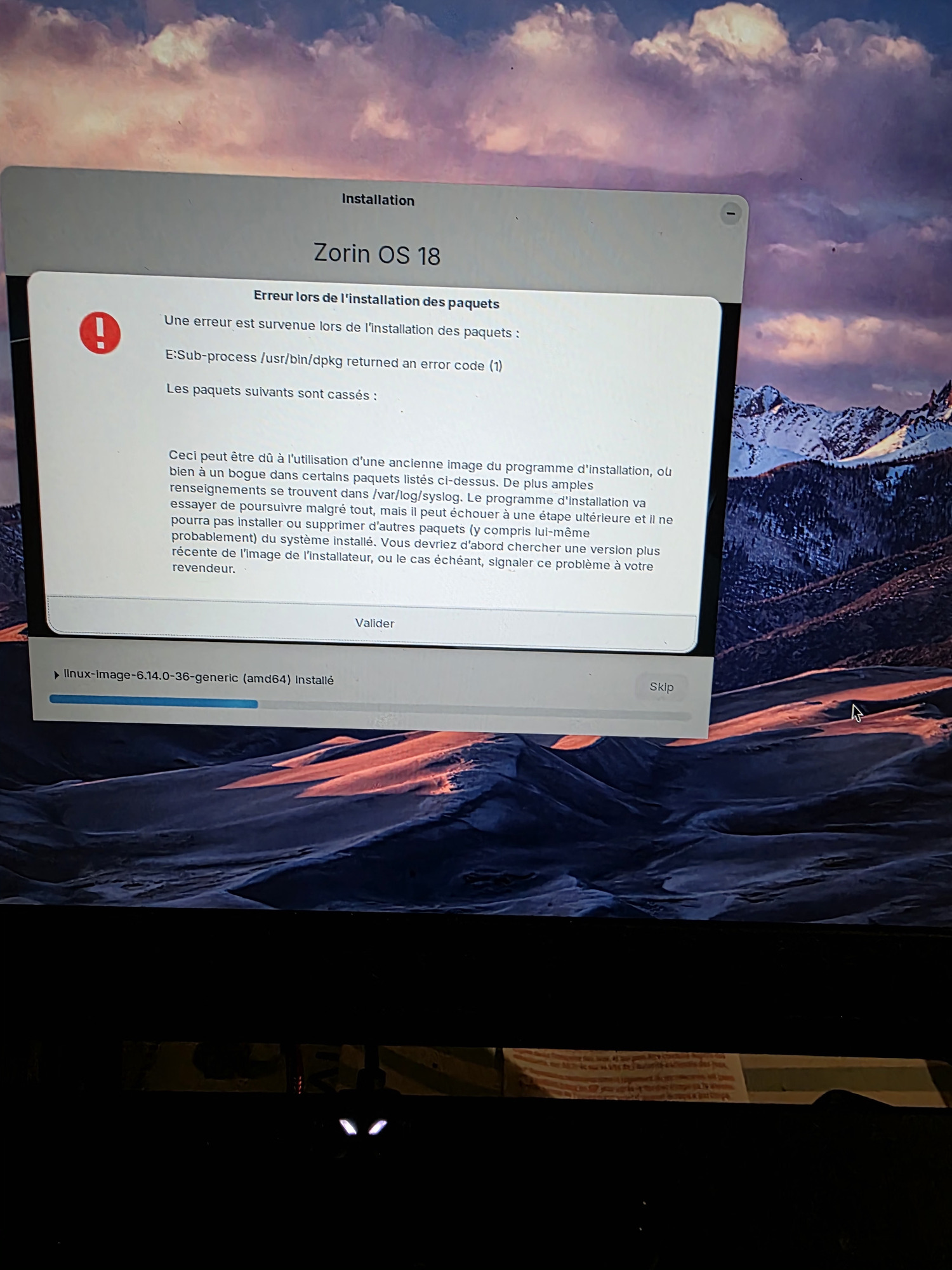
I had the same issue when installing with WiFi / updates installing but it worked when I did not connect to WiFi. I then updated and everything was good.
1 Like
This topic was automatically closed 90 days after the last reply. New replies are no longer allowed.