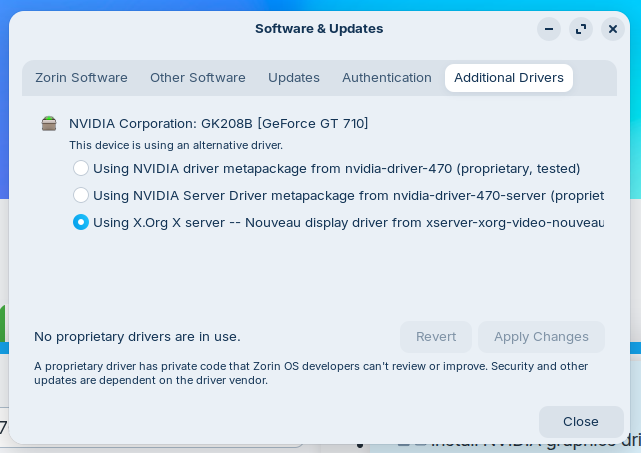
The driver 470 doesn't work with kernel 6.14 or 6.17, you need to go back to kernel 6.8. You can install an older kernel in Zorin 18 or use Zorin 17.
You can try to install the kernel with this guide (I haven't tested it yet)
and then set the 6.8 kernel as default to boot. You can use the guide of ubuntuhandbook to do this by editing grub menu (I wouldn't recommend to use the app grub-customizer) or
Aravisian's guide:
Then install the nvidia drivers.
I am glad to see you point this out as it often results in damages we must go in and undo.
thanks both of you guys
Do you know if the 6.8 kernel can be installed this way in Zorin 18? Other users have used the mainline installer tool to install kernel 6.8 but I think this would be better, or not?
If you want a one shot easy approach:
sudo apt install linux-image-6.8.0-86-generic linux-headers-6.8.0-86-generic linux-modules-6.8.0-86-generic linux-modules-extra-6.8.0-86-generic
You can use the sudp apt install linux-image-generic command from Your linked guide, too. It offers the 6.8 Kernel in the current Version:

Thank you! I tried in the live session and saw that the command would install kernel 6.8.0.-100, but in the live session kernel updates or kernel installations always fail and brake the package manager irreparable. Also today when I tested this.
But it should work when Zorin is installed.
Do you know if the linux headers need to be installed separately? For the modules and modules extra was shown that they would be installed, but the headers were shown somehow as additional package. Are they also included?
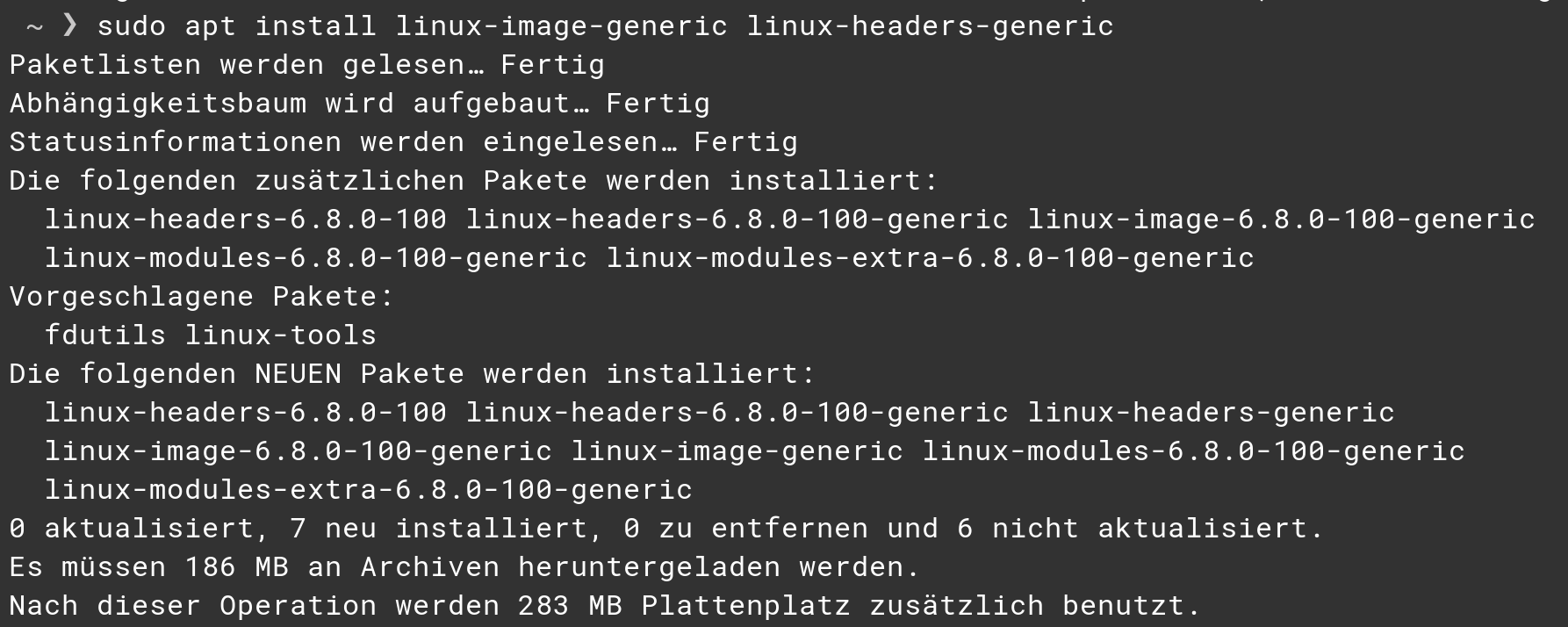
What about such "vorgeschlagene" (= proposed? suggested?) packages in general? In this case it were the linux headers. They are not in the list to get installed. Should you always install the proposed packages afterwards? For the linux headers it is clear now, but what about other packages when there are some listed?
Well, there is no common Answer to this - at least not in my Opinion. They can be useful but don't have to. It's a ... ''it depends''.
The Package fdutils is for Example for Floppy Disks. It might be useful when You have them but if not, You don't need it.