Just recently I installed Zorin OS on my laptop. I had installation few years ago and now I tried it again. I am very happy with many things this time. I can see a lots of improvements and usability which allow users to actually escape Windows. Thank you for all your hard work. But I also do have some issues which prevent me from using it.
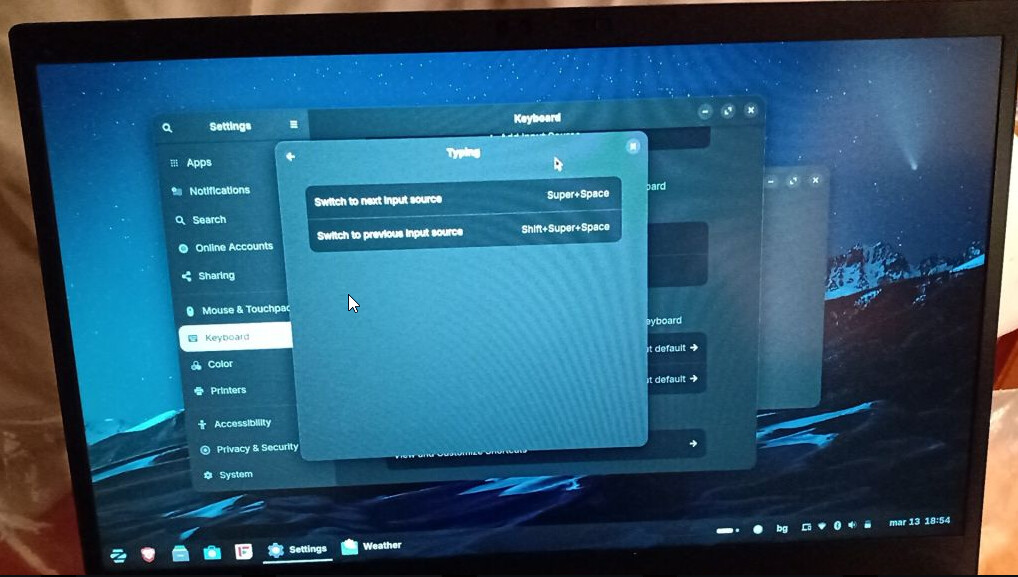
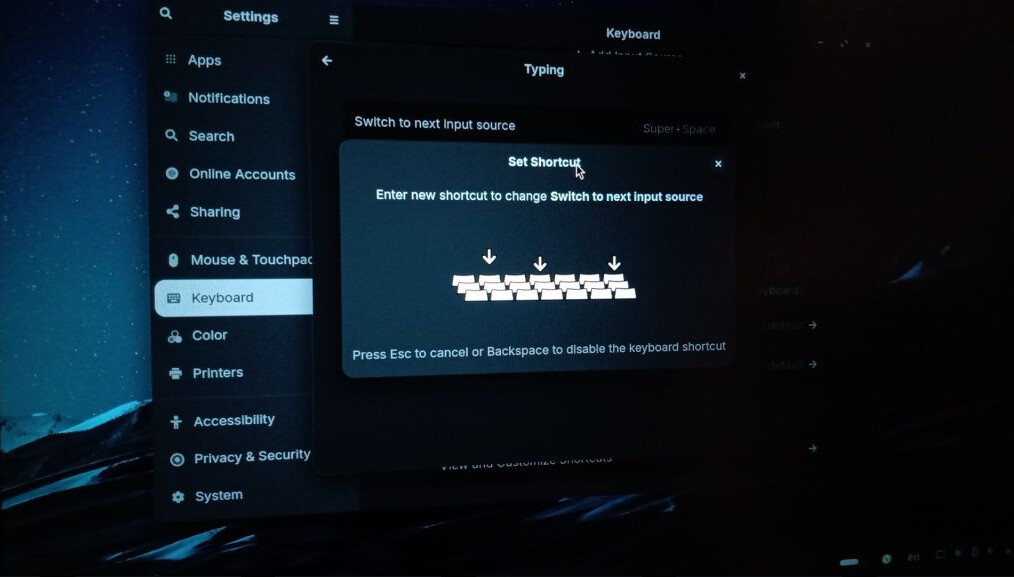
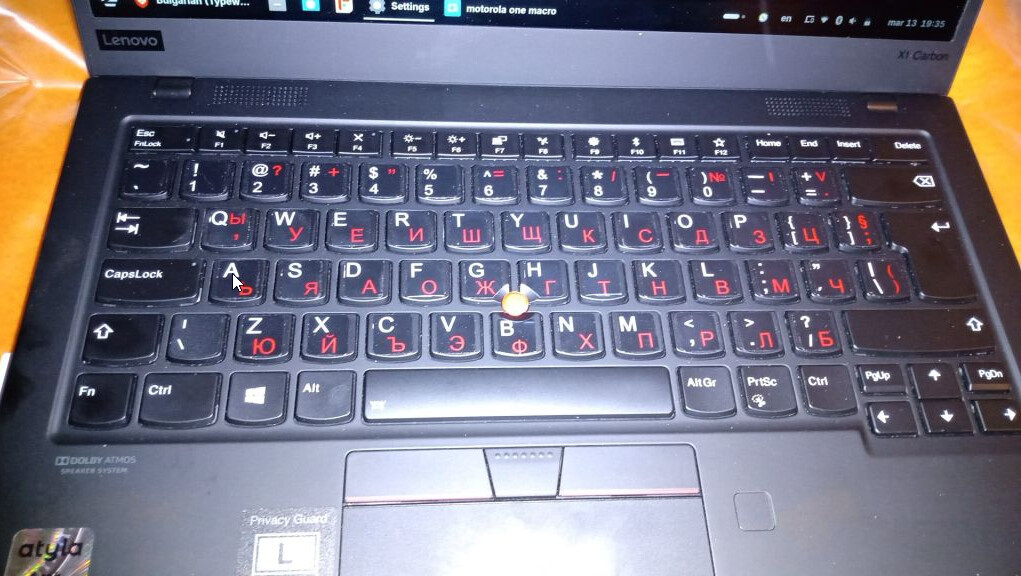
Switch language shortcut doesn't work. I tried Ctrl+Shift, Alt+Shift, Fn+Space (that one lights up the keyboard). I went to the keyboard shortcut setup and when asked to input a new key combination, pressing Ctrl+Shift, nothing happened. Please see the screenshot bellow.
Zorin Connect paired but I am not able to send Clipboard from laptop to the phone. I wish there is a window which shows me all the things I send or receive somewhere. Not intuitive and not user friendly.
Windows Minimize and Close buttons are very small. I am struggling with hitting them with mouse sometimes and that is very annoying. I wish they can be in square shape like on Windows.
The weather "search city or country" doesn't work at all.
You could use another Theme what offers square Buttons. Or You would have to add manually a .css File with that. I can remeber that here in the Forum someone already had posted something for this but I didn't found it.
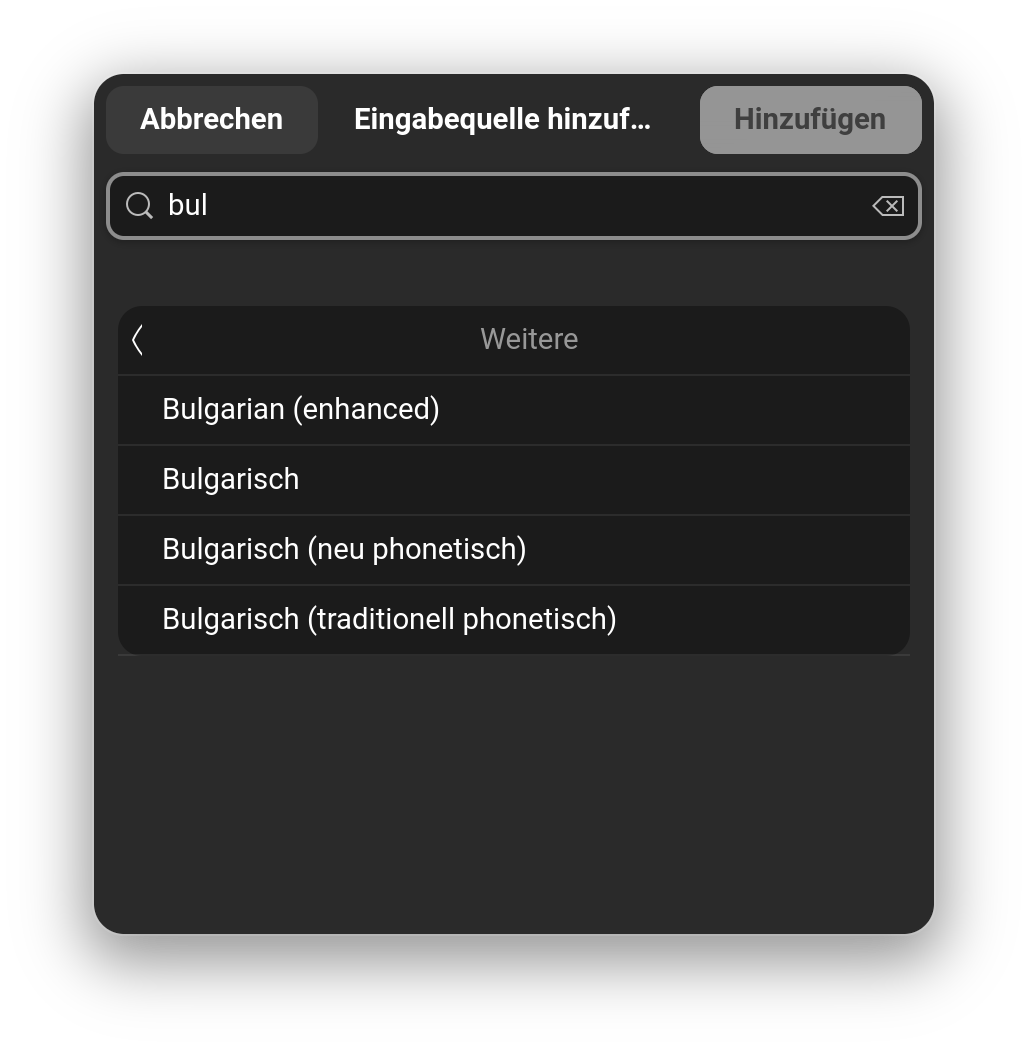
Go to Settings>Keyboard and there You can add a Layout. Search there for ''bulgarian'' and You should find something:
If You are fine with using a different Theme, there would be 2 Theme I know what offer square Buttons. the Downside would be that you have to use an Install Script because the square Buttons are an optional Tweak.
That might sound a bit complicated but is not too hard. Here are the Themes:
If You need help with them, I could explain You how to use that.
For the manual .css File, I actually have found in my Box the Setup for them. Unfortunately, I don't remember which of them was the better one. so, I would let that be aside from now. If one of the Themes suits You, I can give You further Instructions for this.