Issues Installing Waydroid on Zorin 18 Core

Hello, I'm trying to install Waydroid, but I'm getting some issues.

I followed this guide, which has a Zorin OS specific guide.

Completed all steps in the 'Pre-requisites', at least up to copying the new files, where I got completely lost. I wasn't sure where to find these files it's asking me to transfer. Searched for it in the file explorer, ant it looks like there's two locations, ~/libgbinder/build/release and ~/libgbinder/build/debug. So i tried copying the one in the release folder to the location that came out when I ran dpkg -L libgbinder, but it seems like due to not having ownership, I can't write to that location.

I didn't get to the 'Install Waydroid' section, since (in the Zorin setup guide), its giving options for Arch users, and Debian users, which was really confusing for me. So I went back to the 'Ubuntu/Debian and derivatives' on the main guide page, installed pre-requisites, added the official repository, installed waydroid, and opened it from the menu, which nothing happened.

So I then tried looking around just to find some additional instructions, found this post. The video it looks like is in ~/Downloads running things, but basically, I went from 3:41 in the linked video, got to set it up with GAPPS, it completed, and no window popped up. Seems like this was due to being in default. So I did a restart, and selected Zorin Wayland from the menu.

Trying again, initialising it (is now already initialized), started the container (container service already running) and session (service manager /dev/anbox-binder has appeared, android with user 0 is ready), and it makes a bunch of notification sounds at random. Sometimes a bunch in a row, then none, then one randomly again later on. Nothing pops up. I've also had the icon on my task bar come up, and have a black 'window' cover everything on whichever screen was focused, close it, then reopen a black window, and it keeps doing this and 'hijacking' my monitor to the point where it's hard to get the system monitor up to terminate the process.

I haven't edited the sudo nano /etc/gbinder.d/anbox.conf per the guide, since it's extremely vague on how to do that.

I'm not sure what to do at this point, since I can't really find many other guides that are beginner friendly and explain things. Any help in getting Waydroid to run would be incredibly helpful.
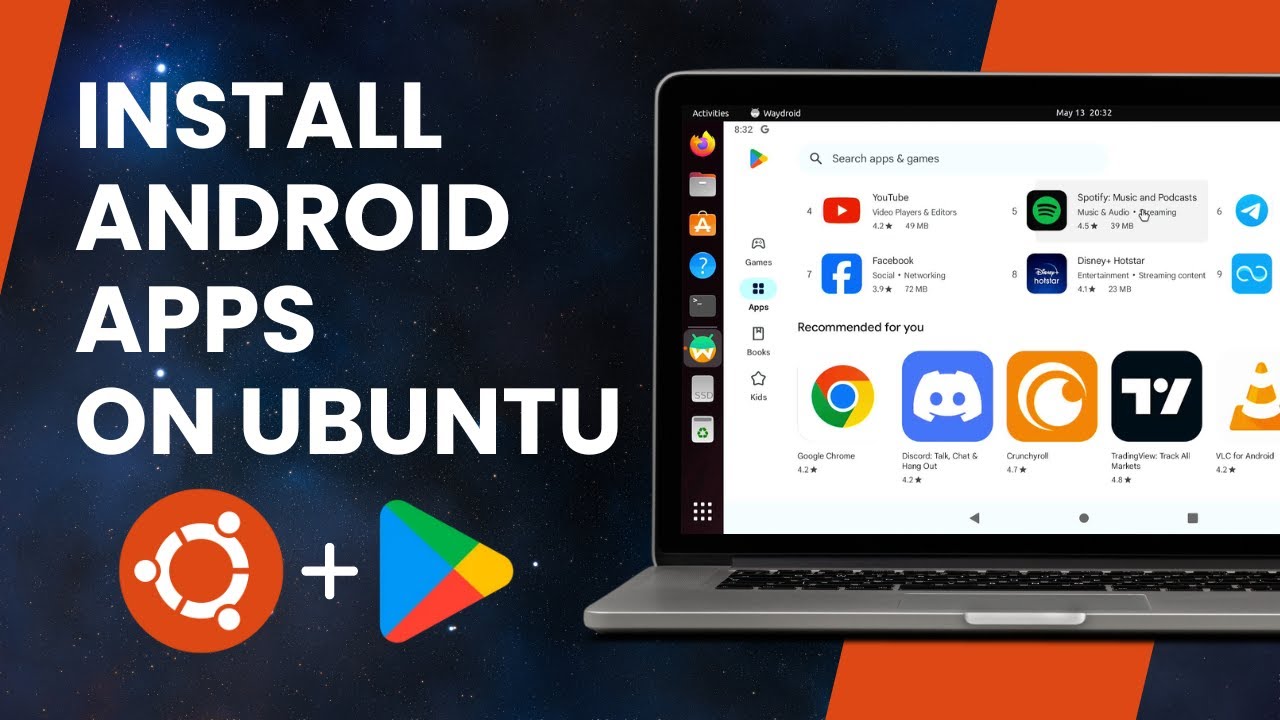
Try this guide:

In the video, installation and usage guide is shown for Ubuntu, but as Zorin is based on Ubuntu the same process apply here.

1 Like

I was able to install it (with Android 13). However I can't seem to get it to verify certificate due to not having a network connected. Anytime I go into the playstore, it's saying I'm offline now. So I can't install any apps anymore.

The verification process is shown in the video I shared earlier. You need to use the terminal and that specific command to get the ID and head over to the suggested site and verify it. Then you can open waydroid and start using it.

1 Like

Here is a guide to read.
Xorg is not supported, so make sure that you are on Wayland. At loginscreen you can select this with the cogwheel.

Do you have enabled ufw? Here are some tips how to configure it:

https://www.reddit.com/r/waydroid/comments/z57rx7/help_i_cant_connect_waydroid_to_internet/?tl=en

1 Like

I did get the ID via the terminal and I was able to register it on the site using the video littlekun sent, but it didn't seem to push through on Waydroid.

I decided to just uninstall, remove the folders, and reinstall with the following

sudo apt remove waydroid
sudo rm -r /var/lib/waydroid
sudo rm -r /home/.waydroid
sudo rm -r ~/waydroid
sudo rm -r ~/.share/waydroid
sudo rm -r ~/.local/share/waydroid
sudo rm -rf /var/lib/waydroid /home/.waydroid ~/waydroid ~/.share/waydroid ~/.local/share/applications/aydroid ~/.local/share/waydroid

After following the guide linked, I got as far as sudo apt install waydroid before I got an error saying ERROR: WayDroid is not initialized, run "waydroid init", so I tried that, and it gave an error stating it needed root access. I also am not seeing Waydroid in the menu, so I had to run waydroid first-launch. This gave me the screen to set it up. I selected GAPPS since I need it for an online game, which worked just fine.

At this point, it's doing the same issue of opening a black screen, closing, and repeating. So I did waydroid session stop. I did find this response which worked to actually get Waydroid to launch the first time. Inside /var/lib/waydroid/waydroid_base.prop, I set ro.hardware.gralloc=gbm to default, and ro.hardware.egl=mesa to swiftshader. I also entirely removed the ro.hardware.vulkan=radeon entirely. I tried starting waydroid with waydroid session start.

So now it opens while launching waydroid in the menu. I got the android ID, registered the ID, waited a couple minutes, closed, rebooted my PC. I then opened the waydroid app again, and like in the video, it was still saying it was not certified. So I closed it, and the notification was gone when I reopened it.

So I finished setting up the device. Skipped keeping my account updated with the phones number, Agreed to the terms that included Google Play Terms of Service, turned off back up device data, skipped voice activation, skipped assistant and I was done.

After opening the playstore, going to my icon in the top right, settings, and about, it's still saying the device is not certified. I clicked to fix, and its saying it couldn't fix the device certification issue. I am connected via ethernet, which is new since it never was.

It also looks like the app I want to install is saying it won't work for my device. So I followed this guide to use the interactive terminal interface. I am running Android 13, and most of the guides seem to be showing as for android 11. I'm not sure if this is causing the issue, but in this script I can change it. Anyway, I went to install libndk, and it worked without issue. However now waydroid is a black screen, so I went into the waydroid_base.prop again, changed the settings, and it's now loading fine. I can now install the game I want. However the game is saying it failed to verify integrity.

I'm not sure if I'm doing something wrong, or if using android 13 instead of 11 is causing the issue, but I've also heard that leaving it over night and allowing the certification to settle worked for someone.

1 Like

First make sure to use the same Gmail, to login in waydroid, that you used to verify the device on the website. And the verification may take time to be in effect.

Or this could be due to the changes that Google has made to Play integrity API.

Source: https://www.reddit.com/r/google/comments/1kwyovw/google_plays_latest_security_change_may_break/

In December of last year, Google announced a major update to the Play Integrity API that enhances the “basic,” “device,” and “strong” integrity verdicts on devices running Android 13 or later.

This means that power users who root their phones or install a custom ROM may suddenly find some apps stop working, especially on devices running Android 13 or later. Even users with unmodified Android 13+ devices might face problems if their devices haven’t received a software update in a while. This is because apps checking the “strong” integrity verdict require a recent security patch level to pass.

Using the same Gmail account that I used to verify, as well as let it sit for about 3 days.

Unfortunately it looks like it may be related to that change. Would potentially retrying with Android 11 work?