hello there the forum,an absolute newbee coming from win10,installed ZORIN 18,and have the issue of it booting once ok then refusing to start on re-boot....i found a thread here which seems to give a solution but not sure where to add the code
Hello and welcome,
Did you install Zorin in dual boot with Windows ?
Welcome to the Forum!
Are secure Boot and Fast Boot in BIOS disabled? Does Your BIOS run in UEFI or Legacy Mode? What Tool did You use the create the Bootstick? Do You have Nvidia Graphics?
AMD intergrated graphics,CPU/GPU combo,didn't know secure boot needed to be disabled,watched a pretty cool video on YT for instal instructions,used rufus for creating the ISO to instal,not sure how to cheack if the bios is in UEFI or LEGACY as i have wiped windows off the system with the instal,but the options when i go into boot are both EUFI and LEGACY on my samsung stick,like i said if i leave the laptop for a hot minute it will boot into zorin no problem....but if i try rebooting at any time i just get black screen
not in dual boot no....if you click on the link in my first post you will see that the user resolved the issue by running that command line....i just need to know where to run the command please
Same problem doesn't mean same solution because different hardware. When you said it won't boot, do you have an error message ? If yes what it is, if no what do you have on screen ?
no error messages, it's like it boots normally up until it should show the system but just doesn't,i have to press and hold the power button to shut down...then wait like 20/30mins sometimes longer...then when i turn it on again...bingo it boots ok....it just has issues with re-boot....is it possible to upload video here...?
it's like the splash screens all show then it shows a list of 8 things in the top left corner i shall post it as i see it
[ 0.120693] RDRAND is not reliable on this platform; disabling
[ 0.001393] RDRAND is not reliable on this platform; disabling
it shows this second line above 6 more times with the same number in the brackets
but it still boots after doing this normally
OK it's an important message to understand what happen.
Go on HP website and check for a BIOS update
You should be able to enter BIOS/UEFI on your HP elitebook, regardless of any operating system Windows or Zorin.
To do that: Restart your computer, then as soon as the HP logo appears repeatedly tap the F10 key. That should get you to your BIOS screen to check if laptop has UEFI. Also within BIOS, check that Secure Boot and Fast Boot are disabled.
If you have UEFI, Rufus should be set GPT (for UEFI) not MBR (for Legacy).
See picture of Rufus "Partition scheme" menu choices in this post: ASUS V500 boots into Grub - #6 by Nourpon
1 Like
as soon as i get a chance i will follow your instructions...been busy at work
so these lines are not normal for a zorin boot up...?
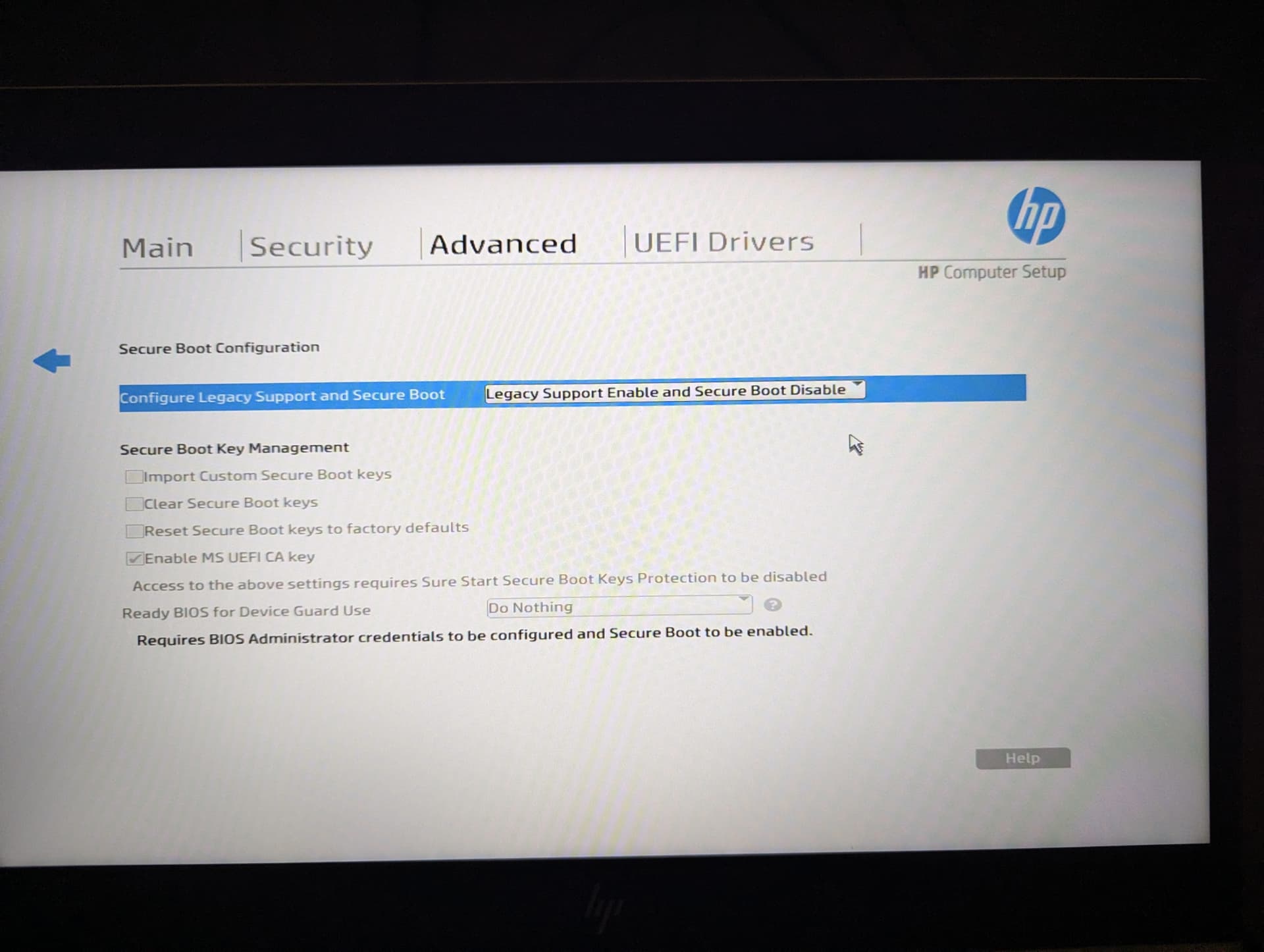
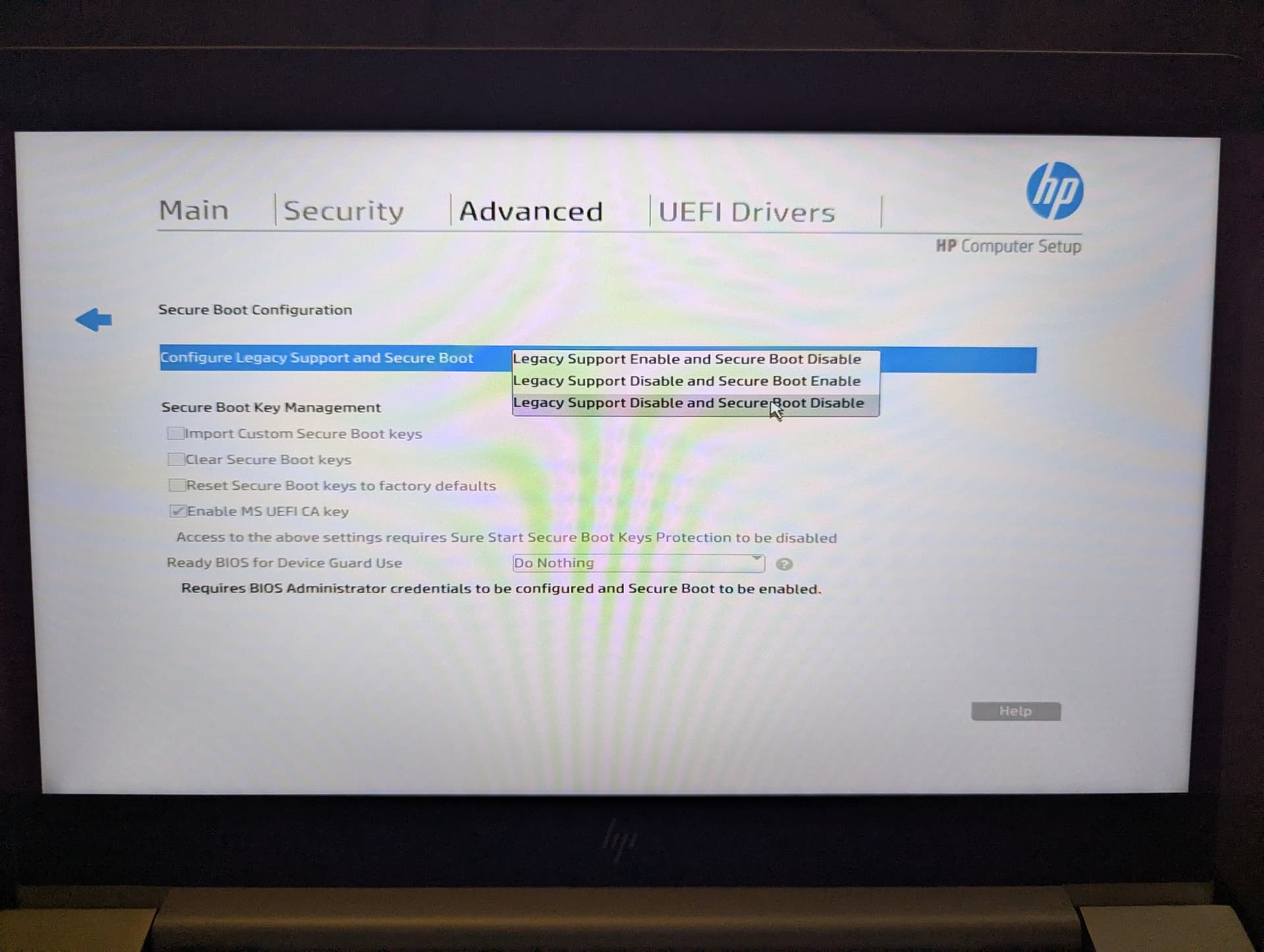
so last bios update was march 26,and in secure boot config it is set to legacy support enable and secure boot disable,should i set it to legacy support disabled and secure boot disabled..?
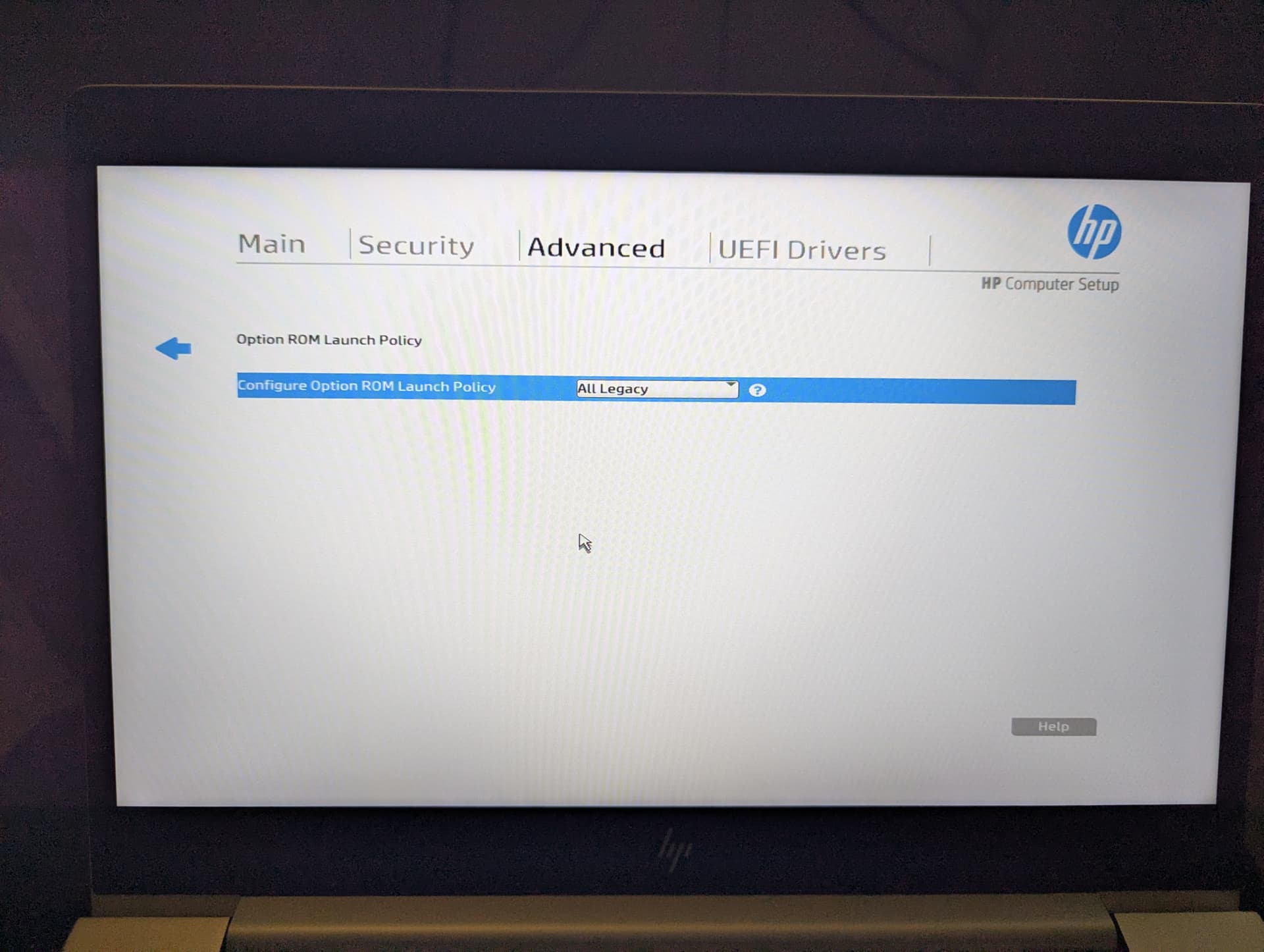
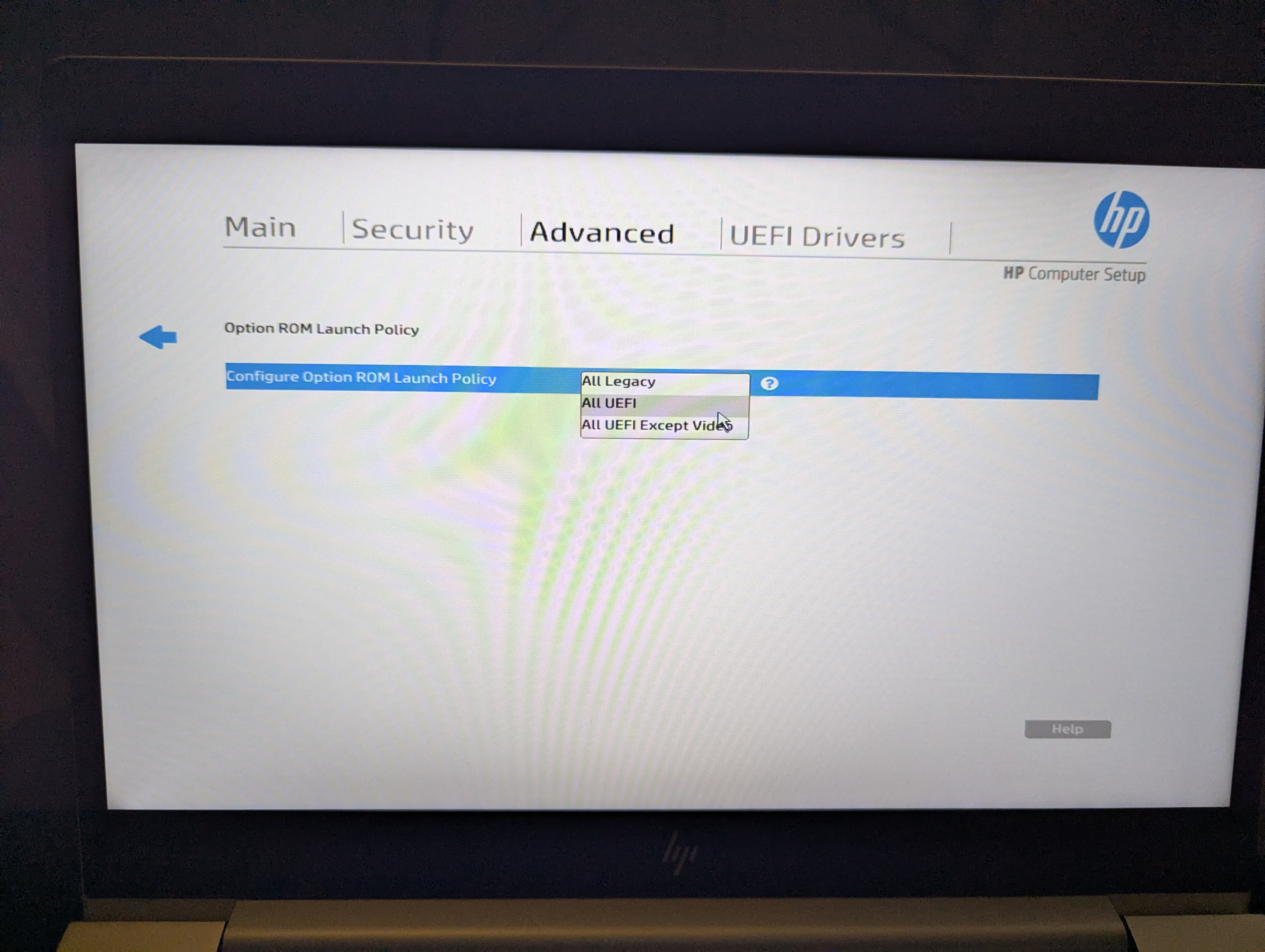
in boot options both UEFI boot order and Legacy boot order are ticked
If your HP machine is hanging at a black screen after rebooting it might be helpful to add the command acpi=noirq to your grub file. It shouldn't do any harm even if not helpful in resolving.
You can edit the grub file by typing sudo nano /etc/default/grub in terminal, arrow down and across to right after the quiet and splash commands then type in your edits then type ctl-o to overwrite and ctl-x to exit the editor.
hey you are talking a little technical to me,please remember am a newbie,i have no idea what a 'grub file' is so if possible please explain
ill try to get some screen shots to post here to help show whats needed if not me maybe some will help in this way...may be abit before i get to them tho
cool am at work tomorrow day,i have patience
Do you have the the Boot Order Lists any Entries? Maybe make a Picture and post it here.
Here some Pictures to visualize:
First type in Terminal:
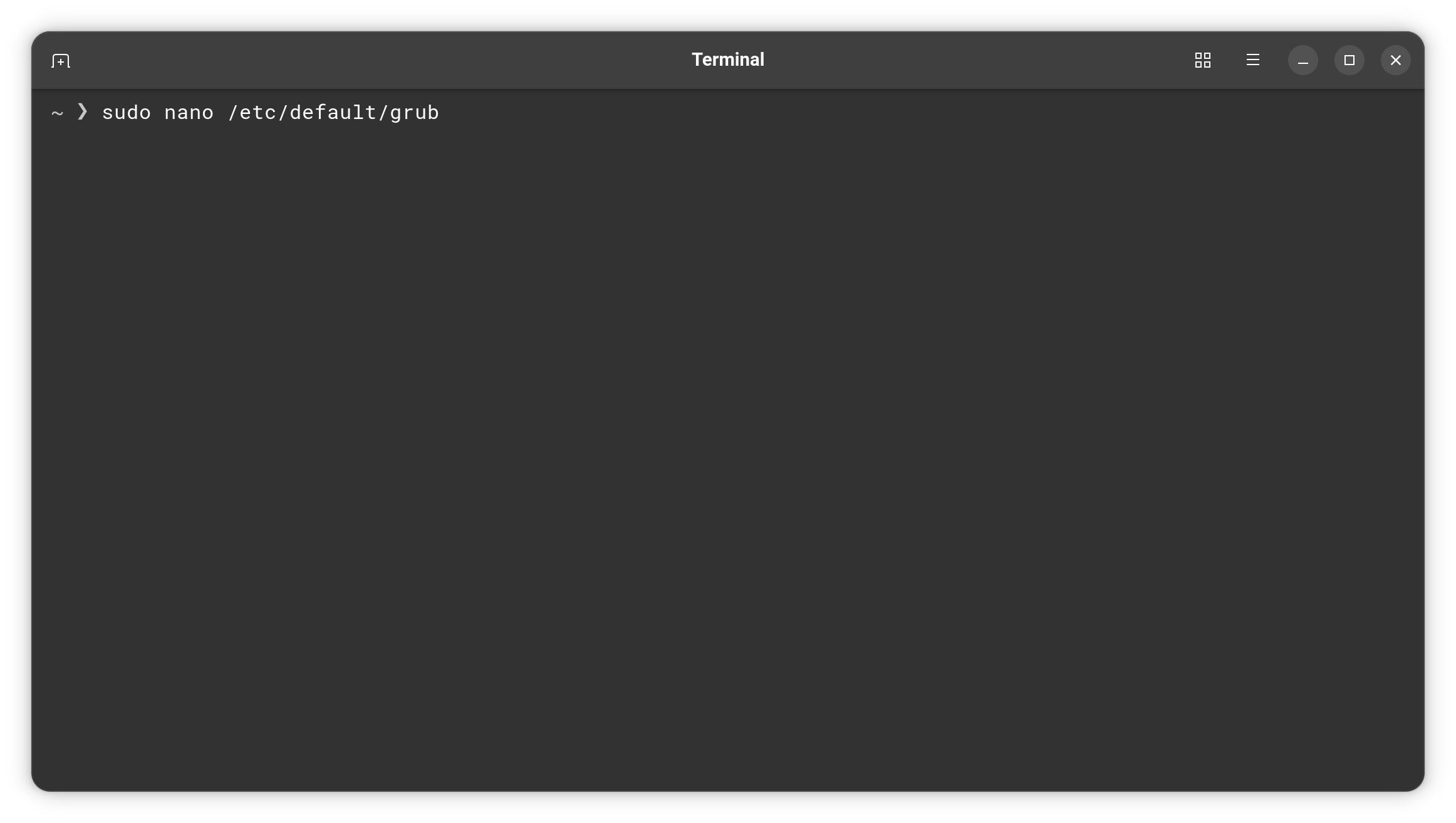
and then press Enter and type in Your Passowrd and press Enter again. Then You can work on the GRUB Config File. The Change that @NickS mentioned, You should make here:
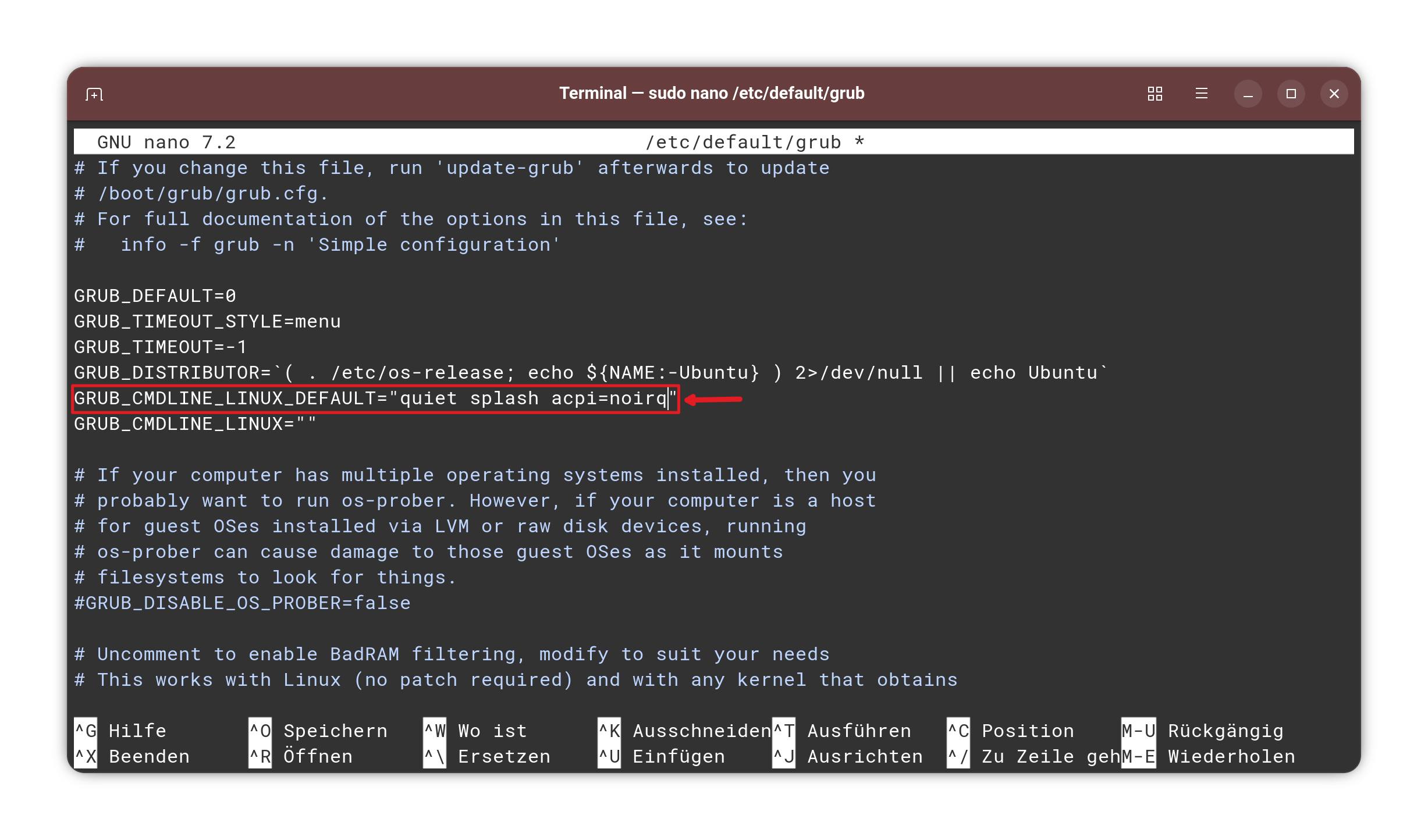
You can navigate with the Arrow Keys to that and make the Changes. When done, press ctrl+o to save, Enter to confirm and ctrl+x to exit. Back in the normal Terminal Overview type:
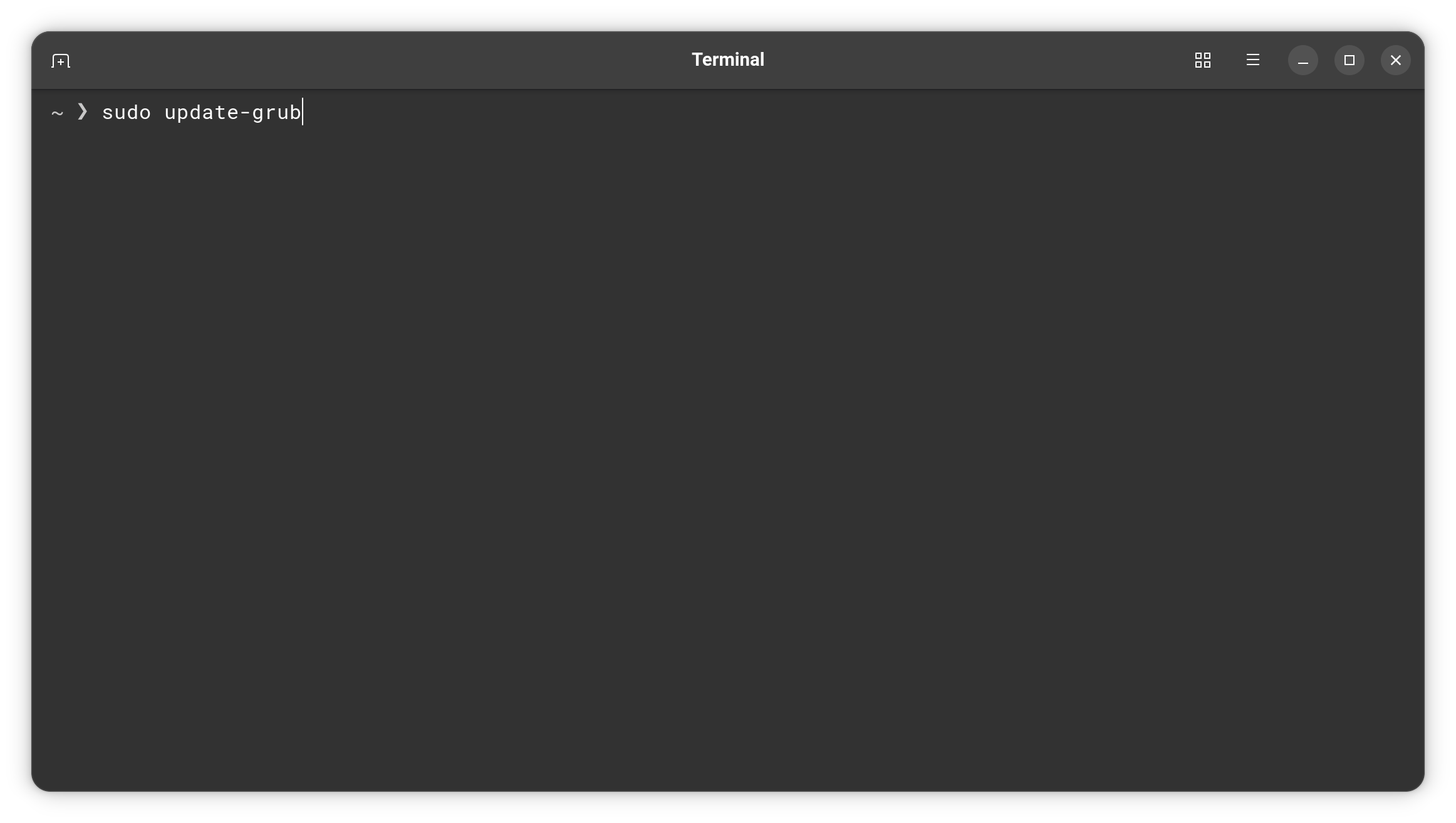
then press Enter, type in Your Password and press Enter again. That is to make the Changes affect. Don't forget that! Without it, it will not work. After that reboot.
OK. So your laptop has UEFI.
When you installed ZorinOS 18 using Rufus, did you select the "GPT" option (for UEFI) as I mentioned in earlier post?
As some others have said, it would be good if you added screenshots to illustrate what you are seeing. To do that, open the forum Reply box and select the "upload" icon (7th from the left) in the toolbar at the top.
thank you for this info i will try ASAP