I'd like to play Kingdom Come: Deliverance 2. It runs on my Steam Deck. It also runs on Windows, but I'm having issues with Zorin. According to ProtonDB, however, it generally runs very well on Linux.
I've tried Proton Experimental and 10.0.4. I've also tried various launch options from ProtonDB.
The error persists.
System Details Report
Report Details
Creation date: 2026-03-23 16:34:54
Hardware information:
Hardware model: ASUSTeK COMPUTER INC. PRIME B450M-A
I wanted to post a screenshot of the error message.
I deleted the launch options and ran the "File Integrity Check."
I launched the game and... it worked...
I'm happy about this, but I have no idea why.
Even on the lowest graphics settings, the game stutters so badly that it’s unplayable.
Is there a way to increase the settings? I can hardly believe that my desktop is so much slower than my Steam Deck...
May be upgrade the video card? 960 is mid range at best at its primetime that have past (release date 2015). Generally Nvidia cards on Linux can be a worsen experience. That's why radeon cards are recommended.
Although you could try messing with gamemode extension for Gnome to see if you can squeeze the last out of the card.
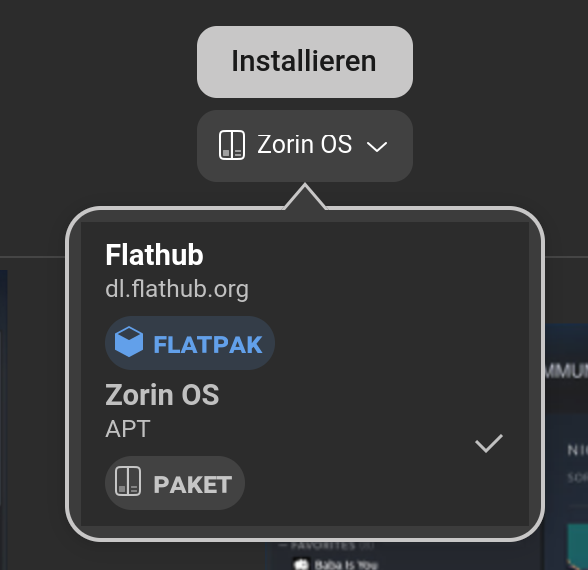
I would suggest to try the .deb Version instead of the Flatpak Version. You can use the one in the Software Store or download it directly from Steam if You prefer that:
I know that the card isn't 10/10, but it works well on Windows, so it's software and not hardware reason.
If I buy hardware now, I'll go broke
GameMode extension in active.
@Ponce-De-Leon
I'll try and reinstall. Downloading again will take a while.
Suppose I had let your graphics card insult get to me and immediately bought an AMD Radeon—what system changes would I need to make once I’ve made the switch and installed the NVIDIA drivers?
Depending which card you bought. But AMD cards are supported by the kernel, so you don't need to install anything. BUT if you bought the latest and greatest on the market, a kernel upgrade may be needed.
IF you switch card, make sure to uninstall the Nvidia driver first. A reboot and a shutdown. Switch the card and then turn on the computer after switching the card. That's it.
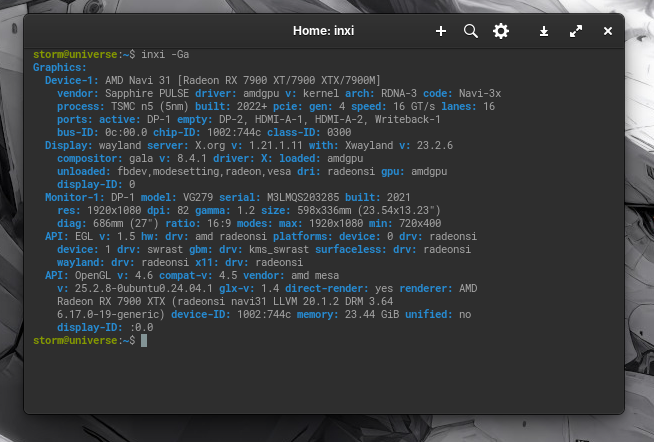
I got a Radeon 7900XTX, it's not the latest and greatest anymore, but the ride isstill smooth desktop-wise and gaming-wise. The Zorin kernel support this card out of the box without need of upgrading the kernel.
Sorry if my Nvidia comments got out as an insult, but over the years Nvidia card support has worsen. I myself was a big Nvidia fan for a long time due to great support in the past, but that has changed in the recent years.
A fact which pains me. Thank goodness my system is from the Pandemic, when Nvidia support was still good. If I was buying a system today, I would 100% go with an AMD card. Also, for business politics reasons, I am no longer a fan of Nvidia. Nvidia being in bed with this current administration, & what they are doing with their monopolistic card & AI domination, is not cool IMOH.
Thats why i put the nvidia 3050 into my backup computer and got the RX 6600 XT then found it works well with wayland but it got very hot and i mean HOT!!!! just idleing so i got the cooler control app which i posted above as the 6600 xt has the zero fan speed thing cooler control helped me setup a fan speed thats always on on the pc and dropped its temp from egg fry to cool to touch..the fan curve i use is posted in that link...can be found in the tuterals section here in the forum when i installed the RX 6600 XT system at reboot put me into wayland
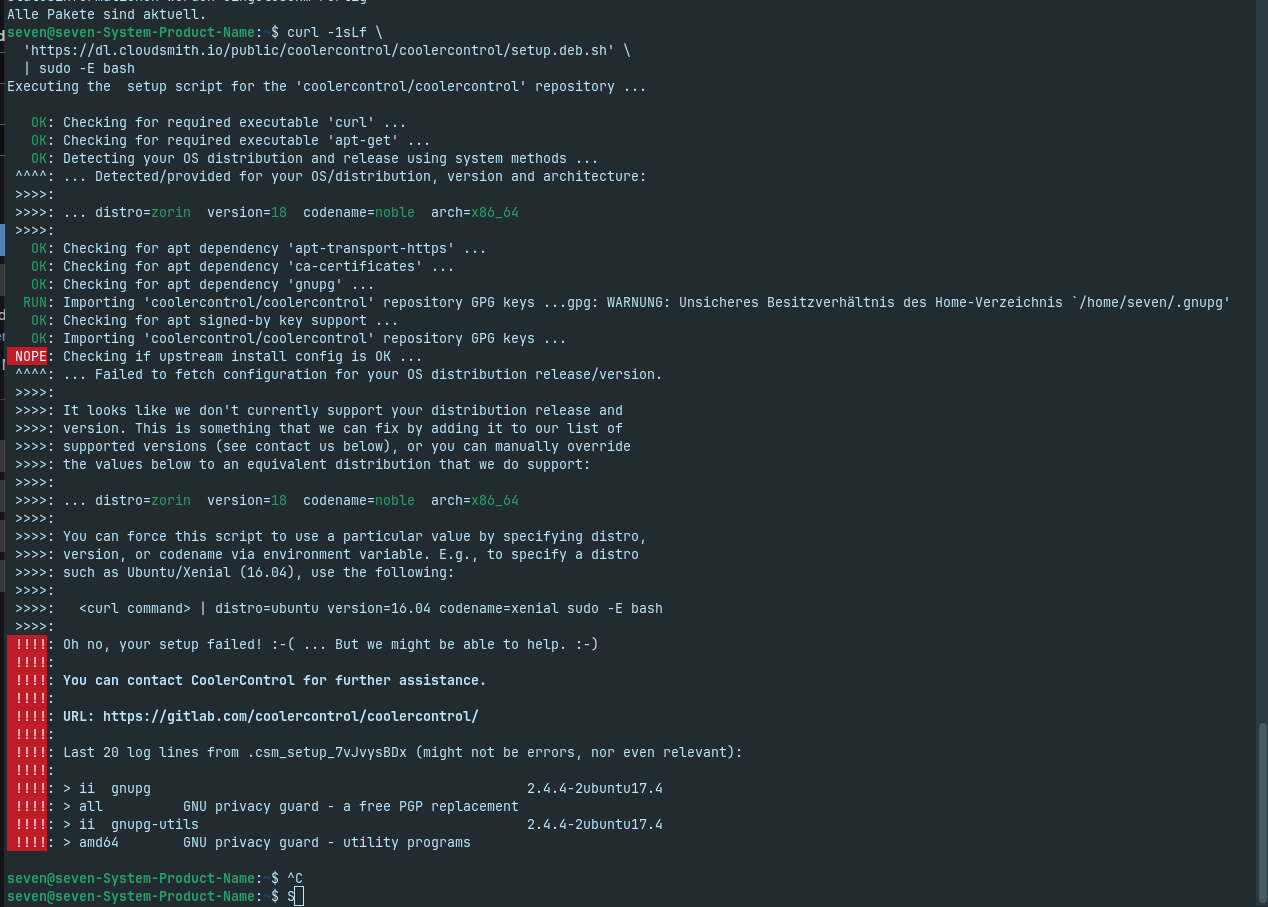
Unfortunately the installation did not work. How can I check the temperature and is it important to do something?
My card got 2 fans, but both are not running at the moment..
@Storm
New GPU is here and game works with "high graphic adjustment".