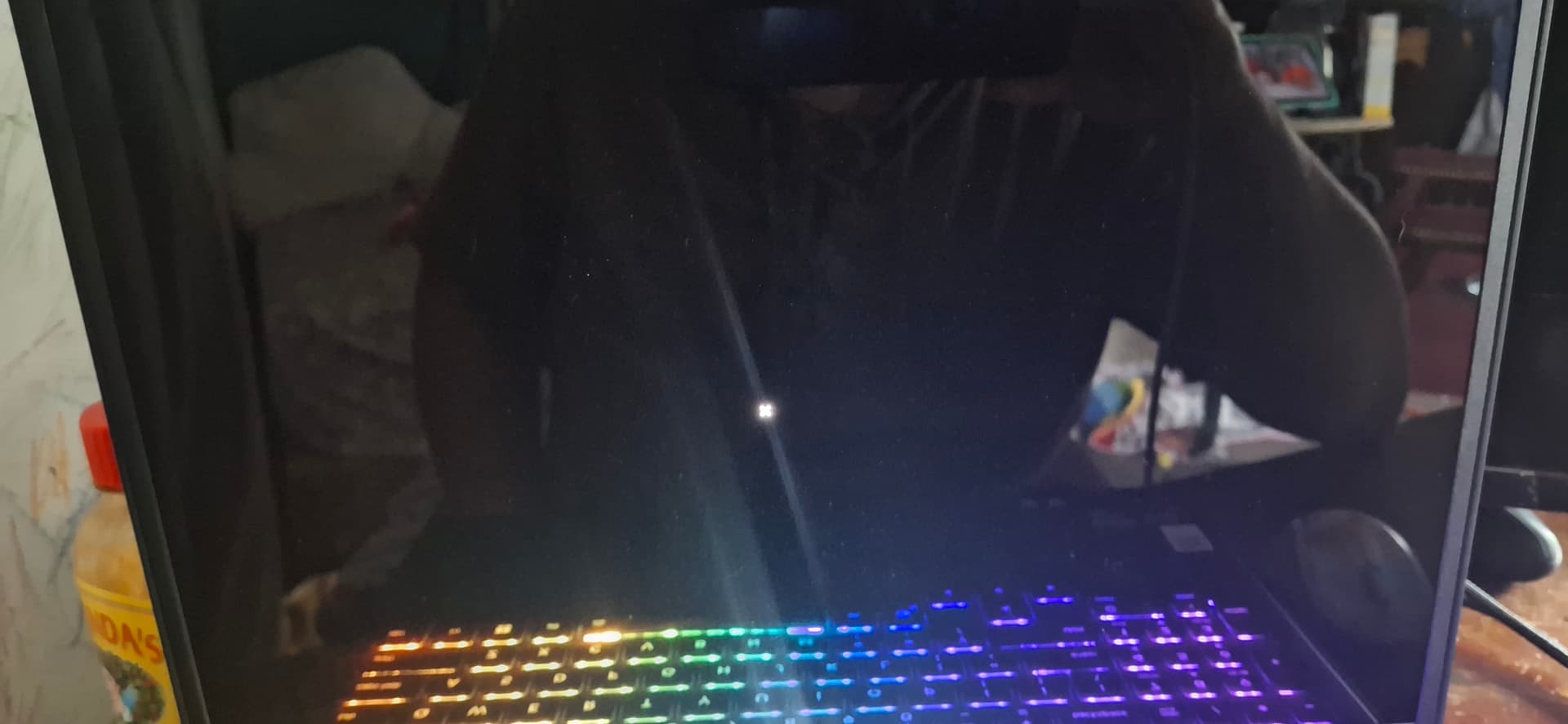
Lenovo Legion 5 15ahp10 Nvidia GeForce 5060 laptop GPU.
Reason I want ZorinOS with this laptop is I've grown up with a Windows 95 Packard Bell and loved it and now with Bill Gates and the constant slow down and bad advertising of Co-pilot, (seriously you need AI to help you bake cookies???), I am ready for a change.
Saw a lot of people made the switch and I happen to grab the last laptop. So, I flashed a micro SD in a card reader, booted it into Legion 5 and started down the terminal rabbit hole.
I've installed Ubuntu Auto install, dkms, installed 580 (latest version) all while safe boot was disabled.
I've removed it and reinstalled several times now trying to figure out if I'm just not grabbing the right version and plugging in the right "Additional Devices" that doesn't have -open or -server in it. I'll reboot and feel like I'm close. I'm currently sitting at the closet I've gotten by getting past the login (before the GRUB? Is that the same thing as the desktop booting up?).
More than happy to take suggestions and shoot down some with "I tried that".
I don't want to switch from Zorin to a different distro but I understand if that's the only way to use my RTX.
When I use the older version, it boots but it still says Radeon 32GB RAM instead of 5060.
If a video upload is needed I can try to convert it into a GIF maybe???
I know I'm new to Linux but I'm great at troubleshooting and I don't give up easily so hopefully someone else sees that passion and is willing to help or point me in the right direction. Really hoping it's not a Zorin thing. I'm willing to bet it's Linux OS in general with certain versions of Nvidia.
I haven't reinstalled ZorinOS yet to try and select Nvidia option. I was hoping the terminal would be the (more challenging) better option for me to figure out a solution.
I'm just thankful I don't have to re-enable and disable Safety Boot anymore and just need the older OS to boot and correct it.
Thank you so much for your time and I look forward to hearing back from you!
So, Secure Boot is disabled now, yes? There should be an Option to delete the Keys. Try it with that.
And then it would be good when You could make a Picture where the actual freezes because I don't quite understand that. When it is a Black Screen where You have Options like ''Zorin OS'' and ''Advanced Options for Zorin OS'' that is the GRUB Menu. When You see a blurred blue Screen with Your Profile where You can type in Your Password that is the Login Screen.
So, depending on which of these options I click, I'll get a freeze or black screen during boot of OS, before the login, and last night before I went to bed, after inputting my password it booted and gave me a black screen instead of launching and a tiny x for a cursor
When you say keys, are you talking about media keys, the OS key, or something else. I've been looking for that option and I don't see it anywhere in bios or the OS
Edit: okay so I found the keys in Authentication and deleted all keys. I'll restart with meta package Nvidia driver 580 and see what happens
Nope. I tried deleting keys and I still get the dash at the top left. I might have to restart my OS. I haven't done much so that's not the biggest deal was just hoping I didn't have to use so much of my Internet to get this done.
I'm going to try and restart Zorin OS and see if that fixes the issue
Okay, I'm a bit irritated right now. So, I ask for this:
I see a Laptop. And I see this Picture:
there is a AMD APU with integrated Graphics and I see the Nvidia Drivers List. Is the Nvidia Card built-in in the Laptop, too or is it plugged in external?
Another Thing: Could You click on the About Screen on ''System Details'' to check if the System runs in Wayland or X11? If it runs in Wayland, I would suggest to switch to X11/Xorg. To do that, go to the Login Screen. Click on Your Profile so that the Password Fiels appears. When it is appeared, You should see a Gear Icon in the bottom right Corner. Click on it and choose the Option ''Zorin Desktop on Xorg'' and then log in.
I deeply apologize. I'm not intending to upset you at all! It's my fault I'm not the best communicator especially being new to Linux. This boots up when I use the older model of ZorinOS but it still says Radeon graphics.
Yes, thankfully the graphics card is pre installed which makes this process (supposed to be) a little bit easier.
Yes, I am in Xorg desktop and have checked almost every time I'm not booting in Wayland.
I appreciate the trouble shooting although I knew about the cog at login and making sure it's on Xorg.
I will try my best to give better details.
So when I boot up in the latest Zorin Kernel it freezes at some point between after GRUB and logo splash screen and just before the desktop boots up, depending on the driver I select in "Additional". I read that sometimes 570 works (it doesn't for me) and tried that with the same results mentioned before.
When the screen freezes and I reboot, I no longer have to use Safe Boot but use the older kernel of Zorin like it's a safe boot and it loads fine but still says Nvidia can't communicate after using [nvidia-smi] and the about still says Radeon 720 or somewhere in the 700's.
hmm software rendering...its using the cpu to render the graffics..at least i think thats what that means its like the graffics card isnt seen or isnt configured for use
so im thinking you need to make the nvidia card the main one open a terminal and type
sudo prime-select nvidia

 and reboot  lets see if that gets the graffics card working
Yeah, that's the issue I'm trying to figure out. I'm trying to reinstall Nvidia as we speak again and see if maybe a third time works . It defaults to the Radeon instead of booting with Nvidia. For some reason Nvidia rtx keeps freezing up the boot.
Yeah I've been switching between the two. I'll disable the GTX in bios and uninstall Nvidia driver 580 then reboot with safe boot off and install then after the installation run your sudo

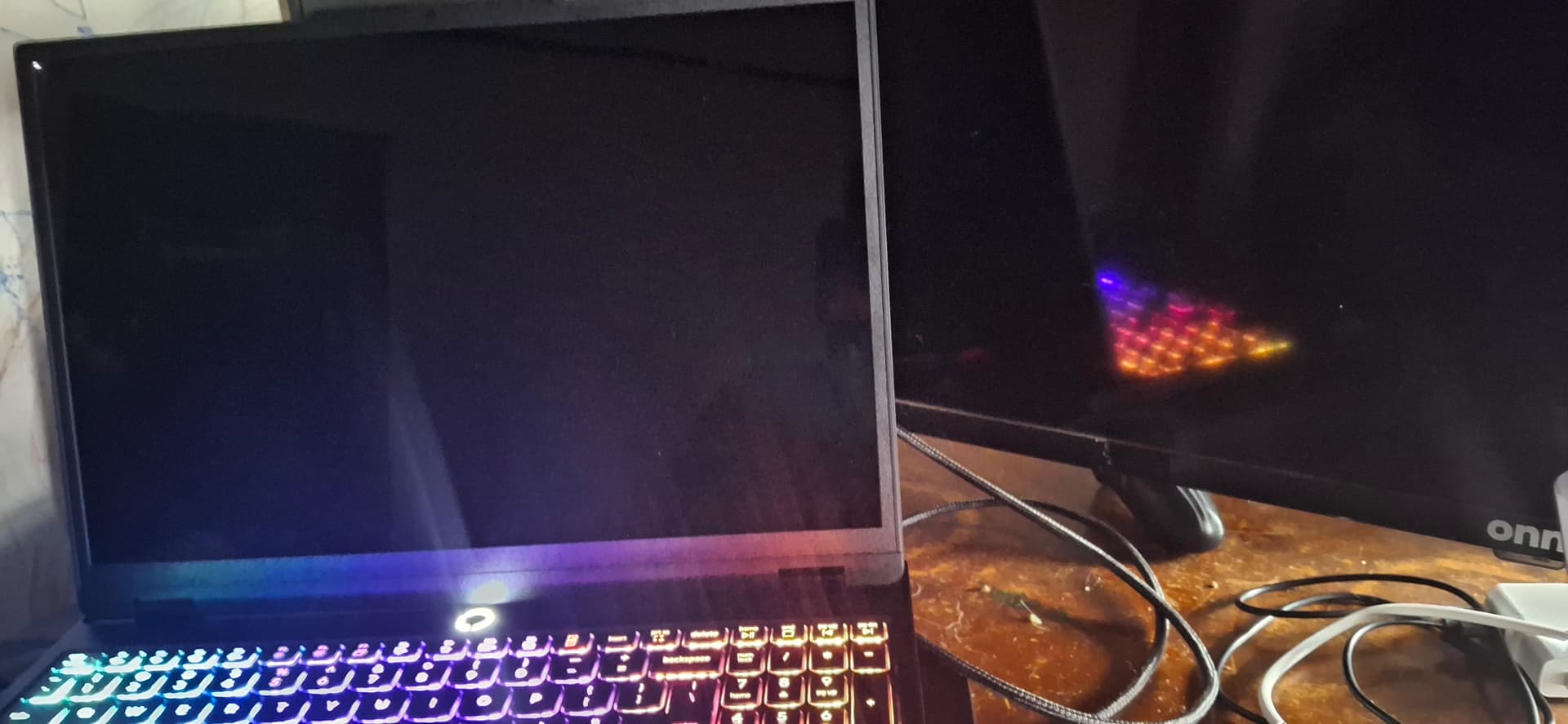
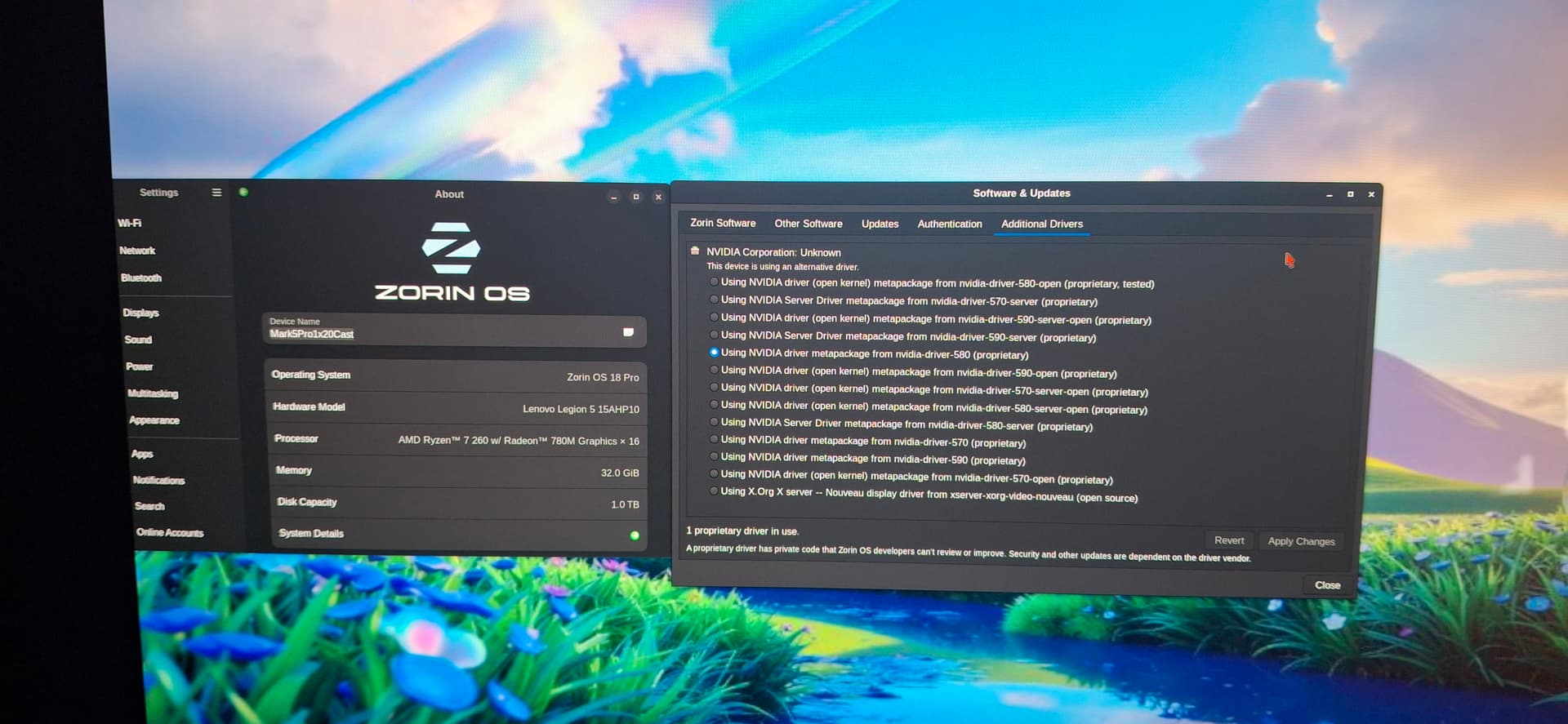
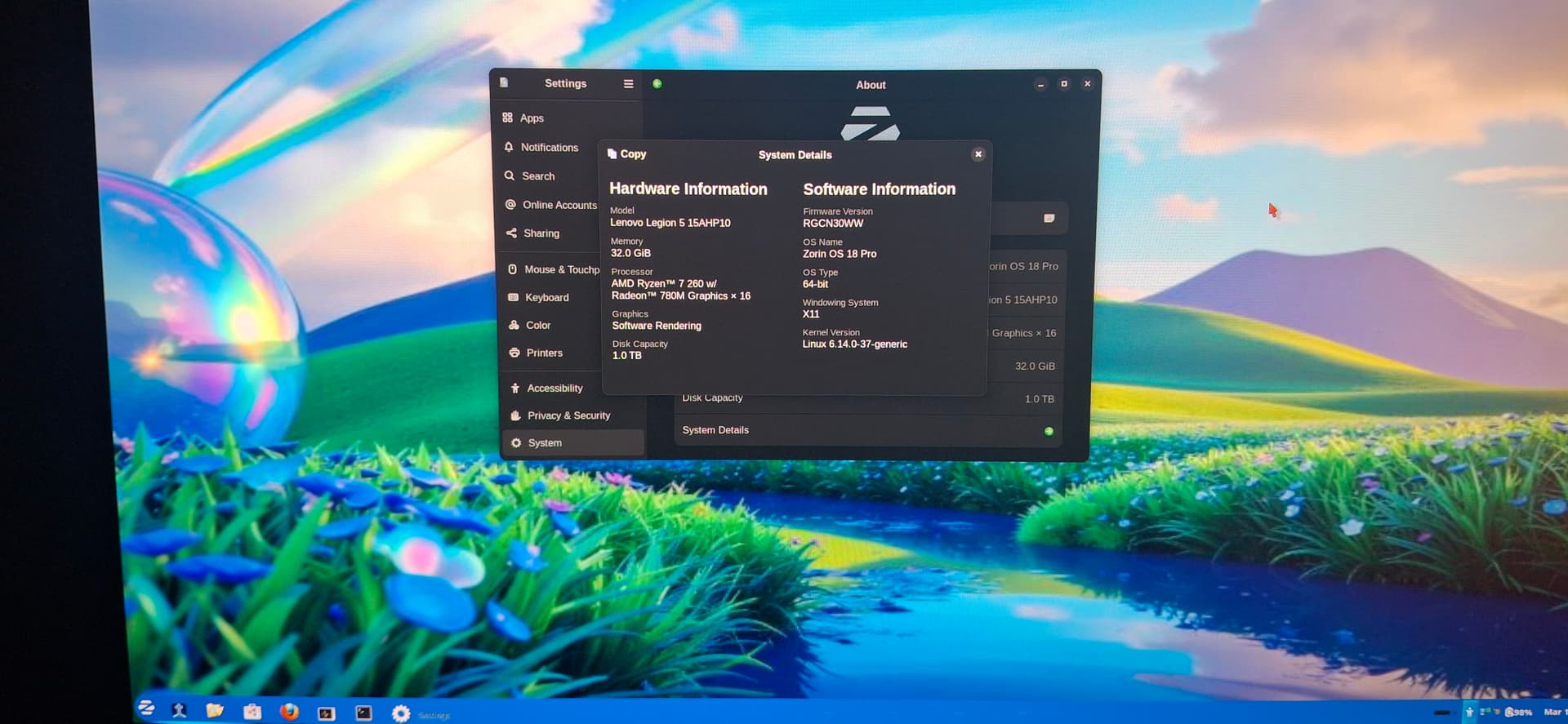
 . It defaults to the Radeon instead of booting with Nvidia. For some reason Nvidia rtx keeps freezing up the boot.