Bro I don't think this GPU is supported. It's literally saying Ubuntu failed at flash boot
...
Have renamed the thread, replacing Zorin with Kernel - as Zorin is 18 and the kernel that has been causing issues is 6.17.
1 Like
Well I get Zorin 18 core from the website and it downloads as 6.17
Am I supposed to upgrade to 18 once it's installed because I did that and it says 6.17 is the up to date version
well that explains why i cant find it...lol
I can assure you that 6.17 refers to the kernel - in earlier releases (pre r.3) of 18 came with Kernel 6.14. 6.17 has been an issue for me on PCLOS Debian running KDE Plasma (no ethernet connection), but somehow miraculously it got updated to 6.18 and no issues (bearing in mind PCLOS Debian uses a Liquorix kernel, not a mainline kernel).
So I need to install liquorix?
well AI is saying the 6.17 kernel has little to no support for the 5060 maybe the vid i sent will help ya get liquorix installed....good luck
1 Like
Okay it's grabbing liquorix from the terminal, so I just boot liquorix from GRUB once I [sudo reboot]?
if it installs with no issue just reboot it should boot into the newer kernel
I didn't get a vid but I appreciate you sticking through it with me, honestly means a lot
np but you found the liquorix install ok?
Okay, I'll try that once the package is done downloading, I appreciate it
Yeah it just said to type in the http link to install and it's been doing fine so far.
ya it takes awhile very popular right now for some reason...lol
Couldn't have anything to do with that last image I sent, could it  . Boot said "you're cooked, Ubuntu ain't installing on this kernel bro"
I'm not upset. I was only a bit irritated because I hadn't expect to see a Processor like that with a dedicated Nvidia Graphics, hahaha!
This Screen is interesting. You have here the marked Option that says that Secure Boot is disabled but the next one says that Secure Boot Status is enabled. You have there the 2 Options ''Rests to Setup Mode'' and ''Restore Factory Keys''. What Options You get in the Dropdown Menus?
dnf is Fedora.
@StarXStone: Okay, I've read throug all the Stuff and would suggest the Following now:
You stay on Xorg. Then You boot in the 6.14 Kernel and in Zorin, You type the Following in the Terminal:
sudo apt purge nivida* libnividia*
to remove all current Nvidia Stuff. Then type
sudo apt autoremove
to remove File Rests. But please take a Look at the List of removable Files before You delete them. Then to install the Driver:
sudo apt install nvidia-driver-580 nvidia-dkms-580
You can repeat these Steps and try this with different Kernels and different Driver Versions. Simply start in the Kernel, You want try and on the Commands switch on the last one the Number with the Driver Number, You actually want try.
ya i forgot i was in a fedora forum and they use dnf vs apt
Yeah, unfortunately I did that step twice now with dkms and 580 and, as I stated, I either get this:
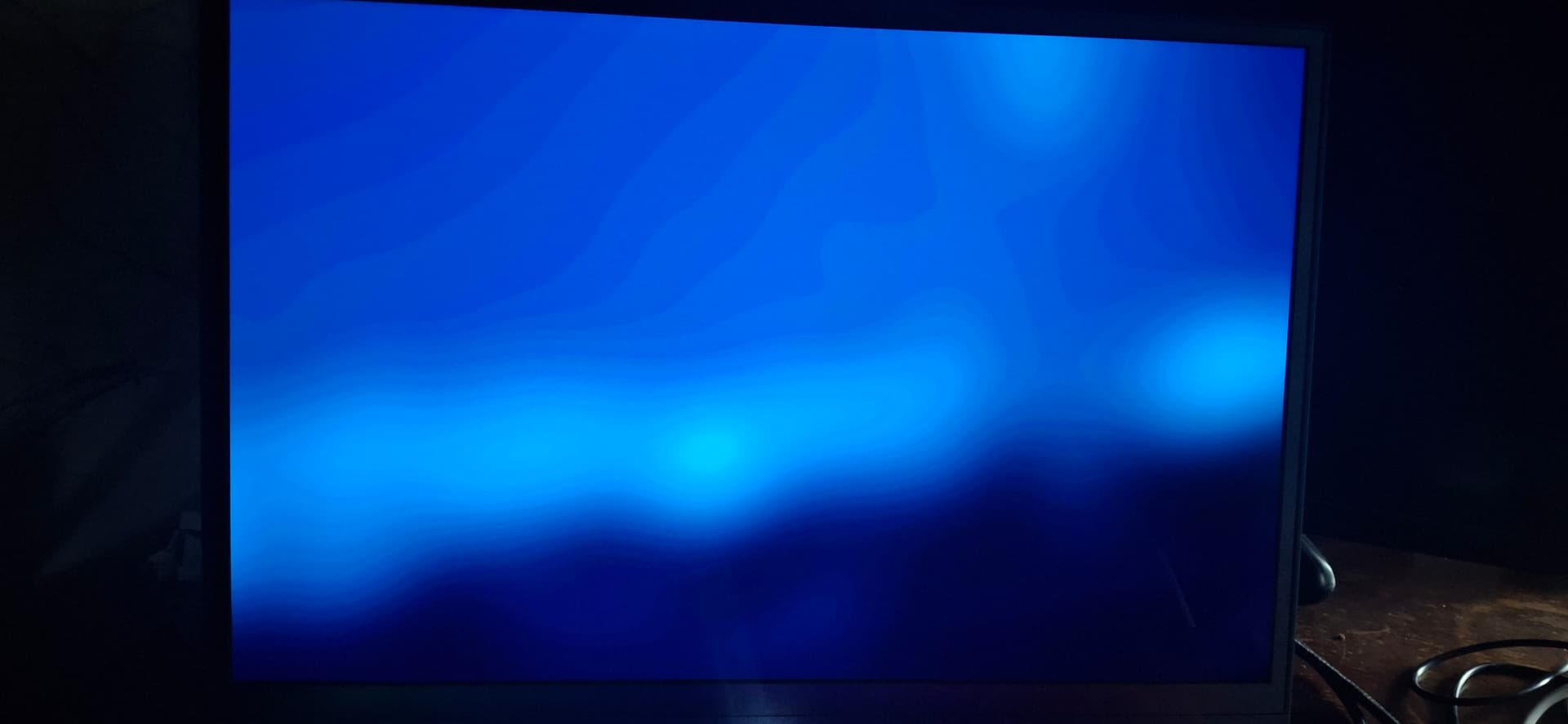
Or this:
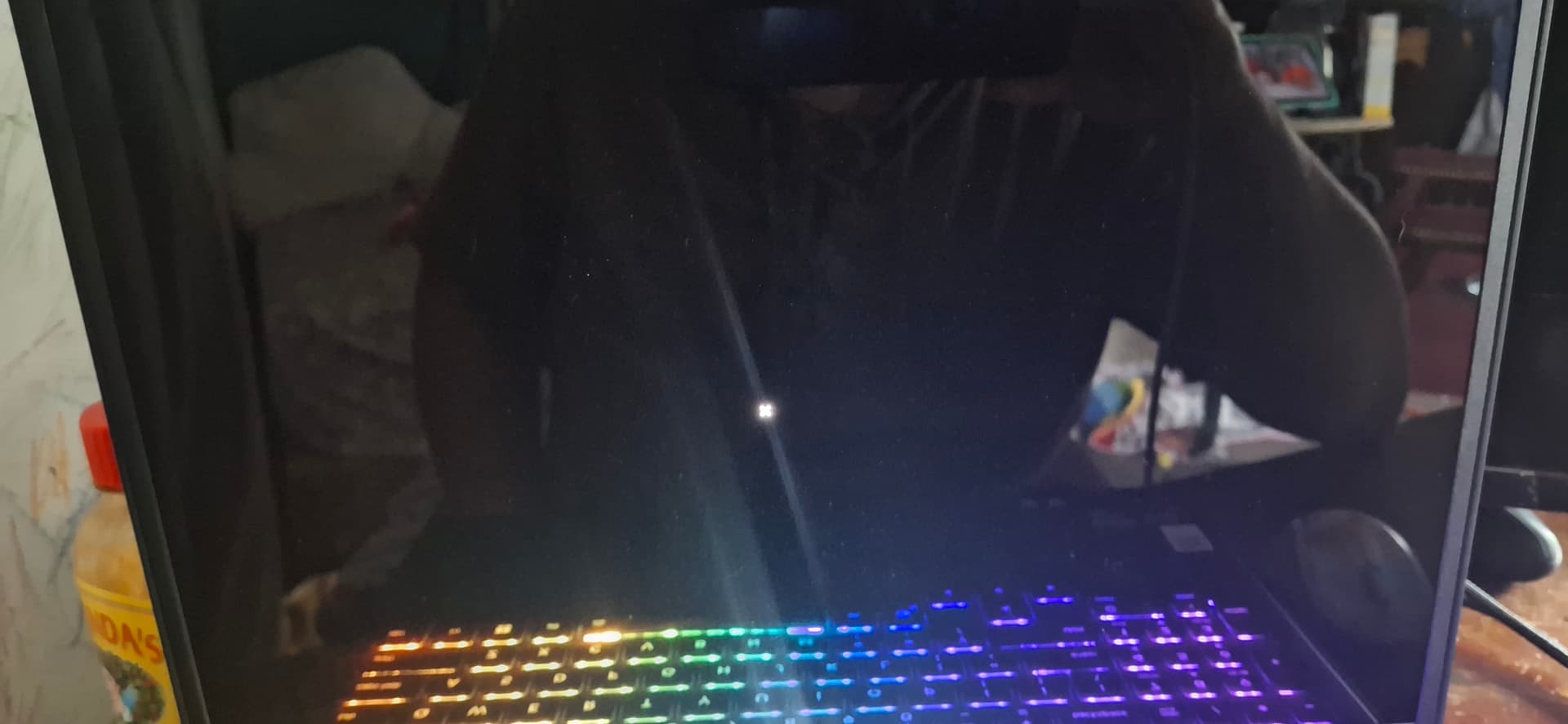
I did it a third time without dkms just in case I needed to install it after the boot and even after rebooting in the earlier build it would freeze after the reboot in both versions
ya that was my bad...brain was in overdrive didnt check forum i was in
alot are having troubles with this setup for some reason