@Hein99 Sorry I wasn't around to reply to you. Was a busy day, taking garden rubbish to recycle centre and reporting dangerous driving incidents with dashcam footage and diesel excessive polluting vehicle.
Whenever you need to backup your home folder, always be sure to press Ctrl+ H to view hidden files, then Ctrl+ A to select everything, Ctrl+ C to copy to clipboard, then Ctrl+ V when you are in your external backup folder. The hidden folders hold all your application settings.
My only other comment/advice would be to ditch Firefox and use either one of its 2 forks, LibreWolf or zen.
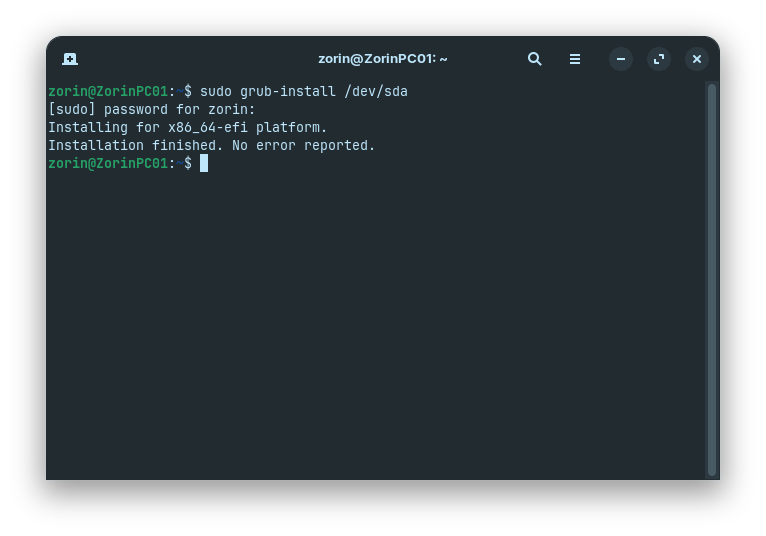
In terms of not seeing GRUB I did have success once in Zorin 18 by using Boot repair from live version on Ventoy which put the timeout to 10 seconds and made the GRUB menu visible.
zen takes a bit of getting used to as it uses vertical tabs. It is still in beta, but uses the current releases of Firefox that it is forked from. The other element that takes a bit of getting used to is the disappearing bar at the top of the window to give more real estate to the web page. LibreWolf is a more traditional layout. LibreWolf has no telemetry whatsoever and it too uses the most current engine.
Currently, most browsers hide the familiar menu bar. To see the menu bar in any browser, press F10. Then go to 'View | menu bar' to make permanent by selecting the check box, and also 'show bookmarks' to. My preferred look.
The only drawback with Firefox browsers can be with certain printer drivers. For example, attempting to download Linux drivers for Epson printers, when you click on download, it splatters the driver code in the open web page instead of downloading, so is best to have a chrome-based browser to hand like Vivaldi.
I think 'any' in this case means any Gecko - Firefox based browser. This will not work on Chromium based, like Brave. In those, the menubar is gone and they will not let it back in the gates (annoying!)
 .
.