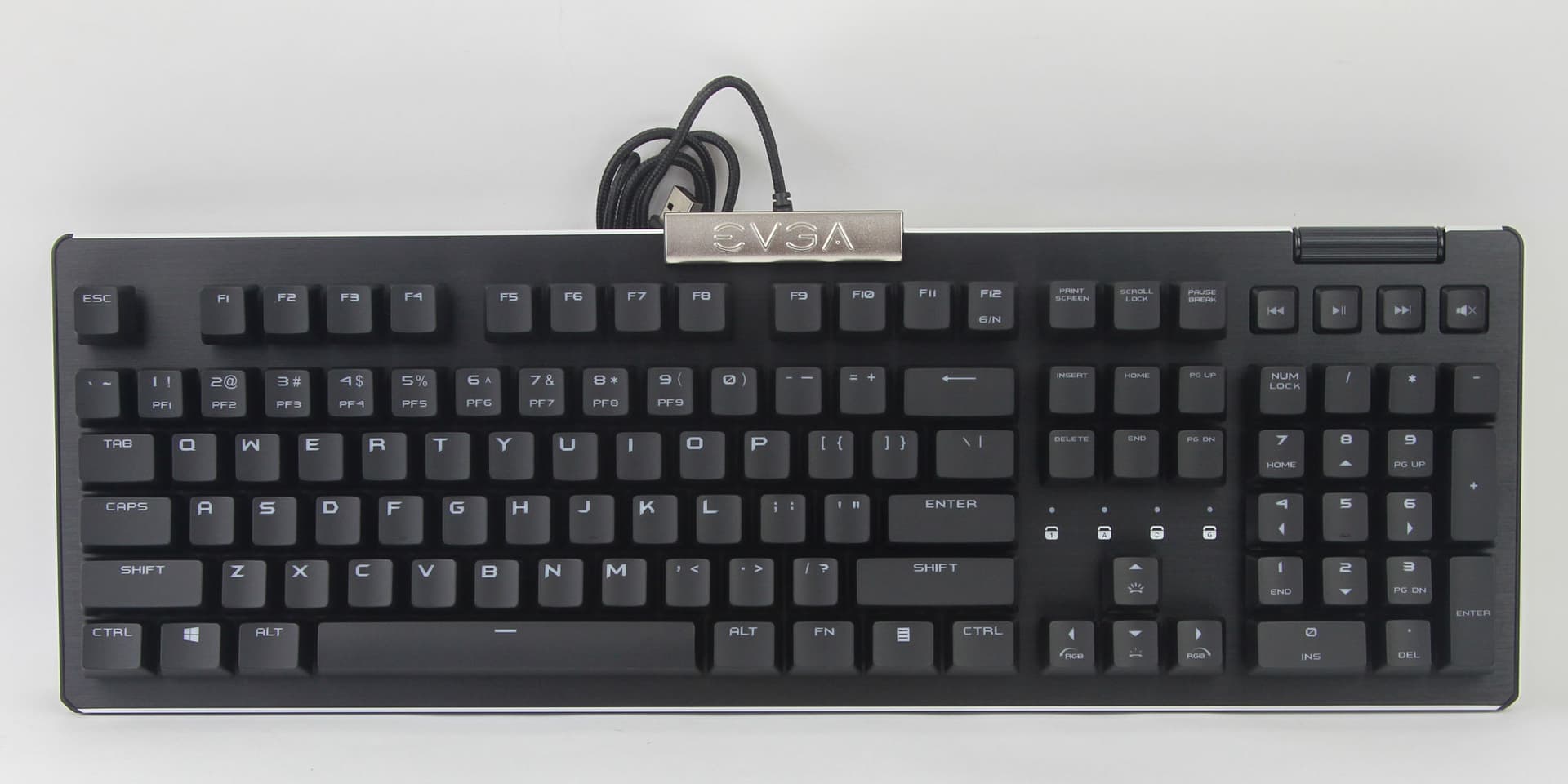
@StarTreker You may have just figured out for me whats going on with my keyboard. I looked in the usb settings of my bios and found i had soft power settings enabled....this may explain why every once in awhile my keyboard fails to start up and i have to unplug and replug it in to get it back up....been driving me nuts...figured maybe it was the plug on comp or keyboard..ill let ya know if that fixed it..give your self a slap on the back and what ever ya feel like having from the lounge snacks area...and its all on me.....  ....P.S I also use a mechanical keyboard. Made by EVGA it a Z15 rgb...love it
2 Likes
I love the song, I am listening to it, while typing this reply. Thanks for the share!
Oh good, keyboard was out of line, had to give it a slap. 
Yes, BIOS typically has a power management setting for USB, just got to prevent it from turning off USB ports.
It can also be the OS as well. I had AI give me a script, to put in a file, and set it to run on every boot. The script tells Zorin OS to digitally unplug USB and replug it, same as you'd do physically, unplugging/replugging a USB device. This insures my devices are available. I've only restarted the PC once I did it, and its worked once so far.
That woke me up, from experiencing RGB euphoria in my computer, keyboard, and mouse lol.
Thank you, I love snacks! 
Nice keyboard, an excellent gamer's brand, blue, brown, red switches?
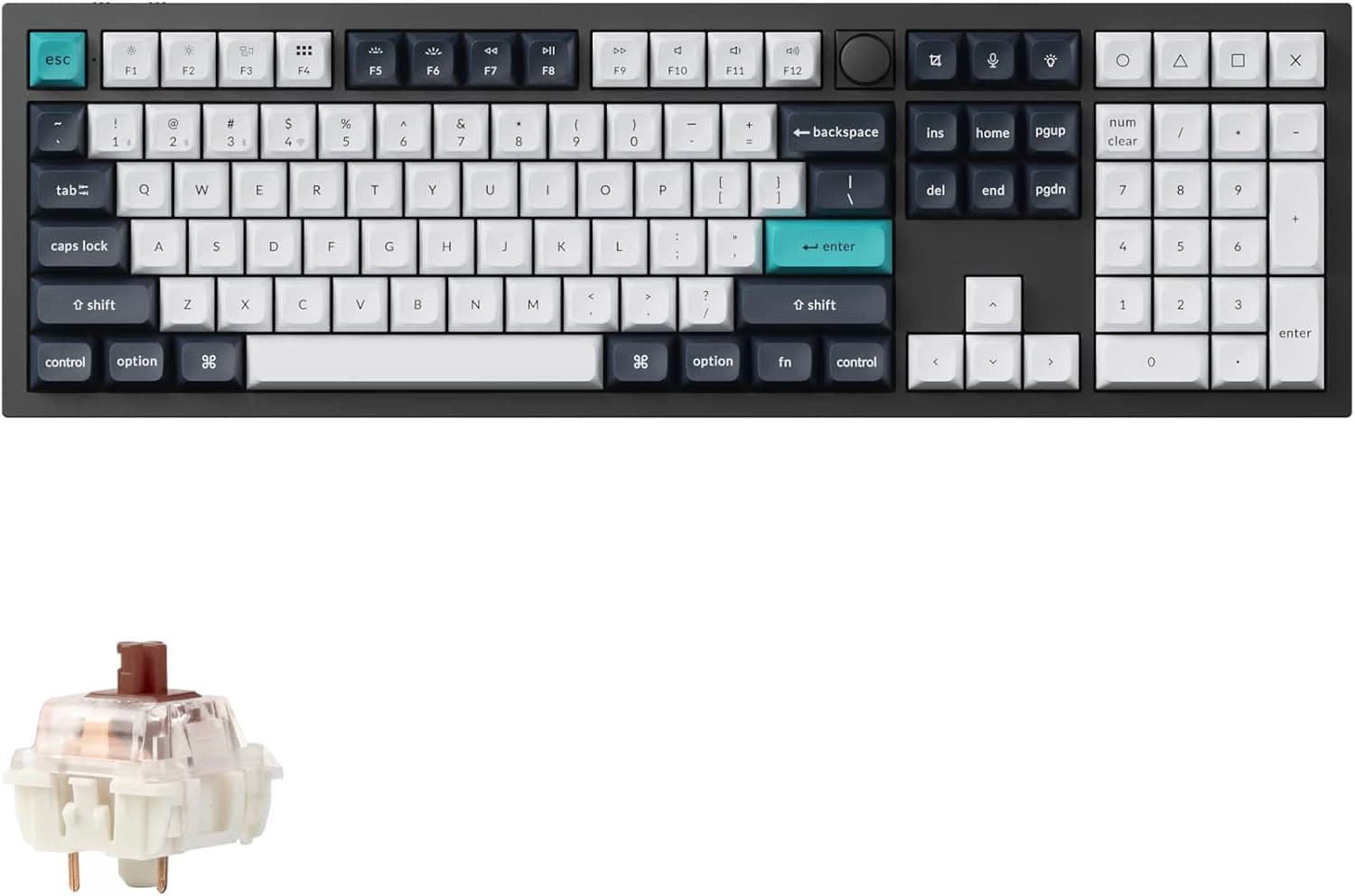
My top of the line mechanical keyboard, is my Keychron Q6 MAX, uses brown switches if I can recall. I'm heart broken its stopped functioning in less then a year old. It last worked with my notebook, it might require the multi-key keyboard reset procedure. 
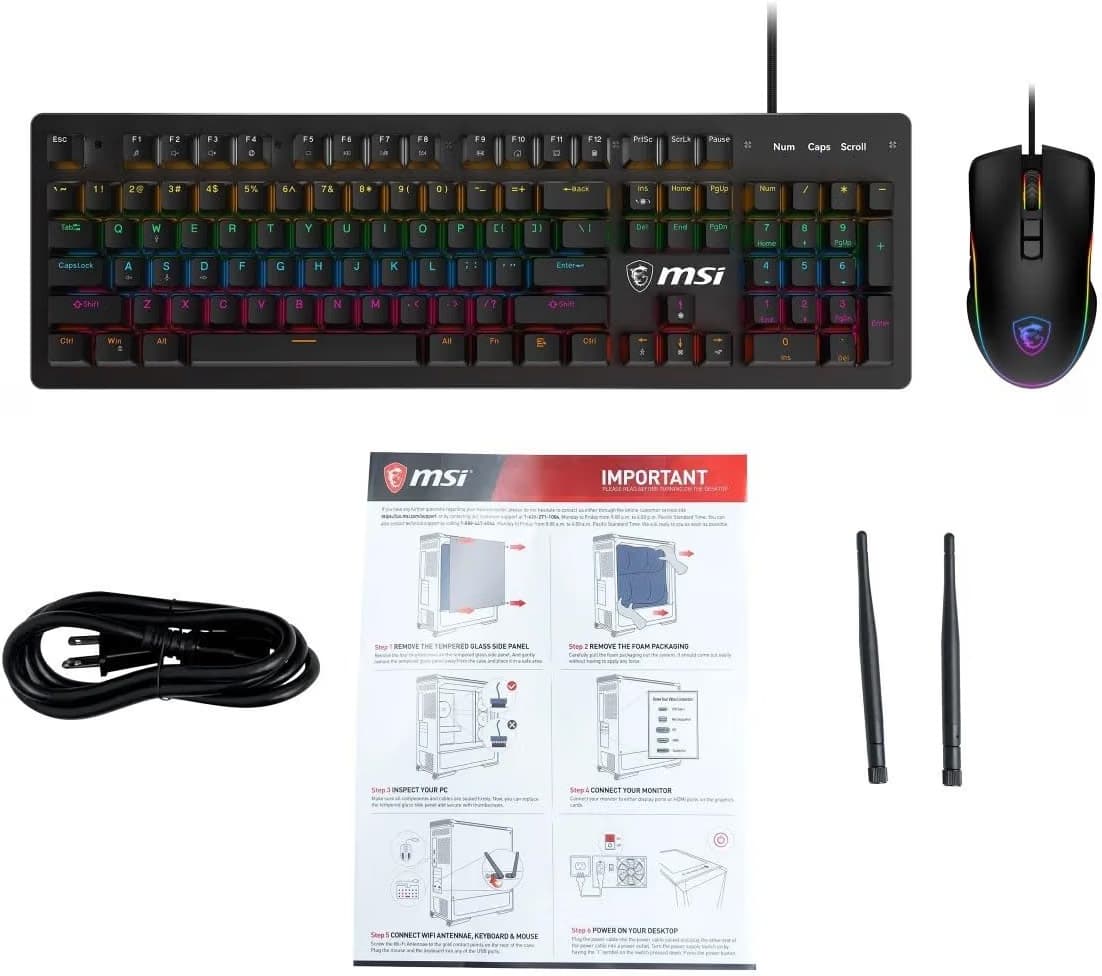
They MSI keyboard that came with my new computer, is a mechanical keyboard that uses obvious clicky blue switches. Its not as good as my built like a tank Keychron, but its still better then any mushy membrane keyboard, and is the one that is working, thats what matters in the here and now.
Keychron Q6 MAX
MSI mechanical included with PC

3 Likes
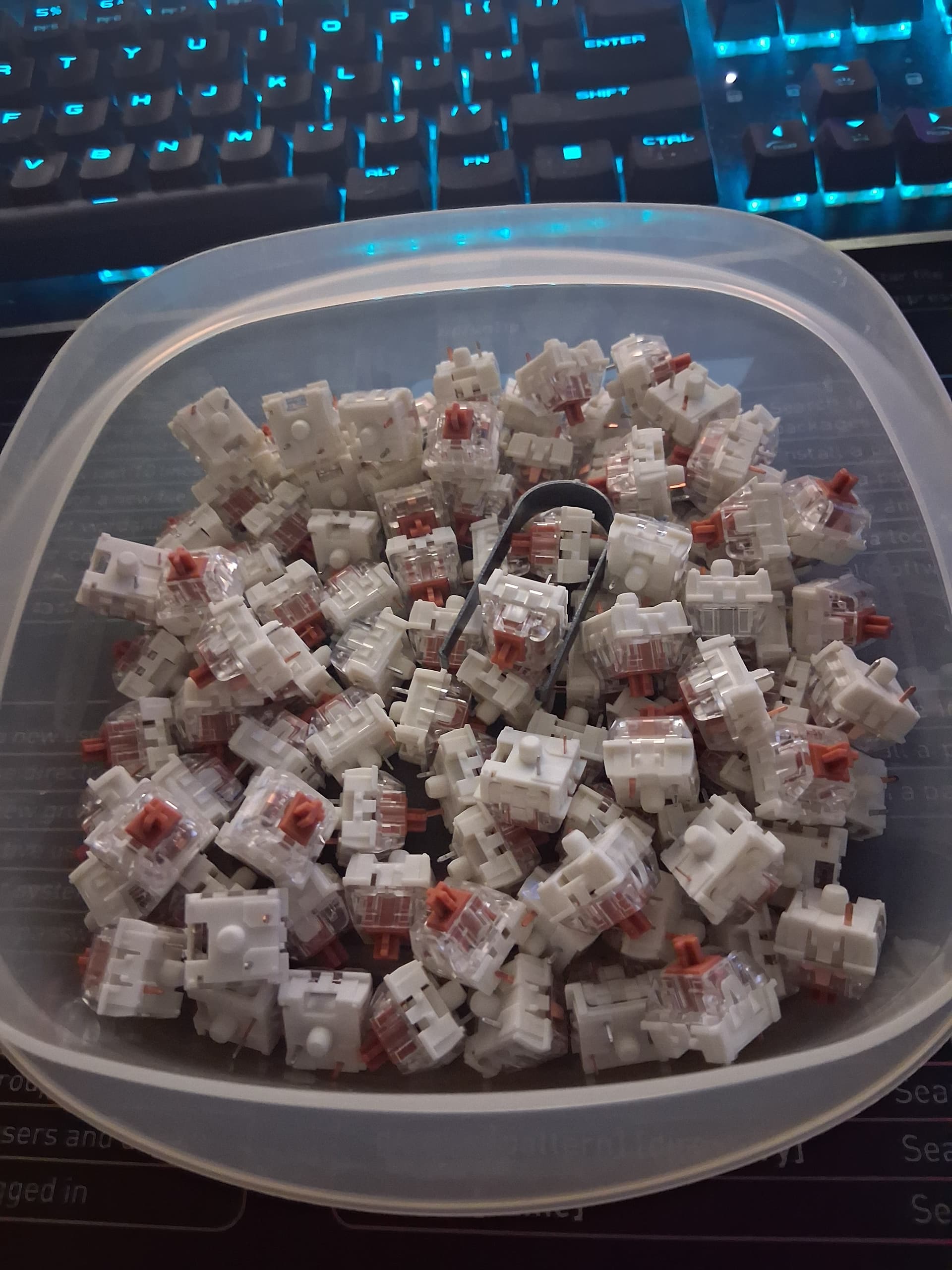
Yes Ma'am mine does have the clicky keys and i had a differnt board that failed but used same kind of pots. so i got some with this board and pulled off all the ones from broken board got over 50 or so replacement pots
I remember in my younger gaming days I foobard the left Ctrl key due to heavy gaming use. Cherry were brilliant, not even in Warranty they sent me a replacement key.
2 Likes
@swarfendor437 Thats main reason i switched to this keyboard..if a key dies i remove the cap,pull the pot put in a new pot replace cap back to work and before ya ask...yes its hot swappable
1 Like
@StarTreker looks like they are the brown clickys
1 Like
If You want it quiet, I can recommend Akko Fairy Silent Switches.
Yes @StarTreker they where a Model M-101 i really miss those....
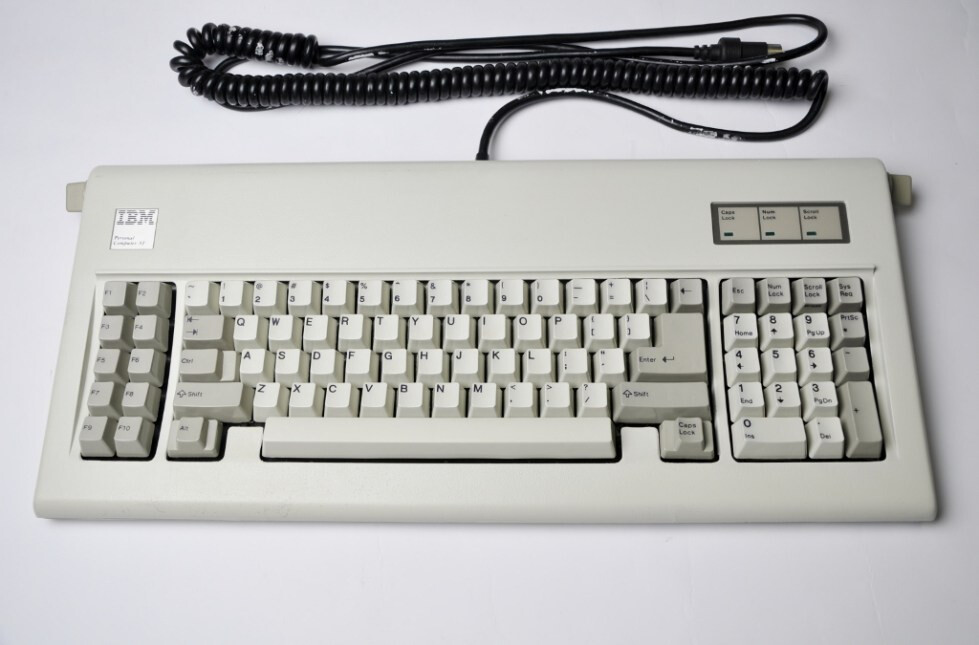
IBM PC AT original keyboard - ClickyKeyboards
6 Likes
@StarTreker Went through the key board today and used all but 4 of those brown clicky switchs on the board ordered these so i have some replacements
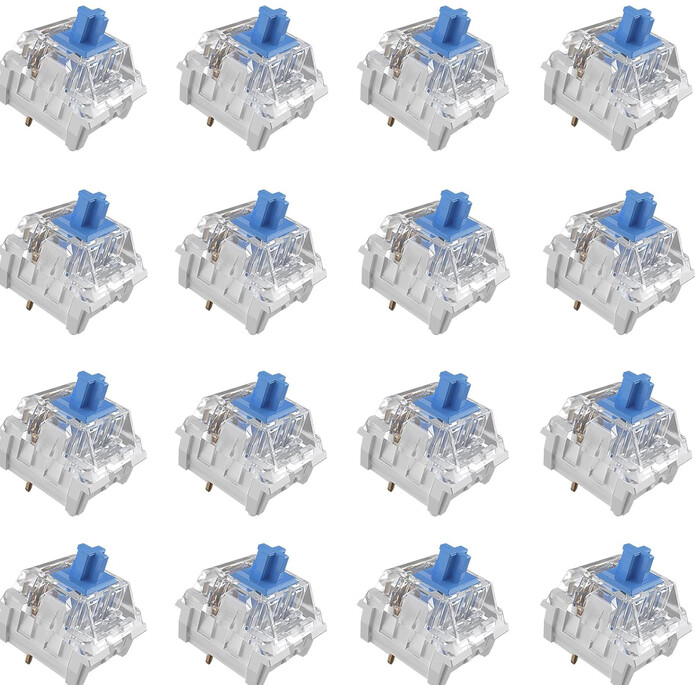
108 of them ...probly be awhile till these Browns wear out they are 80 million click switchs same as ones I ordered
now THAT is speed dating!
2 Likes
lol corrected my spelling
1 Like
I like the browns on my Kychron, they are quiet and feel good to type on. Though I deal with the issues of my left hand, makes for not the easiest or best typing experience. Loos like you ordered clicky blue switches, just going off the picture you shared. Blues are the loudest ones, and tend to require more force to actuate.
80-million clicks sound really good as well. Thats quality you just don't see anymore, not from cheap keyboards I mean, that use membrane.

3 Likes

We are the mechanicals, we will add your brown switches to our own, your actuation resistance is futile. Your browns will service our keystrokes.
3 Likes
lol..nicely played @StarTreker
2 Likes
@Thor i did swap out all the grays ones yesterday for the browns i had ..ordered the blues to have some on hand and wanted to try them. the browns i have are of the 80 mill version.... 
1 Like
Ikr...great play of words had me rolling. 
Which ones do you prefer?
I always digged the brown ones but I always wanted to try the red ones, being they are the most quiet. The blue ones are tap dancers.
These days my fingers are dancing on a Corsair membrane due in part to my very low tolerance of noise. I hate hammers and nails, so you can imagine the stampede of horses when fingers are running on a mechanical keyboard.
Since I don't game, I'm out of the mechanical equation.
3 Likes
@Thor Ive had the browns for awhile finally got around to swapping them in..so far I like the feel of the keys vs the grays I should of cleaned up the keyboard as well but I did the replacements 1 key at a time.
I usally take a pic of the keyboard and remove all the key caps and switchs ...then totaly clean the board. Guess thats plan when i get around to replacing the browns with the blues
I'm not sure what cleaning tactics you use for keyboard, but I want to share what makes my life much easier for cleaning my keyboard:
I greatly recommend one of these:
I flip my keyboard upside down and brush away. I would not use it on TV/Monitor screens, it can cause very faint scratches.
4 Likes