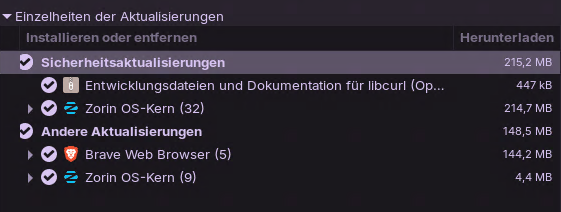
Today i installed the latest Zorin system updates. After reboot i was not able to boot zorin anymore. Booted only into busybox. Rolled back a 3 day old backup from timeshift. Now my system is working again.
Hi. I am suspecting that this could be the infamous kernel 6.17 issue. Unfortunately your screenshot on available updates does not give enough information.
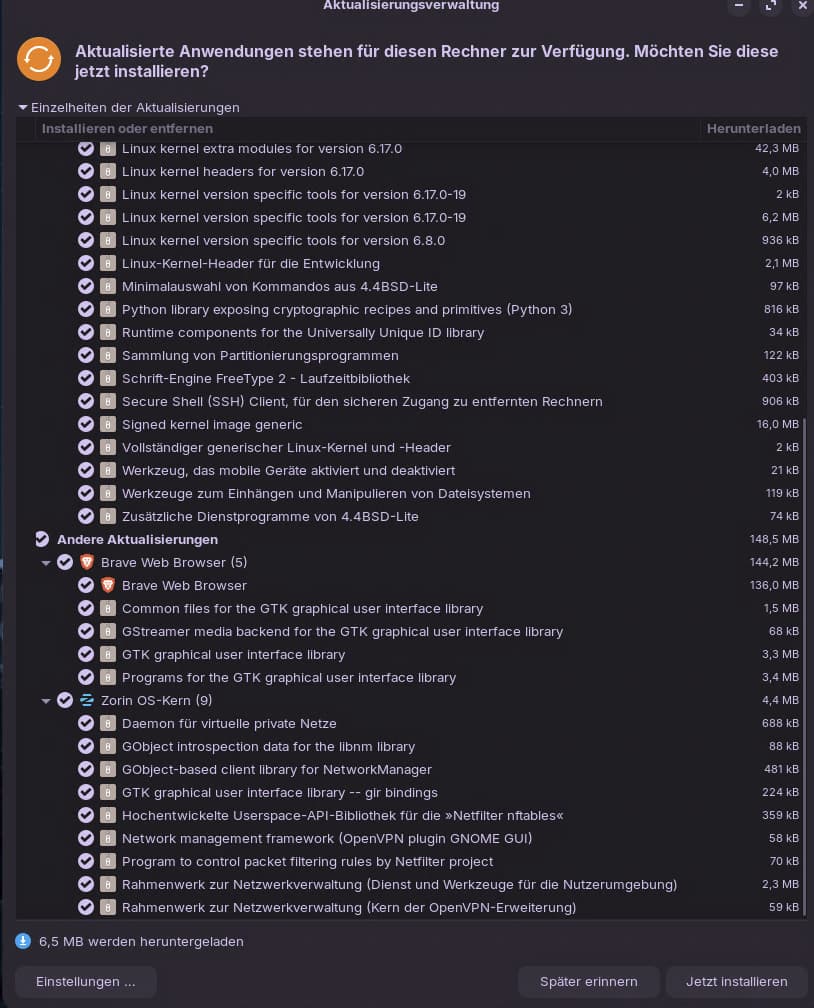
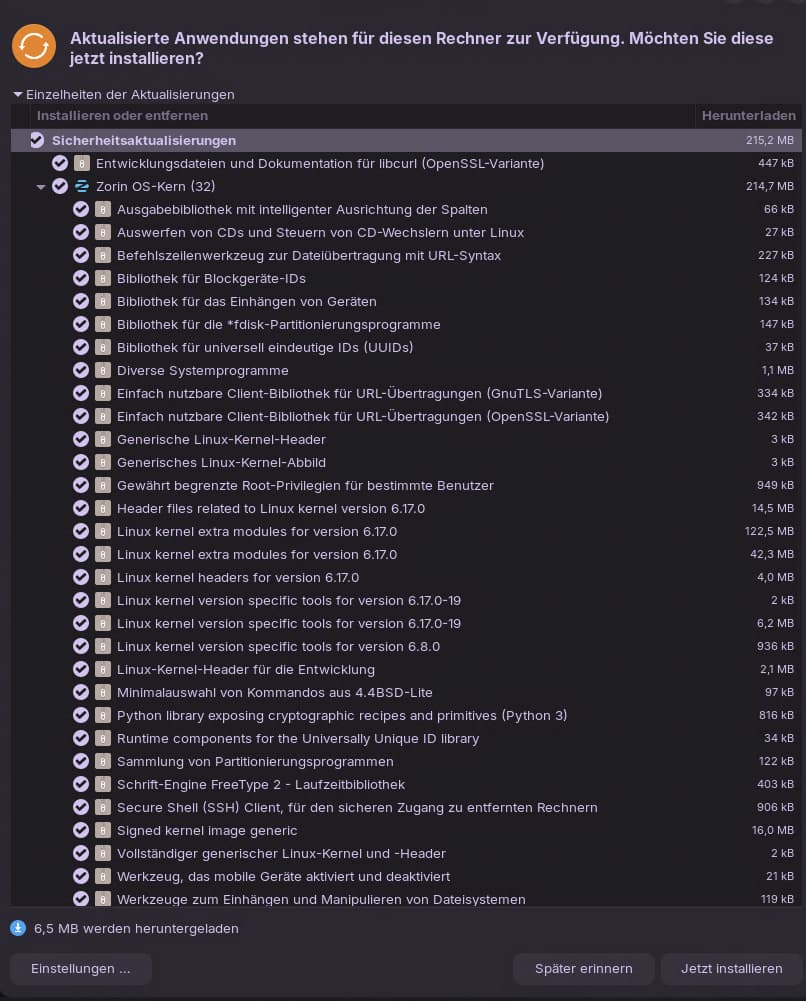
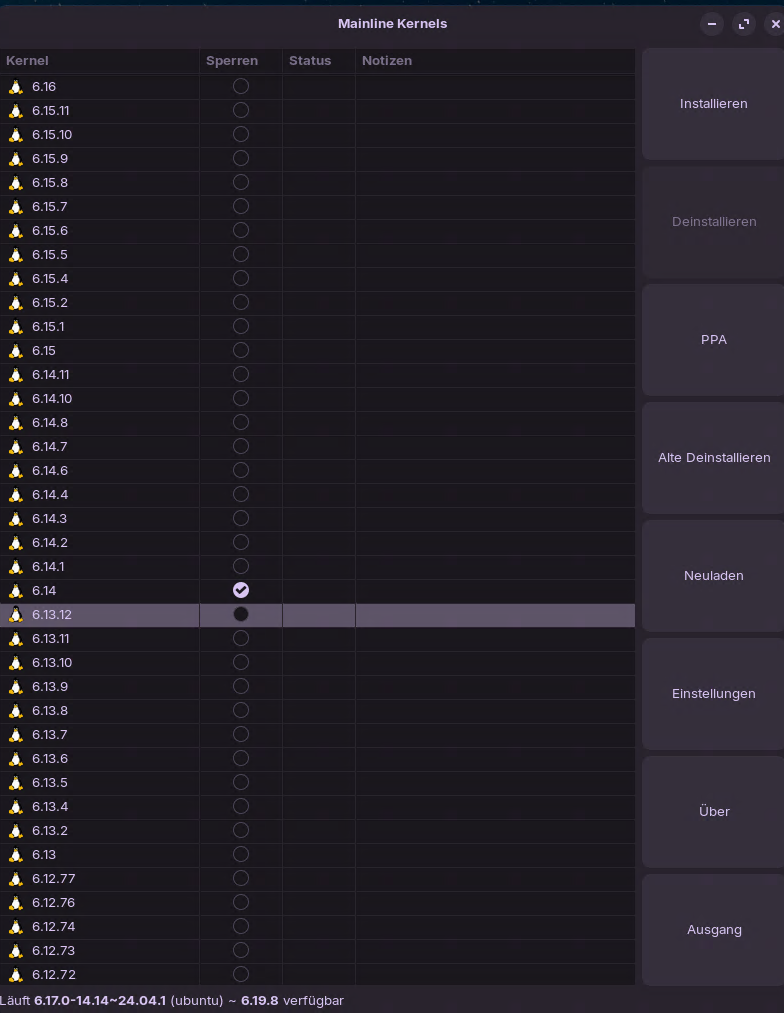
When you get a notification of updates you can, before accepting to install, get more information by left-clicking on the arrow head to the left of each update which rotates 90 degrees clockwise to expand the information as to what is going to be installed. There is a way to install a higher kernel than 6.17 (I think) and the way to install a higher kernel is in Tutorials & Guides; I will post link here.
Before i break something again i used now these command to exclude the 6.17.0‑19 Kernel Version:
sudo apt-mark hold linux-image-6.17.0-19-generic
sudo apt-mark hold linux-headers-6.17.0-19-generic
Now the updater works and dont install this Kernel. I am now on the 6.17.0-14.14 which works. A newer Kernel should then gets installed when available. Hopefully this one doesn't break my system again.
I updated my Zorin 18 VM in VMware (Latest Version). It seems this Kernel Version is completely garbage. It booted after update into Zorin. But for now i cant do updates in gnome software anymore. Got a red circle in the taskbar with Permission Denied and the Gnome Software tool doesnt install anything. Stuck at update loading screen. Maybe zorin should block this Kernel version, so other users dont crash their systems without knowledge.
I had the same experience as other users. I'm running Zorin18 Core on a desktop. The automatic update from Linux kernel 6.17.0-14-generic to 6.17.0-19-generic broke both my GeForce GTX1050 graphics card (so poor display resolution) and BrosTrend AC1200 USB WiFi Adapter (so no Internet). I rebooted and pressed ESC to get to the GRUB menu Advanced Options, then told it to boot with the old kernel, and all was well. Thanks Sbstn for telling me how I can put the new kernel on hold so that I don't have to go to GRUB every time I boot. I agree that Zorin should pull this update.
After rebooting again, I found that apt-mark hold commands that Sbstn posted did NOT prevent 6.17.0-19 from loading for me; I still had to go the grub menu to get back to 6.17.0-14. (I already turned off automatic updates in the settings.) Was there something else that was necessary to roll back before running those commands in the terminal? Is there any way to clean 6.17.0-19 from my system?
You have already installed the 6.17.0-19 Kernel? You have to do these commands before you update. So the Kernel update isnt showing in the Updater. If you have already installed the new kernel i have no idea.
Thanks. I guess the new, broken, kernel version must have installed automatically. You said in one of your posts "I had set up timeshift a few days before" -- now I see that timeshift is a Linux utility much like Windows system restore. I'll try installing that now that grub has booted my system with 6.17.0-14 and see if it can help.