I don't want to hide it, I want to make it look like White Sur. But it looks like FireFox and Thunderbird use their own themes and there are no OSX like dark themes available right now. I've done all I can to make the system look as much like MacOS X as possible. I guess it's close enough.
The only 2 apps that don't look EXACTLY like it are Thunderbird and Firefox. Thanks to the Zorin Setting I do have the window controls (Close, Minimize and Maximize/Restore) on the left side, but in Thunderbird and Firefox they are the same color as the title bar and not red, yellow and green. Annoying but I can live with it.
I'll keep this system on Zorin at least until I decide to open it up and upgrade the NVME SSD.
If firefox and thunderbird are snap packages, then I'm not sure if it will work. But usually it helps to enable the system's title bar. It is important to enable the system's titlebar not disable it. I just wanted to show you how to find the settings.
The mentioned setting is to ensure it is Not hidden.
If you like, you can post a screenshot of a comparison of those two application windows in this thread.
And please be sure to check if any are installed as Flatpak or Snap.
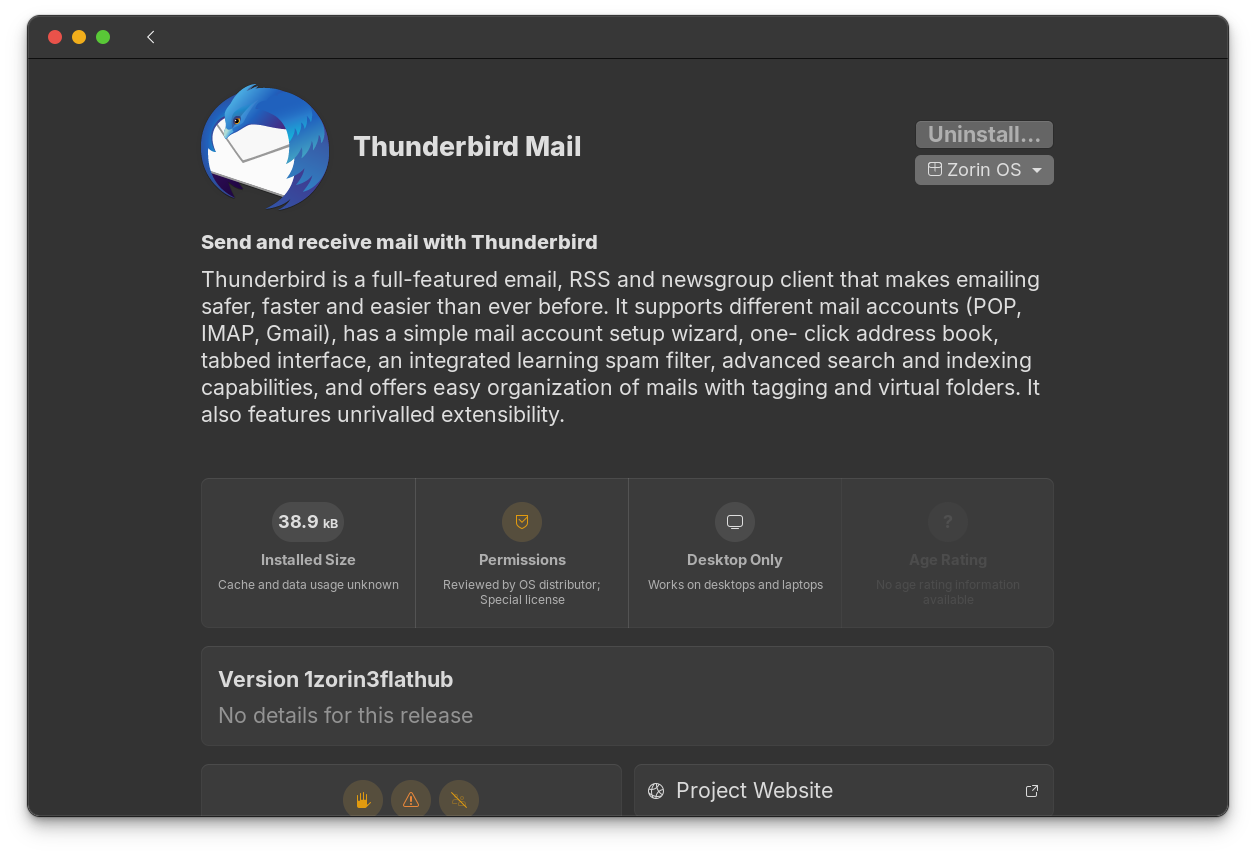
Thunderbird (which was installed WITH Zorin, I didn't install it separately if I click on the Zorin OS dropdown it reads "APT Package" I had the drop down clicked but the screenshot wouldn't capture it.
:
Firefox : Looks like it's a FlatPak (although I think it came with Zorin as well):
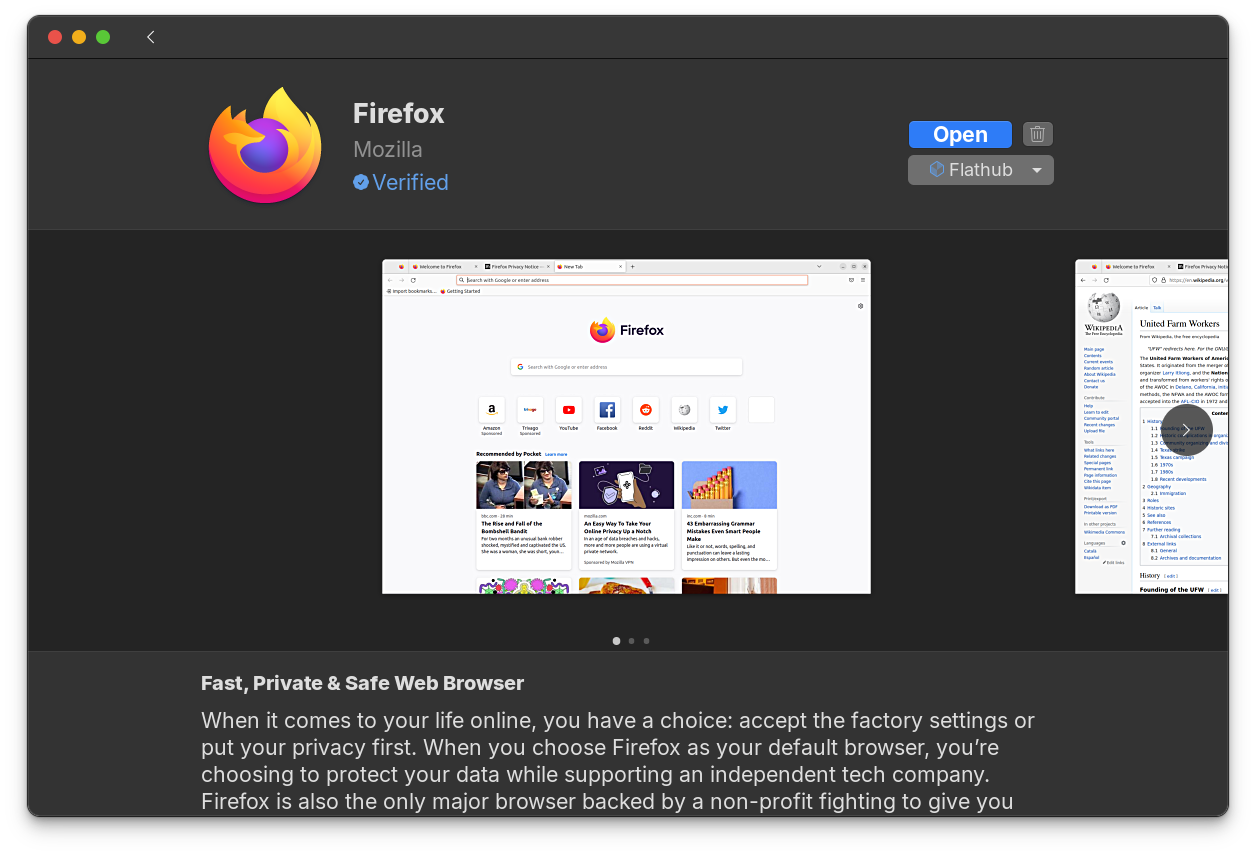
At one time, Firefox was the default browser. That has been switched to Brave Browser. If you installed Zorin OS and Brave Browser came with it - then Firefox did not.
Are you willing to create a screenshot of open Thunderbird? You can cover or blank out any portions of the window you need for data protection.
Thunderbird is not preinstalled on Zorin 18 Core. The default Email app is Evolution.
What is the terminal output of
snap list
Is thunderbird shown there?
arashi@arashi-Zorin:~$ snap list
No snaps are installed yet. Try 'snap install hello-world'.
arashi@arashi-Zorin:~$
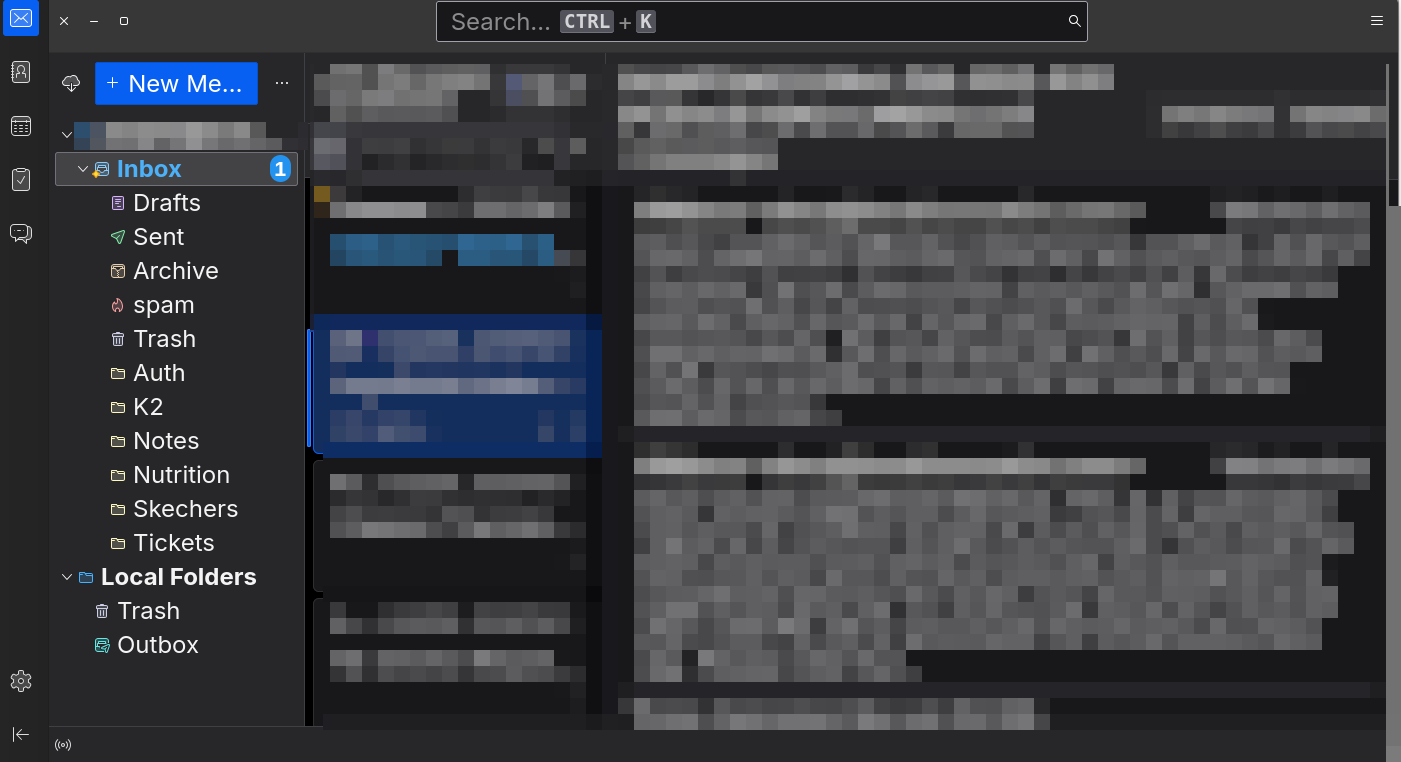
Can you please post a screenshot of your settings at tab appearance in the settings of thunderbird?
Okay, Thunderbird is not installed as a snap package .
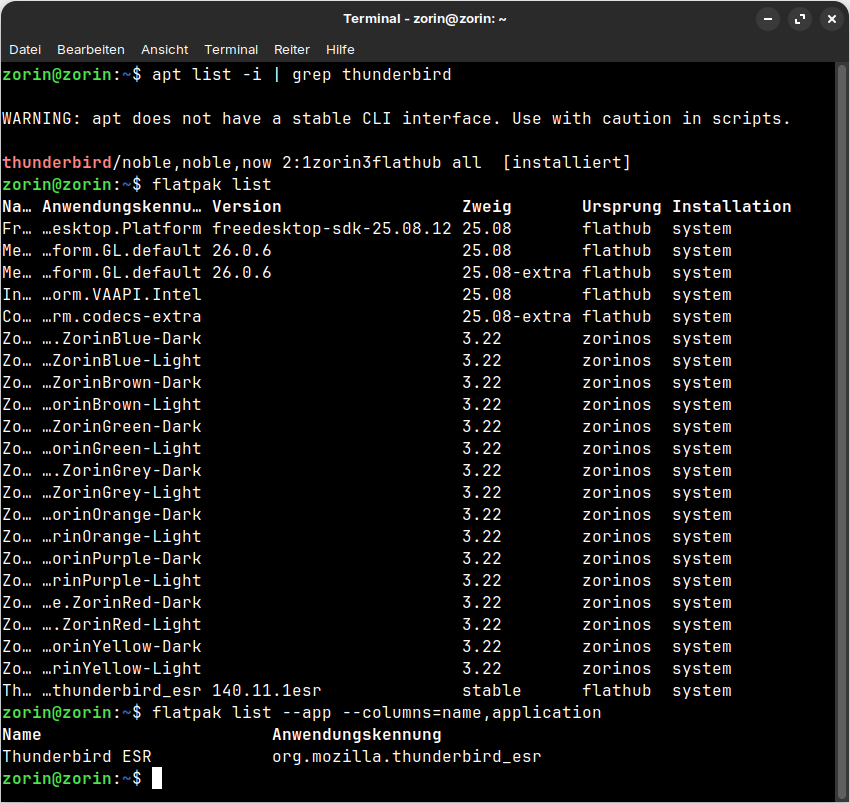
I tested the installation of the Zorin apt package of Thunderbird in a Zorin 18.1 Lite live session, and thunderbird was installed as a flatpak (esr version of thunderbird) and shown at
flatpak list
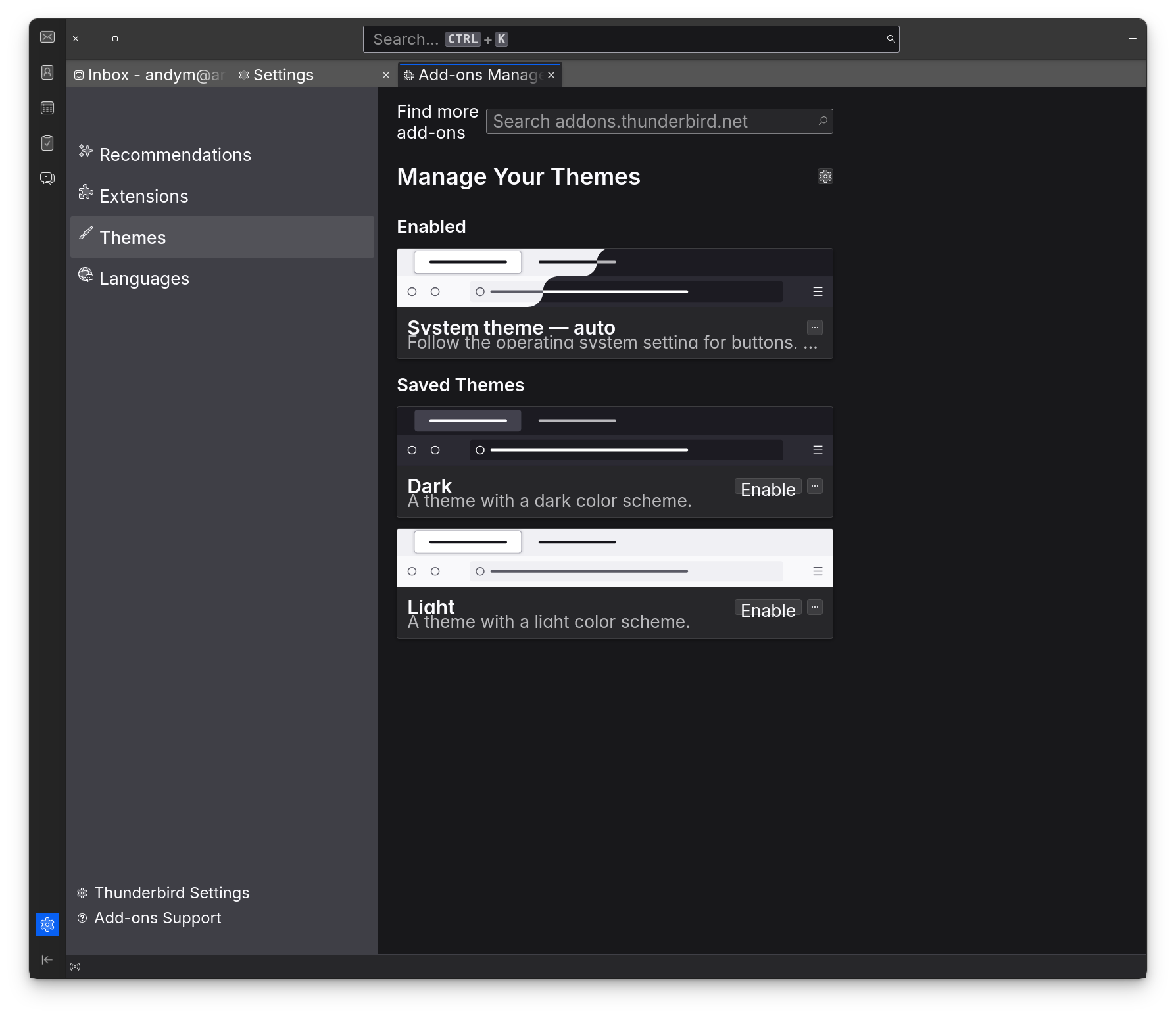
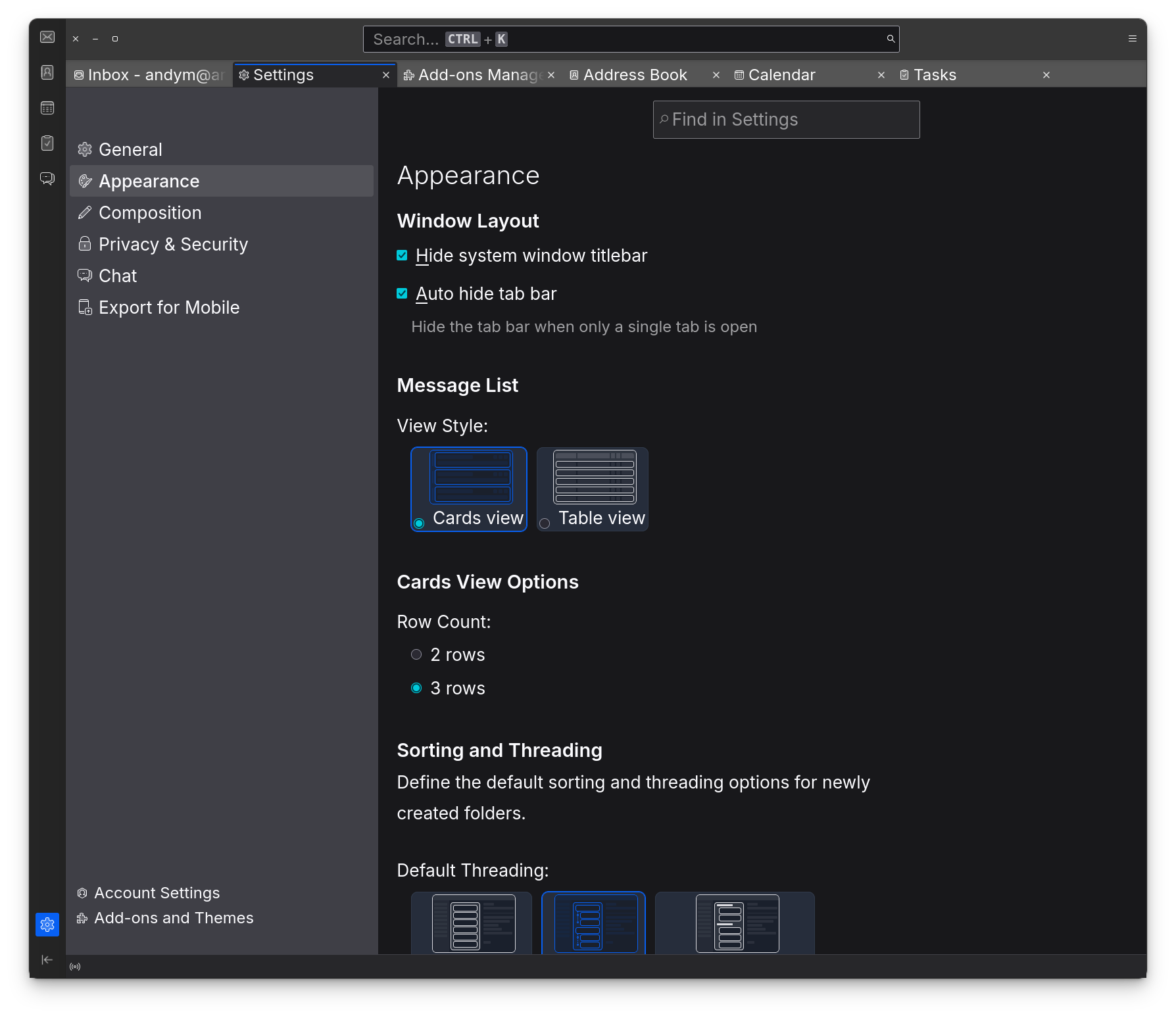
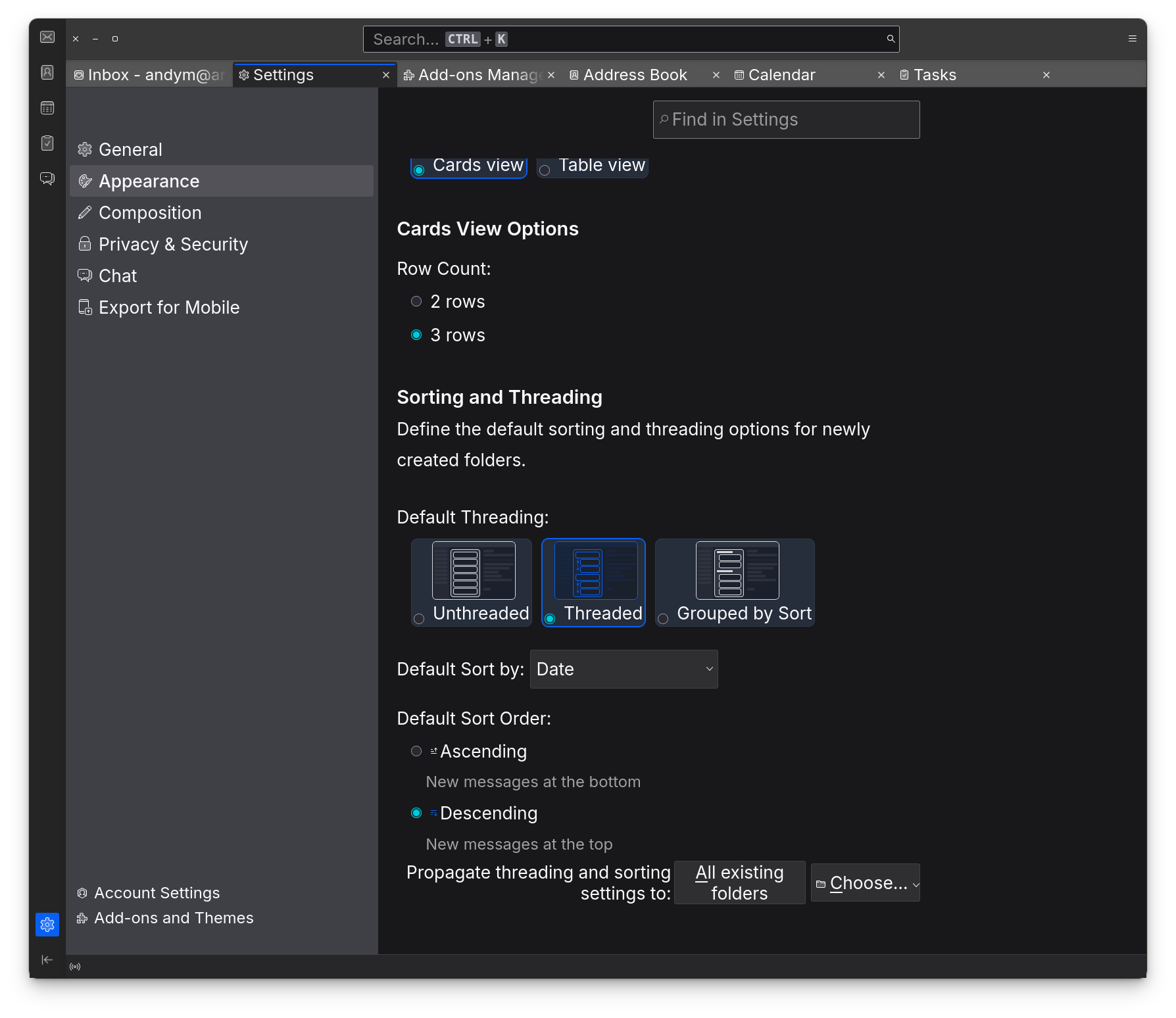
In your second screenshot there is the first checkbox enabled. Disable that "Hide system window titlebar".
1 Like
Thanks! That did the trick!
1 Like
Have you solved it in firefox, too?
No I was just looking for a similar setting in Firefox, couldn't find one.
Found it.
Thanks.
Right-click on the topbar of firefox then select "customize toolbar". In the window that opens enable at the bottom "Title bar" and click on "done".
All steps are shown with screenshots in the guide I linked you.
Make a Reboot.
That is intended. That comes from Zorin. Because Thunderbird would come otherwise as Snap Package. So, Zorin made a Redirect to install Thunderbird as Flatpak. You can see it on the Version Number. There is zorin in it.
1 Like
I hadn't really realized that before or had forgotten it; thanks. Snap was installed for a while with the Zorin apt package for Thunderbird. That means that for Firefox, there's a redirect to the .deb package from Mozilla repo, but for Thunderbird, there's a redirect to the Flatpak. Both to avoid getting snap through the back door.
1 Like
Yes. Unfortunately for Thunderbird doesn't exist the same like for Firefox. I wouldn't think, they could bring it over the already existing Mozilla Repo but maybe there are technical Reasons why not or why not for now.
The only other Option would be the mozillateam PPA for Thunderbird. But there would be the Question if this workd well with the Mozilla Repos because over the mozillateam PPA, You can get Firefox, too.
2 Likes